Assembling the Complete IP Video Doorbell System – Connecting More Than Just Devices, Connecting Peace of Mind
juli 24, 2026
Deel dit artikel
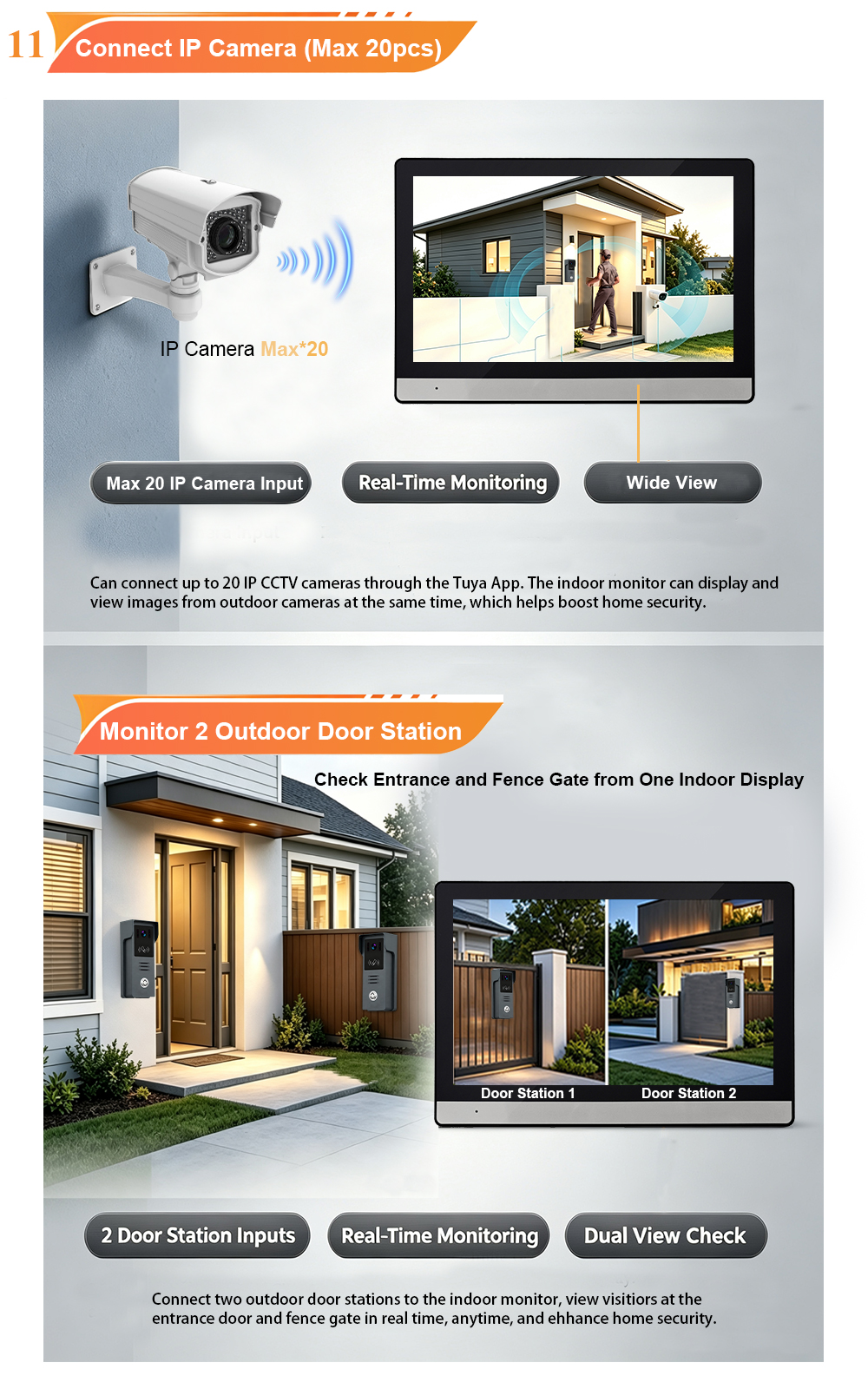
Two wires for power, four for data – the heart of smart security captured in every frame.
Installing a video doorbell system might seem like a technical challenge, but it’s also one of the most rewarding upgrades you can make to your home. Behind every connection lies a promise: the promise of seeing who’s at your door, speaking with visitors from anywhere, and sleeping soundly knowing your home is protected.
In our latest wiring tutorial, we show you exactly how to assemble a complete IP video doorbell system – from power supply to data transmission, from the outdoor camera to the indoor monitor. Whether you’re a DIY enthusiast or a professional installer, this guide will help you understand the wiring essentials and the technology that makes smart security possible.
Two Wires for Power, Four for Data – A Simple Architecture with Big Impact
One of the most common questions we receive is: “How do I wire an IP video doorbell system?” The answer is simpler than you might think.
In a typical IP video doorbell setup:
- Two wires deliver power – These provide the necessary voltage to both the indoor monitor and the outdoor camera. With PoE (Power over Ethernet) support, power and data travel through a single cable, further simplifying installation.
- Four wires transmit data – These carry video, audio, and control signals between the indoor monitor, outdoor camera, and network. This separation ensures stable, interference-free communication – the foundation of reliable smart security.
This clean, simple wiring architecture is what makes IP video doorbells so versatile. It works in new builds and retrofits alike, delivering high-quality video and two-way audio without the complexity of traditional analog systems.
HD Night Vision – See Clearly, Day and Night
A video doorbell is only as good as the image it delivers. Our IP video doorbell system features:
- 1080P Full HD resolution – Crisp, detailed video that lets you see facial features, clothing, and even small packages.
- Infrarood nachtzicht – Automatic low-light compensation ensures clear, black-and-white video even in complete darkness.
- Wide dynamic range (WDR) – Handles strong backlight, so faces remain visible even when visitors stand against a bright sky.
Whether it’s a bright summer afternoon or a pitch-dark winter evening, you’ll always know who’s at your door.
Two-Way Talk – Communicate Without Opening the Door
The two-way talk feature transforms your video doorbell into a true communication tool:
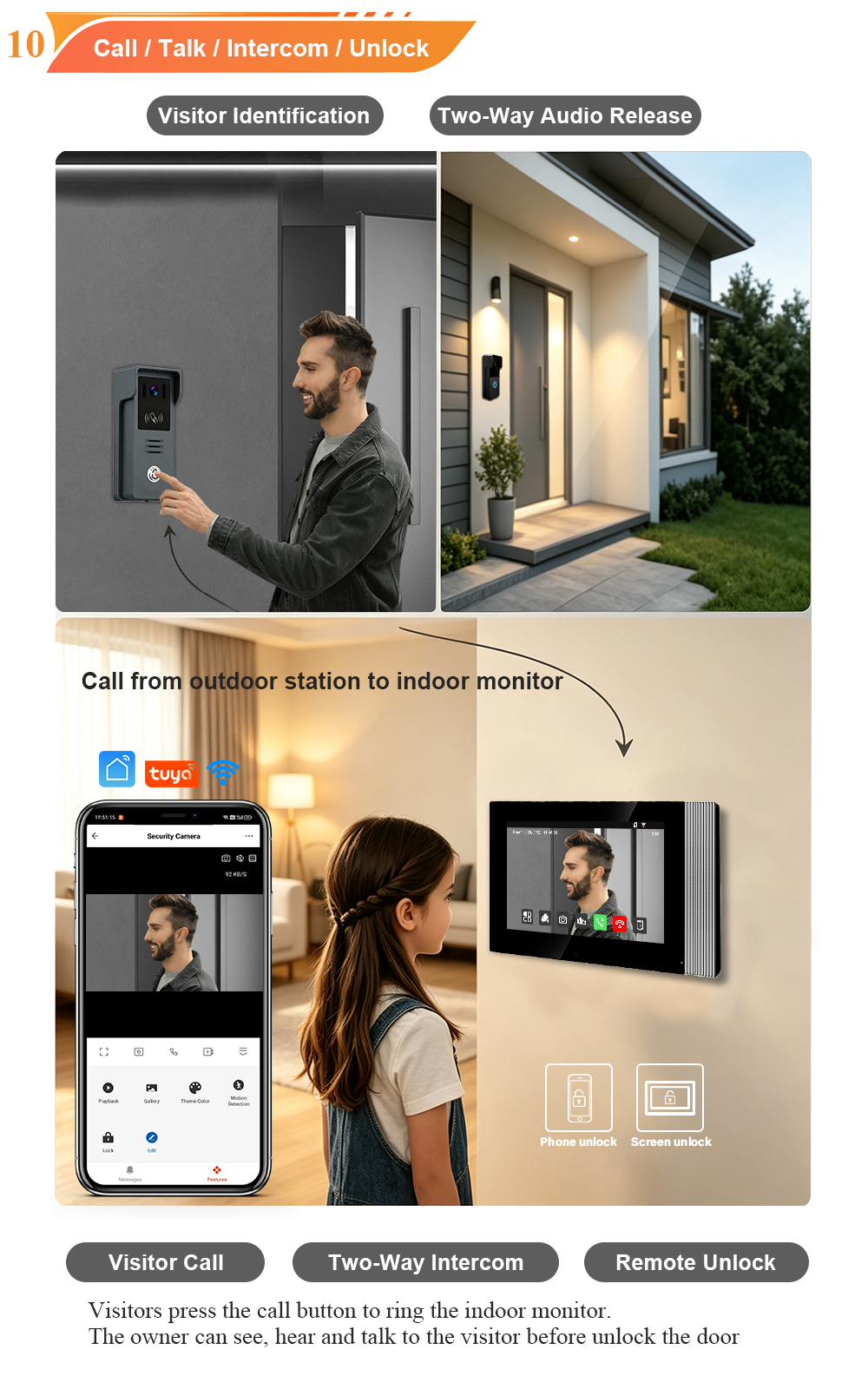
- Full-duplex audio – Speak and listen simultaneously, just like a phone call.
- Echo cancellation – Natural, clear conversations without shouting or delays.
- Communicatie op afstand – Use the Tuya app to speak with visitors from anywhere in the world.
Give delivery instructions. Greet guests. Deter unwanted visitors – all without opening your door.
The Heart of Smart Security – More Than Just a Doorbell
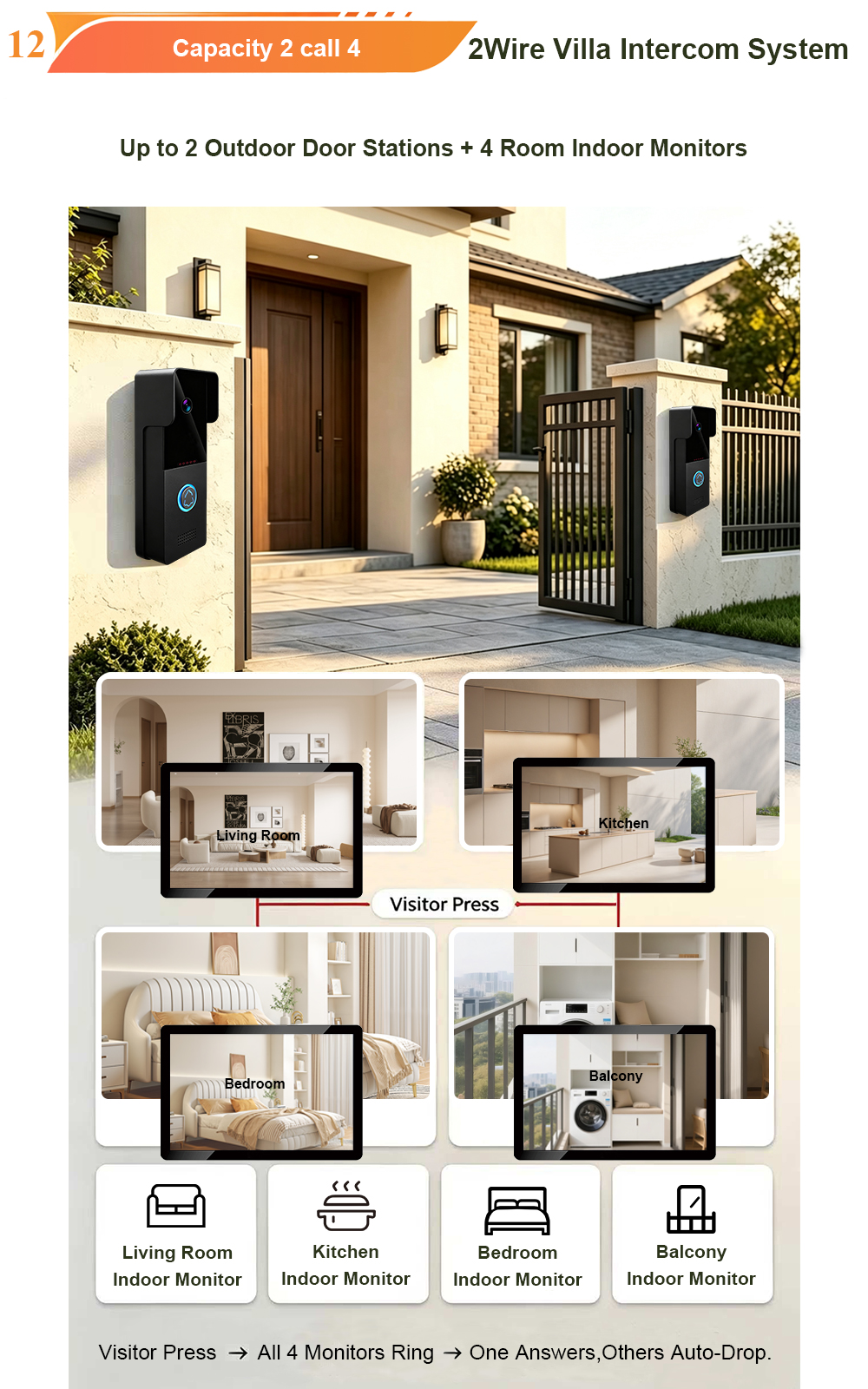
This system is not just about answering the door. It’s about building a smarter, more connected home. When fully assembled and connected, your IP video doorbell system becomes the central hub of your home security:
- Bewaking op afstand – Check the live camera feed anytime, from anywhere.
- Motion detection alerts – Receive instant notifications when someone approaches your door.
- Recording and storage – Capture visitor snapshots and video clips to a microSD card (up to 128GB).
- Slimme integratie – Works with Tuya/Smart Life app, enabling voice control and automation with other smart devices.
Watch the Full Wiring Tutorial – Learn from It 📝
We know that seeing is believing. That’s why we’ve created a comprehensive wiring tutorial video that walks you through the entire assembly process – from connecting the power supply to configuring the network settings.
What you’ll learn in the video:
- How to identify and connect power and data wires
- How to mount and secure the outdoor camera and indoor monitor
- How to configure the IP network and pair devices
- How to test the system to ensure everything works perfectly
Whether you’re a professional installer or a confident DIYer, this tutorial will give you the confidence to complete the installation yourself.
Why Choose FARHD for Your Video Doorbell System?
- 28+ years of manufacturing experience – We’ve been designing and building reliable intercom systems since 1998.
- Source factory – Competitive pricing, full quality control, short lead times.
- OEM/ODM ready – Customize logo, packaging, and software to build your own brand.
- Rigorous testing – Every product undergoes aging testing before shipment.
- Wereldwijde ondersteuning – We serve customers in over 90 countries.
Ready to Build Your Smart Security System?
✅ Laatste gedachten IP video doorbell system is the heart of modern home security – and with the right wiring and setup, you can install it yourself. Watch the full tutorial, follow the steps, and experience the peace of mind that comes with knowing your home is protected.
📩 Contact us for catalog, pricing, or to request a sample.
🌐 Website: www.farhd.com
📧 Email: [email protected]
FARHD – Video Intercom Manufacturer Since 1998.
#SmartHome #VideoDoorbell #DIYwiring #HomeSecurity
Mogelijk bent u ook geïnteresseerd in
-
2-Wire Video Door Phone Connection with Electric Rim Lock: Unlock by Card, Indoor Monitor, and App
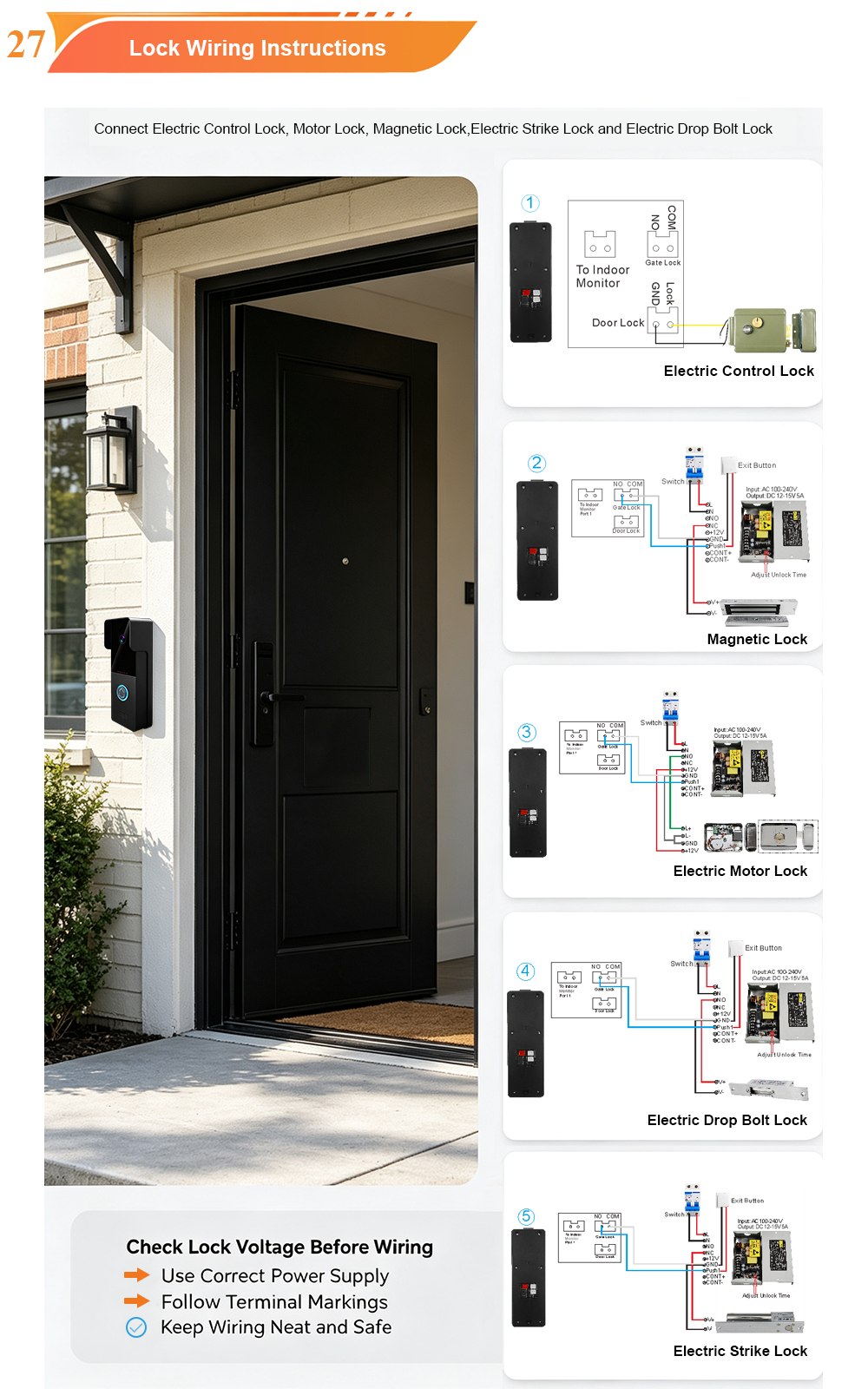
A complete guide to wiring an electric rim lock to a FARHD 2-wire video door phone system—and configuring three convenient unlock methods: RFID card, indoor monitor, and mobile app. Whether you are upgrading an existing building or specifying a new system, this guide covers the essentials for reliable, secure access control. Electric rim locks are…
-

Video Intercom Manufacturer & Source Factory Since 1998 | OEM ODM SKD Building Intercom
Video Intercom Manufacturer & Vertical Source Factory in China FARHD is a professional video intercom manufacturer with over 28 years of specialized experience in building security intercom systems. Established in 1998, we are a genuine building intercom factory focused on independent R&D, in-house production, and customized manufacturing for global B2B clients, including distributors, importers, engineering contractors, real estate…
-
FARHD Video Intercom System: Versatile Solutions for Apartments and Villas
When it comes to building security and smart access, one size does not fit all. Different buildings have different wiring, different layouts, and different resident expectations. That’s why FARHD offers a comprehensive range of video intercom systems—with various indoor monitors and outdoor stations to match any apartment or villa project. Since 1998, FARHD has been…
-
Low-Temperature Test: FARHD Video Intercom Screens Keep Running Smoothly in Freezing Cold
Inside the freezing chamber, it keeps working — normal display, no black screen, no shutdown. Real quality isn’t just about lab data; it’s about staying reliable in extreme conditions. A video intercom that withstands freezing cold — because your door security can’t take a day off. In many parts of the world, winter is not…