
How to Connect Smart Doorbell to WiFi: Step-by-Step Guide for Reliable Setup
grudzień 24, 2025
Udostępnij ten artykuł
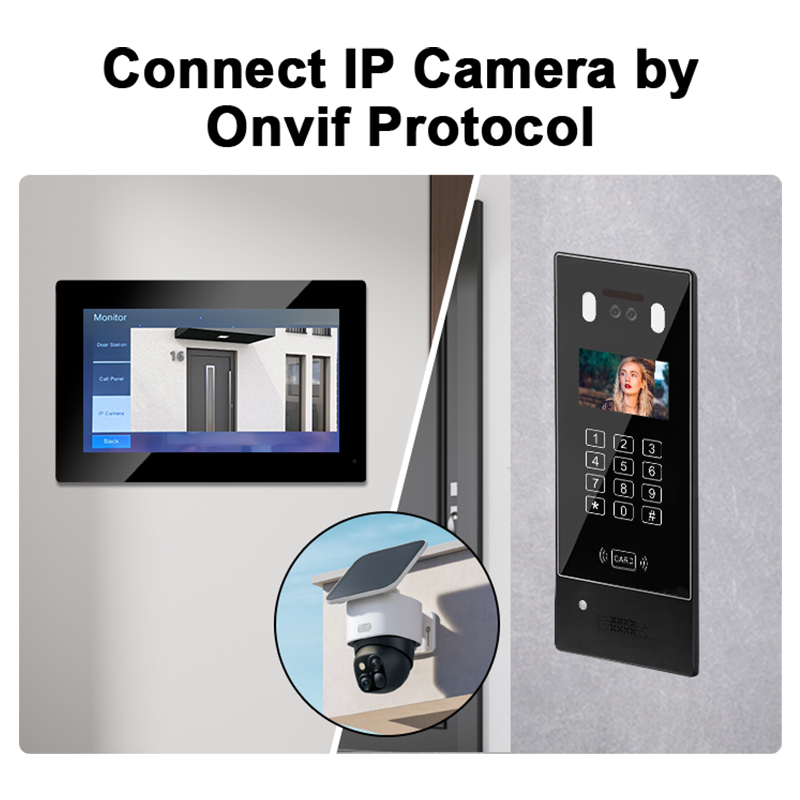
1. What is a Smart Doorbell and Why WiFi Connection Matters
A inteligentny dzwonek wideo is a modern security device that allows homeowners and businesses to monitor and communicate with visitors at their front door through a smartphone app. It combines a camera, microphone, speaker, and motion detection technology. Most smart doorbells connect to a Sieć Wi-Fi to provide real-time alerts, video streaming, and two-way communication.
Kluczowe cechy inteligentnych dzwonków do drzwi
| Funkcja | Opis |
|---|---|
| HD Aparat fotograficzny | Captures high-definition video of visitors |
| Wykrywanie ruchu | Notifies users of any movement in front of the door |
| Dwukierunkowy dźwięk | Allows communication with visitors in real time |
| Chmura i pamięć lokalna | Stores footage for later review |
| Integracja z aplikacją mobilną | View and control doorbell remotely |
Why WiFi is Essential
- Strumieniowa transmisja wideo w czasie rzeczywistym: Enables users to see who’s at the door instantly.
- Cloud storage access: Stores video clips securely online.
- Komunikacja zdalna: Talk to visitors from anywhere via the app.
- Smart home compatibility: Integrates with Alexa, Google Home, and other platforms.
In short, WiFi connectivity transforms a traditional doorbell into a proactive security tool.
2. Requirements Before Connecting Your Smart Doorbell to WiFi
Before setting up your smart doorbell, ensure your environment and equipment meet the necessary technical and physical requirements.
Checklist for WiFi Doorbell Installation
| Wymaganie | Szczegóły |
|---|---|
| Strong WiFi Signal | At least 2.4GHz band with good strength at the installation location |
| Smartfon lub tablet | Required to configure the doorbell via app |
| Doorbell App Installed | Download from App Store or Google Play Store |
| Źródło zasilania | Wired or battery-powered depending on doorbell model |
| WiFi Password | Needed during initial setup |
| Mounting Tools | Screwdrivers, wall anchors, etc., for physical installation |
Additional Tips:
- Użyj WiFi extender if the signal is weak near the door.
- Avoid placing the doorbell near metal objects or thick walls, which can block signals.
- Ensure your router firmware is updated for better compatibility.
3. Step-by-Step Guide: How to Connect Your Smart Doorbell to WiFi
Let’s walk through how to connect a smart doorbell to your WiFi network effectively. The steps may vary slightly by brand, but the general process remains the same.
Przewodnik konfiguracji krok po kroku
- Pobierz aplikację producenta
- Go to the App Store or Google Play.
- Examples: Ring, Eufy Security, Arlo Secure, or custom apps for OEM doorbells.
- Create or Log in to Your Account
- Register with your email and set a secure password.
- Power the Doorbell
- Charge the battery or connect the doorbell to wired power, depending on the model.
- Enable Device Pairing Mode
- Press and hold the reset or pairing button until the LED indicator flashes.
- Open the App and Add a New Device
- Tap “Add Device” or “Set up a new product”.
- Select the model of your smart doorbell.
- Scan the QR Code
- Most doorbells have a QR code on the back or in the manual.
- The app uses this to identify your device.
- Wsuń lub zatrzaśnij dzwonek do drzwi na wsporniku.
- Choose your 2.4GHz WiFi network (some models don’t support 5GHz).
- Enter the correct WiFi password.
- Wait for Connection Confirmation
- A voice prompt or LED light will confirm successful pairing.
- The app will notify you once the device is online.
- Użyj śrub i kotew, aby przymocować wspornik do ściany. Upewnij się, że jest wypoziomowany.
- Use the included hardware to install the unit securely.
- Przetestuj urządzenie
- Ring the doorbell, check video feed, and ensure notifications work.
Visual Summary: Connection Workflow
| Krok | Działanie |
|---|---|
| 1 | Charge or wire the doorbell |
| 2 | Download and open the app |
| 3 | Put doorbell in pairing mode |
| 4 | Scan QR code |
| 5 | Enter WiFi credentials |
| 6 | Confirm connection |
| 7 | Mount the doorbell |
| 8 | Final testing |
💡 Pro Tip: If your WiFi name or password changes, you’ll need to reset the doorbell and reconnect it from scratch.
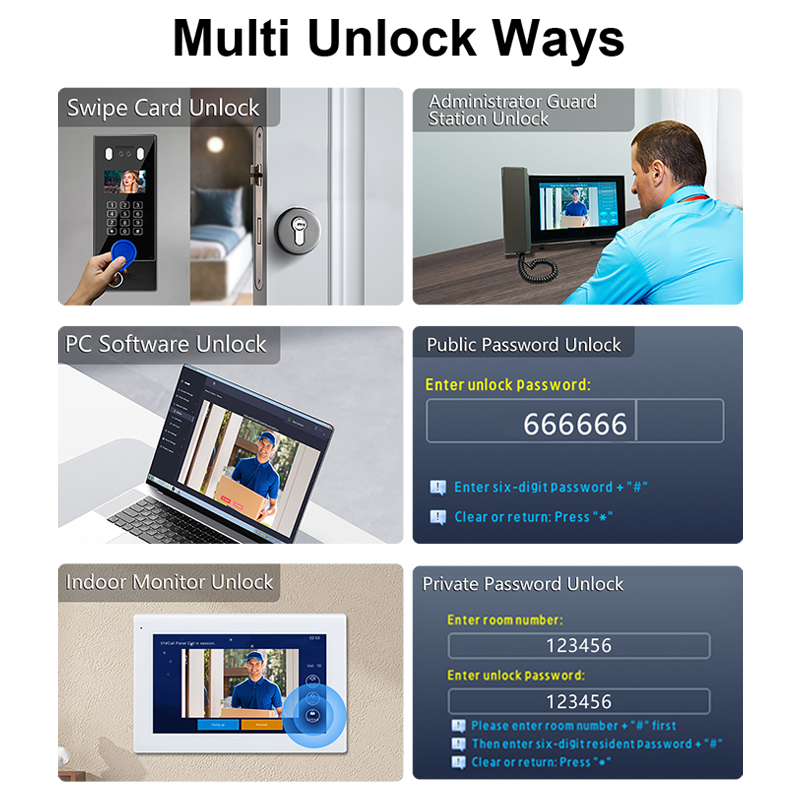
4. Common WiFi Connectivity Issues and How to Fix Them
Even the best smart doorbells can experience connectivity issues. Understanding common problems and their solutions will help minimize downtime and ensure reliable operation.
Most Frequent WiFi Connection Problems
| Problem | Możliwa przyczyna | Rozwiązanie |
|---|---|---|
| Doorbell won’t connect to WiFi | Incorrect password or unsupported frequency band | Make sure to use the 2.4GHz band and double-check the password |
| Słaba siła sygnału | Router too far or walls blocking signal | Użyj WiFi extender or move router closer |
| Intermittent disconnection | Network congestion or device overheating | Reboot the router and ensure the doorbell isn’t exposed to direct sunlight |
| App can’t find the doorbell | Device not in pairing mode | Reset the doorbell and initiate pairing again |
| Video feed lag or delay | Low bandwidth or high latency | Upgrade to a higher-speed internet plan or limit other devices on the network |
Lista kontrolna rozwiązywania problemów
- ✅ Verify WiFi channel: 2.4GHz is supported by most doorbells.
- ✅ Check router settings: Disable MAC filtering or enable DHCP.
- ✅ Ensure firmware is up-to-date: Both for your router and doorbell.
- ✅ Restart devices: A simple reboot often solves transient issues.
- ✅ Perform a factory reset: As a last resort, reset the doorbell and reconfigure it.
How to Check WiFi Signal Strength
You can check WiFi signal strength near the doorbell installation point using:
- A smartphone app like WiFi Analyzer (Android) or Airport Utility (iOS).
- Your doorbell’s app (some models show signal levels).
- Check the RSSI value: A good signal is typically above -67 dBm.
5. Best Practices for Ensuring Stable WiFi Connection for Doorbells
To maintain optimal performance in both residential and commercial installations, follow these best practices for ensuring reliable WiFi connectivity.
1. Place Your Router Strategically
- Install the router as close as possible to the video doorbell.
- Avoid placing it behind thick walls or near large metal objects.
- Elevate the router above floor level for better signal distribution.
2. Use a WiFi Range Extender or Mesh Network
- A WiFi range extender can boost your signal in large homes or offices.
- Consider a mesh WiFi network for seamless coverage across multiple rooms or buildings.
3. Limit Network Interference
- Keep other wireless devices (e.g., baby monitors, microwaves) away from the doorbell.
- Avoid overlapping WiFi channels by setting your router to auto-select or manually choosing a less crowded channel.
4. Optimize Internet Bandwidth
- Prioritize smart security devices using Quality of Service (QoS) settings on your router.
- Disconnect unused devices from the network to reduce congestion.
5. Secure Your WiFi Network
- Użyj WPA2 or WPA3 encryption aby zapobiec nieautoryzowanemu dostępowi.
- Update your WiFi password regularly.
- Change the default router admin credentials.
6. Regularly Update Firmware
- Smart doorbell manufacturers often release firmware updates to improve connectivity and security.
- Włącz automatic updates in the app if supported.
🔗 Learn more about reliable, commercial-grade smart doorbell systems available for OEM/ODM integration na FARHD OEM Manufacturing Solutions
6. Can Smart Doorbells Work Without WiFi?
While WiFi connectivity unlocks the full feature set of smart doorbells, there are certain scenarios where limited functionality is available without a live internet connection.
What Features Work Without WiFi?
| Funkcja | Działa bez Wi-Fi? | Uwagi |
|---|---|---|
| Transmisja strumieniowa wideo na żywo | ❌ Nie | Requires internet access |
| Alerty ruchu | ❌ Nie | Depends on cloud or app connection |
| Recording to local SD card | ✅ Tak | If supported by the model |
| Chime sound inside home | ✅ Tak | Wired chimes may still function |
| Dwukierunkowe audio | ❌ Nie | Needs real-time data transmission |
| Cloud storage access | ❌ Nie | Needs an internet connection |
Best Use Cases for Limited WiFi Setups
- Remote construction sites: Where wired internet isn’t available.
- Instalacje tymczasowe: For events or pop-up stores.
- Backup recording: Use an SD card for local storage in case of WiFi failure.
Alternative Connectivity Options
Some advanced models support:
- 4G LTE connectivity: Ideal for off-grid or mobile installations.
- ma kluczowe znaczenie dla zapewnienia jakości produktu, skalowalności i długoterminowej wartości marki. Partnerstwa OEM pozwalają Twojej firmie oferować markowe rozwiązania bez inwestowania w pełny zespół badawczo-rozwojowy lub produkcyjny.: Offers stable wired connection in commercial buildings.
📌 For enterprise-grade installations, FARHD offers tailored smart video doorbell solutions with optional SD card recording and PoE support. Learn more at the Centrum produktów FARHD
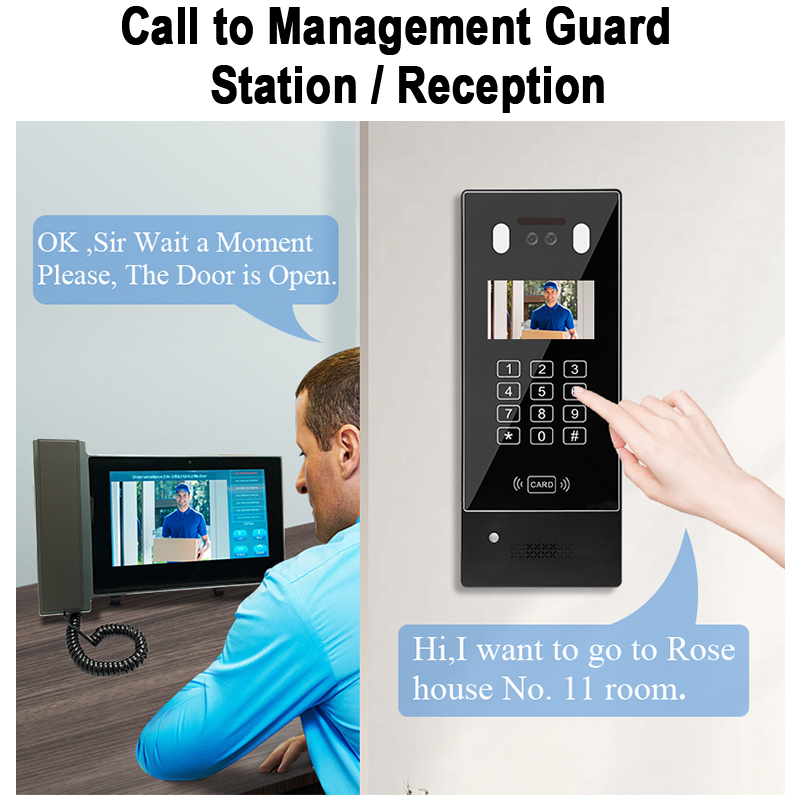
7. Choosing the Right Smart Doorbell for Your Network Setup
To avoid connectivity issues and ensure high performance, choose a smart doorbell suited to your specific network and installation environment.
Kluczowe czynniki do rozważenia
| Czynnik | Zalecenie |
|---|---|
| WiFi Compatibility | Supports 2.4GHz (or dual-band for advanced use) |
| Rozdzielczość wideo | 1080p or higher for clear video footage |
| Opcje przechowywania | Cloud + local SD card for redundancy |
| Źródło zasilania | Battery-powered for flexibility; wired for reliability |
| Obsługa aplikacji mobilnych | iOS and Android with regular updates |
| Integracja z inteligentnym domem | Gdy ktoś naciśnie dzwonek lub uruchomi detekcję ruchu, urządzenie wyśle powiadomienie na Twój telefon. |
Types of Doorbells Based on Use Case
| Przypadek użycia | Zalecany typ |
|---|---|
| Właściciele domów | Battery-powered, WiFi-enabled with cloud storage |
| Business Entrances | Wired PoE smart doorbell with admin dashboard |
| Budynki mieszkalne | Multi-unit intercom systems with centralized control |
| Zdalne lokalizacje | 4G LTE-enabled models with solar charging |
| Installers/Resellers | Customizable OEM/ODM smart doorbells |
Dlaczego warto wybrać FARHD?
FARHD is a trusted OEM/ODM manufacturer offering customizable smart video doorbells for every use case, from homes to commercial buildings. Here’s why they stand out:
- Complete supply chain control from LCD modules to final product
- Strong R&D team for tailored feature development
- Over 60% market share in China and leading positions in Korea, Italy, and Turkey
- Certified quality: ISO 9001, CE, FCC, ROHS, SGS
- 13 advanced production lines and 260+ experienced staff
📥 Interested in custom solutions? Skontaktuj się z FARHD już dziś to discuss your project requirements or bulk order pricing.
8. Why Businesses & Installers Need Reliable Smart Doorbell OEM Suppliers
When it comes to bulk orders, private labeling, or integrating smart doorbells into larger systems, working with a reliable OEM supplier is essential for success.
What B2B Buyers Look For in a Supplier
- Niestandardowe brandowanie options (logo, packaging)
- Dostosowywanie oprogramowania układowego for unique features
- API/SDK support for integration into apps or systems
- Krótkie terminy realizacji i high production capacity
- Global logistics support dla dystrybucji międzynarodowej
Advantages of Choosing FARHD as Your OEM Partner
| Funkcja | Korzyść |
|---|---|
| Integracja pionowa | Reduced costs and faster turnaround |
| End-to-end service | Od projektu po wsparcie posprzedażowe |
| Customizable solutions | Ideal for distributors and system integrators |
| Fabryczne ceny bezpośrednie | Competitive rates for bulk orders |
| Global partnerships | Trusted by top brands in Europe, Korea, and beyond |
🔍 Discover FARHD’s OEM/ODM Capabilities and learn how you can build a profitable smart doorbell line under your own brand.
9. Często zadawane pytania (FAQ)
Q1: Why won’t my smart doorbell connect to WiFi?
A: Common reasons include incorrect password, weak signal strength, or unsupported WiFi frequency (ensure you’re using 2.4GHz).
Q2: Can I use a smart doorbell without internet?
A: Limited functionality may be available, such as local SD card recording or internal chime, but live video and mobile alerts won’t work.
Q3: Do all smart doorbells support 5GHz WiFi?
A: No. Most budget to mid-range models only support 2.4GHz. Always check the specifications before purchase.
Q4: How far can my doorbell be from the router?
A: Ideally within 30 feet (9 meters) with minimal obstructions. Use a WiFi extender if needed.
Q5: Can FARHD help with custom branded smart doorbells?
A: Yes. FARHD specializes in OEM/ODM smart doorbells for global brands, offering custom firmware, packaging, and app features.
🔗 Ready to scale your smart home product line? Explore FARHD OEM Smart Doorbell Solutions for private label, bulk orders, and full-stack customization.
Whether you’re setting up a smart doorbell at home or sourcing for your smart building project, WiFi connectivity is the foundation of a seamless experience—and choosing a reliable partner like FARHD ensures you get the innovation, quality, and support your business deserves.
Możesz być również zainteresowany
-

FARHD to Showcase All-Climate Technology at 2026 China Security Expo, Empowering Smart Communities in Northern China
From November 3 to 6, 2026, FARHD, a global leader in smart security and communication solutions, will unveil its full range of products deeply optimized for the harsh winter conditions of northern China at the 18th China International Social Public Security Products Expo (Security China). Under the theme “Digital Intelligence World, Total Security,” the expo…
-

FARHD to Showcase All-Climate Hard-Tech Solutions at Securika Moscow 2026
From April 22 to 24, 2026, FARHD, a global leader in smart security and communication solutions, will unveil its full range of products engineered for extreme climates at Securika Moscow 2026, held at Crocus Expo in Moscow, Russia. At booth A-9101, FARHD will present its smart intercom, access control, and smart home solutions—all deeply optimized…
-

FARHD Honored with Multiple Prestigious Awards in China’s Building Intercom Industry, 28 Years of Deep Engagement in the Chinese Market Solidifying Its Position as a Leading Brand
Recently, in the annual selection event jointly organized by the China Security and Protection Industry Association and multiple authoritative media outlets, FARHD, by virtue of its profound industry experience, outstanding technological innovation capabilities, and extensive market recognition, was awarded the prestigious “Most Influential Brand in China’s Building Intercom Industry” . These accolades not only affirm FARHD’s 28…
-

FARHD Honored with Multiple Prestigious Awards in China’s Building Intercom Industry, 28 Years of Deep Engagement in the Chinese Market Solidifying Its Position as a Leading Brand
Recently, in the annual selection event jointly organized by the China Security and Protection Industry Association and multiple authoritative media outlets, FARHD, by virtue of its profound industry experience, outstanding technological innovation capabilities, and extensive market recognition, was awarded the prestigious “National Top 10 Quality Brands in the Security Industry” . These accolades not only affirm FARHD’s…



