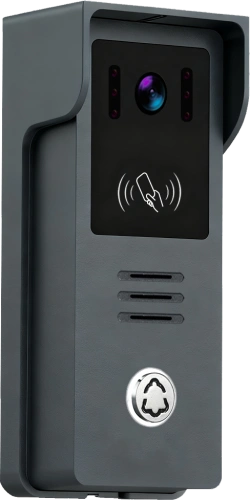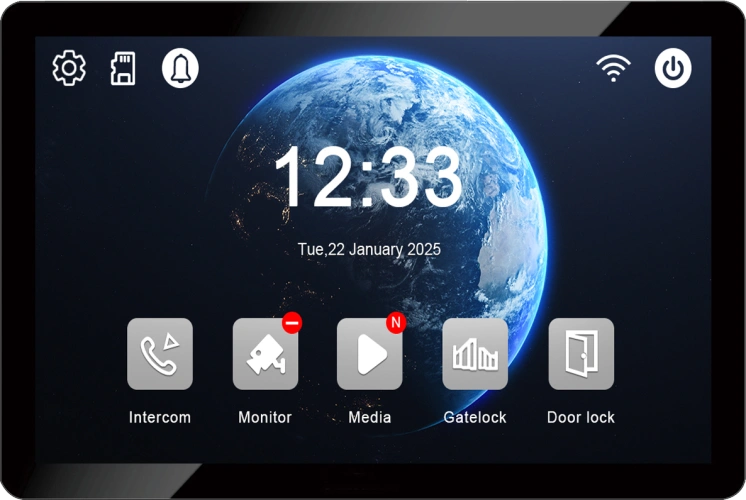
IP Apartment Outdoor Station and Indoor Monitor Room Number & Network Settings: Complete Configuration Guide for Smart Building Intercom Systems
Julho 31, 2026
Partilhar este artigo
Title
IP Apartment Intercom System Setup: Outdoor Station, Indoor Monitor Room Number and Network Configuration Guide
Meta Description
Learn how to configure IP apartment intercom systems, including outdoor station setup, indoor monitor room number settings, and network configuration. Discover FARHD smart building video intercom solutions for apartments and residential projects.
Target Keywords
Primary Keywords
- IP apartment intercom system
- apartment video intercom setup
- IP outdoor station configuration
- indoor monitor room number setting
- IP intercom network configuration
- building video intercom system
Secondary Keywords
- apartment access control system
- IP video door phone manufacturer
- smart apartment security system
- residential intercom solution
- SIP video intercom system
- OEM intercom supplier
IP Apartment Outdoor Station and Indoor Monitor Room Number & Network Settings: A Complete Guide for Smart Building Intercom Installation
Introduction: Building Smarter Apartment Communication Systems
Modern residential buildings require more than traditional door entry systems.
With the rapid growth of smart buildings and connected living environments, apartment owners, developers, and property managers increasingly demand intelligent security solutions that provide:
- Reliable visitor communication
- Controlo de acesso seguro
- Easy device management
- Flexible network configuration
- Scalable apartment expansion
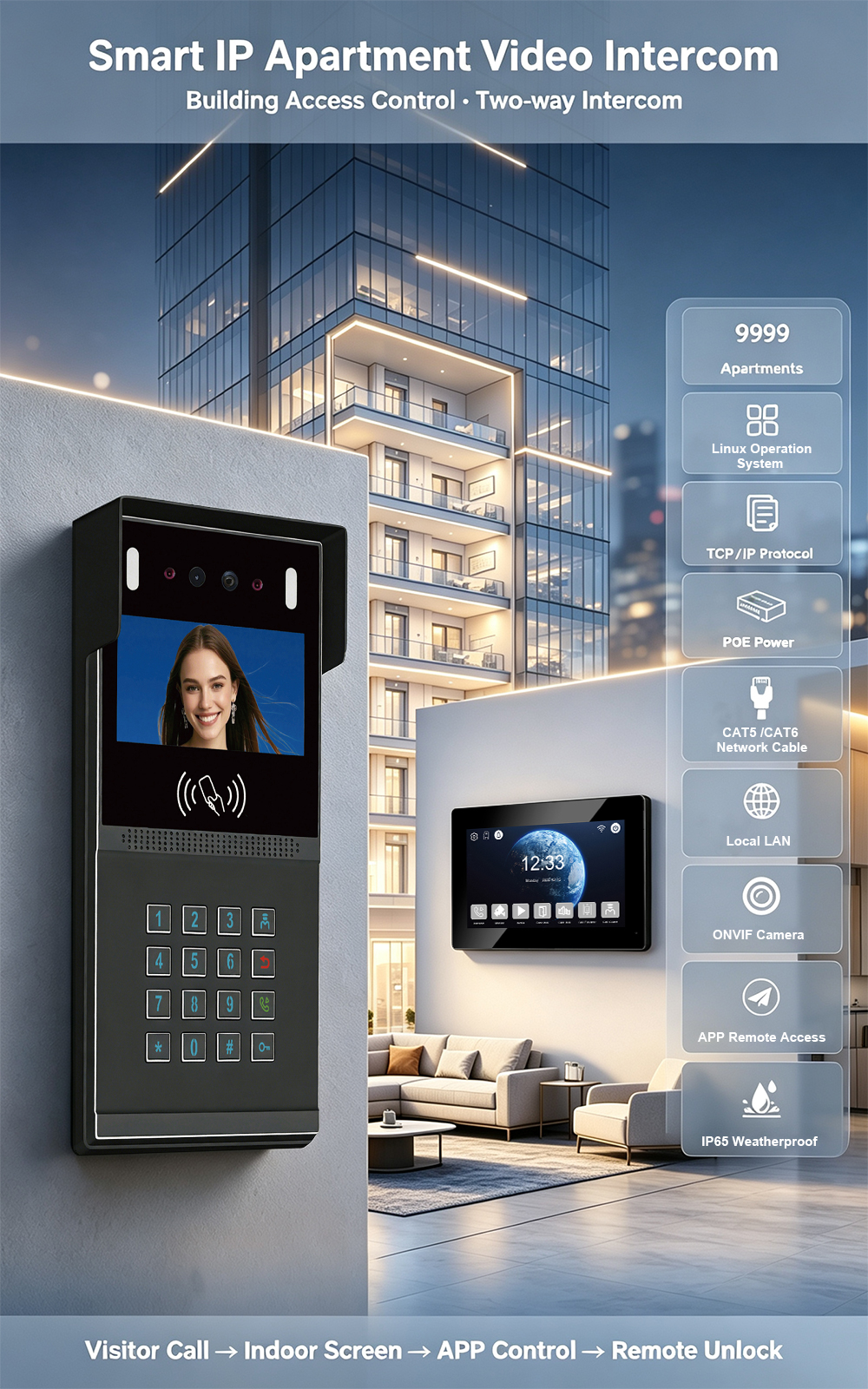
Um IP apartment intercom system provides a complete solution by using network technology to connect outdoor entrance stations with indoor monitors installed in individual apartments.
However, successful installation depends on correct device configuration, especially:
- Outdoor station network settings
- Indoor monitor room number assignment
- IP address configuration
- System communication parameters
This guide explains the basic setup process of an IP apartment video intercom system and how proper configuration ensures stable communication for residential projects.
What Is an IP Apartment Intercom System?
Um IP apartment intercom system is a network-based video communication solution designed for multi-unit residential buildings.
Unlike traditional analog apartment intercom systems, IP systems use Ethernet networks to transmit:
- vídeo HD
- Audio communication
- Door access commands
- Device management data
A complete IP apartment intercom solution usually includes:
1. Outdoor Station
Installed at the main entrance of the building.
Functions:
- Visitor calling
- Video monitoring
- Apartment number selection
- Access control
- Communication with indoor monitors
2. Indoor Monitors
Installed inside each apartment.
Functions:
- Receive visitor calls
- Display visitor video
- Two-way voice communication
- Desbloqueio da porta
- System management
Each indoor monitor requires a unique room number or address.
3. Network Equipment
The IP system communicates through:
- Network switches
- Ethernet cables
- IP addresses
- Network servers (depending on project requirements)
System Architecture of an IP Apartment Intercom Solution
A typical apartment intercom structure:
             Outdoor Station

                   |

            Network Switch

                   |

        ---------------------

        |        |          |

   Room 101   Room 102   Room 103

 Indoor      Indoor      Indoor
 Monitor    Monitor    Monitor
The outdoor station communicates with different apartments by identifying the assigned room number.
Outdoor Station Configuration
The outdoor station is the main entrance communication device.
Correct configuration ensures that visitors can contact the correct apartment.
1. Outdoor Station Network Settings
Before communication begins, the outdoor station must be connected to the IP network.
Typical settings include:
- IP address
- Subnet mask
- Gateway
- Server address (if required)
Example:
IP Address:
192.168.1.100

Subnet Mask:
255.255.255.0

Gateway:
192.168.1.1
The exact network parameters depend on the project network environment.
Why Network Configuration Is Important
Correct IP settings ensure:
- Stable device communication
- Fast call connection
- Reliable video transmission
- Easy system maintenance
Incorrect network configuration may cause:
- Failed calls
- Offline devices
- Atrasos na comunicação
2. Outdoor Station Apartment Directory Setup
For large apartment buildings, the outdoor station usually includes an apartment directory.
Visitors can:
- Select apartment numbers
- Search residents
- Call specific rooms
Example:
Building A

Room 101
Room 102
Room 103

↓

Select Room Number

↓

Call Indoor Monitor
This improves visitor convenience and building management efficiency.
Indoor Monitor Room Number Settings
One of the most important steps in apartment intercom installation is assigning the correct room number.
Each indoor monitor must have a unique identification number.
Why Room Number Assignment Matters
The room number works as the communication address.
When visitors select:
Room 305the system sends the call request to:
Indoor Monitor Address 305If the room number is incorrect:
- The call may fail
- The wrong apartment may receive the call
- Access control functions may not work properly
Indoor Monitor Address Configuration
During installation, technicians usually configure:
Room Number
Example:
Apartment:
Building A - Room 305
Assigned:
Room Number:
305
Building Number
For larger projects:
Building:
A

Room:
305
The system identifies:
Building A + Room 305Extension Number
Some projects may require multiple monitors in one apartment.
Example:
Main monitor:
Room 305-1Secondary monitor:
Room 305-2This allows multiple indoor devices to work together.
IP Address Settings for Indoor Monitors
Each indoor monitor also requires network configuration.
Typical parameters:
- IP address
- Subnet mask
- Gateway
- Device ID
Example:
Indoor Monitor:

IP:
192.168.1.105

Room Number:
305
Network Connection Methods for IP Apartment Intercom Systems
1. Ethernet Cable Connection
The most common installation method.
Vantagens:
- Stable communication
- Long-distance transmission
- Easy maintenance
Recommended cable types:
- CAT5e
- CAT6
2. PoE Network Connection
Some IP intercom systems support PoE technology.
PoE allows:
- Data transmission
- Power supply
through one network cable.
Benefícios:
- Reduced wiring complexity
- Faster installation
- Cleaner system design
Step-by-Step IP Apartment Intercom Setup Process
Step 1: Connect All Devices
Connect:
- Outdoor station
- Network switch
- Monitores de interior
- Access control devices
Confirm all devices receive power.
Step 2: Configure Outdoor Station
Set:
- IP address
- Network parameters
- Apartment directory
Test network connection.
Step 3: Assign Indoor Monitor Room Numbers
Configure each monitor:
Example:
Room 101 → Monitor ID 101

Room 102 → Monitor ID 102

Room 103 → Monitor ID 103
Step 4: Test Communication
Check:
✓ Outdoor station calling
✓ Indoor monitor receiving
✓ Video display
✓ Audio communication
✓ Door unlocking
Step 5: Complete System Commissioning
Before project delivery:
- Test every apartment
- Verify room numbers
- Check network stability
- Record configuration information
Common IP Apartment Intercom Installation Problems
Problem 1: Outdoor Station Cannot Call Indoor Monitor
Possible causes:
- Incorrect room number
- Wrong IP address
- Network connection problem
Soluções:
- Check device address
- Verify network settings
- Restart communication devices
Problem 2: Video Works but Audio Fails
Possible causes:
- Audio configuration issue
- Network communication problem
Soluções:
- Check audio parameters
- Confirm network quality
Problem 3: Indoor Monitor Offline
Possible causes:
- Incorrect IP settings
- Network cable problem
- Power failure
Soluções:
- Check network connection
- Verify IP address
- Test switch ports
Benefits of IP Apartment Intercom Systems for Developers
Scalable Building Security Solution
IP systems support:
- Apartamentos pequenos
- Medium residential buildings
- Large communities
Easier Project Management
Network-based systems allow:
- Remote configuration
- Faster maintenance
- Gerenciamento centralizado
Better Resident Experience
Residents enjoy:
- Clear video calls
- Smart access control
- Modern user interfaces
Applications of IP Apartment Intercom Systems
Residential Apartment Buildings
Ideal para:
- Apartamentos em edifícios altos
- Residential communities
- Property developments
Apartamentos de Luxo
Provides premium features:
- Touchscreen monitors
- Smart access control
- Video verification
Commercial Residential Projects
Suitable for:
- Rental apartments
- Mixed-use buildings
- Smart communities
Why Choose FARHD IP Apartment Intercom Solutions?
FARHD is a professional manufacturer specializing in video intercom and smart access control systems.
With more than 28 years of industry experience, FARHD provides complete solutions including:
- IP apartment intercom systems
- Villa video intercom solutions
- Building access control systems
- Wireless video doorbells
- Serviços OEM e ODM
FARHD Advantages for Global Partners
Complete System Development
A FARHD fornece:
- Design de hardware
- Software customization
- UI development
- System optimization
Large Project Experience
FARHD has experience supporting:
- Edifícios de apartamentos
- Residential communities
- Large-scale housing projects
OEM and ODM Capability
Customization options include:
- Product appearance
- Software functions
- Languages
- Embalagem
- Branding
Professional Technical Support
Support includes:
- Installation guidance
- System configuration
- Network setup assistance
- Serviço pós-venda
Frequently Asked Questions
What is the room number setting in an IP apartment intercom system?
The room number is the unique address assigned to each indoor monitor, allowing the outdoor station to call the correct apartment.
Why does each indoor monitor need a different IP address?
Unique IP addresses allow devices to communicate correctly within the network without conflicts.
How does an outdoor station call a specific apartment?
The visitor selects the apartment number, and the system sends the call request to the indoor monitor with the matching room address.
Can one apartment have multiple indoor monitors?
Yes. Many IP apartment intercom systems support multiple monitors in one apartment with extension settings.
Is IP intercom better than traditional analog systems?
IP systems provide better scalability, easier management, higher video quality, and smart integration capabilities.
Conclusion: Professional Configuration Creates Reliable Apartment Security
A successful IP apartment intercom installation depends on accurate configuration.
Correct settings for:
- Outdoor station network parameters
- Indoor monitor room numbers
- IP addresses
- Communication settings
ensure reliable operation and excellent user experience.
For residential developers, system integrators, and distributors, choosing a professional IP apartment intercom manufacturer is essential for successful smart building projects.
With advanced technology, flexible customization, and global project experience, FARHD provides reliable video intercom solutions designed for modern residential security needs.
Também pode interessar-lhe
-
2-Wire Video Door Phone Connection with Electric Rim Lock: Unlock by Card, Indoor Monitor, and App
A complete guide to wiring an electric rim lock to a FARHD 2-wire video door phone system—and configuring three convenient unlock methods: RFID card, indoor monitor, and mobile app. Whether you are upgrading an existing building or specifying a new system, this guide covers the essentials for reliable, secure access control. Electric rim locks are…
-

Video Intercom Manufacturer & Source Factory Since 1998 | OEM ODM SKD Building Intercom
Video Intercom Manufacturer & Vertical Source Factory in China FARHD is a professional video intercom manufacturer with over 28 years of specialized experience in building security intercom systems. Established in 1998, we are a genuine building intercom factory focused on independent R&D, in-house production, and customized manufacturing for global B2B clients, including distributors, importers, engineering contractors, real estate…
-
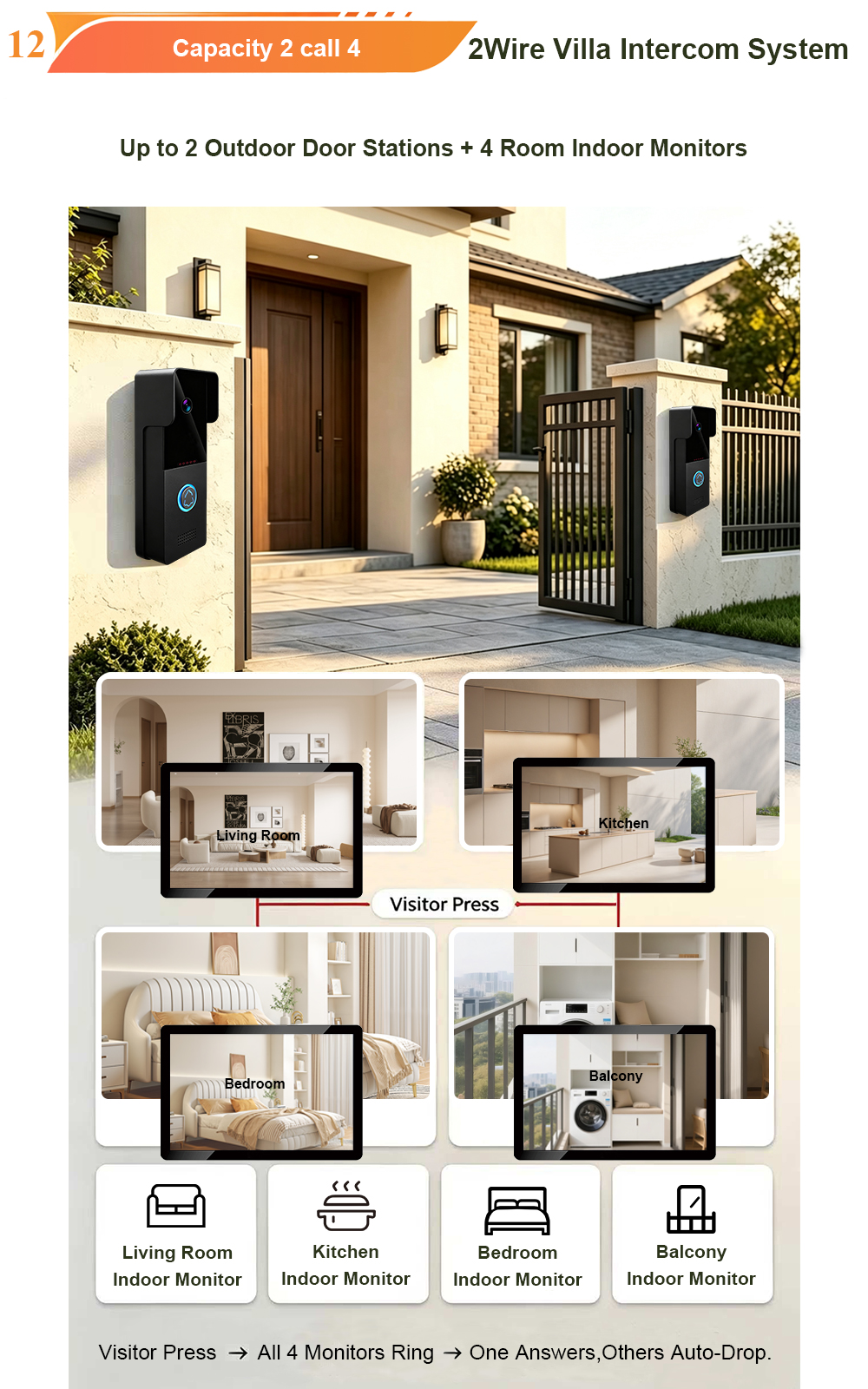
FARHD Video Intercom System: Versatile Solutions for Apartments and Villas
When it comes to building security and smart access, one size does not fit all. Different buildings have different wiring, different layouts, and different resident expectations. That’s why FARHD offers a comprehensive range of video intercom systems—with various indoor monitors and outdoor stations to match any apartment or villa project. Since 1998, FARHD has been…
-
Low-Temperature Test: FARHD Video Intercom Screens Keep Running Smoothly in Freezing Cold
Inside the freezing chamber, it keeps working — normal display, no black screen, no shutdown. Real quality isn’t just about lab data; it’s about staying reliable in extreme conditions. A video intercom that withstands freezing cold — because your door security can’t take a day off. In many parts of the world, winter is not…