IP Villa Kit: 7″ Indoor Monitor with Tuya WiFi & Outdoor Call Panel – Basic Function Instruction and Connection Guide
يوليو 13, 2026
شارك هذه المقالة
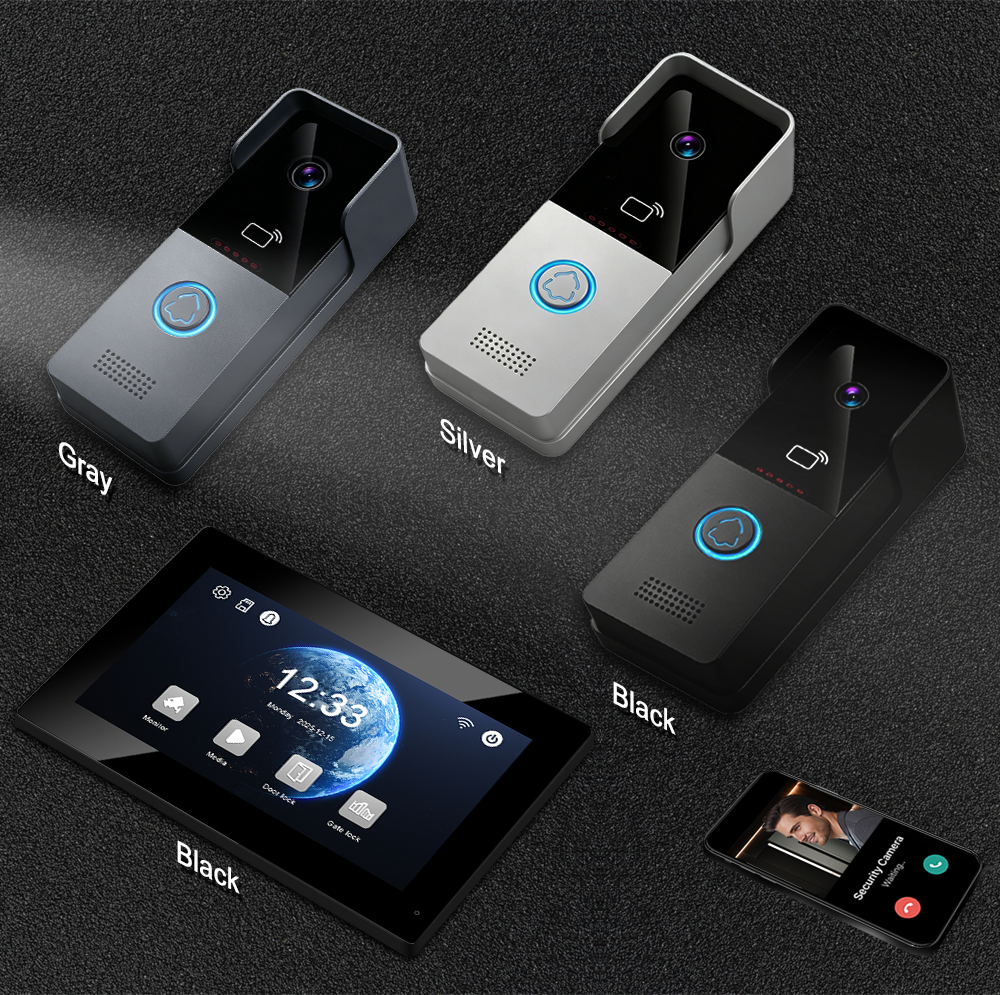
A smart, network‑enabled video intercom solution designed for modern villas and high‑end residential properties.
When it comes to villa security, you need a system that combines high‑definition video, smart remote access, and reliable performance – without the complexity of outdated wiring or confusing setups. The FARHD IP Villa Kit delivers exactly that, integrating a 7‑inch indoor monitor with Tuya WiFi connectivity و durable outdoor call panel into one complete, future‑ready solution.
Whether you’re building a new villa, upgrading an existing intercom system, or managing a residential development project, this guide will walk you through the basic functions and connection process – so you can get your system up and running with confidence.
Why Choose an IP‑Based Villa Kit?
Unlike traditional analog intercoms that rely on dedicated 2‑wire or 4‑wire cabling, an IP‑based system uses your home’s network infrastructure (CAT5/6 Ethernet or WiFi) to transmit high‑definition video, audio, and control signals. This brings several significant advantages:
- Superior video quality – 1080P HD resolution with wide dynamic range and infrared night vision
- الوصول عن بعد – Answer calls, view live video, and unlock the door from anywhere using the Tuya or Smart Life app
- دعم PoE – Power over Ethernet simplifies installation – one cable carries both power and data
- إمكانية التوسيع – Easily add more indoor monitors, outdoor stations, or IP cameras as your needs grow
- Future‑ready – Firmware updates can add features over time; ONVIF protocol support allows integration with third‑party IP cameras
For villa owners, this means a system that is not only more capable today but also ready for tomorrow’s smart home ecosystem.
What’s Inside the Kit?
The FARHD IP Villa Kit includes everything you need for a complete video intercom system:
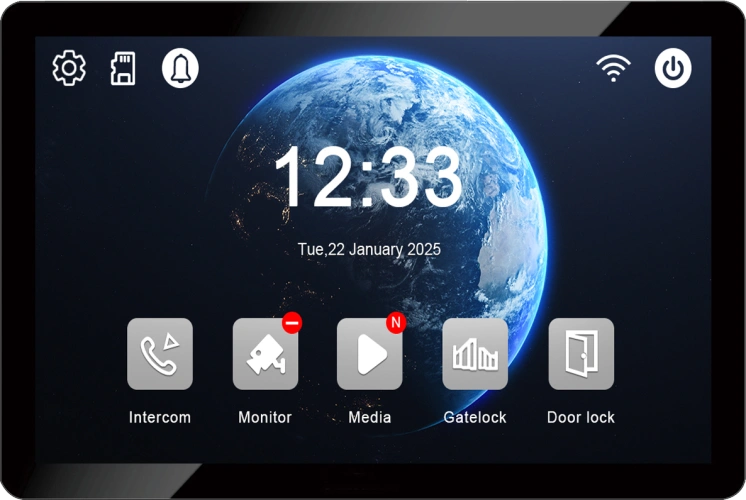
7‑inch Indoor Monitor
- High‑definition IPS or TFT touchscreen (1024×600 resolution)
- Linux operating system for stable, secure performance
- TCP/IP network connectivity (CAT5/6 Ethernet or WiFi)
- Tuya / Smart Life app integration for remote access
- Full‑duplex two‑way audio with echo cancellation
- Micro SD card slot for photo and video recording
- Wall‑mountable design, sleek and modern
Outdoor Call Panel
- 1080P 2MP HD camera with wide‑angle view (110°–140°)
- Infrared night vision for clear video in low‑light conditions
- IP65 weatherproof – built for outdoor installation
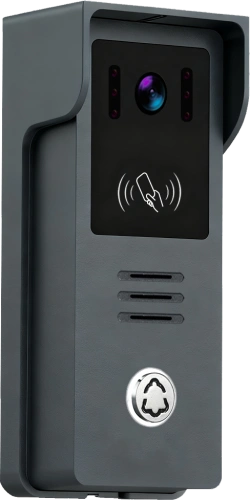
- Call button to ring the indoor monitor and smartphone app
- Integrated speaker and microphone for two‑way communication
- Durable, vandal‑resistant housing
ملحقات
- Power adapter(s) or PoE injector (depending on configuration)
- Mounting brackets and screws
- User manual and quick start guide
Basic Functions – What This System Can Do
Indoor Monitor Functions
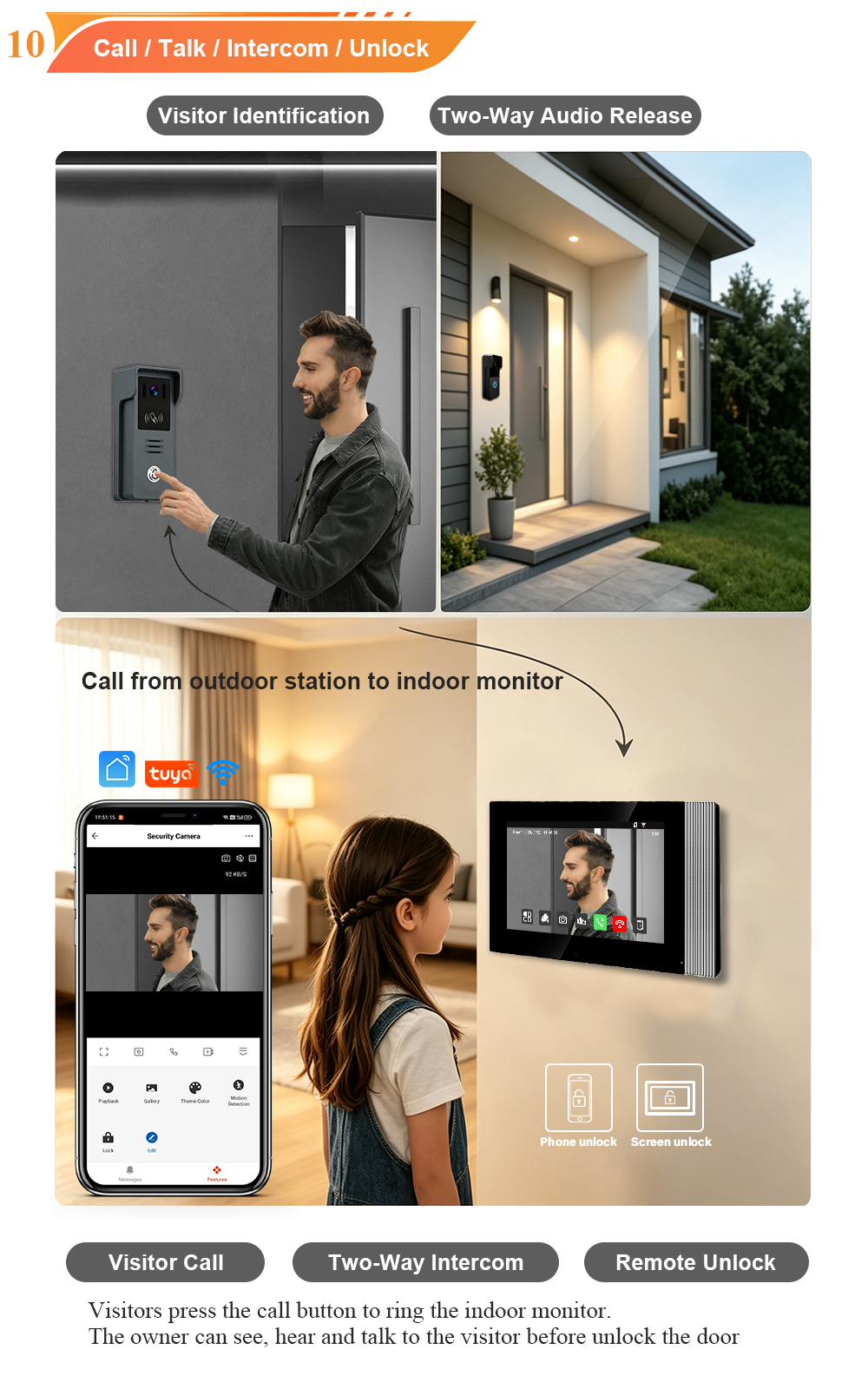
Answer Calls and Talk – When a visitor presses the call button on the outdoor panel, the indoor monitor rings instantly and displays the live video feed. With full‑duplex two‑way audio, you can speak naturally with visitors – just like a phone call.
Unlock the Door – Multiple ways to unlock:
- Touch the unlock icon on the indoor monitor screen
- Use the Tuya app from anywhere in the world
- (Optional) Tap a registered IC card on the outdoor panel
- (Optional) Enter a preset password on the outdoor keypad
Monitor and Record – For supported models, you can view the outdoor camera feed in real time even when no one is ringing. The system can automatically capture photos and video clips when the doorbell is pressed or motion is detected – all stored locally on a Micro SD card.
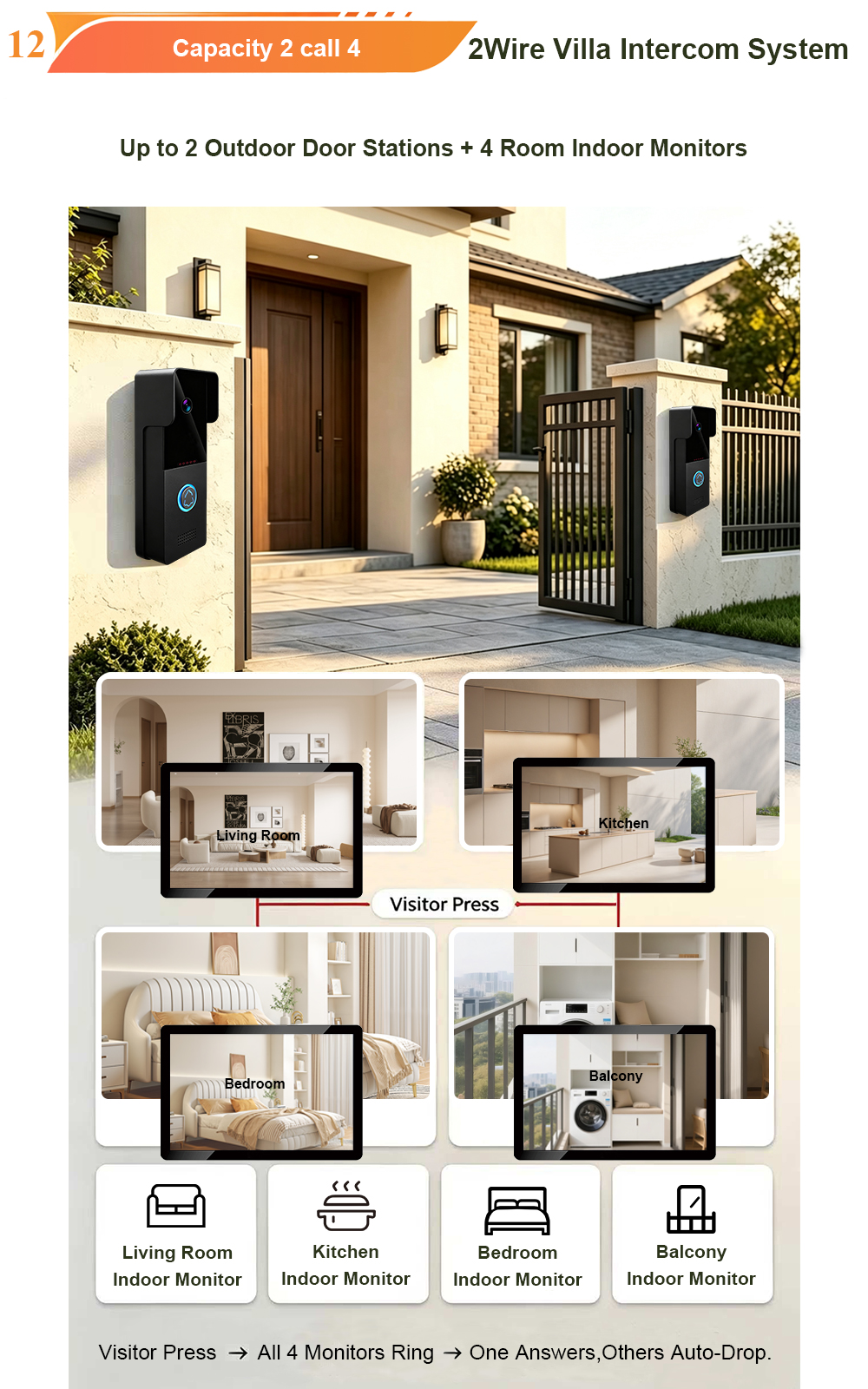
Room‑to‑Room Calling – If you have multiple indoor monitors installed, you can use them for internal communication between rooms.
Multi‑Language Support – The interface supports multiple languages, making it suitable for international projects.
Outdoor Call Panel Functions
One‑Button Calling – Visitors press the call button, and the system rings both the indoor monitor and (if configured) the Tuya app on your smartphone.
Clear Video Day and Night – The 1080P HD camera with wide‑angle lens and infrared night vision ensures you see every visitor clearly, even in complete darkness.
تصميم مقاوم للعوامل الجوية – Rated IP65, the outdoor station stands up to rain, snow, dust, and temperature extremes.
كشف العبث – Some models include tamper alarms that trigger if the outdoor station is forcibly removed from the wall.
Connection Guide – Step by Step
The IP Villa Kit uses standard network cabling, making installation straightforward for any electrician or confident DIYer. Here’s how to connect the system.
Step 1: Plan Your Installation
- Choose a location for the outdoor call panel near your entrance (eye level, about 1.5 metres high)
- Choose a location for the الشاشة الداخلية inside your home – somewhere convenient where you’ll hear the ringtone
- Ensure both locations have access to your network infrastructure (Ethernet cables or WiFi coverage)
Step 2: Connect the Outdoor Call Panel
The outdoor station typically connects via CAT5/6 Ethernet cable:
- Run an Ethernet cable from the outdoor panel location to your network switch or router
- If using PoE (Power over Ethernet), the same cable will provide both power and data – no separate power adapter needed at the door
- For non‑PoE installations, connect the included power adapter to the outdoor panel
Alternative: 2‑Wire or 4‑Wire Connection – Some IP villa kits also support traditional 2‑wire or 4‑wire cabling for retrofit scenarios. If your villa already has existing intercom wiring, you may be able to reuse it.
Step 3: Connect the Indoor Monitor
- Connect the indoor monitor to your شبكة – either via Ethernet cable (CAT5/6) or through your 2.4 جيجاهرتز WiFi شبكة
- If using PoE, connect the Ethernet cable directly; the monitor will receive power from the network switch
- If using a power adapter, plug it into the monitor and a nearby wall outlet
Step 4: Power On and Test
- Power on both the indoor monitor and outdoor panel
- The devices should automatically discover each other on the network
- Press the call button on the outdoor panel – the indoor monitor should ring instantly and display the video feed
- Test two‑way audio and the unlock function
Step 5: Network Configuration (if needed)
For some installations, you may need to configure basic network settings:
- The system typically uses TCP/IP protocol وتدعم DHCP for automatic IP address assignment
- For manual configuration, access the monitor’s settings menu to set IP address, subnet mask, and gateway
- For larger installations with multiple devices, ensure all units are on the same network segment
Tuya App Setup – Remote Access Made Easy
Connecting your system to the Tuya Smart أو Smart Life app unlocks remote access from anywhere in the world.
الخطوة 1: Download the “Tuya Smart” or “Smart Life” app from Google Play or the App Store. Create an account and log in.
الخطوة 2: Ensure your indoor monitor is connected to your 2.4 جيجاهرتز WiFi network (5GHz networks are not supported by most models).
الخطوة 3: Open the app and tap “Add Device”. The app will automatically search for and pair with your indoor monitor.
Step 4: Once paired, you can:
- Receive video calls from the door station on your smartphone – wherever you are
- View the live camera feed anytime, day or night
- Unlock the door remotely with a single tap
- Receive motion detection alerts and review recorded footage
Step 5: To share access with family members, use the app’s home management features to add additional users.
Expandability – Grow with Your Needs
The IP Villa Kit is designed to scale with your property:
- Supports connection of additional IP cameras via ONVIF protocol
- Can be integrated with alarm sensors and other security devices
- Multiple indoor monitors can be added for room‑to‑room communication
- متوافق مع SIP‑based intercom systems for integration with larger building management platforms
Why Choose the FARHD IP Villa Kit?
- Smart remote access – Tuya app control from anywhere in the world
- High‑quality video – 1080P HD camera with wide‑angle view and night vision
- الاتصال المرن – Ethernet, WiFi, or 2‑wire/4‑wire options for retrofit scenarios
- Weatherproof durability – IP65 outdoor station, built for all climates
- Expandable – Supports additional indoor monitors, IP cameras, and alarm sensors
- Professional‑grade – Linux operating system for stable, secure performance
- التوافق العالمي – Multi‑language support and international certifications
Ready to Upgrade Your Villa Security?
الـ طقم فيلا IP brings modern video intercom features to your home with the power of IP networking and smart remote access. With a 7‑inch touchscreen, Tuya app control, and flexible installation options, this system delivers the security, convenience, and peace of mind your family deserves.
📩 Contact us for catalog, pricing, or to request a sample.
🌐 Website: www.farhd.com
📧 Email: [email protected]
قد يثير اهتمامك أيضًا
-
2-Wire Video Door Phone Connection with Electric Rim Lock: Unlock by Card, Indoor Monitor, and App
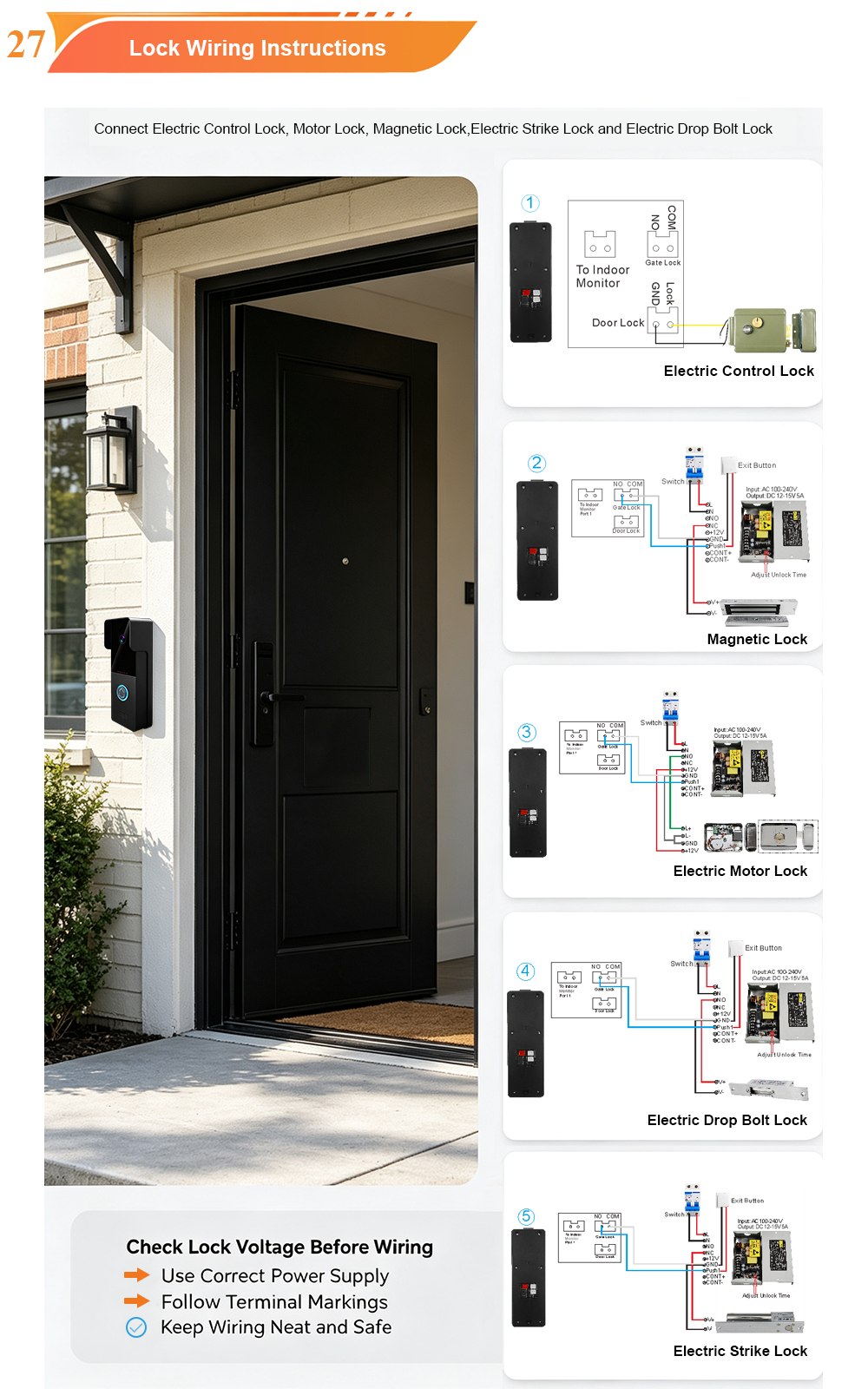
A complete guide to wiring an electric rim lock to a FARHD 2-wire video door phone system—and configuring three convenient unlock methods: RFID card, indoor monitor, and mobile app. Whether you are upgrading an existing building or specifying a new system, this guide covers the essentials for reliable, secure access control. Electric rim locks are…
-

Video Intercom Manufacturer & Source Factory Since 1998 | OEM ODM SKD Building Intercom
Video Intercom Manufacturer & Vertical Source Factory in China FARHD is a professional video intercom manufacturer with over 28 years of specialized experience in building security intercom systems. Established in 1998, we are a genuine building intercom factory focused on independent R&D, in-house production, and customized manufacturing for global B2B clients, including distributors, importers, engineering contractors, real estate…
-
FARHD Video Intercom System: Versatile Solutions for Apartments and Villas
When it comes to building security and smart access, one size does not fit all. Different buildings have different wiring, different layouts, and different resident expectations. That’s why FARHD offers a comprehensive range of video intercom systems—with various indoor monitors and outdoor stations to match any apartment or villa project. Since 1998, FARHD has been…
-
Low-Temperature Test: FARHD Video Intercom Screens Keep Running Smoothly in Freezing Cold
Inside the freezing chamber, it keeps working — normal display, no black screen, no shutdown. Real quality isn’t just about lab data; it’s about staying reliable in extreme conditions. A video intercom that withstands freezing cold — because your door security can’t take a day off. In many parts of the world, winter is not…