
How to Add a Smart Doorbell to the Tuya App: Step-by-Step Guide for 2025
März 11, 2026
Diesen Artikel teilen
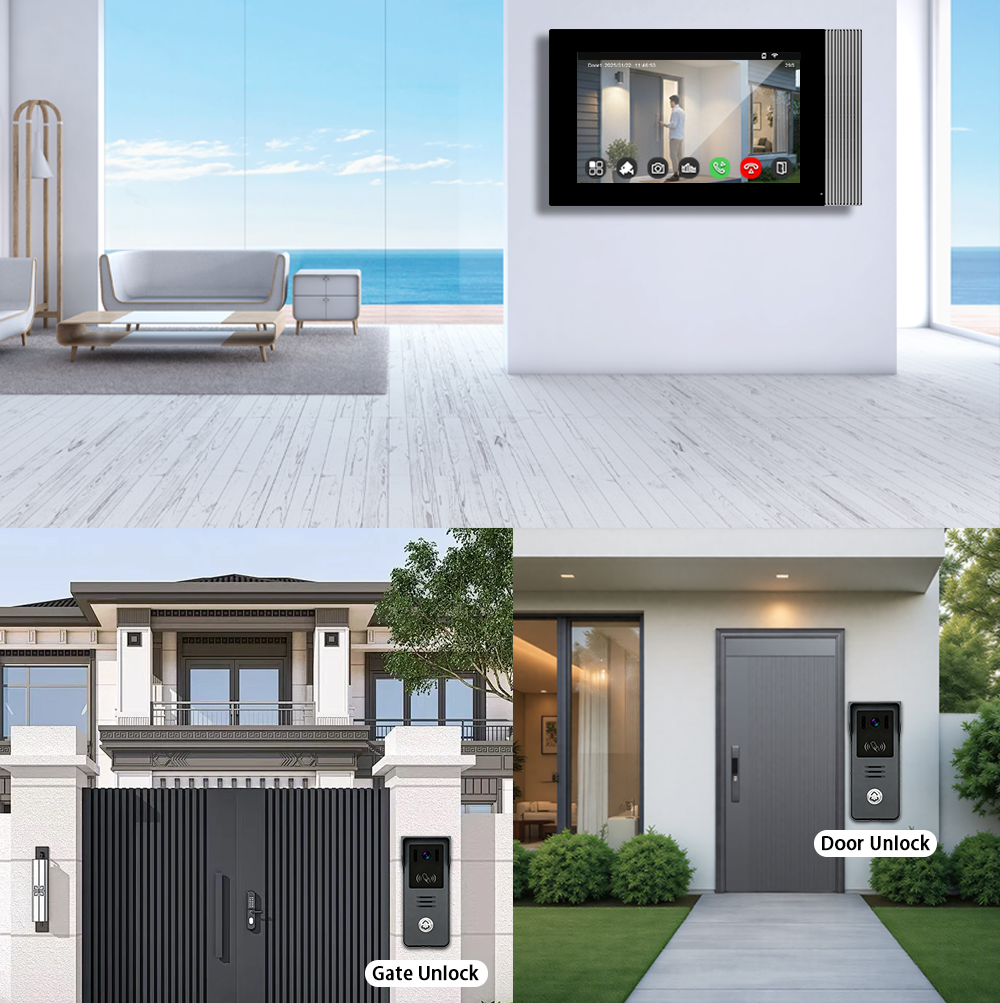
What is Tuya and Why Use It with Smart Doorbells?
Tuya Smart is a global IoT platform that enables manufacturers to build smart home devices that are cloud-connected, app-controllable, and interoperable. The Tuya Smart App allows users to control and monitor various smart devices—including smart doorbells—from one centralized interface.
Benefits of Tuya Integration for Smart Doorbells:
- Cross-Brand Compatibility: Tuya supports thousands of device brands.
- Cloud-Konnektivität: Enables real-time video streaming and notification.
- Smart Scenes: Automate doorbell actions with other devices like smart locks or lights.
- Sprachassistenten-Integration: Works seamlessly with Amazon Alexa und Google Assistent.
- Fernzugriff: View visitors and communicate even when you’re not home.
Why B2B Buyers Prefer Tuya-Compatible Doorbells:
- Skalierbare Integration: Ideal for property developers and multi-unit housing.
- OEM Flexibility: Manufacturers like FARHD offer Tuya-ready OEM/ODM devices.
- Ease of Deployment: One app for all smart devices reduces customer support costs.
- Markenanpassung: Private labeling options for distributors and resellers.
Compatible Smart Video Doorbells That Work with Tuya
When choosing a smart doorbell for integration with the Tuya app, it’s crucial to ensure Tuya compatibility. Not all doorbells support the platform, so selecting compliant models is key.
Key Tuya-Compatible Features to Look For:
| Merkmal | Beschreibung |
|---|---|
| Wi-Fi-Konnektivität | Most Tuya doorbells use 2.4GHz Wi-Fi |
| RTSP/Cloud Video | Enables real-time video streaming to the app |
| Zwei-Wege-Audio | Talk and listen to visitors in real time |
| Bewegungserkennung | Sends app alerts when movement is detected |
| Nachtsicht | Infrared or full-color night camera support |
| Batterie- oder kabelgebundene Optionen | Supports both wired and battery-powered models |
Top Tuya-Compatible Doorbell Categories:
- Battery-Powered Smart Doorbells
- Wired IP Video Doorbells
- Multi-Apartment Intercom Systems
- Villa Intercom Systems with Monitor Screens
Recommended Compatible Brands:
- FARHD – Offers full Tuya-compatible OEM/ODM solutions for global distributors
- Zemismart
- Laxihub
- Opfer
For a full list of Tuya-compatible OEM doorbells, visit the FARHD-Produktkatalog.
Step-by-Step: How to Add a Smart Doorbell to the Tuya App
Adding your video doorbell to the Tuya app is a quick and easy process. Follow these steps to pair your device successfully.
Vorbereitungs-Checkliste:
- Ensure your smart doorbell is powered on.
- Confirm it supports Tuya Smart oder Kluges Leben platform.
- Connect your phone to a 2,4-GHz-Wi-Fi-Netzwerk (5GHz is not supported).
- Download and install the Tuya Smart oder Kluges Leben app from Google Play or App Store.
Schritt-für-Schritt-Anleitung:
1. Open the Tuya Smart App
- Register or log in to your account.
- Tap the „+“-Symbol icon in the top right corner to add a device.
2. Select Device Type
- Navigate to Video Surveillance > Smart Doorbell.
3. Put Doorbell in Pairing Mode
- Reset-Taste gedrückt halten (meist seitlich oder auf der Rückseite) für ca. 5–10 Sekunden on the doorbell until the LED starts flashing or voice prompt says “Ready to connect”.
4. Confirm Wi-Fi Credentials
- Wi-Fi-Namen und -Passwort ein 2.4GHz Wi-Fi SSID and password within the app.
5. Scan QR Code or Use AP Mode
- (Standard) oder: The app automatically searches for the device.
- QR Mode: A QR code appears on your phone screen; show it to the doorbell camera.
- falls EZ fehlschlägt: Connect to the doorbell’s hotspot manually.
6. Complete the Pairing
- The doorbell connects to the network and appears in your device list.
- You can rename it and assign it to a room.
Tips for Successful Pairing:
- Keep the phone close to the doorbell during setup.
- Disable mobile data temporarily to avoid signal interference.
- Reset the doorbell if pairing fails and try again.
Want to integrate Tuya-compatible doorbells into your product line? Learn more about our OEM/ODM-Fähigkeiten hier.
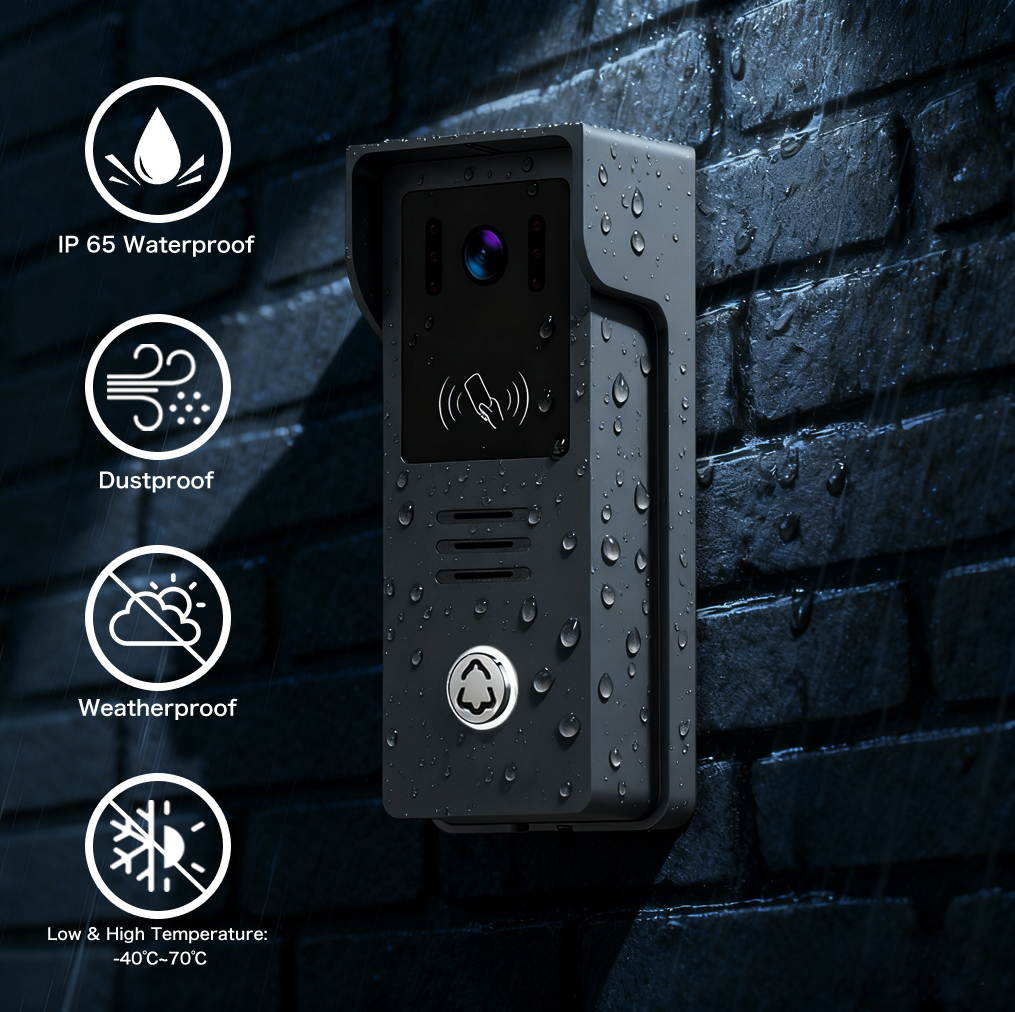
Benefits of Integrating Smart Doorbells with Tuya Smart Ecosystem
Integrating your smart doorbell with the Tuya ecosystem opens up powerful automation capabilities, centralized control, and streamlined security management. This brings significant benefits for both Privatnutzer als auch und B2B-Partner : Benachrichtigung ans Smartphone senden Dies ist ideal für, bauträgerund smart home installers.
Key Benefits for End-Users:
- Einheitliche Steuerung: Manage lighting, locks, and doorbells from one app.
- Cloud Notifications: Get instant alerts with video thumbnails.
- Automatisierung: Create smart scenes like “Turn on porch light when doorbell rings.”
- Fernüberwachung: Watch live feed, playback recordings, and talk to visitors remotely.
- Sprachsteuerung: Use Alexa or Google Assistant to monitor the doorbell.
Advantages for B2B Customers:
| Nutzen Sie | Beschreibung |
|---|---|
| Plattformübergreifende Kompatibilität | Works with Google, Amazon, Apple HomeKit (limited) |
| Individuelles App-Branding | White-label the Smart Life app with your logo |
| Multi-Tenant Control | Ideal for apartment complexes and gated communities |
| Datenanalyse | Gain usage and security insights for commercial buildings |
| Skalierbarkeit | Easily add hundreds of devices across properties |
Looking for a scalable smart doorbell solution for apartment buildings? Explore FARHD’s Gegensprechanlagen für Mehrfamilienhäuser.
Troubleshooting Common Issues When Adding Devices to Tuya
Even though Tuya makes device onboarding easy, some users may encounter connectivity or pairing issues. Here’s how to solve them.
Common Problems and Solutions
| Ausgabe | Lösung |
|---|---|
| Device not found during pairing | Ensure the doorbell is in pairing mode, and use 2.4GHz Wi-Fi only |
| QR code not recognized | Clean the camera lens, increase screen brightness, retry in better light |
| App crashes or hangs | Update the app, restart phone, clear app cache |
| Doorbell not ringing in app | Enable push notifications and permissions in phone settings |
| Videostream lädt nicht | Check internet speed; connect doorbell closer to router |
Resetting the Device:
- Hold the reset button for 5-10 seconds until you hear the prompt.
- Retry the pairing process using AP mode if EZ mode fails.
Need help with customizing your Tuya-compatible devices? Contact FARHD support Skynex-Kontaktseite
How to Use a Tuya-Connected Video Doorbell with Alexa and Google Home
Integrating your Tuya-compatible video doorbell with Amazon Alexa oder Google Home allows for hands-free operation and a more immersive smart home experience. This is an essential feature for both Verbraucher und B2B customers : Benachrichtigung ans Smartphone senden Systemintegratoren, Wiederverkäuferund Smart-Home-Lösungsanbieter.
Requirements for Voice Assistant Integration:
| Komponente | Amazon Alexa | Google Assistent |
|---|---|---|
| Tuya Smart/Smart Life App | Erforderlich | Erforderlich |
| Smart Doorbell Device | Must support Tuya and voice services | Must support Tuya and voice services |
| Smart Display (Optional) | Echo Show, Fire TV | Google Nest Hub, Chromecast |
Alexa Integration: Step-by-Step
- Alexa-App öffnen
- Go to the menu and select Skills & Games.
- Search for “Smart Life”
- Tippen Sie auf Enable to Use.
- Login with Tuya Credentials
- Use the same account details as your Tuya Smart app.
- Geräte entdecken
- Alexa will scan and add your smart doorbell automatically.
- Verwenden Sie Sprachbefehle
- Example: “Alexa, show me the front door camera.”
Google Assistant Integration: Step-by-Step
- Öffnen Sie die Google Home App
- Tap the + icon to add a new device.
- Select “Works with Google”
- Search and link Kluges Leben Konto.
- Login with Tuya Credentials
- Authorize access to your devices.
- Assign Devices to Rooms
- Place the doorbell in the appropriate room (e.g., Front Door).
- Verwenden Sie Sprachbefehle
- Example: “Hey Google, show front door on Living Room TV.”
Benefits for B2B Buyers and Installers:
- Easy Integration: Plug-and-play setup for end customers.
- Increased Value: Adds smart assistant compatibility to your product offerings.
- Markendifferenzierung: Voice control support enhances user experience.
- Gewerbliche Anwendungen: Ideal for office buildings, rental properties, senior living communities.
Looking for white-label smart doorbells with Alexa and Google compatibility? Learn more about FARHD’s OEM/ODM-Fertigungsdienstleistungen.
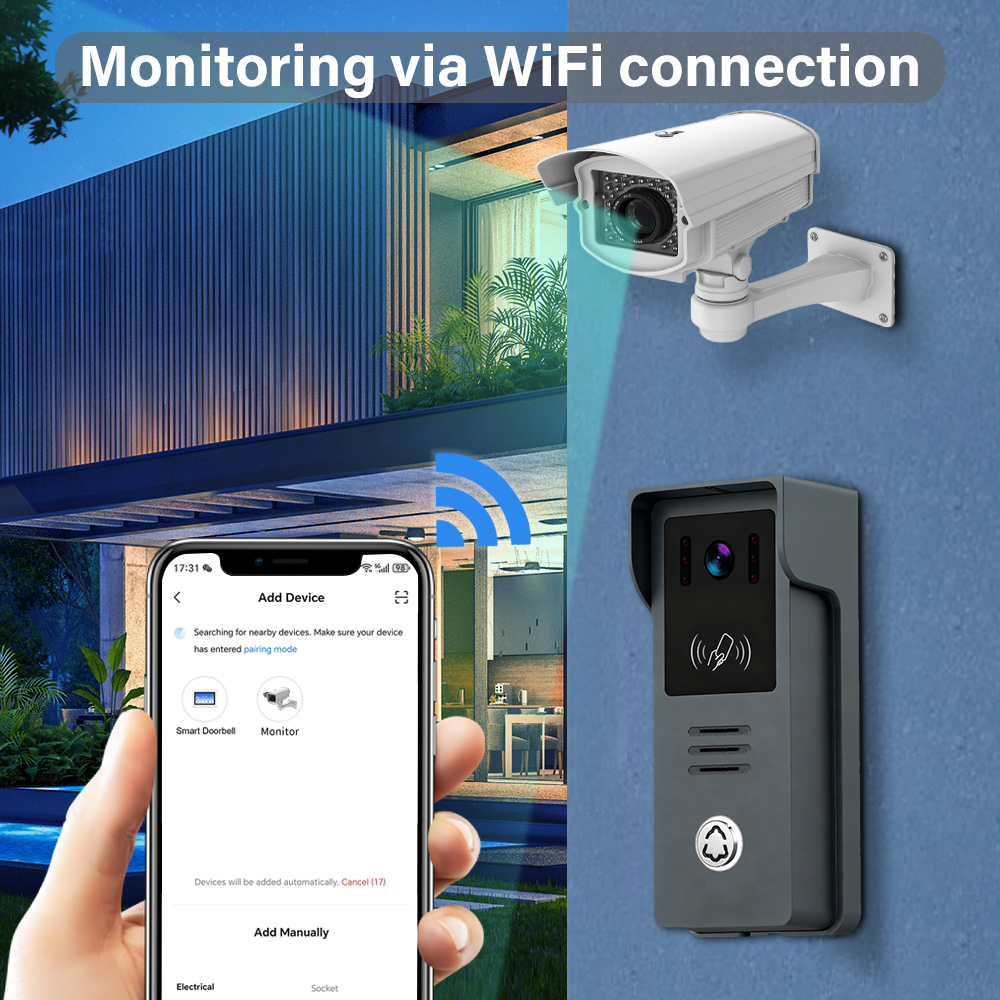
Best Smart Doorbell Features to Utilize in the Tuya App
Once your smart doorbell is connected to the Tuya app, you can leverage a wide range of features that enhance security, convenience, and automation.
Top Features Available in Tuya for Smart Doorbells:
1. Live Video Monitoring
- View real-time footage from your doorbell.
- Supports full Lokal, night vision, and wide-angle viewing.
2. Zwei-Wege-Audio
- Speak directly with visitors from your smartphone.
- Great for deliveries, guests, or intruders.
3. Bewegungserkennung & Alarme
- Set motion zones and sensitivity levels.
- Receive instant push notifications when movement is detected.
4. Cloud & Local Recording
- Store footage in the cloud (subscription) or on SD card.
- Playback recordings directly in the app.
5. Automated Scenes
- Example: “If doorbell rings after 8PM, turn on porch light.”
- Combine with other Tuya devices for powerful automation.
6. Gerätefreigabe
- Grant access to family members or staff.
- Control permissions for video viewing or alerts.
Advanced Features for Property Managers and Installers:
| Merkmal | Nutzen Sie |
|---|---|
| Multi-Türklingel-Unterstützung | Manage multiple entry points in one app |
| Event Logs | Track entry/exit times for security audits |
| Integration with Locks | Automatically unlock door via intercom |
| Push-to-Talk Function | Use mobile device as intercom controller |
Want to add these advanced features to your product line? Visit our Über uns-Seite to understand how FARHD delivers full-stack smart intercom systems.
FARHD: Leading OEM/ODM Smart Doorbell Manufacturer for Tuya-Compatible Devices
Wenn es darum geht, eine reliable, scalable, and Tuya-compatible smart doorbell manufacturer, Shenzhen FARHD Tech Co., Ltd. (FARHD) stands out as the top choice—especially for wholesalers, distributors, and B2B project managers.
Warum FARHD wählen?
✅ End-to-End Manufacturer: From LCM, camera modules to full video intercom systems
✅ Tuya-kompatibel: All smart doorbells support Tuya Smart and Smart Life platforms
✅ Globale Reichweite: Höchster Marktanteil in China, Italien, Korea und der Türkei
✅ Flexible OEM/ODM-Services: White labeling, custom app branding, and hardware customization
✅ Vertikale Integration: Control over the entire supply chain ensures quality and cost optimization
✅ Zertifizierungen: ISO 9001, CE, FCC, ROHS, SGS ensure compliance and market access
✅ 13 Modern Production Lines: High-capacity factory with YAMAHA SMT technology
FARHD Product Use Cases:
| Application Scenario | Produkttyp |
|---|---|
| Villas and Homes | 4-wire or wireless doorbell systems |
| Wohnanlagen | Multi-apartment video intercom |
| Gewerbegebäude | Video door access with elevator control |
| Hotels and Hospitals | Touchscreen doorbell panels |
| Smart-Home-Integratoren | Custom-branded Tuya doorbells |
See the full lineup of Tuya-compatible intercom solutions in the FARHD-Produktkatalog.
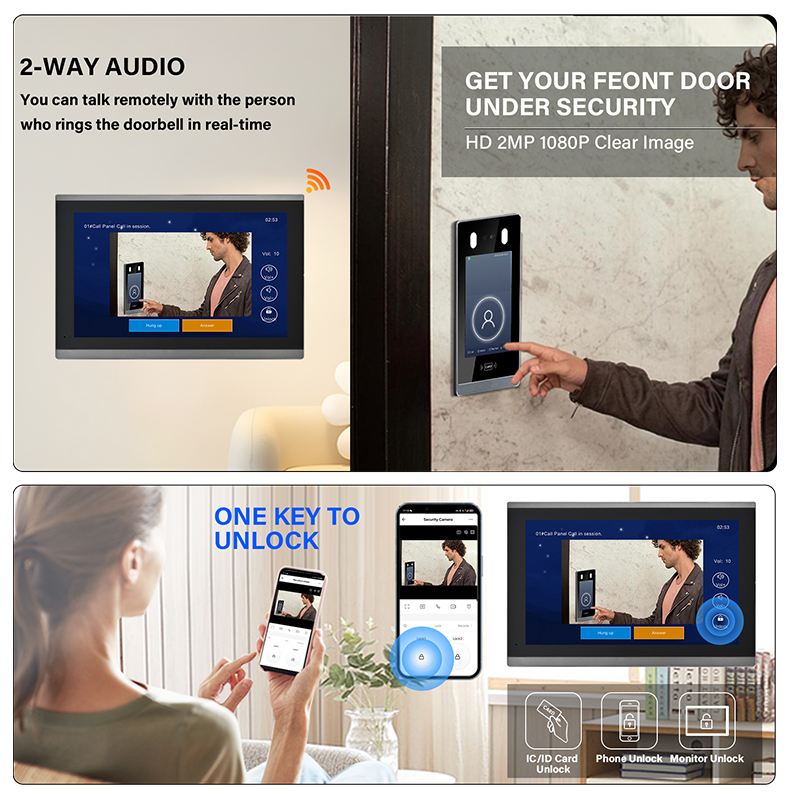
FAQ: Tuya Smart Doorbell Setup, Compatibility, and Integration
1. Can I use any smart doorbell with the Tuya app?
No. The doorbell must explicitly support Tuya or be integrated with the Tuya IoT platform.
2. Is Tuya the same as Smart Life?
Yes. Smart Life is a rebranded version of Tuya, and both apps work interchangeably with Tuya-supported devices.
3. Does Tuya support video doorbells with local storage?
Yes. Most Tuya-compatible doorbells support SD card storage and cloud options.
4. Can I integrate a Tuya doorbell with my existing home automation system?
Yes. Tuya supports IFTTT, Alexa, Google Assistant, and some Zigbee integrations for seamless automation.
5. What’s the best Tuya-compatible smart doorbell for bulk purchase?
Wir empfehlen FARHD OEM doorbells, which are fully Tuya-compatible and customizable for branding.
6. Where can I get B2B pricing or request a quote?
You can request a quote or consultation directly via the . FARHD bietet:.
By integrating your smart doorbell with the Tuya app, you unlock a world of convenience, control, and security. Whether you’re an end-user looking to secure your home or a B2B buyer sourcing reliable smart doorbell solutions, choosing a Tuya-compatible system—especially from a trusted manufacturer like FARHD—ensures long-term value and seamless user experience.
Das könnte Sie auch interessieren
-
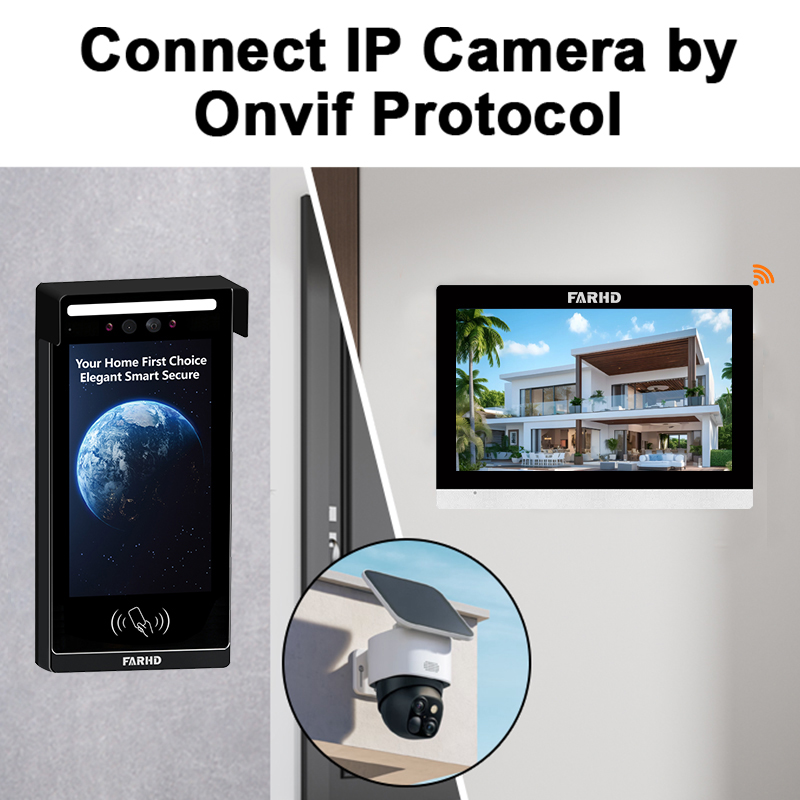
Where to Buy Wireless Intercom with Camera: Best Options for Home & B2B Buyers
1. What is a Wireless Intercom with Camera and How Does It Work? A wireless intercom with camera is a modern communication system that combines audio, video, and wireless connectivity to allow secure communication between people at different points—typically between a building entrance and indoor units. These systems are commonly used in residential buildings, office…
-
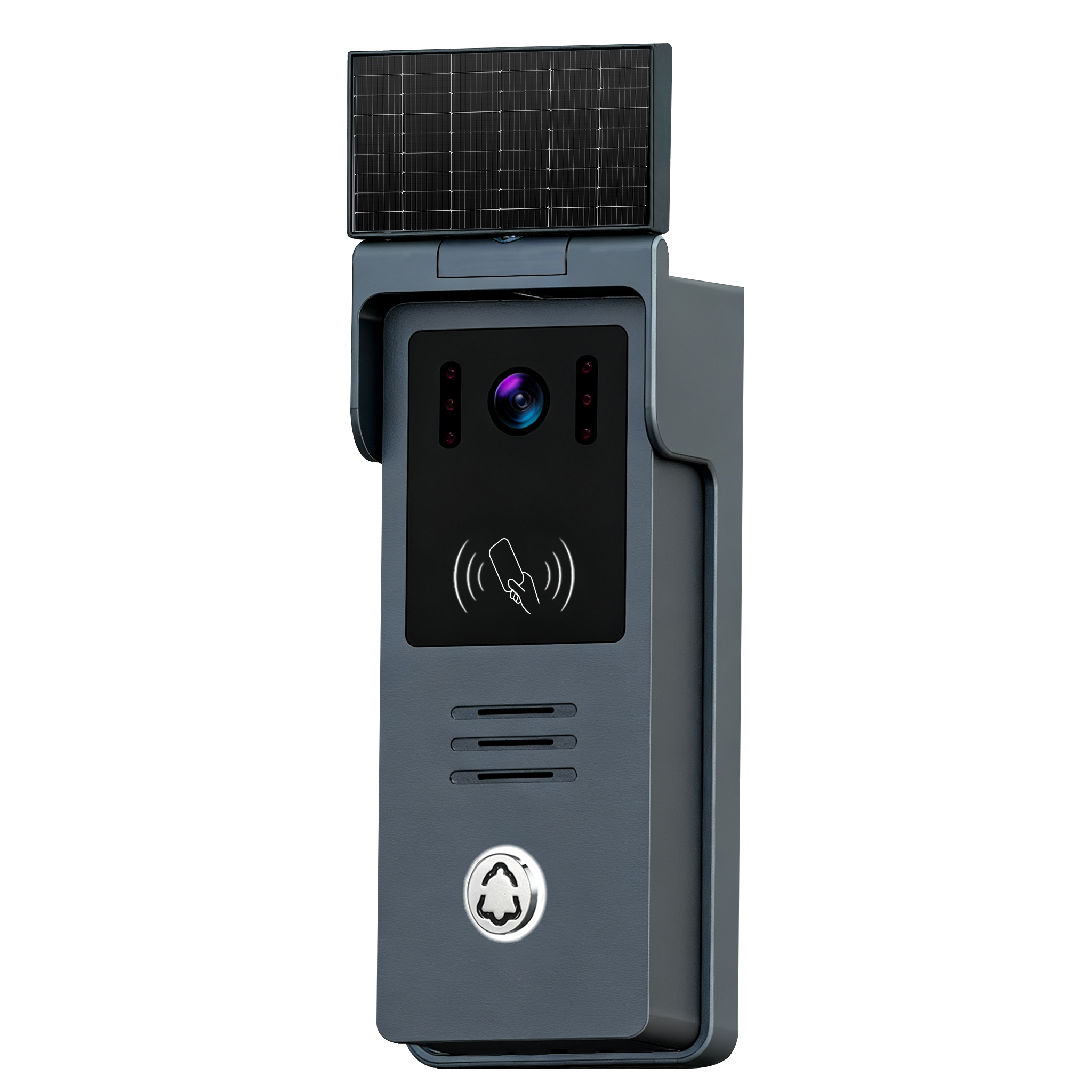
How to Install Intercom for Elderly: A Step-by-Step Guide for Homes & Care Facilities
1. Why Intercom Systems Are Essential for Elderly Safety and Communication As the global population ages, ensuring the safety and well-being of seniors has become a critical priority for families, caregivers, and healthcare institutions. Intercom systems designed for the elderly play a vital role in enabling clear, real-time communication and emergency support. Key Benefits of…
-

Does a Video Door Phone Work Without Internet?
1. What is a Video Door Phone and How Does It Work? A video door phone is a two-way communication system with a camera at the entrance and a monitor inside the building. It allows residents or business staff to see and talk to visitors before granting access. While often associated with smart doorbells, traditional…
-
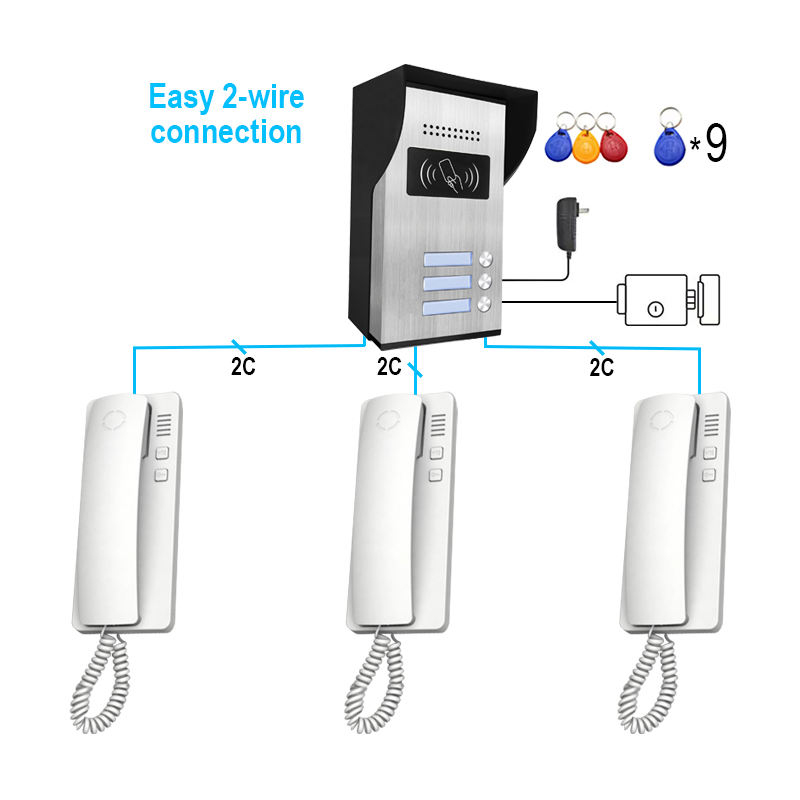
What is the Cheapest Video Doorbell with App? Top Picks & B2B Insights
Understanding Video Doorbells with App Integration Video doorbells with app integration have transformed how we manage home and business security. These smart devices allow users to monitor, communicate, and even record visitors remotely through a smartphone app. Whether you’re a homeowner or a property manager, having a video doorbell with app functionality enhances convenience and…



