
Comment connecter une sonnette Tuya à l'application : Guide étape par étape pour les acheteurs et installateurs
novembre 24, 2025
Partager cet article

1. Qu'est-ce qu'une sonnette intelligente Tuya et comment fonctionne-t-elle ?
A Sonnette vidéo intelligente Tuya est un dispositif de sécurité connecté au réseau qui permet aux utilisateurs de surveiller et de communiquer avec les visiteurs à distance via l' Tuya Smart application. Tuya est une plateforme IoT mondiale offrant des modules intelligents et des services cloud qui aident les fabricants à créer des appareils domestiques intelligents interopérables.
Fonctionnalités clés des sonnettes intelligentes Tuya :
- Communication audio bidirectionnelle
- HD streaming vidéo
- ID: Alertes de détection de mouvement
- Options de stockage local ou dans le nuage
- Accès à distance via application smartphone
- Intégration avec Alexa et Google Assistant
Comment ça marche :
| Composant | Fonction |
|---|---|
| Caméra de sonnette | Capture de flux vidéo et audio |
| Module Wi-Fi | Connecte l'appareil à votre réseau domestique ou de bureau |
| Cloud Tuya | Permet un accès à distance en temps réel et des notifications push |
| Application Tuya | Interface utilisateur pour contrôler, visualiser et configurer la sonnette |
Les sonnettes Tuya sont appréciées pour leurs capacités d'intégration intelligente et des leur déploiement économique, ce qui les rend populaires auprès des est disponible sur le marché. Ces systèmes servent aussi bien les propriétaires et des les gestionnaires de propriétés commerciales.
2. Exigences avant de connecter la sonnette Tuya à l'application
Avant de configurer votre sonnette compatible Tuya, assurez-vous de répondre aux exigences suivantes pour éviter les échecs de connexion et les retards de configuration.
Exigences matérielles :
- A Sonnette vidéo intelligente compatible Tuya
- A Réseau Wi-Fi 2,4 GHz (Tuya ne prend pas en charge le 5 GHz pour la plupart des sonnettes)
- A Smartphone ou tablette avec accès internet
- A Sonnette complètement chargée ou connectée à une source d'alimentation filaire
Exigences logicielles :
- Application Tuya Smart OU Application Smart Life (les deux supportent l'écosystème Tuya)
- Version iOS 9.0+ ou Android 5.0+
- Compte Tuya actif (gratuit à créer)
Exigences réseau :
| Exigence | Détails |
|---|---|
| Bande de fréquence | 2.4GHz uniquement |
| Force du signal | Signal Wi-Fi puissant à proximité de la sonnette (utilisez un prolongateur Wi-Fi si nécessaire) |
| Chiffrement du réseau | WPA/WPA2 recommandé |
| Limitations des appareils | Évitez de vous connecter pendant les heures de forte affluence réseau |
Liste de vérification de préparation :
- ✅ La sonnette est alimentée et en mode appairage
- ✅ Les identifiants Wi-Fi sont disponibles
- ✅ Le Bluetooth est activé sur votre smartphone
- ✅ Les autorisations de l'application (localisation, Bluetooth, Wi-Fi) sont accordées
3. Guide étape par étape : Comment connecter la sonnette Tuya à l'application
Suivez ces étapes détaillées pour connecter votre sonnette intelligente compatible Tuya à l'application Tuya Smart :
Étape 1 : Téléchargez et inscrivez-vous sur l'application Tuya Smart
- Allez sur le App Store (iOS) ou Google Play Store (Android)
- Recherchez “Tuya Smart” ou “Smart Life”
- Téléchargez et installez l'application
- Ouvrez l'application et inscrivez-vous un nouveau compte ou connectez-vous
Étape 2 : Allumez et réinitialisez la sonnette
- Insérez les piles ou connectez la source d'alimentation
- Appuyez et maintenez enfoncé le bouton de réinitialisation (généralement sur le côté ou à l'arrière) pendant environ 5 à 10 secondes
- Attendez un voyant clignotant ou invite vocale indiquant le mode appairage
Étape 3 : Connectez-vous au Wi-Fi
- Assurez-vous que votre téléphone est connecté à un Wi-Fi 2,4 GHz réseau
- Dans l'application, appuyez sur “+ Ajouter un appareil“
- Sélectionnez “Sonnette vidéo” dans la liste des appareils
- Saisissez votre nom et mot de passe Wi-Fi
- Choisissez le Mode EZ (par défaut) ou Mode AP si le mode EZ échoue
- Laissez l'application rechercher et se connecter à la sonnette
| Mode | Cas d'utilisation |
|---|---|
| Mode EZ | Appairage rapide via Bluetooth et Wi-Fi |
| Mode AP | Connexion manuelle via un point d'accès temporaire |
Étape 4 : Confirmez la connexion de l'appareil
- Une fois connecté, nommez votre sonnette (par exemple, “Sonnette avant”)
- Testez la diffusion vidéo en direct et l'audio bidirectionnel
- Personnalisez les paramètres comme la détection de mouvement, les notifications et le stockage
Étape 5 : Mettez à jour le firmware (si disponible)
- Allez à Paramètres de l'appareil > Mise à jour du firmware
- Gardez toujours le firmware à jour pour des performances optimales et une sécurité renforcée
Conseils de dépannage :
- Si l'application ne parvient pas à détecter l'appareil :
- Passez en mode AP
- Redémarrez l'application et réessayez
- Vérifiez la force du signal Wi-Fi
- Réinitialisez l'appareil et réessayez
Flux de configuration visuel :
Application Tuya → Ajouter un appareil → Sonnette vidéo → Saisir les informations Wi-Fi → Mode d'appairage → Connexion → Succès
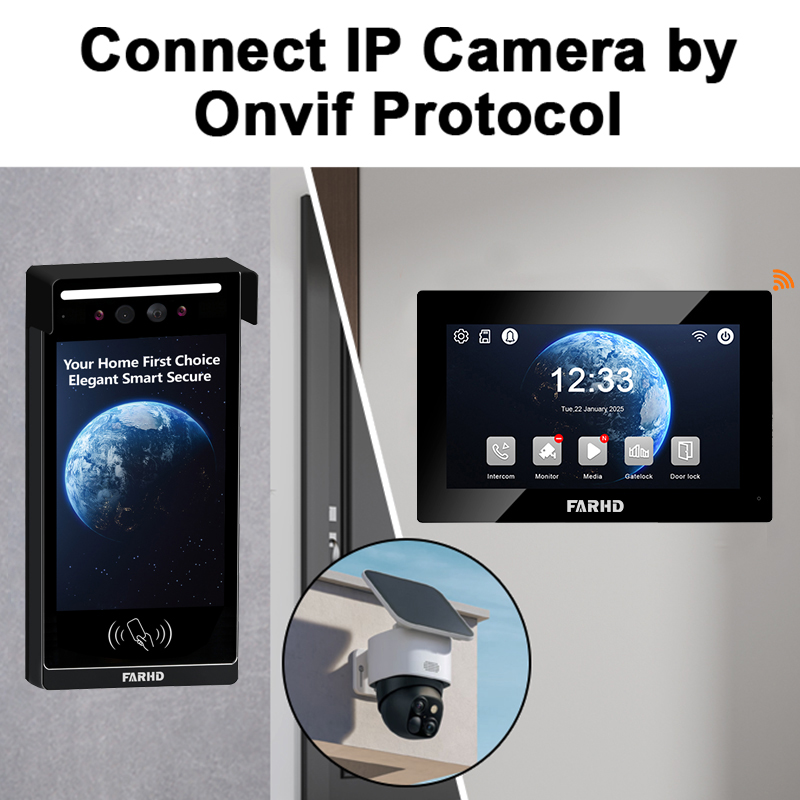
En suivant cette configuration, votre sonnette intelligente sera prête à l'emploi et pleinement intégrée à l'écosystème Tuya. Pour des systèmes de sonnettes B2B sur mesure ou des solutions OEM, les entreprises devraient envisager de s'associer à un fabricant spécialisé comme FARHD pour une intégration fluide de l'application et des capacités de production en grand volume.
4. Problèmes de connexion courants et comment les résoudre
Connecter une sonnette Tuya à l'application est généralement simple, mais les utilisateurs peuvent rencontrer des difficultés lors de la configuration. Voici les problèmes les plus courants et des solutions pratiques pour les consommateurs et les installateurs B2B gérant plusieurs appareils.
1. La sonnette n'entre pas en mode d'appairage
Symptômes :
- Pas de voyant clignotant
- Pas d'invite vocale après avoir appuyé sur le bouton de réinitialisation
Solutions :
- Assurez-vous que l'appareil est correctement alimenté (vérifiez la batterie ou l'alimentation)
- Appuyez sur le bouton de réinitialisation et maintenez-le enfoncé pendant 10 à 15 secondes complètes
- Essayez de passer de Mode EZ au Mode AP
2. L'application ne trouve pas l'appareil
Symptômes :
- L'application échoue pendant « Recherche de l'appareil »
- L'appareil n'est pas détecté après la saisie des identifiants Wi-Fi
Solutions :
- Assurez-vous que votre téléphone est sur le même Wi-Fi 2,4 GHz réseau
- Désactivez temporairement le VPN ou les paramètres de pare-feu
- Approchez le téléphone de la sonnette
- Redémarrez le routeur et réessayez
3. Signal Wi-Fi trop faible
Symptômes :
- Connexion intermittente
- Flux vidéo qui lagge ou se coupe fréquemment
Solutions :
- Utiliser un Extendeur de portée Wi-Fi près de la sonnette
- Vérifiez la force du signal à l'aide d'une application d'analyse Wi-Fi
- Déplacez votre routeur si possible
4. L'application plante ou se fige
Solutions :
- Mettez à jour l'application vers la dernière version
- Videz le cache de l'application (Android) ou réinstallez l'application
- Redémarrez votre appareil mobile
5. Échec de la mise à jour du firmware
Solutions :
- Assurez une connexion Wi-Fi stable pendant la mise à jour
- Redémarrez la sonnette et réessayez
- Contactez le support du fabricant si le problème persiste
Tableau de dépannage
| Enjeu | Cause | Solution |
|---|---|---|
| Ne s'appaire pas | Mode incorrect ou non réinitialisé correctement | Utilisez le mode AP ou réinitialisez à nouveau |
| Wi-Fi ne se connecte pas | Utilisation de 5 GHz ou signal faible | Passez à 2,4 GHz, utilisez un extendeur de portée |
| L'application ne détecte pas l'appareil | Bluetooth/Wi-Fi désactivé ou autorisations manquantes | Activez toutes les autorisations de l'application |
| Le flux vidéo ne se charge pas | Internet faible ou firmware obsolète | Vérifiez le réseau, mettez à jour le firmware |
| L'appareil se déconnecte souvent | Congestion du réseau | Attribuez une IP statique depuis le routeur |
Si vous déployez des sonnettes compatibles Tuya dans plusieurs propriétés ou bâtiments, choisir un partenaire OEM fiable comme FARHD garantit un support rationalisé et une stabilité supérieure du firmware.
5. Fonctionnalités disponibles après connexion à l'application Tuya
Une fois votre sonnette Tuya connectée avec succès, vous débloquez une suite complète de fonctionnalités de maison intelligente qui améliorent à la fois la sécurité et des commodité. Ces fonctionnalités sont particulièrement utiles pour acheteurs B2B, tels que promoteurs immobiliers, hôtelset revendeurs de maisons intelligentes, qui recherchent des solutions de sécurité connectées à l'application et évolutives.
Fonctionnalités principales de la sonnette Tuya via l'application :
🔹 Flux vidéo en direct
- Diffusion vidéo HD en temps réel
- Basculement entre vision diurne/nocturne
🔹 Audio bidirectionnel
- Parlez directement aux visiteurs depuis l'application
- Réduction du bruit pour des conversations plus claires
🔹 Détection de mouvement
- Notifications push instantanées sur votre téléphone
- Paramètres de sensibilité au mouvement ajustables
🔹 Lecture vidéo
- Accédez aux enregistrements via le cloud ou la carte SD
- Téléchargez des clips pour des preuves ou un partage
🔹 Déverrouillage à distance (si connecté à une serrure intelligente)
- Ouvrez les portes à distance pour les invités ou les livraisons
- Définissez des codes d'accès temporaires
🔹 Détection IA (sur certains modèles)
- Détection humaine qui filtre les fausses alarmes
- Détection de colis pour les livraisons
🔹 Automatisation et scènes
- Intégrez avec des lumières, serrures et capteurs compatibles Tuya
- Créez des automatisations personnalisées comme « Allumez la lumière du porche en cas de détection de mouvement »
Applications commerciales :
| 📦 Cas d'utilisation par secteur | Cas d'utilisation |
|---|---|
| Gestion immobilière | Surveillez les entrées de bâtiments depuis un bureau central |
| L'hospitalité | Accueillez les invités et fournissez un enregistrement numérique |
| Immobilier | Renforcez la sécurité des maisons témoins ou des propriétés vacantes |
| ID: Chaînes de vente au détail | Gérez les livraisons dans plusieurs vitrines à distance |
| Intégrateurs de maisons intelligentes | Associez avec d'autres produits compatibles Tuya pour un système complet |
Options de stockage cloud vs local :
| Type de stockage | Description | Avantages | Inconvénients |
|---|---|---|---|
| Cloud | Stockage basé sur abonnement sur les serveurs Tuya | Accès à distance, sauvegardes sécurisées | Peut nécessiter un frais mensuel |
| Local | Utilise une carte microSD à l'intérieur de l'appareil | Coût unique, pas d'abonnement | Stockage limité, risque de dommage |
Pour les entreprises qui souhaitent personnaliser l'interface de l'application, des solutions white-label sont disponibles auprès de partenaires OEM comme FARHD.
6. Intégration de la sonnette Tuya avec Alexa et Google Home
Pour améliorer le contrôle vocal et la compatibilité avec la maison intelligente, les sonnettes Tuya peuvent être intégrées à Amazon Alexa et des Google Assistant. Cela facilite la gestion de votre sonnette intelligente via des commandes vocales ou l'affichage des flux sur des écrans intelligents.
Intégration Amazon Alexa
Fonctionnalités prises en charge :
- Affichage vidéo sur Echo Show
- Notifications vocales quand quelqu'un sonne
- Visualisez le flux en direct via l'application Alexa
Étapes de configuration :
- Ouvrez l' Application Alexa
- Allez à Compétences et jeux
- Recherchez « Tuya » ou “Smart Life”
- Activez la compétence et connectez-vous avec votre compte Tuya
- Appuyez sur Découvrez les appareils
Intégration Google Home
Fonctionnalités prises en charge :
- Diffusez la vidéo sur Nest Hub ou des appareils compatibles Chromecast
- Annonces vocales (nécessite une configuration de routine)
Étapes de configuration :
- Ouvrez l' Application Google Home
- Appuyez sur + Ajouter > Configurer un appareil
- Choisissez Fonctionne avec Google
- Recherchez et sélectionnez La vie intelligente
- Connectez-vous et synchronisez les appareils
Commandes vocales à essayer :
| Assistant | Exemple de commande |
|---|---|
| Alexa | « Alexa, montre-moi la caméra de la porte d'entrée. » |
| « Hé Google, affiche la porte d'entrée sur la TV. » |
Ces intégrations sont particulièrement avantageuses pour revendeurs de maisons intelligentes et des les distributeurs cherchant à proposer des packages tout-en-un qui fonctionnent de manière fluide avec les écosystèmes existants.
Pour les intégrateurs ou entreprises nécessitant des solutions entièrement marquées et compatibles Tuya, FARHD propose des une prise en charge OEM/ODM avancés avec une compatibilité intégrée et une personnalisation du firmware. Vous pouvez explorer ces offres via leur page des services OEM/ODM.

7. Meilleures sonnettes intelligentes compatibles Tuya pour les entreprises
Lors de l'approvisionnement en sonnettes vidéo intelligentes compatibles avec la plateforme Tuya, en particulier pour des achats en gros ou des déploiements à grande échelle, il est essentiel de sélectionner des modèles offrant une fiabilité élevée, une intégration facile à l'applicationet un potentiel de personnalisation.
Voici une liste sélectionnée des meilleures sonnettes intelligentes compatibles Tuya adaptées pour acheteurs B2B, les gestionnaires immobilierset les distributeurs en gros.
🏆 Meilleures sonnettes intelligentes compatibles Tuya pour un usage B2B
| Marque/Modèle | Qualité de la caméra | Type d’alimentation | Stockage | Idéal pour |
|---|---|---|---|---|
| Série de villas à 4 fils FARHD | 1080p HD | Filaire + POE | SD et cloud | Villas, communautés fermées, projets sur mesure |
| Sonnette OEM Tuya générique | 720p – 1080p | Batterie | Cloud uniquement | Installations économiques, propriétés locatives |
| Eken V7 édition Tuya | 1080p HD | Rechargeable | SD et cloud | Sonnette intelligente d'entrée de gamme pour commandes en gros |
| Kit multi-appartements FARHD | 1080p HD | Filaire | Intégration NVR | Immeubles multi-unités et blocs d'appartements |
| Sonnette intelligente AI OEM | 1080p + IA | Filaire/Batterie | Cloud (IA) | Détection basée sur l'IA pour les ensembles de maison intelligente |
Pourquoi FARHD se démarque pour les acheteurs B2B
Si vous êtes grossiste, distributeur ou intégrateur de systèmes à la recherche de sonnettes vidéo compatibles Tuya de haute qualité, FARHD devrait être votre première considération en Chine. Voici pourquoi :
✔️ Services OEM/ODM intégrés
- Contrôle total de la fabrication, de l'écran LCD aux unités complètes de sonnette
- Firmware personnalisé et modules prêts pour Tuya pour un appariement fluide avec l'application
✔️ Conçu pour l'évolutivité
- 13 lignes de production dans une usine de 5 500 m²
- Plus de 260 employés qualifiés garantissent une qualité constante et des délais rapides
✔️ Certifications mondiales
- ISO 9001, CE, FCC, ROHS, SGS
- Approuvé par les plus grandes marques en Italie, Corée et Turquie
✔️ Solutions éprouvées sur le marché
- Systèmes filaires haut de gamme pour villas et appartements
- Sonnettes vidéo IA avec API évolutives pour les plateformes de maison intelligente
Par exemple, le Série de villas à 4 fils FARHD s'intègre directement à Tuya et offre une image de marque personnalisée, connectivité NVRet protocoles de sécurité avancés, ce qui en fait une solution idéale pour les promoteurs immobiliers et les détaillants de maison intelligente.
8. Opportunités B2B : Vente en gros et OEM de sonnettes intelligentes compatibles Tuya
Le marché mondial des sonnettes intelligentes connaît une croissance rapide, stimulée par les initiatives de villes intelligentes et la demande croissante des consommateurs pour des dispositifs de sécurité compatibles IoT. Cela représente une opportunité idéale pour acheteurs B2B, les propriétaires de marqueset les distributeurs d'entrer sur le marché avec des solutions alimentées par Tuya.
Qui devrait envisager des partenariats B2B pour les sonnettes Tuya ?
- 🔹 Marques de maison intelligente (à la recherche d'options de marque privée ou de marque blanche)
- 🔹 Promoteurs immobiliers (installations en vrac dans les communautés)
- 🔹 Intégrateurs de systèmes de sécurité
- 🔹 Chaînes de détail (proposant des gammes de sonnettes intelligentes de marque)
- 🔹 Vendeurs e-commerce (Amazon/FBA, Shopify, etc.)
Avantages du choix de sonnettes compatibles Tuya pour le B2B :
| Avantage | Description |
|---|---|
| Temps de mise sur le marché rapide | La plateforme Tuya existante raccourcit les cycles de développement |
| Écosystème d'applications | Compatible avec des milliers de dispositifs de maison intelligente Tuya |
| Infrastructure cloud | Support cloud mondial avec calcul en périphérie et alertes en temps réel |
| Marque personnalisée | Marque privée et personnalisation de l'interface utilisateur via des partenaires OEM/ODM comme FARHD |
| Déploiement évolutif | Idéal pour gérer des centaines à des milliers d'unités à travers différents sites |
Pourquoi FARHD est le principal OEM de sonnettes Tuya en Chine
FARHD est un leader dans la fabrication OEM/ODM de systèmes de vidéo interphone depuis 1998. Grâce à son système de production verticalement intégré et à une équipe R&D solide, il est idéalement positionné pour aider les clients B2B à s'étoffer efficacement.
Les services OEM/ODM FARHD comprennent :
- Conception et branding personnalisés de sonnettes Tuya
- Développement de firmware adapté au cloud Tuya
- Intégration avec les systèmes de contrôle d'accès et d'ascenseur
- Support logistique pour l'expédition internationale
📌 En savoir plus sur l'offre OEM complète de FARHD sur leur page Fabrication OEM/ODM
9. Foire aux questions (FAQ)
Q1 : Les sonnettes Tuya fonctionnent-elles sans Wi-Fi ?
Réponse : Non. Les sonnettes vidéo Tuya nécessitent une connexion Wi-Fi 2,4 GHz pour l'accès à distance, les notifications et les services cloud. Sans Wi-Fi, elles ne peuvent pas se connecter à l'application ni transmettre de vidéo.
Q2 : L'application Tuya Smart est-elle gratuite ?
Réponse : Oui, l'application Tuya Smart est gratuite. Cependant, certaines fonctionnalités comme le stockage cloud peuvent nécessiter un abonnement payant, selon le modèle et le fabricant.
Q3 : Puis-je utiliser l'application Smart Life au lieu de Tuya Smart ?
Réponse : Oui. Les deux applications sont développées par Tuya et compatibles avec les dispositifs basés sur Tuya. Choisissez-en une en fonction de votre région ou de vos préférences en matière d'écosystème.
Q4 : Comment réinitialiser ma sonnette Tuya ?
Réponse : La plupart des sonnettes Tuya disposent d'un petit bouton de réinitialisation. Appuyez dessus et maintenez-le enfoncé pendant 5 à 10 secondes jusqu'à ce que la LED commence à clignoter ou qu'un message vocal indique le mode d'appariement.
Q5 : Les sonnettes Tuya peuvent-elles être intégrées dans un système de maison intelligente ?
Réponse : Absolument. Les sonnettes Tuya s'intègrent avec Amazon Alexa, Google Assistant, et d'autres dispositifs basés sur Tuya pour une automatisation complète, comme l'éclairage, les serrures et les capteurs.
Q6 : Où puis-je acheter des sonnettes compatibles Tuya en gros ?
Réponse : Pour la vente en gros, OEM ou des solutions personnalisées de sonnettes Tuya, FARHD est un fabricant de premier plan en Chine offrant un support complet du design à la livraison.
Q7 : Y a-t-il des sonnettes Tuya avec détection IA ?
Réponse : Oui. Certains modèles avancés compatibles Tuya incluent Caractéristiques de l'IA comme la détection humaine, la reconnaissance de colis et les alertes faciales. Des partenaires OEM comme FARHD proposent des intégrations IA personnalisables pour un usage professionnel.
Q8 : Puis-je obtenir une sonnette Tuya en marque privée ?
Réponse : Oui. De nombreux fabricants, en particulier FARHD, offrent services de marque privée, vous permettant de marquer le matériel, de personnaliser l'emballage et même de modifier les interfaces d'application.
Réflexions finales et appel à l'action
La configuration d'une sonnette intelligente Tuya est simple et puissante, offrant une solution moderne pour les maisons et les propriétés commerciales. Pour les entreprises, la combinaison de l'infrastructure cloud de Tuya et des la fabrication OEM/ODM de FARHD offre une opportunité inégalée pour s'étoffer sur le marché de la sécurité intelligente.
🔹 À la recherche de sonnettes compatibles Tuya fiables, personnalisables et évolutives ?
👉 Partenairez avec FARHD — un leader mondial en systèmes complets de sonnettes vidéo et solutions OEM/ODM.
📩 Prêt à discuter des prix en gros ou des solutions personnalisées pour votre marque ?
👉 Contacter FARHD contactez-nous dès aujourd'hui pour démarrer avec des systèmes de sonnettes intelligentes Tuya adaptés à votre entreprise.
Vous pourriez également être intéressé par
-
FARHD: Your 28-Year Source Factory for Video Door Phone Intercoms
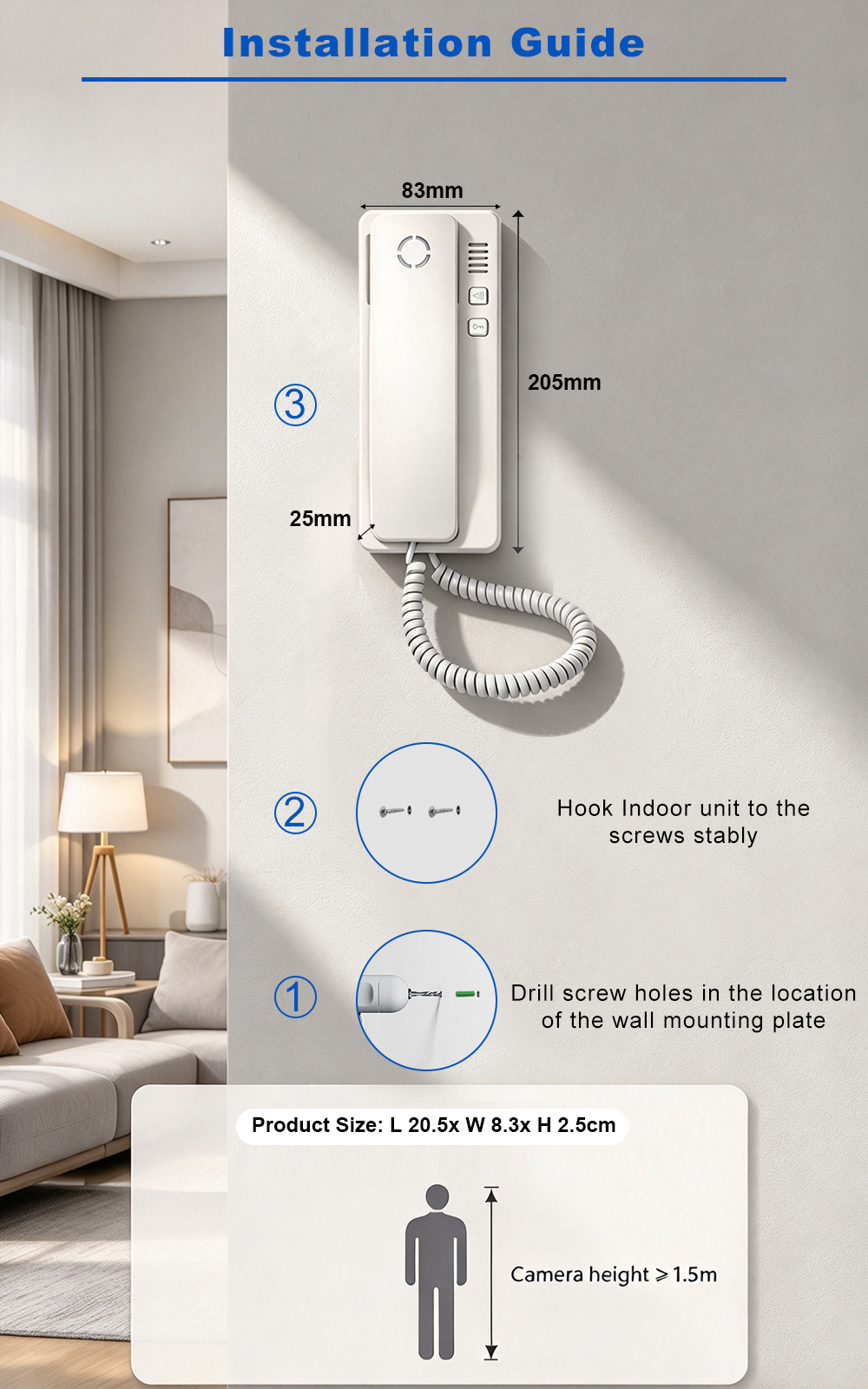
When you choose a video door phone intercom supplier, you are not just buying a product—you are choosing the factory behind it. FARHD has been a source manufacturer since 1998, with over 28 years of experience in video intercom and access control. From villa kits to apartment intercoms, we deliver reliable, customizable, and Tuya-compatible solutions…
-
FARHD Source Factory: Your Trusted Partner for Video Intercom and Access Control Solutions
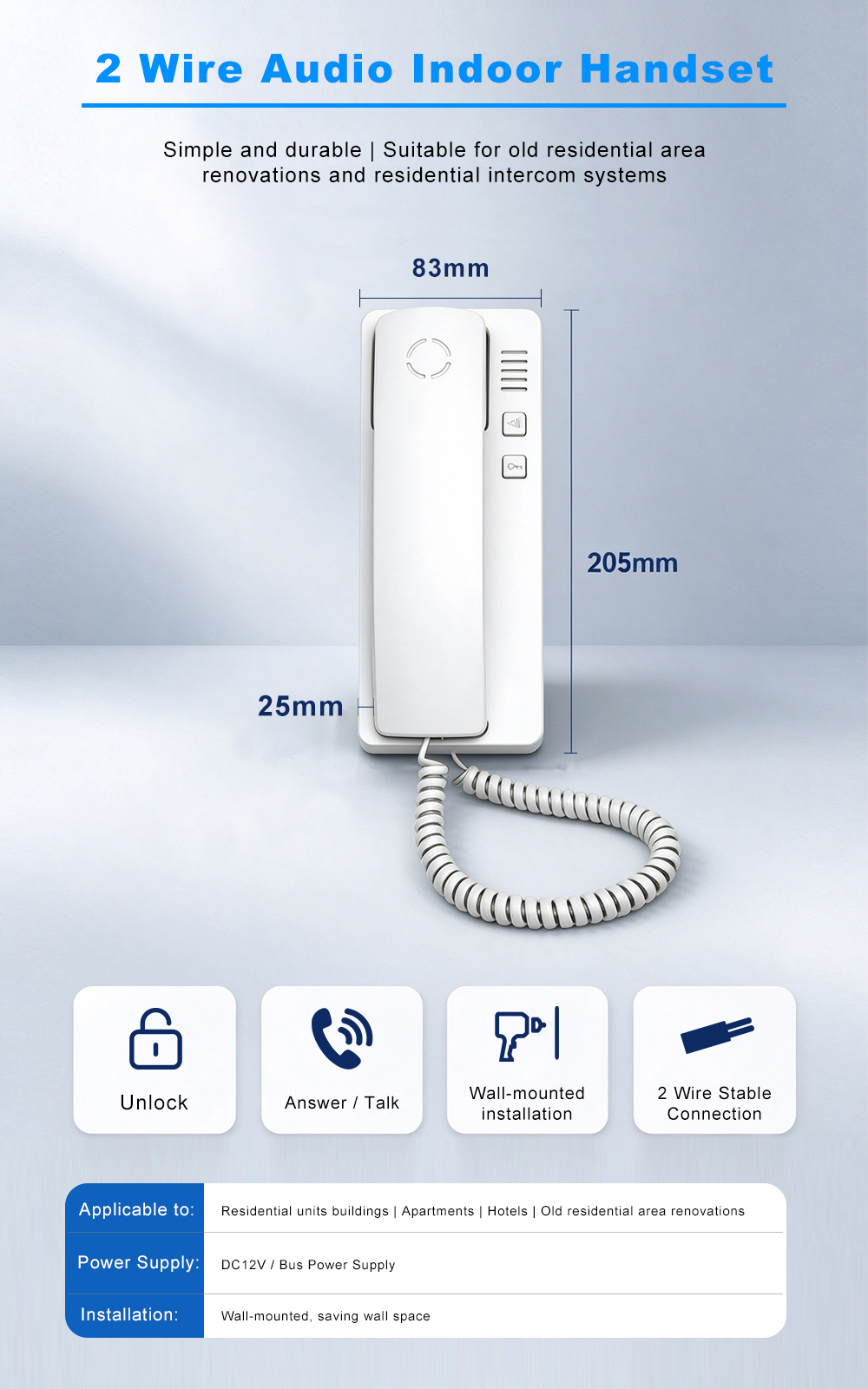
When you choose a manufacturing partner for video intercom and access control systems, you are not just buying products—you are investing in quality, reliability, and long-term support. FARHD has been a source factory since 1998, and today we serve clients in over 100 countries worldwide. With strict quality inspection, in-house production, independent R&D, and full…
-
2-Wire Video Door Phone Connection with Electric Rim Lock: Unlock by Card, Indoor Monitor, and App
A complete guide to wiring an electric rim lock to a FARHD 2-wire video door phone system—and configuring three convenient unlock methods: RFID card, indoor monitor, and mobile app. Whether you are upgrading an existing building or specifying a new system, this guide covers the essentials for reliable, secure access control. Electric rim locks are…
-

Video Intercom Manufacturer & Source Factory Since 1998 | OEM ODM SKD Building Intercom
Video Intercom Manufacturer & Vertical Source Factory in China FARHD is a professional video intercom manufacturer with over 28 years of specialized experience in building security intercom systems. Established in 1998, we are a genuine building intercom factory focused on independent R&D, in-house production, and customized manufacturing for global B2B clients, including distributors, importers, engineering contractors, real estate…



