
How to Install a Video Intercom in an Apartment: A Step-by-Step Guide
21 January, 2026
Share This Article
1. Understanding Video Intercom Systems for Apartments
What is a Video Intercom System?
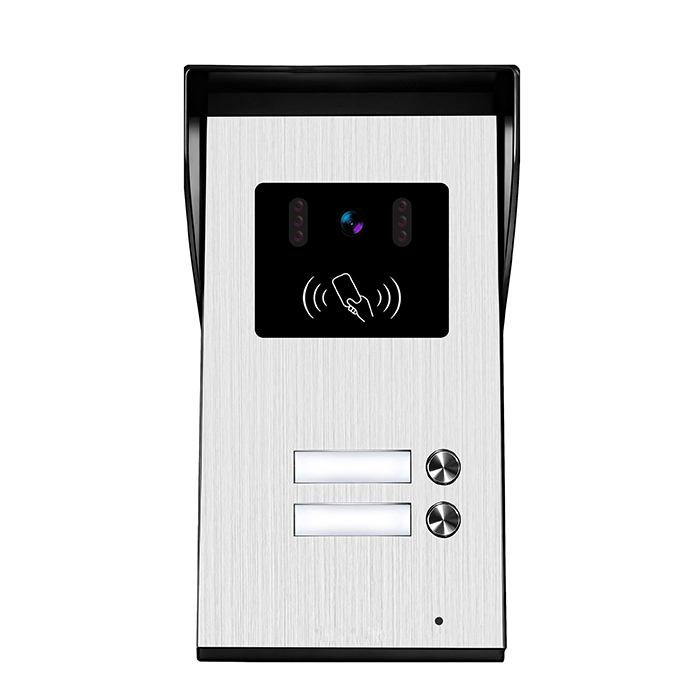
A video intercom system allows two-way audio and video communication between a resident and a visitor at the apartment entrance. It enhances access control, security, and convenience for multi-unit buildings.
Types of Video Intercoms for Apartments
| Type | Description |
|---|---|
| Wired Video Intercom | Traditional system using cables for audio/video transmission. |
| Wireless Video Intercom | Uses Wi-Fi or RF signals for communication. Easier to install. |
| IP-Based Intercom System | Connects via the internet. Allows remote access via smartphone apps. |
| Multi-tenant Intercom | Designed for apartment complexes with multiple units and shared entrances. |
How It Works
- Visitor presses the call button at the door panel.
- The indoor monitor in the apartment rings.
- Video from the door camera appears on the screen.
- Resident can talk to the visitor and unlock the door remotely.
High-Intent Keywords Integrated:
- apartment intercom installation
- video intercom system for apartments
- multi-tenant video intercom
- smart apartment security system
2. Key Benefits of Installing a Video Intercom in Apartments
Installing a smart video intercom system in an apartment offers numerous advantages for both residents and property managers.
Benefits for Residents
- Enhanced Security: Visual verification of visitors before granting access.
- Remote Access: Control the intercom from anywhere via mobile app.
- Convenience: Communicate with delivery personnel or guests remotely.
- Integration: Many systems integrate with smart locks and home automation.
Benefits for Property Owners & Managers
- Scalable Access Control: Manage multiple apartments from a central system.
- Reduced Staff Costs: No need for full-time doormen or security at entrances.
- Value-Added Amenity: Attract tenants with modern security features.
- Maintenance Logs: Digital records of access and visitor logs.
B2B Focus: For Apartment Developers & Installers
If you’re a property developer, real estate manager, or security system integrator, adding a video intercom system can:
- Boost property value
- Improve tenant retention
- Reduce building liability
- Offer a competitive edge with smart amenities
3. Tools and Materials Needed for Video Intercom Installation
Before starting the installation, gather the necessary tools and components. The setup differs slightly between wired and wireless systems.
Essential Tools
| Tool | Purpose |
|---|---|
| Screwdrivers (flat & Phillips) | Mounting panels and terminals |
| Power Drill | Creating holes for cabling or brackets |
| Cable Stripper | Preparing wires for connection |
| Multimeter | Checking voltage and wire continuity |
| Ladder | Accessing door frame or wall mount areas |
| Network Crimping Tool (IP) | Cable preparation for IP-based systems |
Materials & Components
| Component | Description |
|---|---|
| Outdoor Door Station | Equipped with camera, mic, speaker, and call button |
| Indoor Monitor Panel | Screen for viewing, interaction, and unlocking door |
| Power Adapter or POE Injector | Supplies power to both indoor and outdoor units |
| Mounting Brackets | For securing the units to walls or surfaces |
| Cables (Cat5e, Cat6, or 4-wire) | Required for wired systems (depends on system type) |
| Electric Door Lock (optional) | For remote unlocking of the entrance door |
| Screws and Anchors | For mounting units securely |
Optional Add-Ons
- Mobile App Access
- Integration with Alexa/Google Home
- Motion Detection Sensors
- Cloud Storage or SD Card Recording
Tip: If you’re sourcing video intercom systems in bulk for installation projects, choose OEM/ODM suppliers that offer complete kits and technical support.
🔗 Explore complete intercom solution kits from FARHD’s product catalog
4. Step-by-Step Installation Guide for Apartment Video Intercom Systems
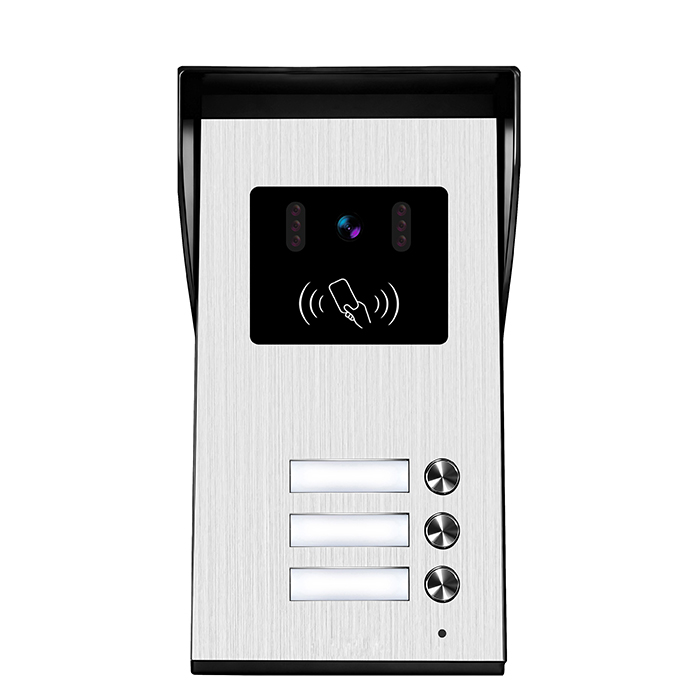
Installing a video intercom in an apartment involves careful planning, especially when dealing with multi-tenant buildings. Whether you’re a property manager, installer, or building developer, this step-by-step guide walks you through both basic single-unit setups and complex multi-unit configurations.
Pre-Installation Checklist
Before installation, ensure the following:
- Assess the type of intercom system (wired, wireless, or IP-based)
- Determine the number of indoor units and outdoor stations
- Ensure power and internet connectivity (for IP or app-enabled systems)
- Identify placement points for indoor monitors and outdoor panels
Step-by-Step Installation Process
A. Installing the Outdoor Door Station
- Choose a Strategic Location
- Install at eye level near the main entrance
- Ensure it’s sheltered from direct rain or sunlight
- Mount the Bracket
- Use a power drill to create mounting holes
- Fix the bracket with anchors and screws
- Connect Wiring (Wired/IP)
- For wired: Connect 4-wire or Cat5e cable (power, audio, video, unlock)
- For wireless: Ensure stable Wi-Fi access and pair the device
- Test the Door Station
- Power it up and ensure camera and microphone function properly
B. Installing the Indoor Monitor
- Choose an Accessible Location
- Typically installed near the entrance door inside the apartment
- Mount the Monitor
- Drill holes and secure the mounting bracket
- Connect wiring or pair via Wi-Fi for wireless models
- Power Supply
- Use a dedicated power adapter or connect via POE switch (for IP)
- Test Monitor Functionality
- Ensure you can hear, see, and communicate with the outdoor unit
C. Connect Optional Devices
- Electric Door Lock
- Connect to the system for remote unlocking
- Wi-Fi Router or Switch
- For IP intercoms, ensure stable internet connection
- Mobile App
- Download the corresponding app and sync with the system
Installation Diagram (Text-Based)
[Outdoor Door Station]---(Wired/Wi-Fi)---[Indoor Monitor]---(Optional)---[Electric Door Lock]
                                             |
                                             +---[Mobile App Access]
Installation Tips for B2B Installers
- Use standardized wiring (Cat5e/Cat6) for future upgrades
- Label all cables during installation to avoid confusion
- Use trunking or cable conduits for a clean, professional finish
- Document the installation process for client handover
🔗 Need a fully integrated intercom system for apartment buildings? Check out FARHD’s OEM/ODM services for tailored installation kits and global support.
5. Wired vs Wireless Video Intercom: Which One to Choose?
Choosing between a wired or wireless video intercom system depends on factors like building structure, budget, and scalability. Below is a comparison to help you make the right decision for your apartment installation.
Comparison Table: Wired vs Wireless Intercom Systems
| Feature | Wired Intercom | Wireless Intercom |
|---|---|---|
| Installation | Requires drilling, cabling, and structured setup | Easier, minimal drilling, uses Wi-Fi |
| Signal Stability | Highly stable, unaffected by interference | Can suffer from Wi-Fi signal drops |
| Scalability | Excellent for multi-unit buildings | Limited range; not ideal for large complexes |
| Maintenance | Low once installed | Requires regular firmware and app updates |
| Security | More secure, less prone to hacking | Depends on Wi-Fi encryption |
| Cost | Medium to high (installation cost) | Low to medium (easy DIY setup) |
| Integration | More flexible with access control systems | Easily integrates with smartphones |
Best Use Cases
- Wired Systems
- Large apartment complexes with 10+ units
- Long-term projects with professional installation teams
- Properties requiring high security and minimal interference
- Wireless Systems
- Small buildings or individual apartment units
- Retrofit installations where wiring is difficult
- Budget-friendly smart home upgrades
B2B Considerations
For distributors, contractors, and real estate developers, it’s important to stock both types of systems to cater to different project needs. Partnering with a flexible OEM like FARHD ensures your catalog includes both wired and wireless intercom options with customization capabilities.
🔗 Learn more about FARHD’s product solutions for wired and wireless intercom systems
6. Choosing the Right Video Intercom System for Your Apartment Complex
Selecting the right intercom system involves evaluating both technical and operational needs. Whether you’re a security installer, property manager, or wholesaler, here’s how to make an informed decision.
Key Factors to Consider
- Building Size and Layout
- Larger complexes require scalable, multi-zone systems
- Consider wiring feasibility for older buildings
- Number of Units
- Choose multi-tenant systems with directory functions
- Ensure each unit has a dedicated indoor monitor
- Connectivity Requirements
- IP-based systems offer remote access and app integration
- Wired systems offer reliable performance without internet
- Security Needs
- Look for encryption, secure data storage, and tamper-proof panels
- Consider access logs and visitor history tracking
- Tenant Preferences
- Younger tenants prefer app-enabled features and smart integration
- Elderly tenants may prefer simple, button-based interfaces
Recommended System Features
- HD Camera with Night Vision
- Two-Way Audio
- Remote Unlocking
- Mobile App Access
- Motion Detection Alerts
- Durable Outdoor Panel (IP65 or higher)
B2B Decision Matrix
| Project Type | Recommended System | Notes |
|---|---|---|
| Small Apartment (1-4 units) | Wireless IP Video Intercom | Cost-effective, easy to install |
| Mid-size Building (5-20 units) | Wired Multi-tenant System | Stable and scalable |
| Large Complex (20+ units) | IP-Based w/ Centralized Management | Supports remote access and system control |
Choose FARHD for Quality and Customization
Shenzhen FARHD Tech Co., Ltd. provides a full range of video intercom solutions tailored for apartment projects. With vertical integration from component to finished product, FARHD offers:
- Custom branding and OEM/ODM services
- Global support and fast production cycles
- Compliance with CE, FCC, ROHS certifications
- Smart home integration and mobile app compatibility
🔗 Discover why leading brands trust FARHD by visiting the About Us page
Keywords Integrated:
- apartment intercom system supplier
- smart intercom features
- multi-unit intercom system
- customizable intercom manufacturer
7. Common Installation Mistakes and How to Avoid Them
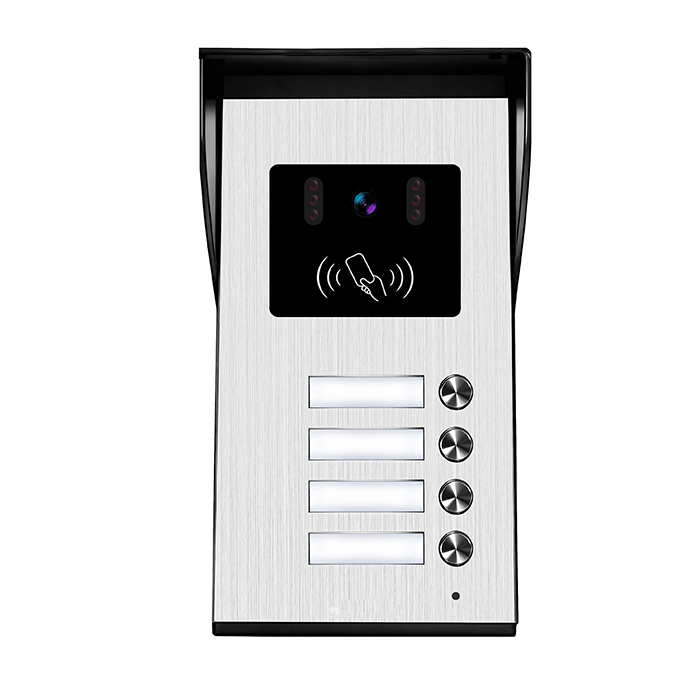
Even the most advanced video intercom systems can underperform if installation isn’t handled properly. Whether you’re a B2B buyer, installer, or property developer, avoiding these common installation mistakes is crucial to delivering a reliable, long-lasting intercom solution for apartment buildings.
❗ Top 7 Installation Mistakes
- Incorrect Mounting Height
- Mounting the outdoor camera too high or too low can affect visibility.
- ✅ Solution: Position at eye level (about 1.5 meters from the ground).
- Poor Wi-Fi Signal for Wireless Systems
- Weak or unstable Wi-Fi leads to connectivity issues and delayed alerts.
- ✅ Solution: Use a Wi-Fi extender or choose a wired system for stability.
- Inadequate Power Supply
- Not using the specified voltage or sharing power across multiple units can lead to system failure.
- ✅ Solution: Always use dedicated adapters or POE injectors as per manufacturer specs.
- Lack of Surge Protection
- Electrical surges can damage delicate intercom electronics.
- ✅ Solution: Install a surge protector, especially in areas prone to lightning or grid fluctuations.
- Improper Cable Management
- Tangled or unshielded cables can lead to signal interference and maintenance issues.
- ✅ Solution: Use conduits or cable trunking and label all wires for future servicing.
- Skipping System Testing
- Failing to test audio, video, and unlocking features before completing installation.
- ✅ Solution: Conduct a full system test with a checklist before finalizing.
- Neglecting User Training
- Tenants may not know how to use mobile apps or smart features.
- ✅ Solution: Provide user manuals and basic training during handover.
B2B Tip: Offer Installation + Training Packages
If you’re a reseller or systems integrator, consider bundling your video intercom products with professional installation services and post-installation training. This not only increases your value proposition but also reduces maintenance calls and user complaints.
🔗 Need a complete project partner? FARHD offers full support from product delivery to technical support — perfect for system integrators and property managers. Contact our team for more details.
8. Where to Buy Wholesale Video Intercom Systems for Apartments (B2B Focus)
If you’re a distributor, installer, or real estate developer, sourcing your video intercom systems from a reliable wholesale supplier is key to long-term success. Here’s how to choose the right B2B partner and why FARHD stands out in the global market.
Key Criteria for Selecting a Wholesale Video Intercom Supplier
| Criteria | Why It Matters |
|---|---|
| OEM/ODM Capability | Enables you to sell under your own brand or customize features |
| In-House Production | Ensures better quality control and faster delivery |
| Global Compliance | CE, FCC, ROHS certifications ensure product safety |
| Technical Support | Critical for installation, troubleshooting & upgrades |
| Scalability | Supplier should handle small and bulk orders alike |
| Smart Integration Features | Cloud, app access, Alexa/Google integration for modern usage |
Top Wholesale & OEM Video Intercom Suppliers
🇨🇳 China – FARHD (Shenzhen FARHD Tech Co., Ltd.)
- What Sets Them Apart:
- Over 25 years of R&D in LCD, camera, and intercom technologies
- Full vertical integration: from display modules to complete intercom systems
- 13 production lines in a 5,500㎡ facility
- Trusted by brands in Italy, Korea, Turkey, and beyond
- Supports OEM, ODM, and private label projects
- Provides software customization, app integration, and white-label branding
- Ideal For:
- Apartment video intercom wholesale
- Custom intercom system development
- High-volume distributors and developers
🔗 Explore FARHD’s wholesale solutions for apartments: Visit the Wholesale Product Page
🇺🇸 USA – Aiphone
- Known for high-quality, UL-listed apartment intercom systems
- Good for medium-sized projects with certified installers
- Less flexibility in OEM/ODM customization
🇪🇺 Europe – Urmet
- Italy-based supplier with extensive experience in multi-tenant systems
- Strong in EU markets, but pricing is typically higher
Why FARHD Is the Ideal B2B Partner
- Custom Branding: Launch your own intercom brand with full design support
- After-Sales Support: Global tech assistance and on-site service options
- App Integration: Ready-made mobile app, or SDK for your own development
- Factory-Direct Pricing: Competitive rates with no middleman markups
Keywords Integrated:
- video intercom wholesale supplier
- apartment intercom OEM manufacturer
- smart intercom B2B distributor
- private label intercom system
9. FAQ: Installing and Maintaining Apartment Video Intercoms
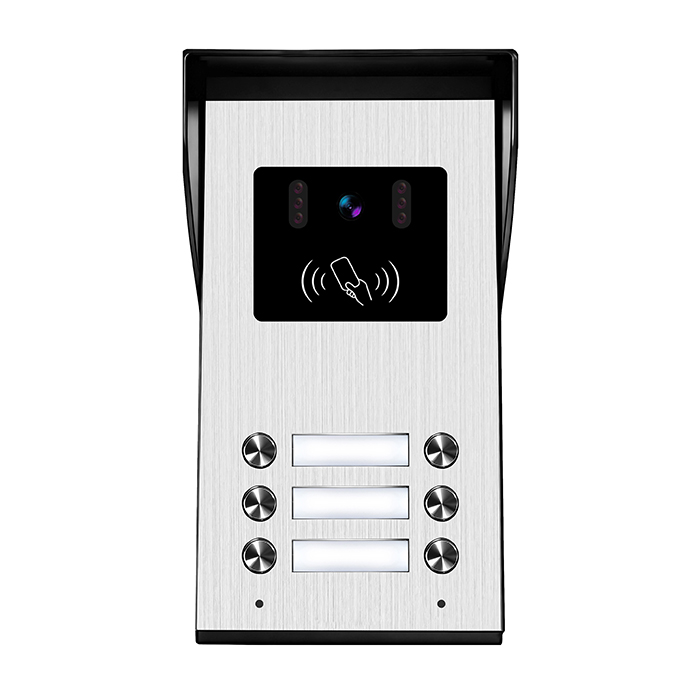
Here are answers to the most frequently asked questions from property managers, installers, and wholesale buyers.
Q1: Can I install a video intercom system in an old apartment building?
Yes. Wireless or IP-based systems are ideal for retrofitting older buildings where running new wires is difficult. Choose a system with strong Wi-Fi or use POE if internet cabling is feasible.
Q2: How many units can be connected to one intercom system?
That depends on the model. Some multi-tenant systems support up to 200+ indoor monitors. For large buildings, choose modular systems with centralized management.
Q3: What’s the best intercom system for an apartment complex?
Look for systems with:
- Multi-user support
- App access
- Secure access control (RFID, PIN, or face recognition)
- High-res video and night vision
🔗 Consider FARHD’s feature-rich intercom systems for your next project: View Smart Intercom Options
Q4: How often should I update the system or firmware?
- For smart intercoms: check for firmware updates every 3-6 months
- For wired systems: typically only need updates during system upgrades
Q5: How do I get support after installation?
Choose a supplier like FARHD that offers:
- Remote troubleshooting
- Technical documentation
- Customer service via email, phone, and chat
- Optional on-site support for large projects
Q6: Can I buy intercoms in bulk and customize branding?
Absolutely. FARHD provides full OEM/ODM services, including:
- Custom logos on hardware
- Tailored user interface for touch screens
- Custom mobile apps or SDKs for integration
🔗 Interested in a custom intercom solution? Talk to FARHD today
✅ Final Thoughts
Installing a video intercom in an apartment building is more than just a tech upgrade — it’s a security investment and a smart amenity for modern living. Whether you’re a property manager upgrading a small complex or a B2B buyer sourcing systems for hundreds of units, the key is choosing the right system and the right supplier.
By partnering with a trusted OEM like FARHD, you gain access to:
- End-to-end manufacturing
- Custom branding
- Global compliance and support
📌 Ready to upgrade your apartment security or launch your own intercom brand?
Explore FARHD’s full range of OEM/ODM services and get in touch for a free consultation.
🛠️ Need help with your next project?
📞 Contact FARHD for bulk quotes, custom designs, and technical support:
👉 Reach Out Now
You may also Interest
-
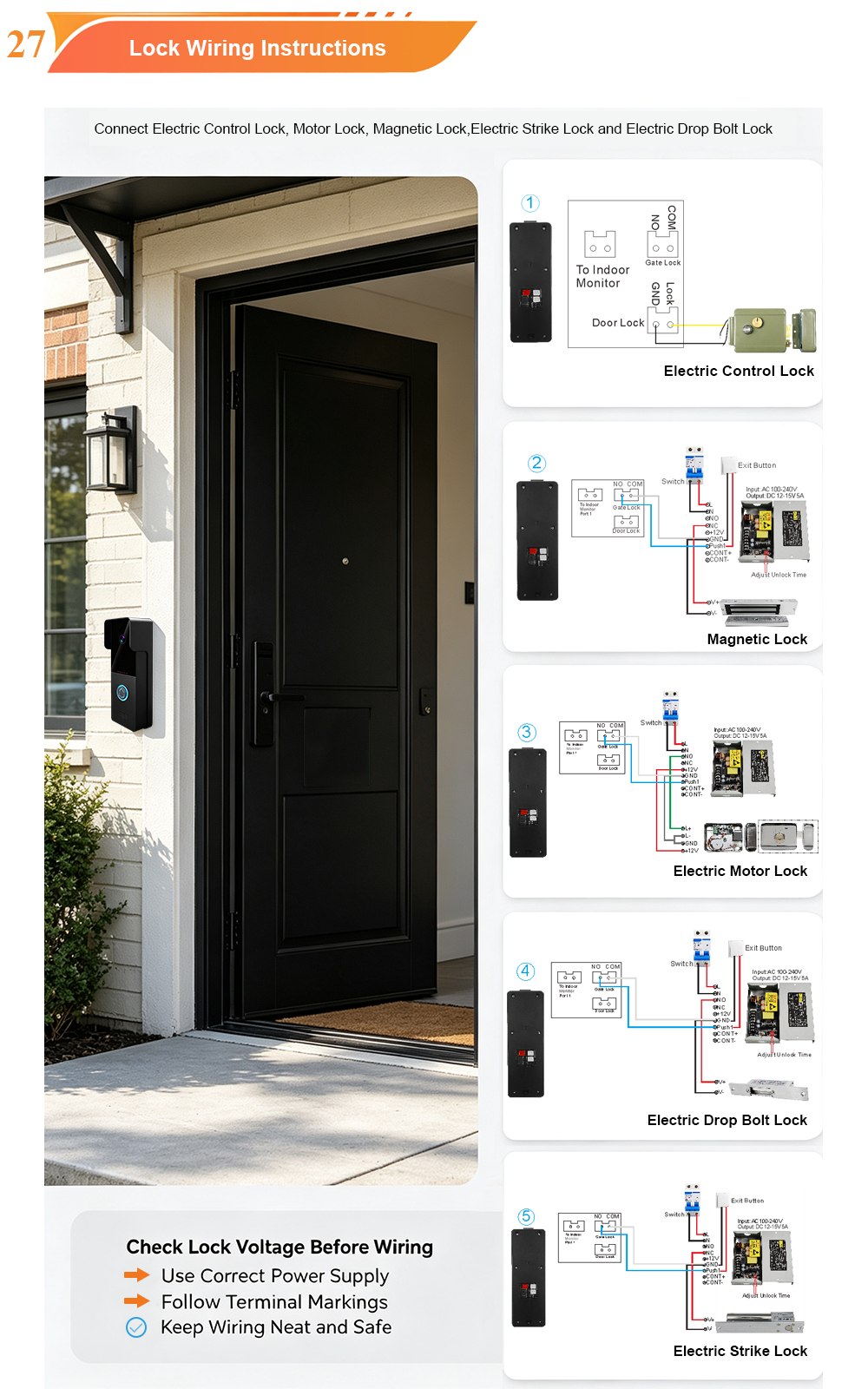
2-Wire Video Door Phone Connection with Electric Rim Lock: Unlock by Card, Indoor Monitor, and App
A complete guide to wiring an electric rim lock to a FARHD 2-wire video door phone system—and configuring three convenient unlock methods: RFID card, indoor monitor, and mobile app. Whether you are upgrading an existing building or specifying a new system, this guide covers the essentials for reliable, secure access control. Electric rim locks are…
-

Video Intercom Manufacturer & Source Factory Since 1998 | OEM ODM SKD Building Intercom
Video Intercom Manufacturer & Vertical Source Factory in China FARHD is a professional video intercom manufacturer with over 28 years of specialized experience in building security intercom systems. Established in 1998, we are a genuine building intercom factory focused on independent R&D, in-house production, and customized manufacturing for global B2B clients, including distributors, importers, engineering contractors, real estate…
-
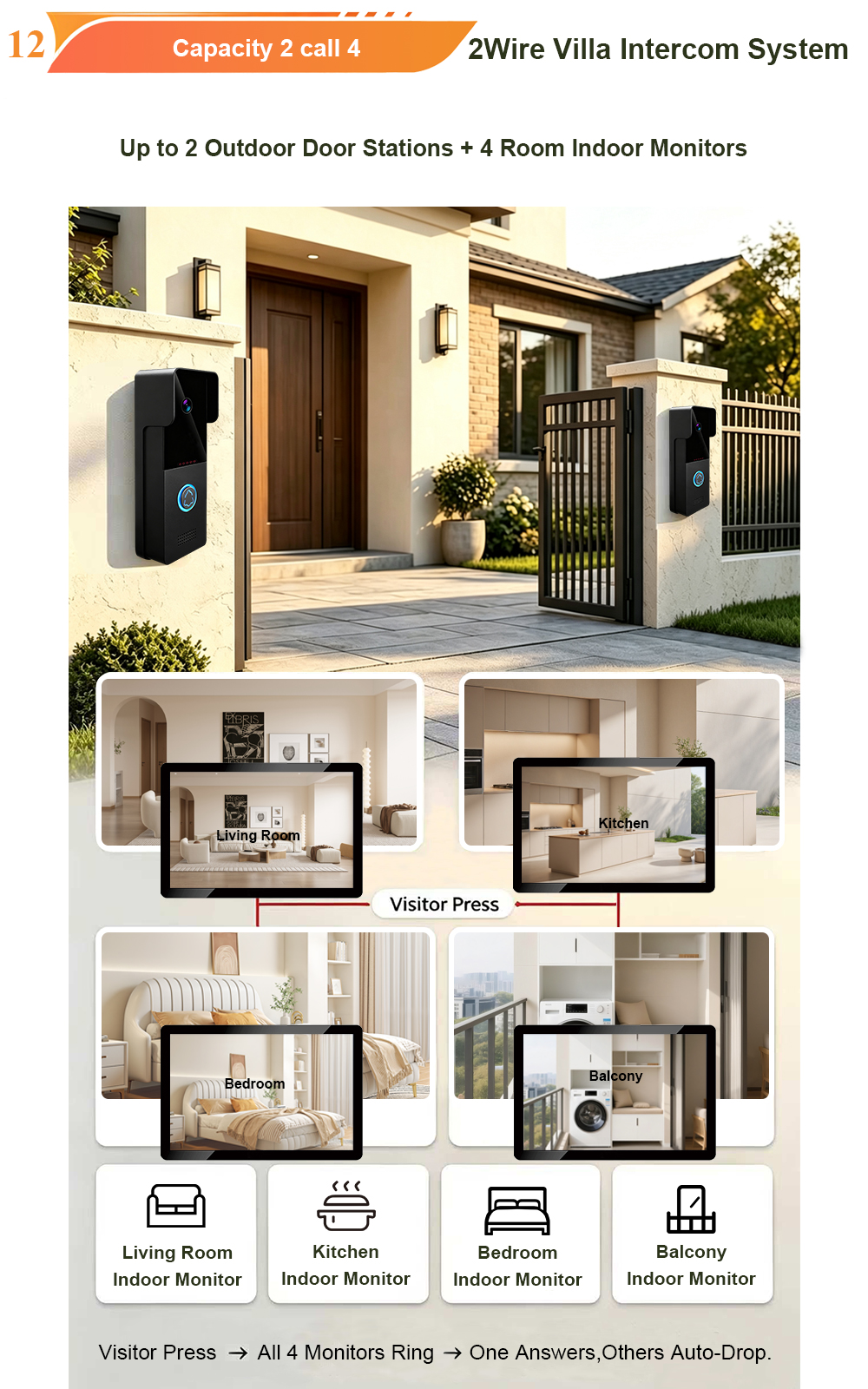
FARHD Video Intercom System: Versatile Solutions for Apartments and Villas
When it comes to building security and smart access, one size does not fit all. Different buildings have different wiring, different layouts, and different resident expectations. That’s why FARHD offers a comprehensive range of video intercom systems—with various indoor monitors and outdoor stations to match any apartment or villa project. Since 1998, FARHD has been…
-
Low-Temperature Test: FARHD Video Intercom Screens Keep Running Smoothly in Freezing Cold
Inside the freezing chamber, it keeps working — normal display, no black screen, no shutdown. Real quality isn’t just about lab data; it’s about staying reliable in extreme conditions. A video intercom that withstands freezing cold — because your door security can’t take a day off. In many parts of the world, winter is not…



