2-Wire Apartment Intercom System: Wiring, Room Number Configuration & App Answering Guide
octobre 10, 2026
Partager cet article
A complete step-by-step guide for installers, property managers, and system integrators
When upgrading an apartment building’s intercom system, two questions come up immediately: how do you wire it, and how do you configure room numbers so that each apartment is reached correctly? And in today’s connected world, residents also expect to answer the door from their smartphone.
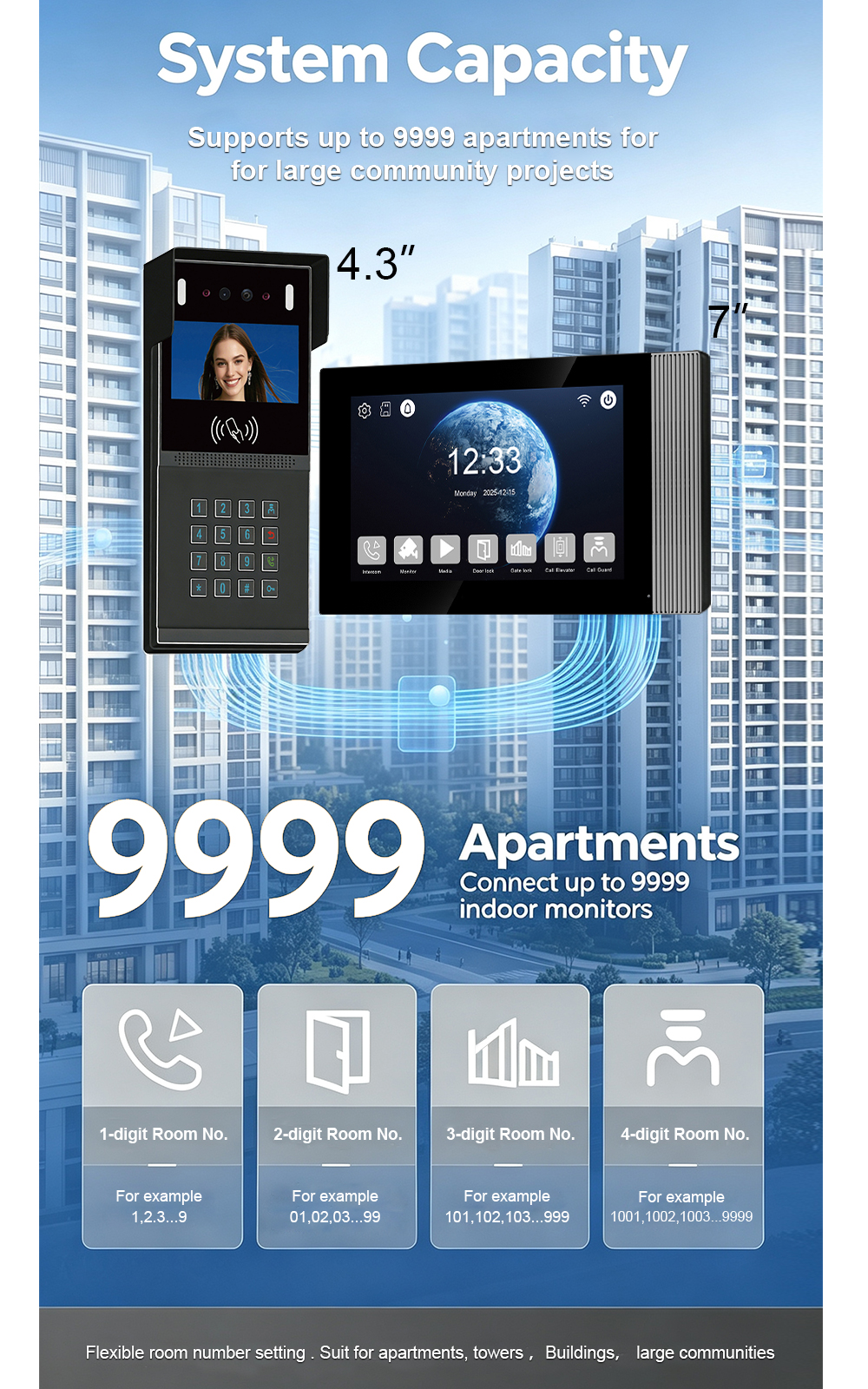
The FARHD 2-wire apartment intercom system solves all three. It uses existing two-core cabling to simplify installation, supports up to 9,999 apartments with flexible room number configuration, and integrates with the Tuya Smart Life app for remote answering, video viewing, and door unlock.
This guide covers everything you need to know: wiring topology, room number setup, app pairing, and best practices for a reliable installation.
Why 2-Wire for Apartment Buildings?
Traditional apartment intercoms often require 4 or more wires or a full network cable. Running new cables through occupied buildings is expensive, disruptive, and often impractical.
The FARHD 2-wire system transmits power, audio, video, and control signals over a single pair of standard two-core wires (≥0.5mm²). It is non-polarity, meaning you can connect the wires either way without risk of damage.
Key advantages:
- Reuses existing cabling – ideal for retrofits and old buildings
- Fast installation – any electrician can complete the wiring
- Long transmission distance – up to 100 metres per run
- Évolutif – supports up to 9,999 apartments
- Rentabilité – lower material and labour costs
System Components for an Apartment Installation
A typical 2-wire apartment system includes:
| Composant | Role |
|---|---|
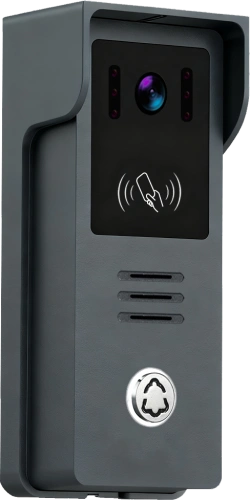
| Outdoor door station | Visitor calls, camera, card reader, keypad |
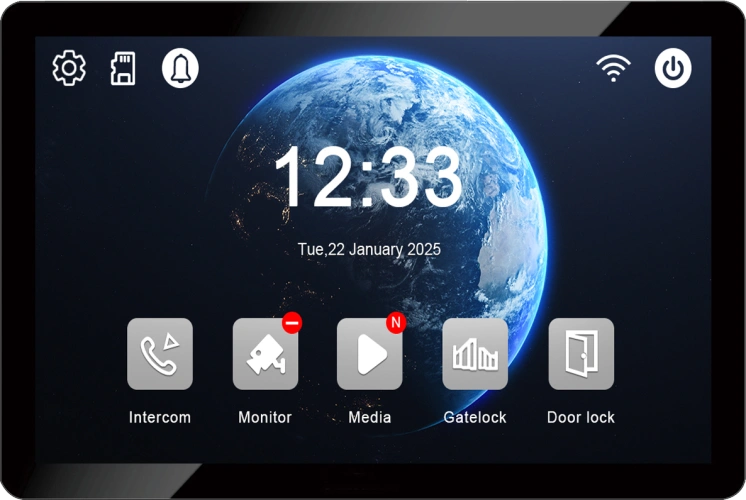
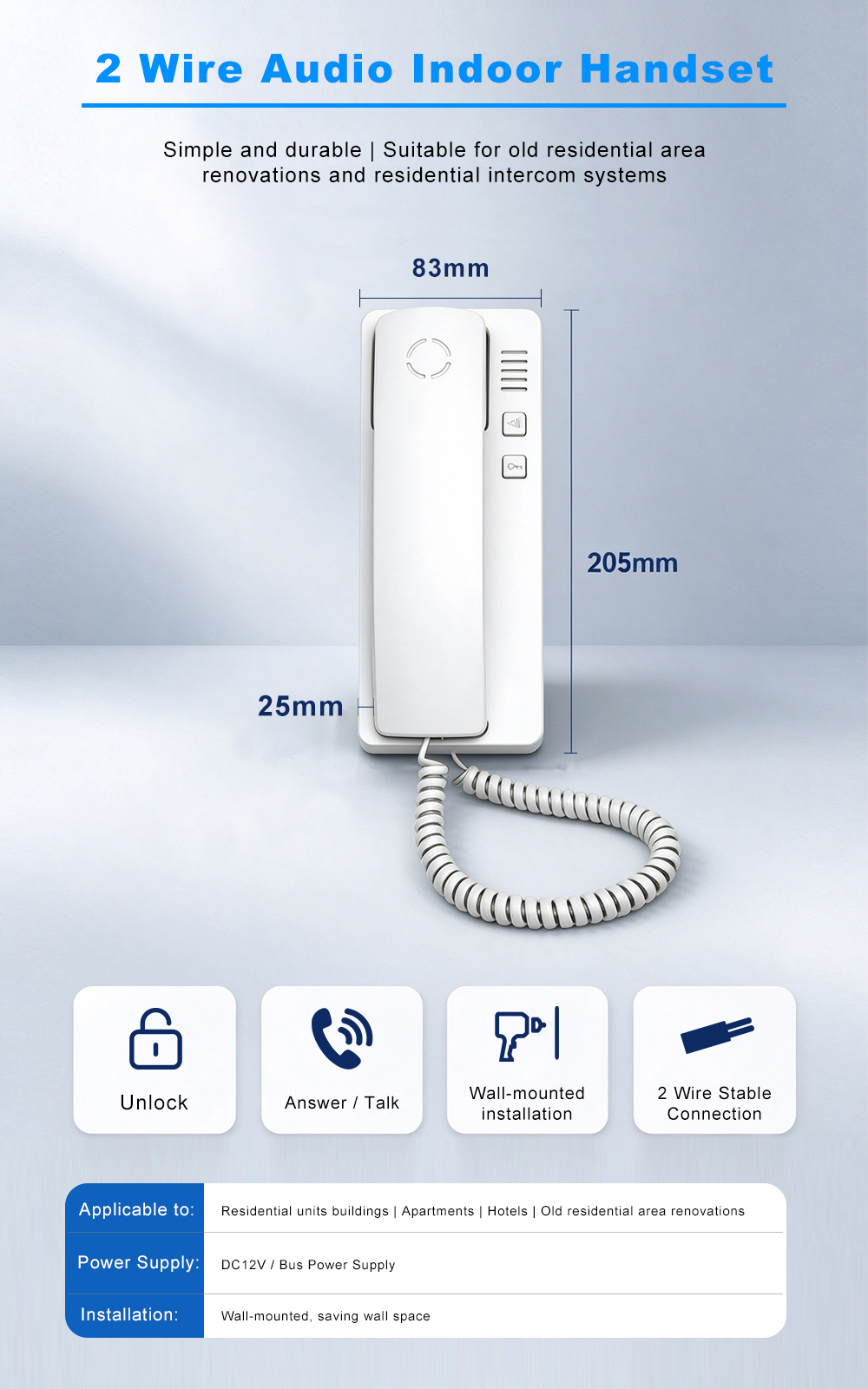
| Moniteur intérieur | Answer calls, view video, unlock door |
| 2-wire switch / distributor | Distributes signals to multiple apartments |
| Power supply | Provides system power (e.g., 15V 4A) |
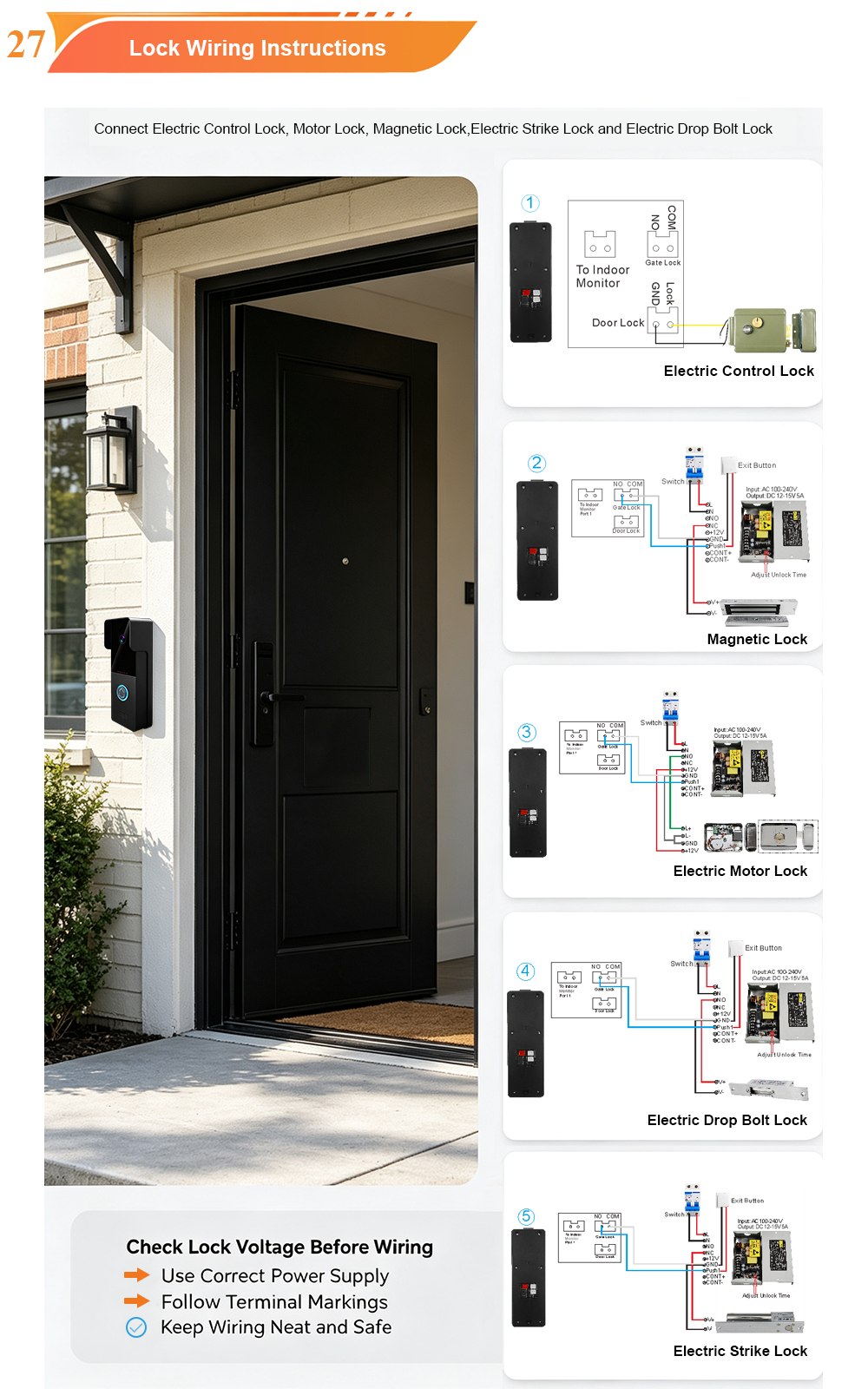
| Electric lock | Controlled by relay output |
| Tuya Smart Life app | Remote answering and unlock |
For buildings with multiple entrances or many apartments, a 2-wire switch (e.g., 8-port model: 6 indoor monitors + 2 door stations) simplifies wiring and isolates faults.
Wiring Topology: Two Common Configurations
There are two main ways to wire a 2-wire apartment system, depending on building size and layout.
1. Star Topology (Radial Wiring)
Each apartment’s indoor monitor is wired independently back to a central 2-wire switch or distribution point.
Idéal pour : Buildings where cabling can be run from a central riser to each apartment.
Avantages :
- Easier fault isolation – a problem in one apartment does not affect others
- Simpler room number configuration
- Scalable to large buildings
Wiring steps:
- Mount the outdoor station at the entrance.
- Run a 2-core cable from the outdoor station to the 2-wire switch.
- Run a separate 2-core cable from the switch to each indoor monitor.
- Connect all wires – no polarity concerns.
- Power the switch with the supplied adapter.
2. Bus Topology (Daisy-Chain)
Indoor monitors are connected in series along a shared 2-wire bus.
Idéal pour : Small buildings with limited cabling or where star wiring is impractical.
Avantages :
- Less cable required
- Faster installation in some layouts
Considerations:
- A fault on the bus can affect multiple apartments
- Room number configuration must be done carefully to avoid conflicts
Wiring steps:
- Run the 2-core bus from the outdoor station through each floor.
- Tap into the bus for each indoor monitor.
- Ensure each monitor is assigned a unique room number.
- Terminate the bus at the last monitor.
Recommandation : For buildings with more than 8 apartments, star topology is generally more reliable and easier to maintain.
Room Number Configuration: How to Assign Apartments
Once wiring is complete, each indoor monitor must be assigned a unique room number. This ensures that when a visitor calls a specific apartment, only that monitor rings.
Method 1: Configure on the Indoor Monitor
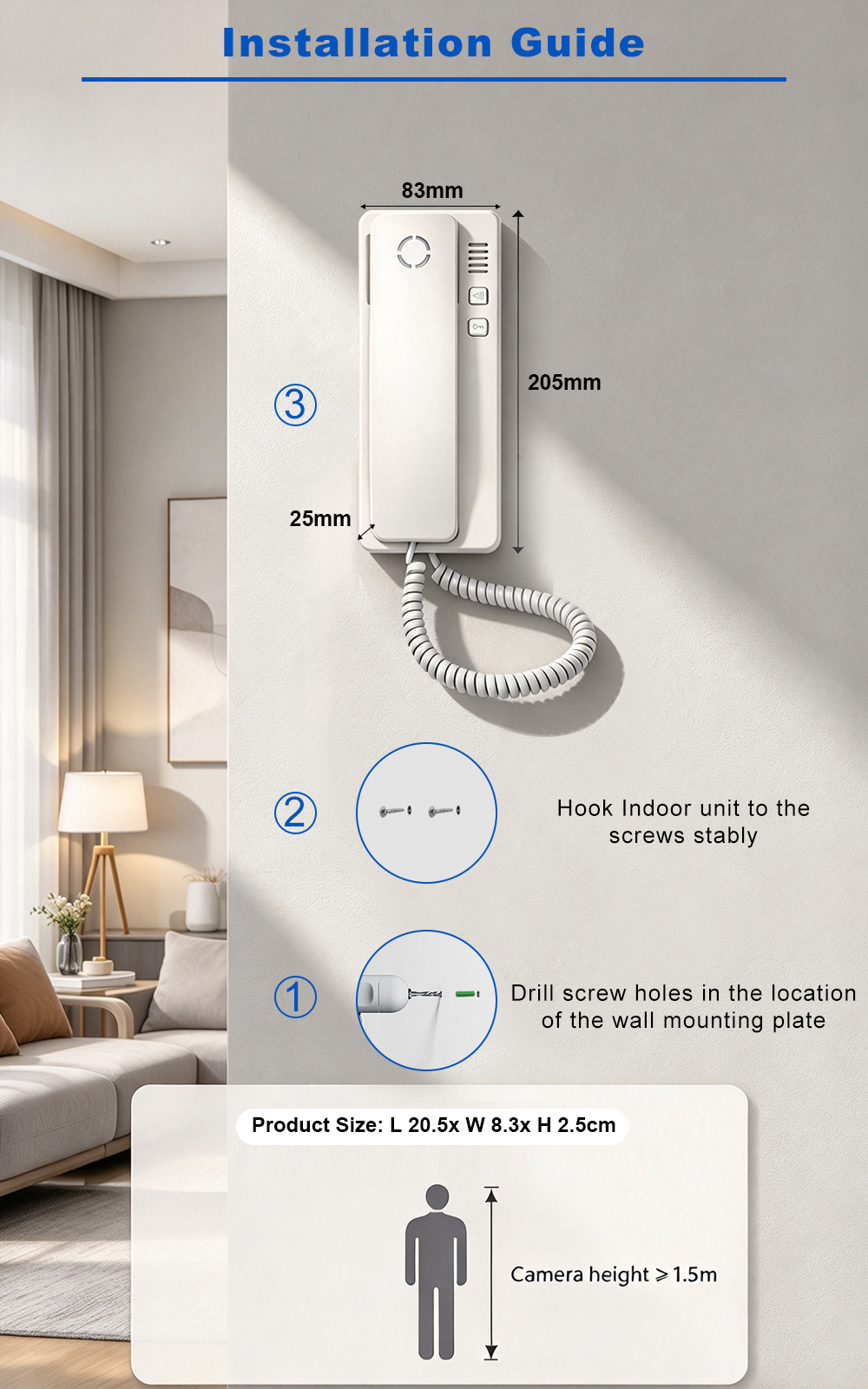
Most FARHD 2-wire indoor monitors allow room number configuration directly from the device menu.
- On the indoor monitor, enter the settings menu.
- Sélectionnez Room Number ou Address Setting.
- Enter the apartment number (1–4 digits).
- Confirm and save.
- Repeat for each indoor monitor.
Important : Each monitor must have a unique room number. Duplicate numbers will cause call routing errors.
Method 2: Configure via 2-Wire Switch or Management Software
For larger buildings, a 2-wire switch or management platform can assign room numbers centrally.
- Connect the switch to a PC or use its web interface.
- Import a list of apartments and corresponding monitor IDs.
- Assign room numbers in bulk.
- Download the configuration to the monitors.
This method is faster for buildings with dozens or hundreds of apartments.
Method 3: Auto-Addressing (Select Models)
Some systems support auto-addressing, where monitors automatically detect and assign sequential room numbers. This is convenient but may require manual verification.
Best practice: Always test each apartment after configuration by calling from the outdoor station.
Configuring the Outdoor Station for Room Numbers
The outdoor station must know which apartment to call when a visitor enters a room number or presses a button.
For keypad or touchscreen stations:
- Enter the apartment number on the keypad.
- The system routes the call to the corresponding indoor monitor.
- Some models support a directory display with resident names.
For multi-button stations:
- Each button is assigned to a specific apartment.
- Configure button-to-room mapping via the indoor monitor or management software.
- Label each button with the resident’s name or room number.
For face recognition or card access:
- Register residents’ faces or cards and associate them with their apartment number.
- When a resident uses face or card, the system can also trigger elevator control if integrated.
App Answering: Remote Access via Tuya Smart Life
The FARHD 2-wire apartment system integrates with the Tuya Smart Life app, allowing residents to answer calls, view live video, and unlock the door from their smartphone—anywhere in the world.
How to Set Up App Answering
- Télécharger l'application – Install Tuya Smart or Smart Life from the App Store or Google Play.
- Create an account – Register with your email or phone number.
- Connect the indoor monitor to Wi-Fi – The monitor must be on a 2.4GHz Wi-Fi network.
- Add the device – In the app, tap “Add Device” and follow the pairing instructions. The app will search for the indoor monitor.
- Assign room number – During setup, the app may ask for the apartment number. This links the app to the correct room.
- Test the call – Have someone press the outdoor station. The app should ring, showing video and an unlock button.
What Residents Can Do in the App
| Fonctionnalité | Avantage |
|---|---|
| Remote answer | Speak with visitors from anywhere |
| Vue en direct | Check the door camera anytime |
| Remote unlock | Open the door for guests or deliveries |
| Call log | See missed visitors |
| Family sharing | Up to 20 users can access the same device |
| Alertes de mouvement | Receive notifications when someone approaches |
Important Notes
- Wi-Fi is required for app answering. Basic intercom functions (indoor monitor answering) work without internet.
- Each apartment needs its own Wi-Fi connection or access to the building’s shared network.
- The app can be shared with family members, but each user needs their own login.
- For property managers, a management app or software may be available to configure multiple apartments and monitor system status.
Best Practices for 2-Wire Apartment Installations
- Use quality cable – ≥0.5mm² copper for 2-wire runs.
- Keep cable runs under 100 metres – for longer distances, use a repeater or fiber.
- Avoid running cables parallel to high-voltage lines – prevents interference.
- Label both ends of every cable – simplifies maintenance.
- Test each apartment after configuration – call from the outdoor station and verify two-way audio and unlock.
- Secure outdoor connections – use waterproof gel caps or silicone.
- Document room numbers and wiring – essential for future service.
- Update firmware – check for updates after installation.
Dépannage des problèmes courants
| Enjeu | Cause possible | Solution |
|---|---|---|
| Apartment does not ring | Wrong room number | Reconfigure room number on indoor monitor |
| Wiring fault | Check 2-wire connections at switch and monitor | |
| App does not ring | Wi-Fi disconnected | Check monitor’s Wi-Fi connection |
| App not paired | Re-add device in Tuya app | |
| No video on app | Network bandwidth | Vérifiez la force du signal Wi-Fi |
| Unlock fails | Relay wiring | Verify lock power and relay connections |
| Echo on audio | Volume settings | Adjust indoor monitor volume |
| Multiple monitors ring at once | Duplicate room numbers | Assign unique numbers to each monitor |
Why Choose FARHD for Your 2-Wire Apartment System?
FARHD has been designing and manufacturing video intercom systems since 1998, with over 28 years of industry experience. Our 2-wire apartment systems are trusted in over 100 countries for their reliability, ease of installation, and robust feature set.
Key advantages:
- Source factory – Factory-direct pricing, full quality control
- 2-wire simplicity – Reuses existing wiring, non-polarity, up to 100m
- Room number configuration – Flexible, supports 1–4 digit numbers
- App answering – Tuya Smart Life for remote access
- Évolutif – Up to 9,999 apartments
- Résistant aux intempéries – IP65 outdoor stations, -40°C to +70°C
- OEM/ODM/SKD – Custom branding, packaging, and software
- No MOQ – Start with a sample; scale as you grow
Our products are installed in thousands of apartments, villas, and residential projects worldwide.
Ready to Upgrade Your Apartment Intercom?
The FARHD 2-wire apartment intercom system combines easy wiring, flexible room number configuration, and app-based answering to deliver a complete, modern access control solution.
Contact us for catalog, pricing, or to request a sample.
📩 Email: [email protected]
🌐 Website: www.farhd.com
📱 WhatsApp: +86 188 2370 9809 / +86 199 2545 1918
FARHD – Video Intercom Manufacturer Since 1998.
#2WireIntercom #ApartmentIntercom #RoomNumberConfiguration #AppAnswering #TuyaSmart #VideoIntercom #AccessControl #FARHD #OEM #ODM #BuildingSecurity
Vous pourriez également être intéressé par
-
New Launch: 2-Wire Apartment Video Intercom with Face Recognition, Card, Password & App Unlock
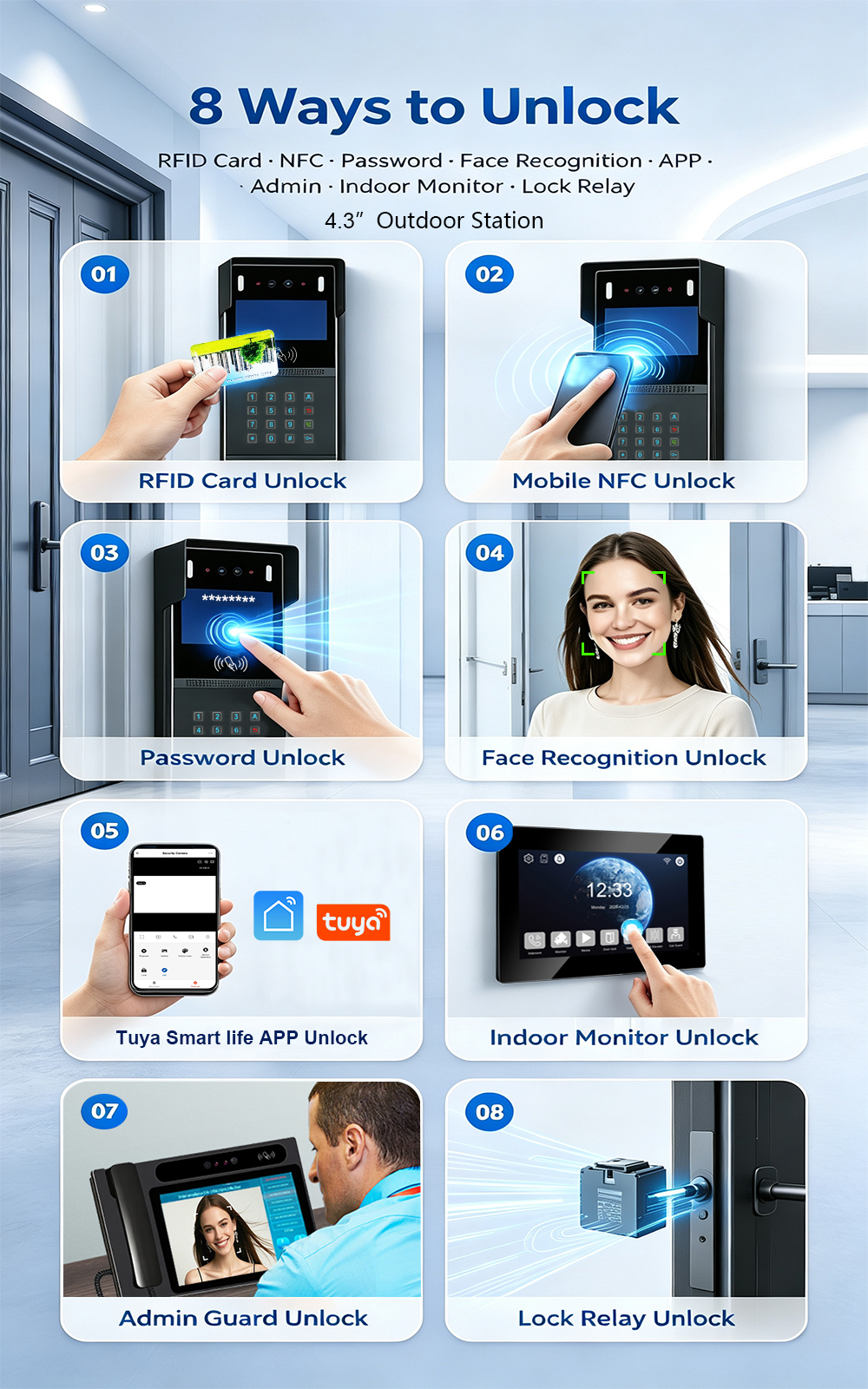
FARHD is proud to announce the launch of our latest 2-wire apartment video intercom system—combining easy retrofit installation with advanced access control. Designed for apartment buildings, residential complexes, and gated communities, this new system supports four convenient unlock methods: Face Recognition, RFID/IC Card, Password, and Mobile App. Upgrading an apartment intercom used to mean complex…
-
FARHD: Your 28-Year Source Factory for Video Door Phone Intercoms
When you choose a video door phone intercom supplier, you are not just buying a product—you are choosing the factory behind it. FARHD has been a source manufacturer since 1998, with over 28 years of experience in video intercom and access control. From villa kits to apartment intercoms, we deliver reliable, customizable, and Tuya-compatible solutions…
-
FARHD Source Factory: Your Trusted Partner for Video Intercom and Access Control Solutions
When you choose a manufacturing partner for video intercom and access control systems, you are not just buying products—you are investing in quality, reliability, and long-term support. FARHD has been a source factory since 1998, and today we serve clients in over 100 countries worldwide. With strict quality inspection, in-house production, independent R&D, and full…
-
2-Wire Video Door Phone Connection with Electric Rim Lock: Unlock by Card, Indoor Monitor, and App
A complete guide to wiring an electric rim lock to a FARHD 2-wire video door phone system—and configuring three convenient unlock methods: RFID card, indoor monitor, and mobile app. Whether you are upgrading an existing building or specifying a new system, this guide covers the essentials for reliable, secure access control. Electric rim locks are…