
How to Connect an Intercom to a Smart Lock for Seamless Access Control
20 January, 2026
Share This Article
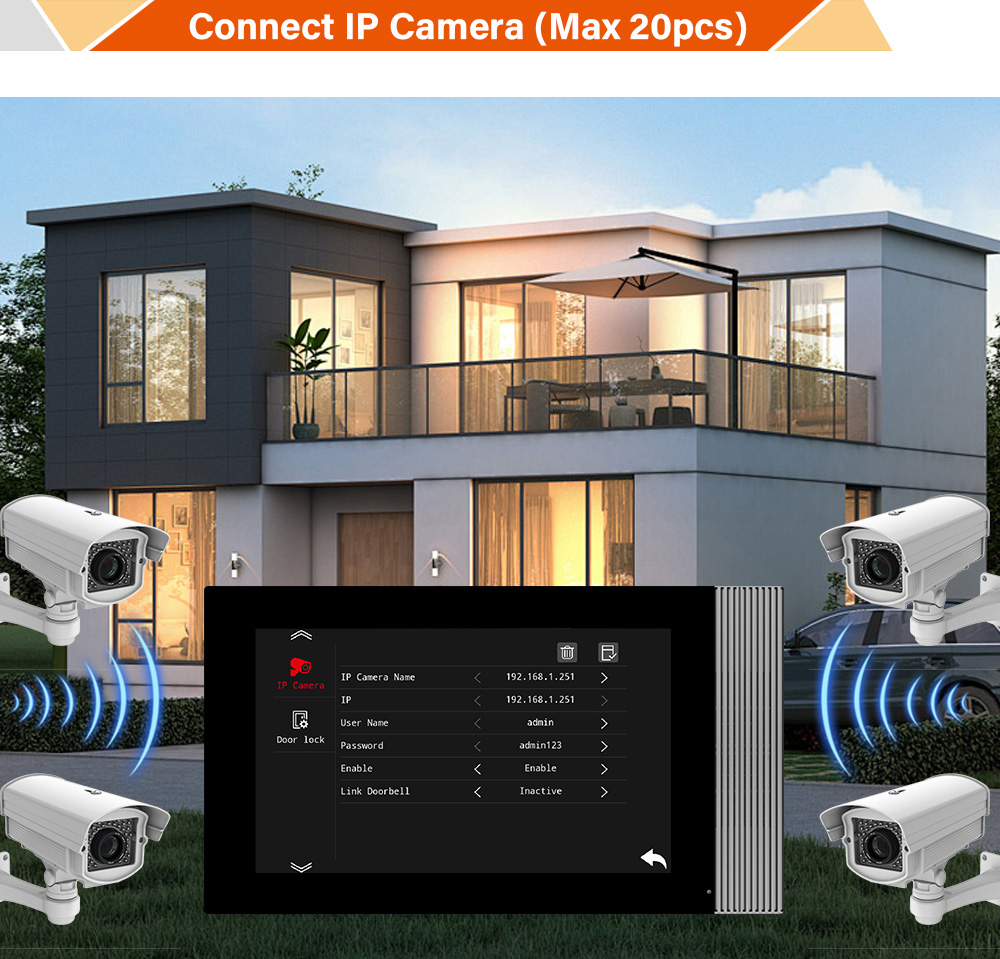
1. What is a Video Intercom System and Why Integrate with Smart Locks?
A video intercom system is a smart security solution that combines video surveillance, audio communication, and access control. It allows residents or business owners to see and communicate with visitors before granting access. When paired with a smart lock, the system becomes a powerful access management tool offering remote control and automation features.
Why Combine Intercoms with Smart Locks?
- Convenience: Grant or deny access remotely via smartphone or control panel.
- Security: Visual confirmation of visitor identity before unlocking.
- Automation: Integrate with smart home or building management systems.
- Record Keeping: Maintain logs of access events for auditing and security.
Applications in B2B and Commercial Sectors
- Office Buildings: Control visitor access at main entrances or elevator lobbies.
- Residential Complexes: Let residents unlock doors from intercom panels or mobile apps.
- Warehouses & Logistics Centers: Enable secure, monitored deliveries.
- Hotels & Co-Living Spaces: Offer guests smart check-in experiences.
The integration of intercoms and smart locks is no longer a luxury—it’s becoming a standard requirement in modern building access control systems, making it a top priority for intercom suppliers, smart lock manufacturers, and OEM/ODM partners.
2. Benefits of Connecting Intercoms to Smart Locks for Homes and Businesses
Whether you’re a property manager, system integrator, or security solutions distributor, understanding the value proposition of this integration is key to offering compelling solutions to your clients.
Benefits of Intercom–Smart Lock Integration
| Benefit | Residential Use | Commercial Use |
|---|---|---|
| Remote Access | Unlock doors using a mobile app or intercom panel | Allow employees or delivery personnel to enter after identity verification |
| Improved Security | Visual confirmation of visitors before unlocking | Prevent unauthorized access with real-time monitoring |
| Operational Efficiency | Reduce the need for physical keys | Automate access for staff and vendors |
| Visitor Management | Residents manage guest access easily | Integrate with visitor scheduling systems |
| Audit Trail | Keep logs of door unlock events | Enhance compliance with security standards |
For B2B Buyers and System Integrators
- Create bundled offerings combining intercoms and locks for property developers, apartment complexes, and smart building projects.
- Position integrated systems as value-added solutions for access control resellers and security system wholesalers.
- Encourage repeat business by offering add-on services like installation, maintenance, and cloud-based access control.
3. Key Components Required for Smart Lock and Intercom Integration
Establishing a seamless connection between an intercom and a smart lock requires understanding the system architecture. Whether you’re dealing with residential buildings or commercial facilities, the following components are typically involved:
Essential Components
- Intercom System (With Video & Audio Capabilities)
- Wall-mounted or IP-based units
- Must include relay output or smart integration support
- Smart Lock
- Wi-Fi, Zigbee, Z-Wave, or Bluetooth-enabled
- Compatible with third-party controllers or APIs
- Relay Module or Access Controller
- Acts as a bridge between intercom and smart lock
- Accepts input from intercom and triggers the lock mechanism
- Power Supply
- Centralized or individual power units for each device
- Ensure voltage compatibility (commonly 12V or 24V DC)
- Mobile App or Management Software
- Enables remote unlocking and system configuration
- Optional cloud storage for access logs and video footage
- Network Infrastructure (For IP-based Systems)
- Ethernet or Wi-Fi connectivity
- Switches, routers, and sometimes PoE support
Optional Add-ons
- Door Sensors (for monitoring open/closed status)
- Smart Hubs (to centralize control in multi-device environments)
- Cloud Gateways or Servers (for remote access and API integration)
Example Setup Diagram
[Visitor] → [Video Intercom Panel] → [Relay Module] → [Smart Lock]
                                    ↓
                           [Mobile App Control]
Integration Considerations for B2B Buyers
- Ensure the intercom system supports relay output or TCP/IP communication.
- Choose smart locks with open APIs or integration support.
- Verify certification standards (CE, FCC, ROHS) for commercial deployments.
- Understand the installation environment—indoor vs outdoor use, power availability, and connectivity.
For turnkey intercom-to-lock integration, FARHD’s OEM/ODM services provide end-to-end hardware and firmware customization, ensuring full compatibility across access control ecosystems.
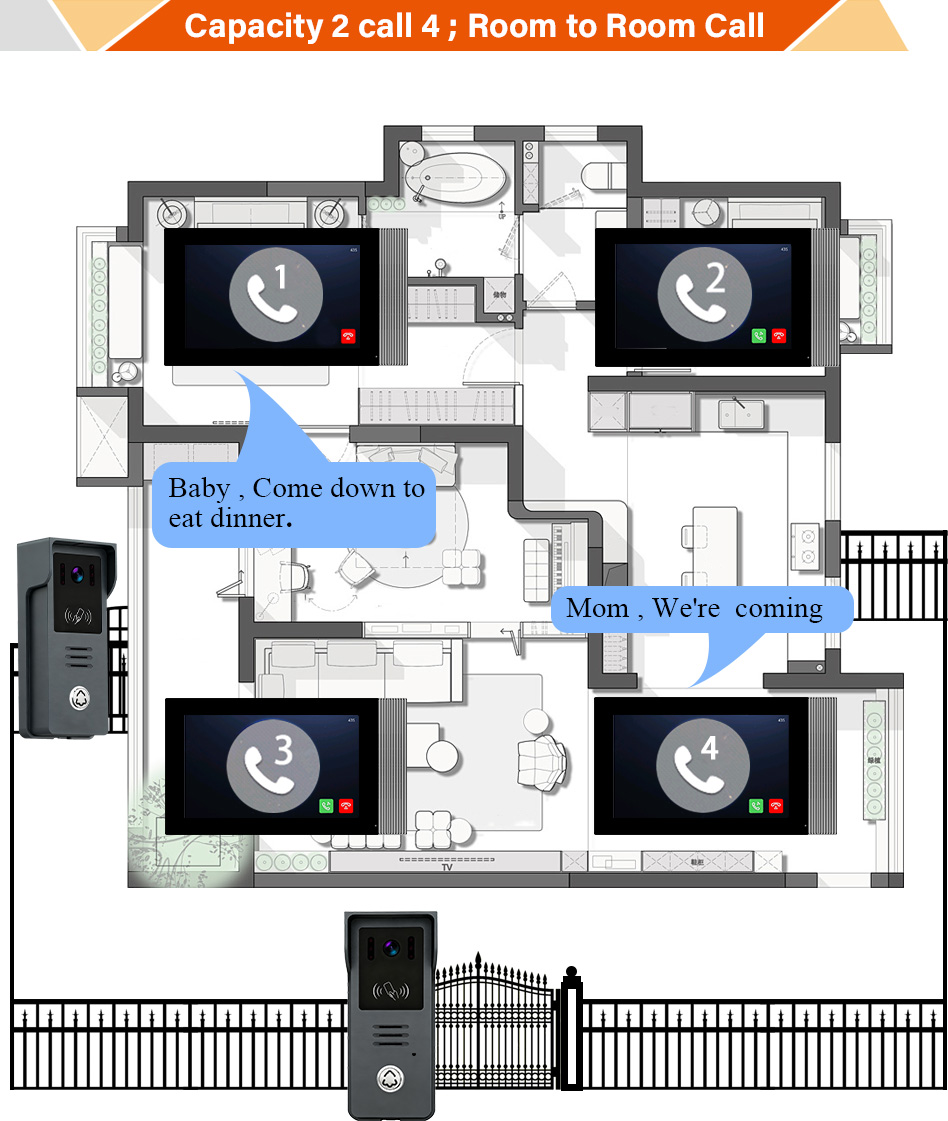
4. Step-by-Step Guide: How to Connect an Intercom to a Smart Lock
Connecting an intercom system to a smart lock can greatly enhance your building’s security and convenience. Below is a comprehensive guide that walks through the typical integration process. While specific steps may vary depending on the brands and models used, the overall structure remains consistent across most systems.
Step 1: Assess Compatibility
Before installation, confirm that both the intercom and smart lock are compatible.
✅ Check if the intercom has relay output terminals (dry contact or NO/NC output)
✅ Confirm the smart lock can be triggered by a relay or third-party controller
✅ If using IP-based products, ensure they support API or cloud integration
Step 2: Gather Required Tools & Equipment
- Screwdriver set
- Power drill (if new holes are required)
- Wire strippers
- Electrical tape or wire connectors
- Network cables (for IP systems)
- Multimeter (to test voltage and continuity)
Step 3: Wiring the Relay Output
For most analog or hybrid intercom systems:
- Locate the relay output terminals on the intercom indoor unit.
- Connect the relay output wires to the input terminals of the smart lock (or to a relay controller if needed).
- Use shielded cables for longer distances to prevent interference.
For IP-based systems:
- Use the management software or admin panel to link the intercom’s unlock command to the smart lock’s API.
- Some systems may require a middleware device like a relay controller or smart hub.
Step 4: Configure Unlock Settings
Most intercoms allow configuration of:
- Unlock delay time (e.g., door remains unlocked for 5 seconds)
- Trigger mode (manual, remote, or schedule-based)
- User permissions (who can unlock the door)
For smart locks, you may also need to:
- Pair the lock with a mobile app or cloud platform
- Set up admin and user accounts
- Enable remote unlocking via intercom trigger or app
Step 5: Test the System
Once connected and configured:
- Simulate a visitor pressing the intercom panel
- Use the indoor unit to start a video call and press the unlock button
- Confirm that the smart lock responds appropriately
Step 6: Set Up Remote Access (Optional)
If you want users to unlock the door remotely:
- Ensure the intercom and smart lock are connected to the internet
- Use the respective mobile apps or unified management platform
- Consider cloud-based options for remote monitoring and unlock logs
Sample Integration Table
| Item | Recommended Specs | Notes |
|---|---|---|
| Intercom | Relay output, IP-enabled | Preferably with ONVIF or SIP support |
| Smart Lock | Wi-Fi/Bluetooth/Zigbee, API support | Must accept third-party inputs |
| Relay Module | 12V/24V, NO/NC contact | Used when intercom doesn’t connect directly |
| Power Supply | 12V DC, stable output | Use UPS for backup |
| Connectivity | Ethernet/Wi-Fi | Use PoE if available |
Pro Tip:
If you’re working with a large-scale apartment or villa project, it’s ideal to partner with an experienced OEM/ODM provider like FARHD that offers full-stack intercom solutions with built-in smart lock control features.
5. Wired vs Wireless Integration: Which is Better for Your Setup?
When connecting an intercom system to a smart lock, one of the most critical decisions is choosing between a wired or wireless setup. Each comes with its own advantages and limitations, which can vary dramatically depending on the type of installation—residential, commercial, or industrial.
Wired Integration
Pros:
- Reliable connection with minimal latency
- No interference from Wi-Fi or other wireless devices
- Higher security due to physical-only access
Cons:
- More complex installation, especially in existing buildings
- Requires cable routing and potential wall drilling
Ideal For:
- New construction projects
- Commercial buildings with structured cabling
- Government and high-security facilities
Wireless Integration
Pros:
- Quick and easy installation
- No need for drilling or damaging walls
- Remote management via apps or cloud platforms
Cons:
- Dependent on network stability
- Potential signal interference in high-traffic areas
- May require battery replacements for smart locks
Ideal For:
- Retrofitting existing homes or apartments
- Small offices or co-working spaces
- Temporary installations
Comparison Table: Wired vs Wireless
| Feature | Wired Integration | Wireless Integration |
|---|---|---|
| Installation | Complex, time-consuming | Quick, minimal tools needed |
| Stability | Very high | Depends on network |
| Security | Physically secure | May be vulnerable to network attacks |
| Cost | Medium to high | Low to medium |
| Scalability | Best for large buildings | Best for smaller units |
B2B Application Tip:
If you’re a video doorbell distributor or smart lock supplier, offering both wired and wireless kits can help you serve a broader customer base. For instance, FARHD’s villa intercom systems include 4-wire and IP-based models that can be paired with multiple smart lock types, making them ideal for both new developments and retrofits.
6. Best Smart Locks Compatible with Intercom Systems in 2025
Choosing the right smart lock is crucial for a successful integration. The following are some of the top smart lock models and brands that are known for seamless compatibility with video intercom systems.
Top Smart Locks for Intercom Integration
| Smart Lock Brand | Communication Method | Intercom Compatibility | Ideal Use |
|---|---|---|---|
| August Wi-Fi Smart Lock | Wi-Fi | App/API, relay modules | Apartments, small offices |
| Yale Assure Lock SL | Z-Wave/Zigbee | Control4, intercoms with hub | Smart homes, rental units |
| Schlage Encode | Wi-Fi | Alexa, Google, relay | Homes with voice assistant integration |
| Samsung SHP-DP609 | Bluetooth/Wi-Fi | App, relay wiring | Luxury apartments, offices |
| Kaadas K9 | Z-Wave/Bluetooth | Relay-compatible intercoms | Smart homes, co-living spaces |
Key Features to Look for in B2B Purchases
- Open API support for custom integrations
- Firmware update capabilities
- Multilingual interfaces for global markets
- Relay input support for direct wiring to intercoms
- Battery backup or emergency power override
Smart Lock Selection Checklist for B2B Buyers
✅ Supports remote unlocking
✅ Has an open API or accepts relay input
✅ Compatible with mobile apps or third-party controllers
✅ Certified (CE, FCC, ROHS) for international trade
✅ Offers bulk pricing and OEM branding options
If you’re sourcing smart locks in bulk, partnering with an intercom OEM like FARHD ensures seamless compatibility. Their systems are tested with multiple global smart lock brands and can even be customized for specific regional standards.
Explore FARHD’s full range of intercom and smart access products via their product catalog.
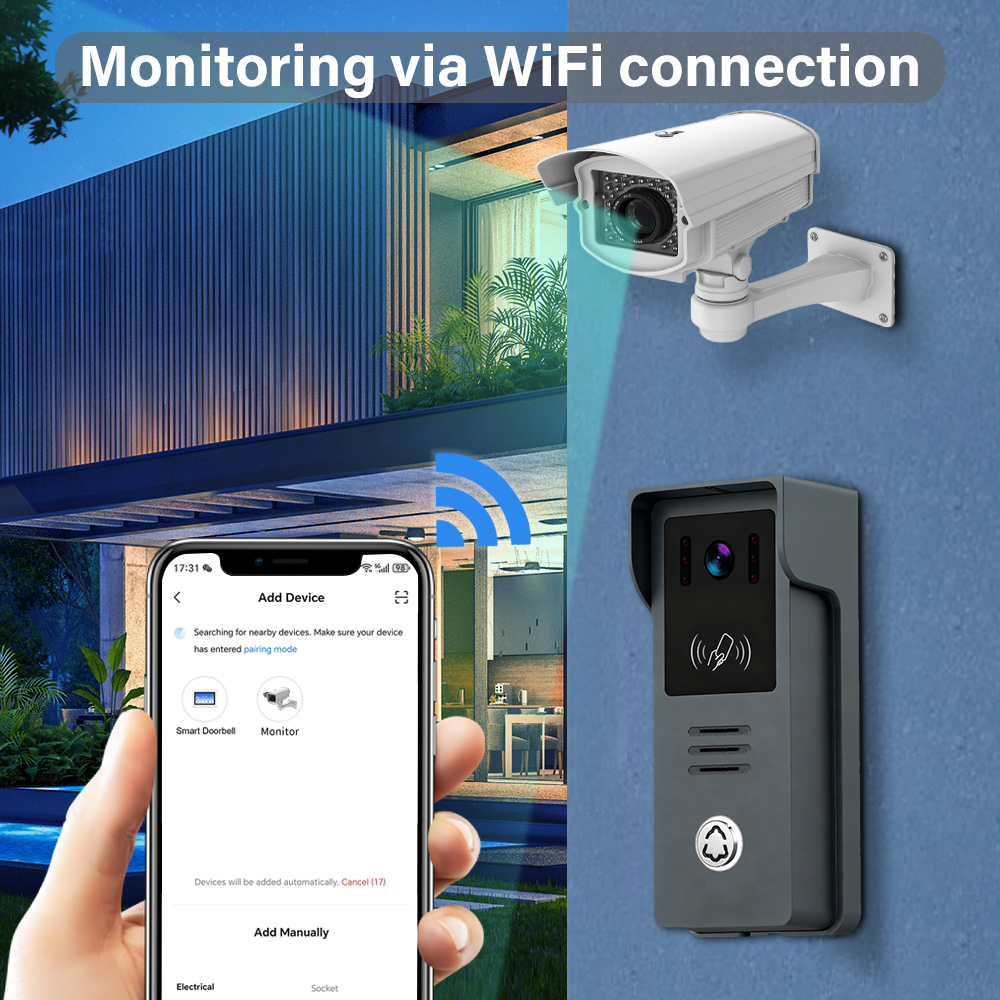
7. Choosing the Right Intercom System for Smart Lock Compatibility
Selecting a compatible intercom system is just as important as choosing the right smart lock. For seamless integration, the intercom system must support relay output or network-based unlocking capabilities. Below are the key considerations and recommended systems for both residential and commercial use cases.
Key Features to Look for in an Intercom System
| Feature | Description | Importance |
|---|---|---|
| Relay Output or API Control | Allows the intercom to send unlock signals to a smart lock | Essential |
| Video & Audio Support | Enables identity verification before access | High |
| Mobile App Integration | Allows remote access and monitoring | High |
| Cloud Storage or Local Recording | Keeps records of events and visitors | Medium |
| Indoor & Outdoor Units | For complete coverage and flexibility | High |
| Scalability | Easily add more units for large buildings | High |
| Certifications | CE, FCC, ROHS for international compliance | Essential |
Recommended Intercom Systems for Smart Lock Integration
1. FARHD Video Intercom Solutions
FARHD intercom systems are designed with smart lock integration in mind. Their units offer:
- Built-in relay output for direct lock control
- IP-based models for advanced connectivity and mobile access
- 4-wire analog systems for cost-effective installations
- OEM/ODM customization to meet specific project requirements
FARHD intercoms are ideal for:
- Villas and multi-apartment complexes
- Commercial buildings and office towers
- Industrial warehouses and logistics centers
You can explore various models in their villa intercom product category.
2. Aiphone GT System
- Modular system with video capabilities
- Can be integrated with electronic door strikes
- Popular in commercial buildings and apartment complexes
3. 2N IP Verso
- High-end intercom with HD video and touchscreen
- Supports SIP and ONVIF for integration with network devices
- Can trigger smart locks via relay or IP commands
4. Akuvox R29C
- Android-based interface with facial recognition
- API support for integrations
- Suitable for premium residential and commercial properties
OEM/ODM Considerations for B2B Buyers
If you’re a distributor, system integrator, or property developer, working with an OEM like FARHD offers the following advantages:
- Custom firmware development for smart lock compatibility
- Branding options for private label products
- Full-stack solution from LCD to finished intercom
- Global support and certifications for various markets
Visit FARHD’s OEM/ODM page to learn more about tailored intercom system development.
8. Common Issues When Integrating Intercoms and Smart Locks (and How to Fix Them)
Even with the right components, integration can face technical challenges. Here’s a breakdown of common issues and how to resolve them.
Issue 1: Intercom Doesn’t Trigger the Smart Lock
Possible Causes:
- Relay wiring is incorrect
- Voltage mismatch between devices
- Intercom output set to the wrong mode (NO vs NC)
Solutions:
- Verify wiring against the user manual
- Use a multimeter to check relay output
- Adjust intercom settings via admin panel
Issue 2: Delayed or Failed Unlock Commands
Possible Causes:
- Poor Wi-Fi or network connection
- Smart lock firmware is outdated
- Intercom app is not synchronized with the lock
Solutions:
- Switch to 5GHz Wi-Fi or wired Ethernet
- Update firmware on both devices
- Re-pair devices and flush cache in the mobile app
Issue 3: Unauthorized Users Gaining Access
Possible Causes:
- Weak passwords or app vulnerabilities
- Outdated access logs or guest codes not expiring
- No two-factor authentication
Solutions:
- Use strong, unique credentials
- Set expiry timers for guest codes
- Enable 2FA in mobile apps
Issue 4: Power & Backup Issues
Possible Causes:
- Devices lose power during outages
- No UPS (Uninterruptible Power Supply)
Solutions:
- Install a centralized UPS
- Use smart locks with backup batteries
- Opt for intercom systems that support PoE (Power over Ethernet)
Support Tip for B2B Buyers
To avoid post-installation issues, always work with a manufacturer that provides after-sales technical support. FARHD offers comprehensive technical documentation, remote troubleshooting, and firmware updates for all its smart intercom systems. You can easily contact their support team for assistance.

9. FAQ: Smart Lock and Intercom Integration for B2B and B2C Buyers
Q1: Can any smart lock connect to an intercom system?
Not all smart locks are compatible with intercoms. For integration, the lock must support relay input, network API, or smart hub connectivity.
Q2: Do I need a professional to install this system?
For commercial or complex systems, professional installation is recommended. However, DIY-friendly kits are available for small offices and homes.
Q3: What’s the best intercom brand for smart lock integration?
FARHD is a highly recommended brand, especially for OEM/ODM projects. Their systems are built specifically for integration with smart locks and offer customization options for different markets.
Q4: How secure is the integration?
When configured properly—with encrypted apps, password protection, and firmware updates—the system is highly secure. Always use certified devices and secure your network.
Q5: Can I control access remotely?
Yes. Both smart locks and modern intercoms come with mobile apps or cloud platforms that allow remote unlocking, visitor monitoring, and event logging.
Q6: What industries benefit the most from this integration?
- Real estate developers
- Hotel and hospitality management
- Smart home installers
- Access control system integrators
- Security system wholesalers
Q7: Where can I source intercom systems that are smart lock-ready?
You can source reliable, customizable intercom systems directly from FARHD, a trusted OEM/ODM manufacturer with:
- End-to-end product development
- Over 60% market share in China
- CE, FCC, ROHS, SGS certifications
- Global clients in Italy, Korea, and Turkey
📌 Conclusion & Next Steps
Integrating smart locks with intercom systems enhances security, convenience, and remote access capabilities for both residential and commercial applications. Whether you’re a property developer, distributor, or system integrator, offering bundled solutions is a powerful way to increase value and customer retention.
For bulk orders, custom branding, or OEM partnerships, reach out to FARHD—a globally trusted manufacturer with deep expertise in video intercom and access control systems.
🔗 Explore Products: FARHD Product Catalog
📧 Get in Touch: Contact FARHD
🛠️ Customize Your Solution: OEM/ODM Services
Empower your buildings with smarter, safer access—connect your intercom to a smart lock today.
You may also Interest
-

FARHD to Showcase All-Climate Technology at 2026 China Security Expo, Empowering Smart Communities in Northern China
From November 3 to 6, 2026, FARHD, a global leader in smart security and communication solutions, will unveil its full range of products deeply optimized for the harsh winter conditions of northern China at the 18th China International Social Public Security Products Expo (Security China). Under the theme “Digital Intelligence World, Total Security,” the expo…
-

FARHD to Showcase All-Climate Hard-Tech Solutions at Securika Moscow 2026
From April 22 to 24, 2026, FARHD, a global leader in smart security and communication solutions, will unveil its full range of products engineered for extreme climates at Securika Moscow 2026, held at Crocus Expo in Moscow, Russia. At booth A-9101, FARHD will present its smart intercom, access control, and smart home solutions—all deeply optimized…
-

FARHD Honored with Multiple Prestigious Awards in China’s Building Intercom Industry, 28 Years of Deep Engagement in the Chinese Market Solidifying Its Position as a Leading Brand
Recently, in the annual selection event jointly organized by the China Security and Protection Industry Association and multiple authoritative media outlets, FARHD, by virtue of its profound industry experience, outstanding technological innovation capabilities, and extensive market recognition, was awarded the prestigious “Most Influential Brand in China’s Building Intercom Industry” . These accolades not only affirm FARHD’s 28…
-

FARHD Honored with Multiple Prestigious Awards in China’s Building Intercom Industry, 28 Years of Deep Engagement in the Chinese Market Solidifying Its Position as a Leading Brand
Recently, in the annual selection event jointly organized by the China Security and Protection Industry Association and multiple authoritative media outlets, FARHD, by virtue of its profound industry experience, outstanding technological innovation capabilities, and extensive market recognition, was awarded the prestigious “National Top 10 Quality Brands in the Security Industry” . These accolades not only affirm FARHD’s…



