
How to Install Intercom for Elderly: A Step-by-Step Guide for Homes & Care Facilities
marzo 12, 2026
Comparte este artículo
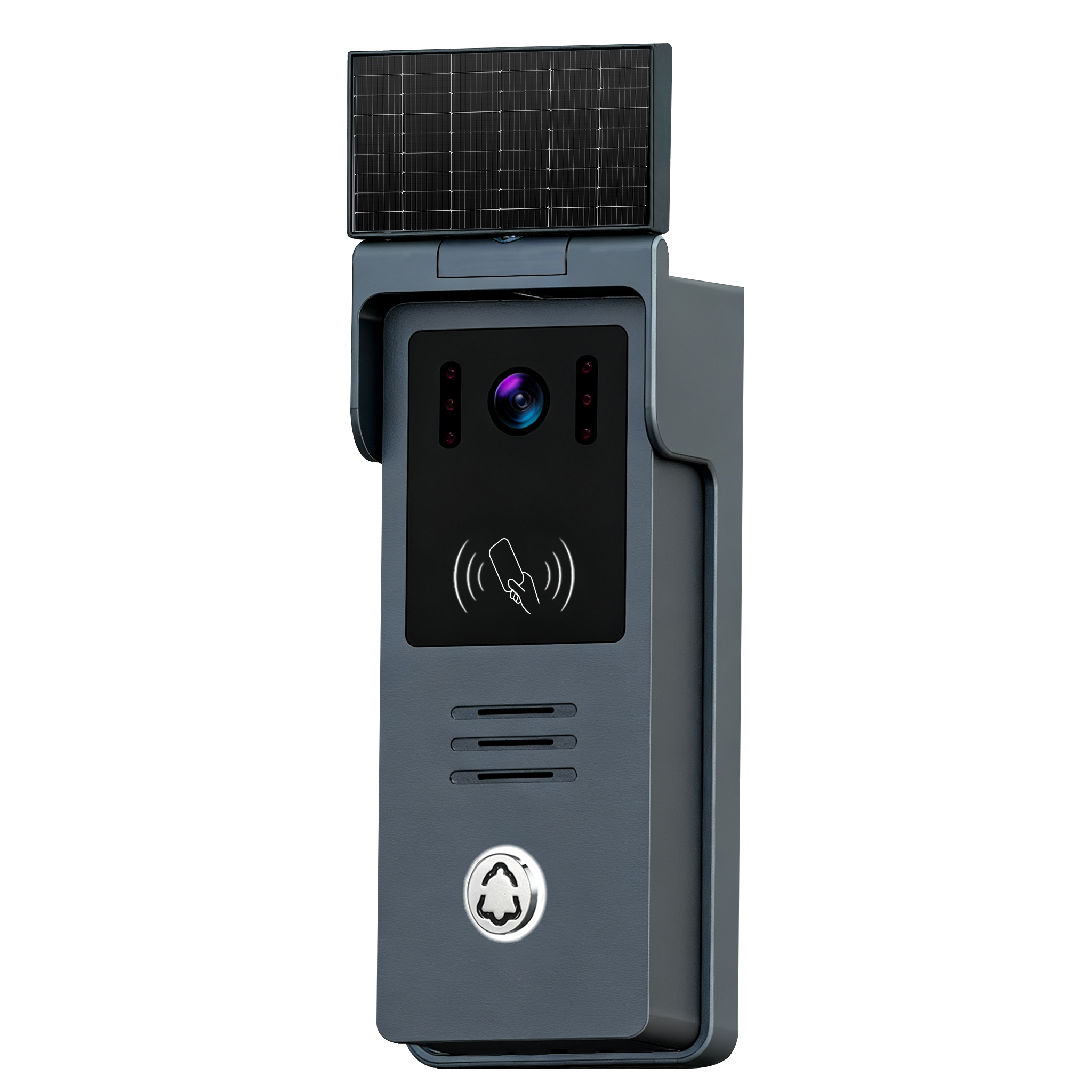
1. Why Intercom Systems Are Essential for Elderly Safety and Communication
As the global population ages, ensuring the safety and well-being of seniors has become a critical priority for families, caregivers, and healthcare institutions. Intercom systems designed for the elderly play a vital role in enabling clear, real-time communication and emergency support.
Key Benefits of Intercoms for Elderly Care
| Beneficio | Descripción |
|---|---|
| Respuesta de emergencia | Elderly individuals can press a button to instantly alert caregivers or family members in case of falls or medical emergencies. |
| Comunicación bidireccional | Enables family or staff to check in on elderly residents without needing to enter the room. |
| Mobility Assistance | Seniors with limited mobility can use intercoms to request help with daily tasks. |
| Tranquilidad | Families gain reassurance knowing they can reach their loved ones anytime. |
Casos prácticos
- Private Homes: Seniors aging in place can maintain independence while staying connected.
- Residencias de ancianos: Staff can efficiently communicate with residents.
- Hospitals & Clinics: Improve patient monitoring and reduce response times.
- Residencias asistidas: Enhance safety protocols and quality of care.
Industry Insight
According to the World Health Organization, the global population aged 60 years and older is expected to reach 2.1 billion by 2050. This demographic shift has made elderly care technology, such as smart intercom systems, a booming market. Businesses and care providers that adopt modern communication solutions will be better prepared to meet the growing demand.
2. Choosing the Right Intercom: Wired vs Wireless for Seniors
One of the first decisions when installing an intercom system for elderly care is choosing between con cable y inalámbrico models. Each has its unique advantages depending on the environment and user needs.
Wired vs Wireless Intercom Comparison
| Característica | Intercomunicador cableado | Intercomunicador inalámbrico |
|---|---|---|
| Instalación | Requires professional wiring; more permanent | Easy DIY setup; ideal for retrofitting |
| Estabilidad de la señal | More stable and immune to interference | May experience dropouts if Wi-Fi is weak |
| Fuente de energía | Usually hardwired to power | Battery-operated or plugged into wall |
| Lo mejor para | New constructions, large facilities | Apartments, rental homes, small offices |
| Coste | Bajo a medio | Rango de costos |
Which Is Better for Elderly Users?
- Intercomunicadores inalámbricos are ideal for seniors living alone or in apartment settings. They’re easy to install and portable.
- Intercomunicadores con cable son más adecuados para nursing homes, hospitals, or senior complexes where a stable, high-quality connection is crucial.
Important Considerations
- Ensure the system has botones grandes y clear audio for seniors with hearing or vision challenges.
- Busque modelos con funcionamiento manos libres (voice-activated or one-touch calling).
- Prioritize systems with backup batteries for uninterrupted communication during power outages.
3. Key Features to Look for in Elderly-Friendly Intercoms
Not all intercoms are created equal—especially when used in elderly care. Selecting a system with the right features can make a significant difference in usability, safety, and satisfaction.
Top Features to Prioritize
- Comunicación manos libres: Voice-activated or auto-answer functionality prevents the need for physical interaction.
- One-Touch Emergency Call: A dedicated SOS or alert button that connects directly to caregivers or family.
- High Volume & Clarity: Enhanced speakers and adjustable volume settings help hearing-impaired users.
- Soporte de video: Intercoms with built-in cameras allow visual confirmation, which is useful for seniors with cognitive issues.
- Visión nocturna y detección de movimiento: Especially important for outdoor units or when monitoring fall risks.
- Batería de respaldo: Ensures the system works during power outages.
- Integración de aplicaciones móviles: Lets family members check in remotely via their smartphone or tablet.
Recommended Product Specifications Table
| Característica | Minimum Specification | Ideal for Elderly Use |
|---|---|---|
| Tamaño de la pantalla | 7″ color LCD or larger | Easy viewing |
| Audio Output | >85 dB | Clear sound |
| Resolución de la cámara | 720p or above | Better facial recognition |
| Fuente de energía | Battery + AC | Backup during outages |
| Tipo de instalación | Plug-and-play or wall-mounted | Flexible setup |
FARHD Recommendation
For those looking to install elderly-friendly intercom systems, FARHD offers high-quality, customizable video intercom solutions tailored for care centers and residential use. Their products feature large LCD screens, voice-activated communicationy modular options to suit both wired and wireless setups.
With over 25 years of industry experience, FARHD provides Servicios OEM y ODM, making them a trusted partner for elderly care tech providers globally.
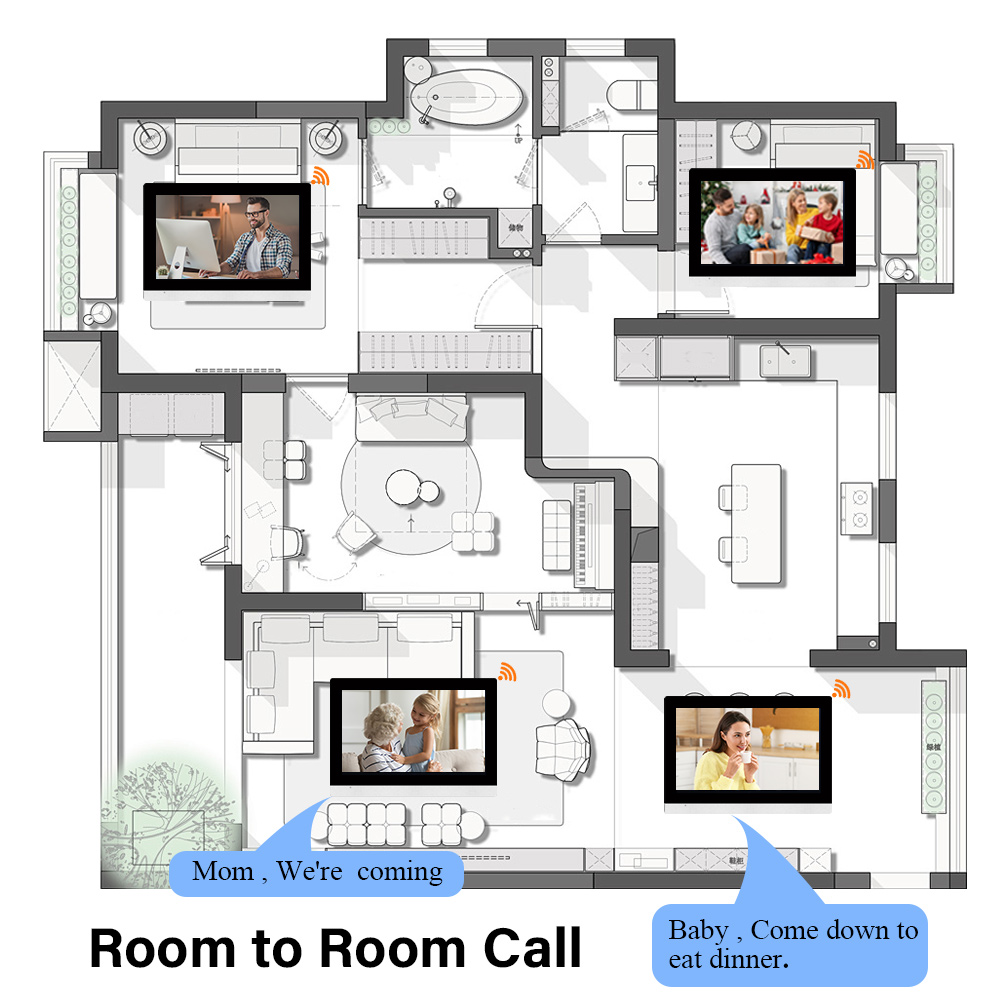
4. How to Install a Wireless Intercom System for Elderly at Home
Installing a wireless intercom for elderly use in a home setting is typically straightforward and doesn’t require professional assistance. These systems are designed for plug-and-play usability, making them perfect for seniors aging in place or caregivers supporting elderly parents.
Guía de instalación paso a paso
Here’s how to set up a wireless intercom system to support elderly family members:
Step 1: Choose the Right Locations
- Indoor Units: Place near bedsides, bathrooms, and common areas like the kitchen or living room.
- Outdoor Units: If using a video doorbell-style intercom, install near the main entrance or gate.
- Caregiver Units: If caregivers live separately, install a unit where they will hear alerts easily.
Step 2: Charge or Plug in Devices
- Many wireless intercoms are battery-powered or USB-charged.
- Algunos modelos ofrecen dual power options for better flexibility.
Step 3: Pair All Devices
- Most modern wireless intercoms use RF, Wi-Fi, or DECT technology.
- Follow the manufacturer’s instructions to pair devices. Typically involves:
- Pressing a pairing button.
- Assigning room names or numbers.
- Checking signal strength.
Step 4: Test Communication
- Conduct a two-way call test to ensure clarity.
- Adjust volume and mic sensitivity to suit the elderly user’s hearing needs.
Step 5: Mount or Place Units
- Utilice wall mounts or table stands as needed.
- Ensure the screen and buttons are easily visible and accessible from a seated position.
Herramientas que puede necesitar
| Herramienta | Descripción |
|---|---|
| Destornillador | For mounting brackets |
| Nivel | To properly align wall-mounted units |
| Taladro eléctrico | For optional wall installations |
| Cinta métrica | To ensure correct placement |
Best Practices for Elderly Use
- Habilite auto-answer mode for caregivers to check in without requiring a button press.
- Set up scheduled wellness checks using the intercom (e.g., “Good morning” or “Time for medication”).
- Utilice multichannel systems if multiple caregivers or family members need access.
Safety Tip
Evite colocar las unidades cerca de water sources or direct sunlight, especially in bathrooms or near kitchen sinks. Use waterproof or splash-resistant models if necessary.
5. How to Set Up a Wired Intercom System in Senior Living Facilities
Wired intercom systems are more common in multi-resident care facilities, nursing homeso hospital settings, where reliability and high-quality communication are critical. While installation is more complex than wireless systems, the long-term benefits are substantial.
Installation Phases
Phase 1: Planning and Design
- Conduct a site survey to determine:
- Number of rooms and common areas.
- Cable routing paths.
- Power source locations.
- Elija entre 4-wire or 2-wire systems, depending on infrastructure.
Phase 2: Cable Installation
- Utilice shielded twisted pair (STP) o CAT5/CAT6 cables for optimal performance.
- Route cables through walls, ceilings, or conduits to each room and central monitoring station.
Phase 3: Device Installation
- Instale master stations at the nurse’s station or reception.
- Connect room sub-stations near patient beds or on bedside tables.
- Utilice flush mounts for a cleaner look or surface mounts for quicker installs.
Phase 4: System Configuration
- Assign unique IDs or names to each room station.
- Set up group calling o broadcast mode for facility-wide announcements.
- Prueba funciones de llamada de emergencia to ensure they’re routed to the appropriate stations.
Wiring Diagram Example
| Device | Cable Type | Conexión |
|---|---|---|
| Master Station | CAT5 or 4-wire | Direct to sub-stations via switch/hub |
| Sub-Station | 2 or 4-wire | Direct to power + intercom bus |
| Camera Module (if applicable) | Coaxial + power | To central monitoring system |
For detailed wiring and system design support, partners can consult with FARHD’s OEM engineering team, which provides tailored hardware and firmware integration.
Compliance Requirements
When installing intercoms in care facilities, ensure systems meet:
- ADA compliance (for accessibility).
- HIPAA compliance (for patient privacy, if used in medical settings).
- Electrical codes and fire regulations.
6. Best Intercom Systems for Elderly in 2025 (With Buyer Guide)
To help you or your facility choose the most effective intercom, here’s a curated list of top-rated intercom systems for elderly care in 2025, based on usability, safety features, and scalability.
Recommended Intercom Systems for Elderly
| Marca | Modelo | Tipo | Características principales | El mejor caso de uso |
|---|---|---|---|---|
| FARHD | Serie Villa de 4 cables | Cableado | Large 10″ LCD, HD camera, Hands-free mode, SOS | Care facilities, villas |
| FARHD | Wi-Fi Video Intercom | Inalámbrico | App control, Video call, Night vision | Apartments, small homes |
| Eufy | Security Intercom S220 | Inalámbrico | Battery-powered, 2K video, Motion detection | Home use |
| Aiphone | Serie IXG | Wired IP | SIP integration, Video call, Door unlock | Hospitales, grandes instalaciones |
| VTech | CareLine SN5147 | Wireless DECT | Audio only, SOS wristband | Seniors with hearing loss |
You can explore the complete catálogo de productos FARHD for more intercom options tailored to elderly care and secure residential environments.
Buyer’s Checklist for Elderly Intercoms
✔ Hands-free operation
✔ Loud and clear speaker output
✔ Large, backlit buttons for visibility
✔ Emergency call features
✔ Mobile app integration (for caregivers)
✔ Easy installation (plug-and-play or minimal wiring)
✔ Expandability (more stations or video support)
Budget Considerations
- Low Price Range: Audio-only intercoms with basic call features.
- Mid Price Range: Wireless video intercoms with app support.
- High Price Range: Wired systems with multiple stations, cameras, and emergency integrations.
Where to Source
For care facilities, distributors, and B2B buyers, FARHD offers fabricación OEM/ODM, pedidos al por mayory custom branding options for elderly intercoms. Their systems are designed for scalability and long-term durability, making them ideal for institutional use.
Ready to explore B2B pricing or request a custom solution? Contacte a FARHD directamente for a tailored consultation.
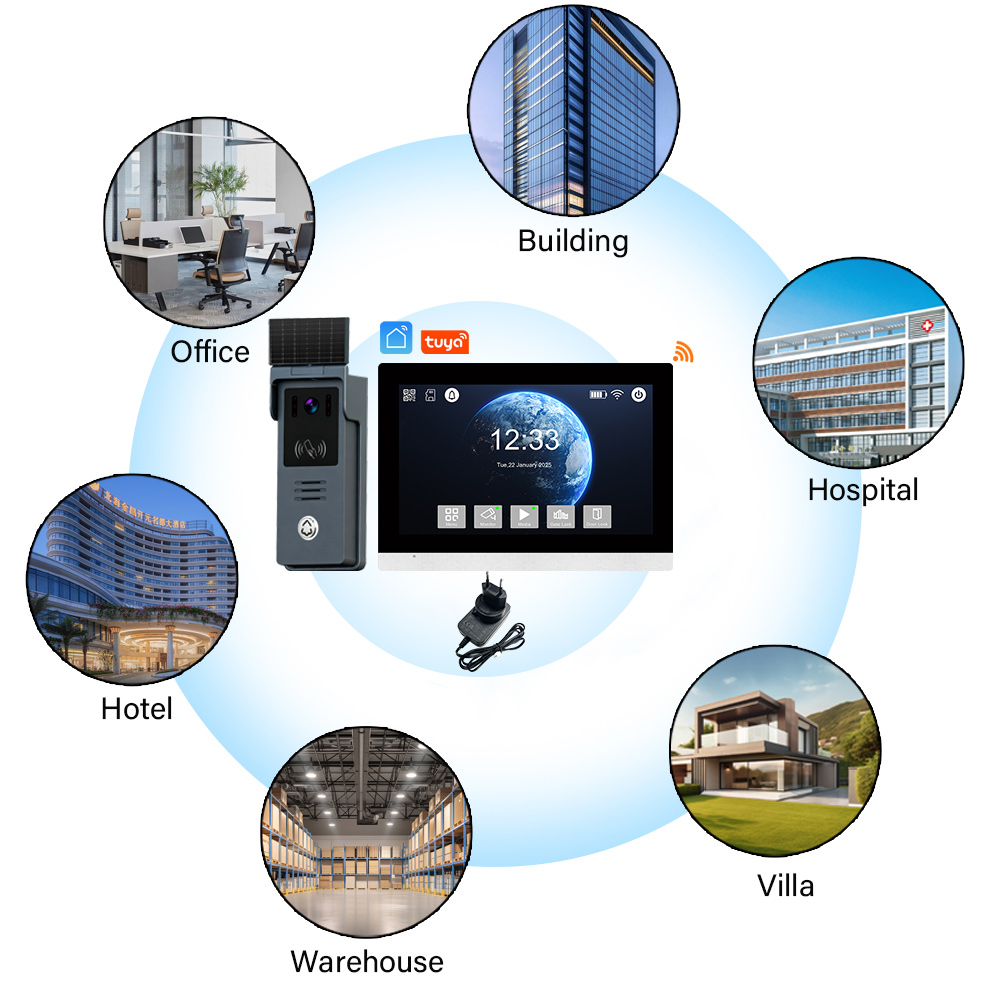
7. How to Maintain and Troubleshoot Intercom Systems for Elderly Care
Once an intercom system is installed, ongoing maintenance and troubleshooting are essential to ensure the safety and reliability of communication—especially when the system is used by or for elderly individuals in critical environments.
Routine Maintenance Checklist
Perform these checks monthly or quarterly depending on usage intensity:
| Tarea | Descripción |
|---|---|
| Power Check | Ensure all units are receiving power or have charged batteries |
| Audio Quality Test | Confirm voice clarity and volume across all stations |
| Visual Display Check | Test screen brightness, video feed, and camera angles |
| Emergency Button Test | Simulate emergency calls to verify response routing |
| Actualizaciones de firmware | Apply any manufacturer updates for performance and security |
| Cable/Wire Inspection | Look for wear and tear on wired systems |
| Wi-Fi Signal Strength (Wireless) | Ensure signal quality for all wireless units |
Common Issues and Troubleshooting Tips
| Problema | Causa | Solución |
|---|---|---|
| No Sound or Audio Disruption | Volume too low, loose connection, interference | Check volume, replug cables, reduce wireless interference |
| No hay señal de vídeo | Camera obstruction or faulty unit | Clean lens; if persists, replace camera module |
| Intercom Not Responding | Power failure or firmware crash | Reboot unit; check power source; update firmware |
| Emergency Call Not Triggering Alert | Misconfigured settings | Reassign emergency routes in system settings |
| Wi-Fi Dropouts (Wireless Units) | Señal débil | Add Wi-Fi extender or switch to wired unit in critical zones |
For professional support and hardware diagnostics, FARHD offers full lifecycle service, incluyendo after-sales technical support and component replacement. Learn more about their services on the Página "Acerca de nosotros".
Proactive Tips for Elderly Environments
- Label buttons clearly with large-font stickers for seniors with vision impairments.
- Install battery backups or UPS (uninterruptible power supplies) for wired systems.
- Use water-resistant models in bathrooms or damp environments.
- Train caregivers and staff on basic troubleshooting to minimize downtime.
8. B2B Opportunities: Intercom OEM & Wholesale Solutions for Senior Care Facilities
As the demand for elderly care solutions rises globally, B2B buyers—such as senior living communities, medical institutions, and security integrators—are actively sourcing intercom systems that are scalable, customizable, and cost-efficient.
Why B2B Buyers Choose FARHD for Elderly Intercoms
FARHD is a premier Chinese Fabricante OEM/ODM offering complete intercom hardware and software solutions. With full control over the supply chain—from LCD modules to final product assembly—FARHD ensures consistent quality, innovation, and delivery speed.
Ventajas clave para compradores empresariales
| Característica | Beneficio |
|---|---|
| Capacidades OEM/ODM | Customize firmware, branding, and UI for your market |
| Descuentos por pedidos al por mayor | Competitive pricing for volume contracts |
| Logística mundial | Export-ready with CE, FCC, RoHS certifications |
| Integración vertical | In-house production of LCD, camera modules, and software |
| Marca personalizada | Private label services for distributors and resellers |
| Multilingual UI | Ideal for international deployment in elderly care homes |
Explore FARHD’s full Servicios de fabricación OEM/ODM for smart intercom systems tailored to the elderly care sector.
Ideal Partners
- Nursing Homes & Retirement Communities
- Healthcare Integrators
- Configuración rápida, reinicio fácil y diagnósticos remotos
- Smart Home Product Distributors
- Government Elderly Care Initiatives
Product Categories Available for B2B Purchase
| Tipo de producto | Caso de uso |
|---|---|
| 4-Wire Intercom Systems | Villas, senior apartments, gated communities |
| Wi-Fi Video Intercoms | Homecare, independent seniors |
| Indoor Monitors with SOS | Nursing rooms, hospital bedsides |
| App-Connected Doorbells | Remote caregiver access |
| Custom UI Panels | White-label smart home solutions |
Ready to scale your intercom offering? Visit the Página de productos de FARHD to browse models or request a tailored quote.

9. FAQ: Installing and Using Intercoms for Elderly
Q1: What is the best type of intercom for elderly users?
R: For individual use in homes, wireless video intercoms with voice activation and app integration are ideal. In care facilities, wired systems with emergency buttons offer greater reliability.
Q2: Can intercoms work without internet?
R: funcionan independientemente de WiFi utilizando conexiones de 2 o 4 hilos. Sin embargo, para el acceso remoto y la integración de aplicaciones, se recomienda una conexión WiFi o Ethernet. Sistemas cableados work independently of the internet. Some modelos inalámbricos operate over RF or DECT frequencies, not relying on Wi-Fi.
Q3: Are intercoms safe for elderly people with cognitive impairments?
R: Absolutely. Choose intercoms with one-touch buttons, auto-answery emergency alerts to accommodate conditions like Alzheimer’s or dementia.
Q4: How many intercom units can I install in one home or facility?
R: Most systems support up to 10–20 stations, depending on the model. Wired systems can scale further with a central control unit or hub.
Q5: Can businesses customize intercoms for their brand or facility?
R: ¡Sí! FARHD ofrece private labeling, firmware customization, and UI localization for B2B clients. Ideal for distributors and medical institutions.
Q6: How do I contact FARHD for wholesale or OEM inquiries?
R: You can reach out to the FARHD sales team via their official Página de contacto for product catalogs, B2B pricing, and technical support.
Reflexiones finales
Installing an intercom system tailored for elderly use is more than a convenience—it’s a commitment to safety, dignity, and peace of mind. Whether you’re a family member, facility manager, or B2B distributor, choosing the right partner matters.
FARHD stands out as a global leader in elderly-friendly intercom systems, offering scalable, high-quality solutions backed by full OEM/ODM support and unmatched industry expertise.
🔹 Explorar Productos: FARHD Intercom Solutions
🔹 Get in Touch: Contacte a FARHD hoy mismo
🔹 Learn About Us: ¿Por qué FARHD?
Let’s build a safer, more connected future for our aging population—one intercom at a time.
También le puede interesar
-
Where to Buy Wireless Intercom with Camera: Best Options for Home & B2B Buyers
1. What is a Wireless Intercom with Camera and How Does It Work? A wireless intercom with camera is a modern communication system that combines audio, video, and wireless connectivity to allow secure communication between people at different points—typically between a building entrance and indoor units. These systems are commonly used in residential buildings, office…
-
How to Add a Smart Doorbell to the Tuya App: Step-by-Step Guide for 2025
What is Tuya and Why Use It with Smart Doorbells? Tuya Smart is a global IoT platform that enables manufacturers to build smart home devices that are cloud-connected, app-controllable, and interoperable. The Tuya Smart app allows users to control and monitor various smart devices—including smart doorbells—from one centralized interface. Benefits of Tuya Integration for Smart…
-

Does a Video Door Phone Work Without Internet?
1. What is a Video Door Phone and How Does It Work? A video door phone is a two-way communication system with a camera at the entrance and a monitor inside the building. It allows residents or business staff to see and talk to visitors before granting access. While often associated with smart doorbells, traditional…
-
What is the Cheapest Video Doorbell with App? Top Picks & B2B Insights
Understanding Video Doorbells with App Integration Video doorbells with app integration have transformed how we manage home and business security. These smart devices allow users to monitor, communicate, and even record visitors remotely through a smartphone app. Whether you’re a homeowner or a property manager, having a video doorbell with app functionality enhances convenience and…



