IP Apartment Outdoor Station – Room List Generation & Name Editing (8″ & 10″ Models)
mai 27, 2026
Partager cet article
Modern IP video intercom systems for apartment buildings need to be flexible. Tenants move in and out, names change, and room numbers must be easy to update. That is why our 8‑inch and 10‑inch IP outdoor stations include powerful yet simple tools for room list generation and name editing – directly on the device or remotely via software.
What Is Room List Generation?
In an apartment intercom, the outdoor station must know which indoor monitors (or mobile apps) to call when a visitor enters an apartment number. The room list is the database that maps apartment numbers (e.g., 101, 102, 201) to the corresponding call endpoints.
Our IP outdoor stations support up to 9,999 apartments (1‑ to 4‑digit room numbers). The room list can be generated in several ways:
- Manual entry – Key in apartment numbers and assign them to physical call buttons (for direct‑press models) or to an internal directory (for touchscreen models).
- Batch import – Upload a CSV file via the web interface or management software. Ideal for large buildings with hundreds of units.
- Auto‑generation – For buildings with sequential numbering (e.g., 101 to 1208), the system can automatically create the list with a few parameters.
- Integration with property management system – Through API, the room list can be synced automatically when tenants change.
Name Editing – Keep Resident Information Current
Once the room list is created, you can edit the display name for each apartment. This name appears on the outdoor station’s screen when visitors search by name or when the resident calls the elevator, etc.
Editing options:
- On‑device editing (touchscreen models) – Use the on‑screen keyboard to type or edit names directly on the 8″ or 10″ outdoor station. No PC needed.
- Remote editing via web interface – Log in to the outdoor station’s built‑in web server (or central management software) from any computer on the same network. Edit names in bulk or individually.
- CSV import/export – Download the current room list as a CSV file, edit names in Excel, and upload back. Perfect for large updates.
- intégration API – For custom property management systems, our open API allows real‑time name updates when a tenant registers or moves out.
Supported characters: Unicode (English, Russian, Arabic, Chinese, etc.) – fully multi‑lingual.
Special Features for 8″ & 10″ Touchscreen Models
The larger screens (8″ and 10″) offer enhanced directory functionality:
- Alphabetical search – Visitors can type the first few letters of a resident’s name to find the apartment.
- Name + room number display – Both the resident’s name and apartment number are shown on the call screen, reducing errors.
- Quick edit mode – An administrator can press a special key combination (e.g., long press “*” and enter admin PIN) to edit names on‑the‑fly without logging into a computer.
Example Workflow: Setting Up a 100‑Unit Building
- Generate room list – Use batch import: create a CSV with columns “Room Number” and “Name”. Upload via web interface.
- Verify – The outdoor station displays the list. A quick scroll confirms all entries.
- Edit names – A tenant changes from “J. Smith” to “J. Johnson”. The property manager edits the name online (or on‑device) in 30 seconds.
- Test – Visitor enters “101”, the call routes to the correct indoor monitor, and the outdoor screen shows “101 – J. Johnson”.
Benefits for Property Managers & Installers
| Avantage | How It Helps |
|---|---|
| No more sticky labels | Digital name display eliminates messy paper labels on the outdoor station. |
| Instant updates | When a tenant changes, the name can be updated immediately – no need to reprint or stick new labels. |
| Remote management | Edit room lists from your office, not from a ladder in the lobby. |
| Évolutivité | Works for 2 apartments or 9,999 – the same easy process. |
| Multi‑language support | Display names in any language; interface can be set to English, Russian, Arabic, etc. |
Which Models Support Room List Generation & Name Editing?
- All 8‑inch and 10‑inch IP outdoor stations with touchscreen (our D8‑IP, D10‑IP, and similar series).
- Non‑touchscreen models (direct‑press button stations) also support room list generation but name editing is limited to the button label (physical nameplate). For full digital name editing, we recommend touchscreen versions.
Ready to Simplify Apartment Intercom Management?
Our 8″ and 10″ IP outdoor stations make room list generation and name editing effortless – saving you time and reducing maintenance headaches.
📩 Contact us for a demo, catalog, or quotation.
🌐 Website: www.farhd.com
📧 Email: [email protected]
💬 Reply “ROOMLIST” for detailed technical documentation.
#IPIntercom #ApartmentIntercom #RoomList #NameEditing #SmartBuilding #TouchscreenDoorStation
Vous pourriez également être intéressé par
-
2-Wire Video Door Phone Connection with Electric Rim Lock: Unlock by Card, Indoor Monitor, and App
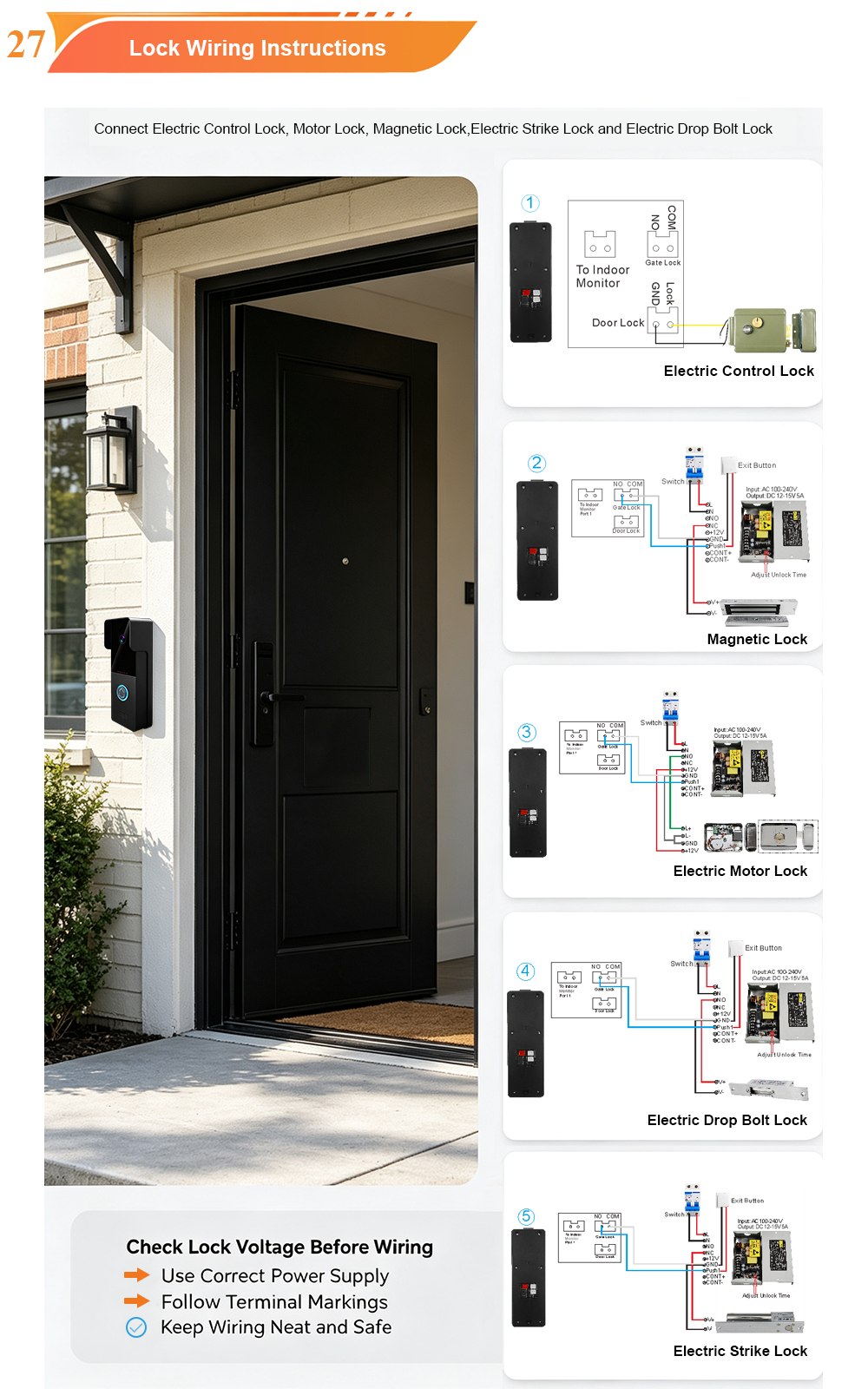
A complete guide to wiring an electric rim lock to a FARHD 2-wire video door phone system—and configuring three convenient unlock methods: RFID card, indoor monitor, and mobile app. Whether you are upgrading an existing building or specifying a new system, this guide covers the essentials for reliable, secure access control. Electric rim locks are…
-

Video Intercom Manufacturer & Source Factory Since 1998 | OEM ODM SKD Building Intercom
Video Intercom Manufacturer & Vertical Source Factory in China FARHD is a professional video intercom manufacturer with over 28 years of specialized experience in building security intercom systems. Established in 1998, we are a genuine building intercom factory focused on independent R&D, in-house production, and customized manufacturing for global B2B clients, including distributors, importers, engineering contractors, real estate…
-
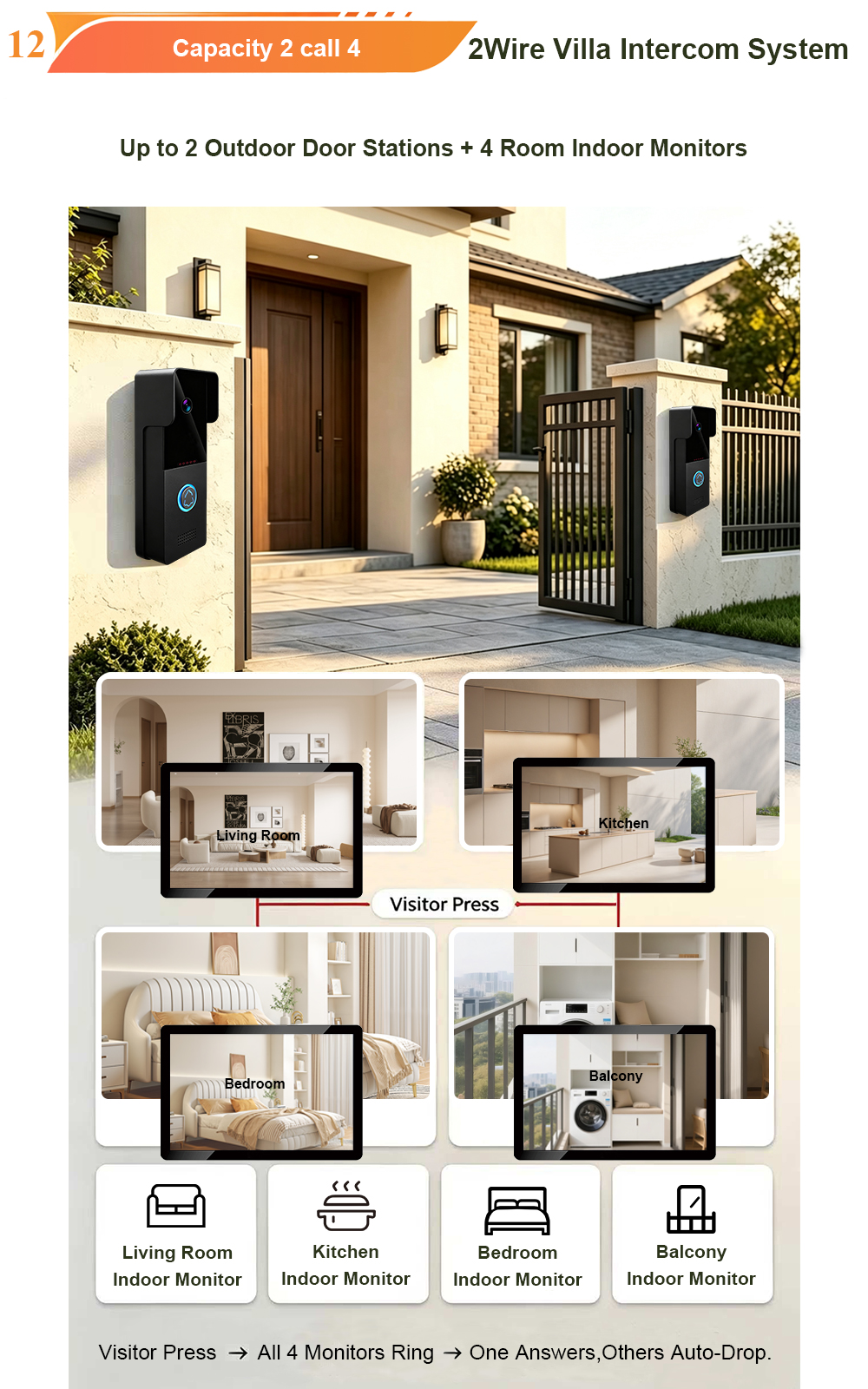
FARHD Video Intercom System: Versatile Solutions for Apartments and Villas
When it comes to building security and smart access, one size does not fit all. Different buildings have different wiring, different layouts, and different resident expectations. That’s why FARHD offers a comprehensive range of video intercom systems—with various indoor monitors and outdoor stations to match any apartment or villa project. Since 1998, FARHD has been…
-
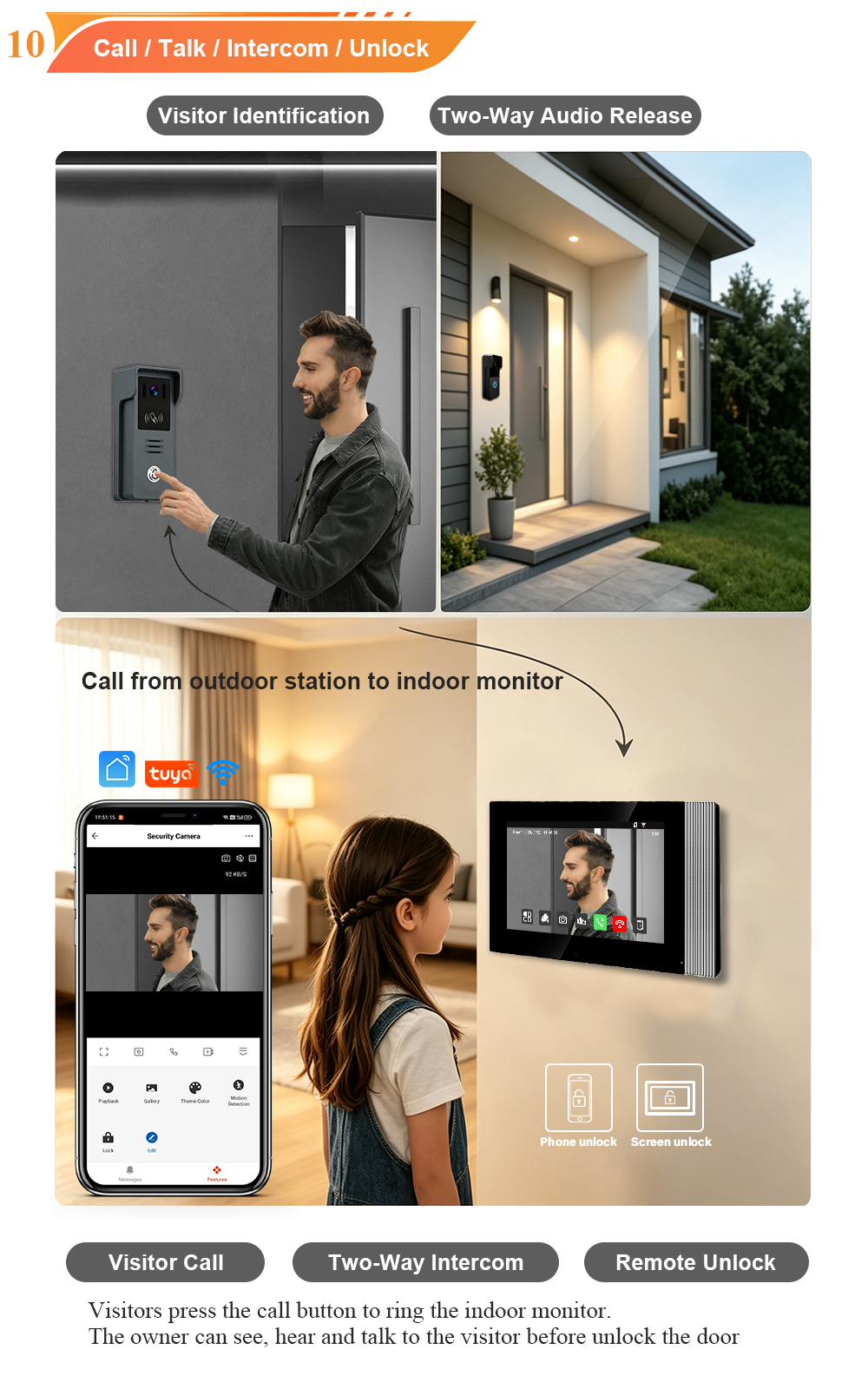
Low-Temperature Test: FARHD Video Intercom Screens Keep Running Smoothly in Freezing Cold
Inside the freezing chamber, it keeps working — normal display, no black screen, no shutdown. Real quality isn’t just about lab data; it’s about staying reliable in extreme conditions. A video intercom that withstands freezing cold — because your door security can’t take a day off. In many parts of the world, winter is not…