
How to Add a Smart Doorbell to the Tuya App: Step-by-Step Guide for 2025
Март 11, 2026
Поделиться статьей
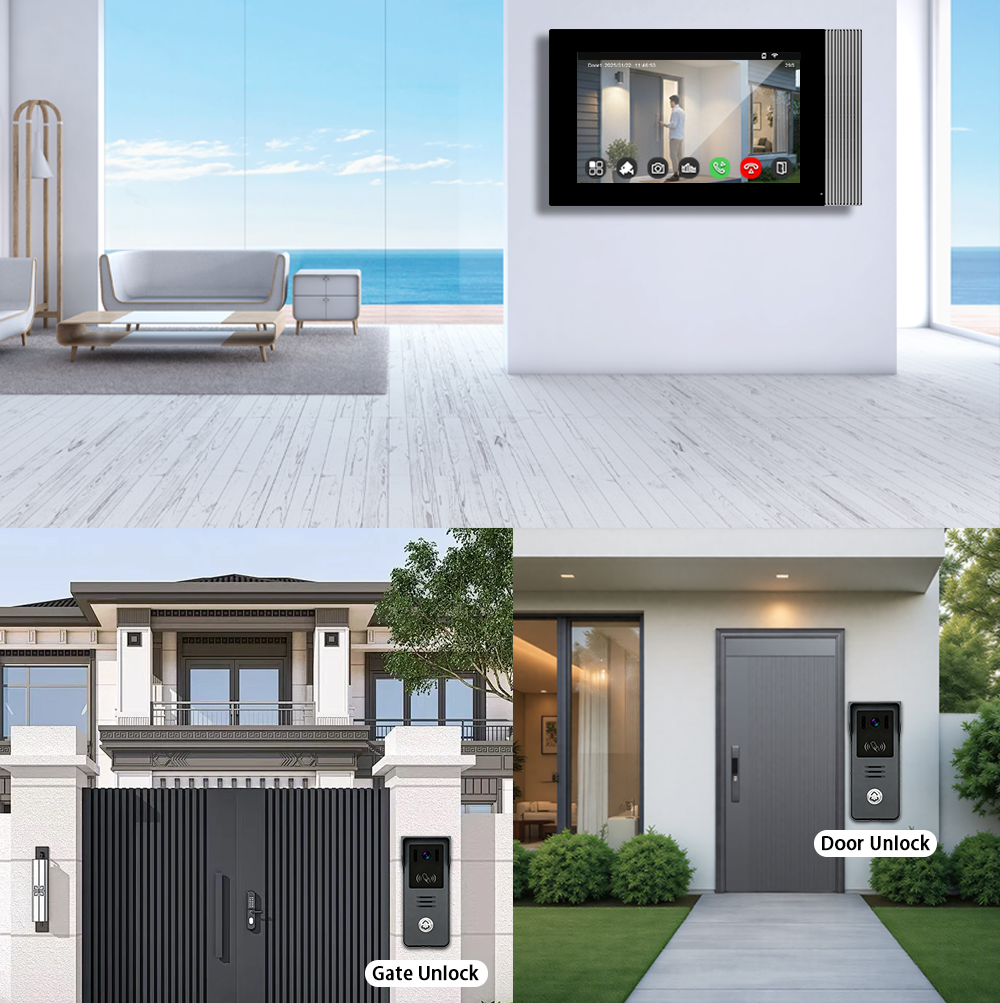
What is Tuya and Why Use It with Smart Doorbells?
Туя Смарт is a global IoT platform that enables manufacturers to build smart home devices that are cloud-connected, app-controllable, and interoperable. The приложение Tuya Smart allows users to control and monitor various smart devices—including smart doorbells—from one centralized interface.
Benefits of Tuya Integration for Smart Doorbells:
- Cross-Brand Compatibility: Tuya supports thousands of device brands.
- Подключение к облаку: Enables real-time video streaming and notification.
- Smart Scenes: Automate doorbell actions with other devices like smart locks or lights.
- Интеграция с голосовым помощником: Works seamlessly with Amazon Alexa и Google Assistant.
- Удаленный доступ: View visitors and communicate even when you’re not home.
Why B2B Buyers Prefer Tuya-Compatible Doorbells:
- Масштабируемая интеграция: Ideal for property developers and multi-unit housing.
- OEM Flexibility: Manufacturers like FARHD offer Tuya-ready OEM/ODM devices.
- Ease of Deployment: One app for all smart devices reduces customer support costs.
- Персонализация бренда: Private labeling options for distributors and resellers.
Compatible Smart Video Doorbells That Work with Tuya
When choosing a smart doorbell for integration with the Tuya app, it’s crucial to ensure Tuya compatibility. Not all doorbells support the platform, so selecting compliant models is key.
Key Tuya-Compatible Features to Look For:
| Характеристика | Описание |
|---|---|
| Подключение к Wi-Fi | Most Tuya doorbells use 2.4GHz Wi-Fi |
| RTSP/Cloud Video | Enables real-time video streaming to the app |
| Двухстороннее аудио | Talk and listen to visitors in real time |
| Обнаружение движения | Sends app alerts when movement is detected |
| Ночное видение | Infrared or full-color night camera support |
| Варианты питания от батареи или от сети | Supports both wired and battery-powered models |
Top Tuya-Compatible Doorbell Categories:
- Battery-Powered Smart Doorbells
- Wired IP Video Doorbells
- Multi-Apartment Intercom Systems
- Villa Intercom Systems with Monitor Screens
Recommended Compatible Brands:
- FARHD – Offers full Tuya-compatible OEM/ODM solutions for global distributors
- Zemismart
- Laxihub
- Виктюр
For a full list of Tuya-compatible OEM doorbells, visit the Каталог продукции FARHD.
Step-by-Step: How to Add a Smart Doorbell to the Tuya App
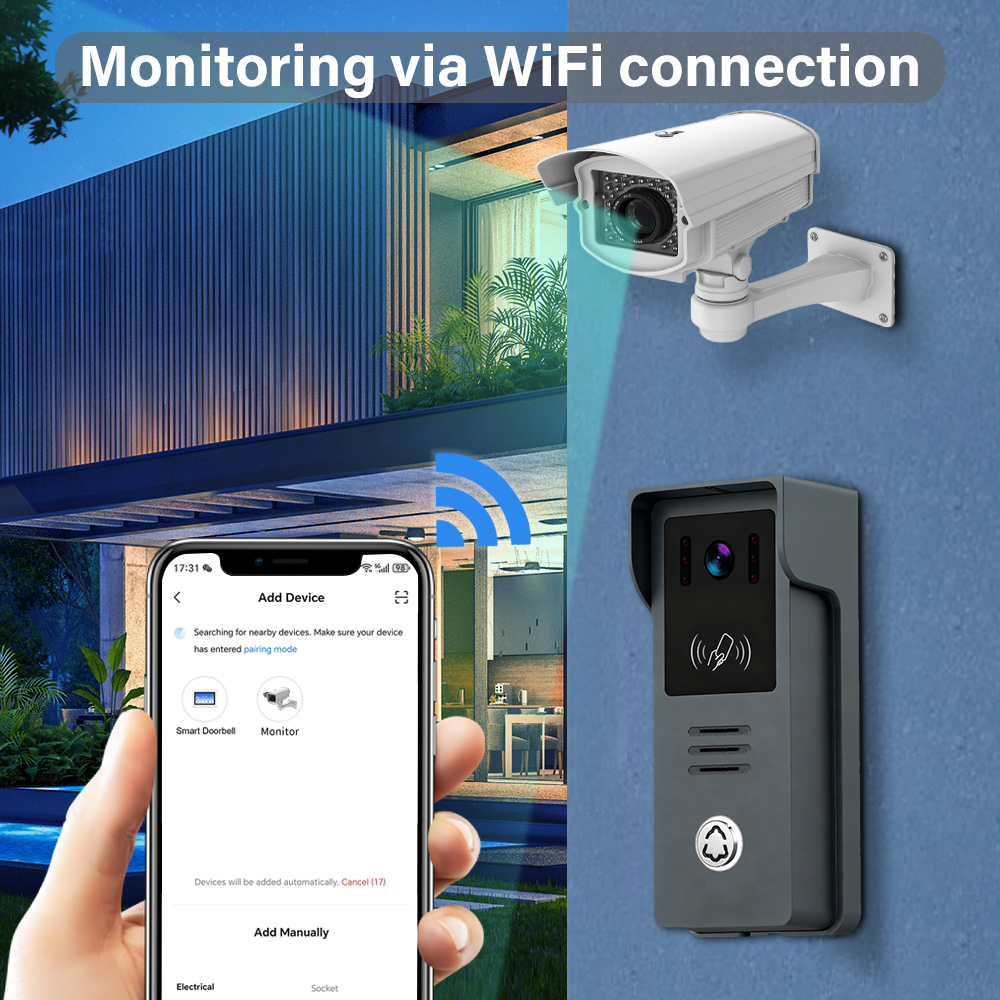
Adding your video doorbell to the Tuya app is a quick and easy process. Follow these steps to pair your device successfully.
Чек-лист подготовки:
- Ensure your smart doorbell is powered on.
- Confirm it supports Туя Смарт или Умная жизнь platform.
- Connect your phone to a Сеть Wi-Fi 2.4 ГГц (5GHz is not supported).
- Download and install the Туя Смарт или Умная жизнь app from Google Play or App Store.
Пошаговое руководство:
1. Open the Tuya Smart App
- Register or log in to your account.
- Tap the или символ icon in the top right corner to add a device.
2. Select Device Type
- Navigate to Video Surveillance > Smart Doorbell.
3. Put Doorbell in Pairing Mode
- Нажмите и удерживайте кнопку сброса on the doorbell until the LED starts flashing or voice prompt says “Ready to connect”.
4. Confirm Wi-Fi Credentials
- Введите 2.4GHz Wi-Fi SSID and password within the app.
5. Scan QR Code or Use AP Mode
- Режим EZ: The app automatically searches for the device.
- QR Mode: A QR code appears on your phone screen; show it to the doorbell camera.
- Режим AP: Connect to the doorbell’s hotspot manually.
6. Complete the Pairing
- The doorbell connects to the network and appears in your device list.
- You can rename it and assign it to a room.
Tips for Successful Pairing:
- Keep the phone close to the doorbell during setup.
- Disable mobile data temporarily to avoid signal interference.
- Reset the doorbell if pairing fails and try again.
Want to integrate Tuya-compatible doorbells into your product line? Learn more about our Возможности OEM/ODM здесь.
Benefits of Integrating Smart Doorbells with Tuya Smart Ecosystem
Integrating your smart doorbell with the Tuya ecosystem opens up powerful automation capabilities, centralized control, and streamlined security management. This brings significant benefits for both владельцев домов, и Партнеры B2B такие как дистрибьюторов, застройщики, и smart home installers.
Key Benefits for End-Users:
- Единое управление: Manage lighting, locks, and doorbells from one app.
- Cloud Notifications: Get instant alerts with video thumbnails.
- Автоматизация: Create smart scenes like “Turn on porch light when doorbell rings.”
- Удаленный мониторинг: Watch live feed, playback recordings, and talk to visitors remotely.
- Голосовое управление: Use Alexa or Google Assistant to monitor the doorbell.
Advantages for B2B Customers:
| Выгода | Описание |
|---|---|
| Кросс-платформенная совместимость | Works with Google, Amazon, Apple HomeKit (limited) |
| Индивидуальный брендинг приложений | White-label the Smart Life app with your logo |
| Multi-Tenant Control | Ideal for apartment complexes and gated communities |
| Аналитика данных | Gain usage and security insights for commercial buildings |
| Масштабируемость | Easily add hundreds of devices across properties |
Looking for a scalable smart doorbell solution for apartment buildings? Explore FARHD’s многоквартирные домофонные системы.
Troubleshooting Common Issues When Adding Devices to Tuya
Even though Tuya makes device onboarding easy, some users may encounter connectivity or pairing issues. Here’s how to solve them.
Common Problems and Solutions
| Выпуск | Решение |
|---|---|
| Device not found during pairing | Ensure the doorbell is in pairing mode, and use 2.4GHz Wi-Fi only |
| QR code not recognized | Clean the camera lens, increase screen brightness, retry in better light |
| App crashes or hangs | Update the app, restart phone, clear app cache |
| Doorbell not ringing in app | Enable push notifications and permissions in phone settings |
| Видеопоток не загружается | Check internet speed; connect doorbell closer to router |
Resetting the Device:
- Hold the reset button for 5-10 seconds until you hear the prompt.
- Retry the pairing process using AP mode if EZ mode fails.
Need help with customizing your Tuya-compatible devices? Contact FARHD support для получения экспертной помощи.
How to Use a Tuya-Connected Video Doorbell with Alexa and Google Home
Integrating your Tuya-compatible video doorbell with Amazon Alexa или Google Home allows for hands-free operation and a more immersive smart home experience. This is an essential feature for both потребители и B2B customers такие как системные интеграторы, реселлеров, и поставщики решений для умного дома.
Requirements for Voice Assistant Integration:
| Компонент | Amazon Alexa | Google Assistant |
|---|---|---|
| Tuya Smart/Smart Life App | Требуется | Требуется |
| Smart Doorbell Device | Must support Tuya and voice services | Must support Tuya and voice services |
| Smart Display (Optional) | Echo Show, Fire TV | Google Nest Hub, Chromecast |
Alexa Integration: Step-by-Step
- Откройте приложение Alexa
- Go to the menu and select Навыки и игры.
- Search for “Smart Life”
- Нажмите Enable to Use.
- Login with Tuya Credentials
- Use the same account details as your Tuya Smart app.
- Обнаружение устройств
- Alexa will scan and add your smart doorbell automatically.
- Используйте голосовые команды
- Example: “Alexa, show me the front door camera.”
Google Assistant Integration: Step-by-Step
- Откройте приложение Google Home
- Tap the + icon to add a new device.
- Select “Works with Google”
- Search and link Умная жизнь учетную запись.
- Login with Tuya Credentials
- Authorize access to your devices.
- Assign Devices to Rooms
- Place the doorbell in the appropriate room (e.g., Front Door).
- Используйте голосовые команды
- Example: “Hey Google, show front door on Living Room TV.”
Benefits for B2B Buyers and Installers:
- Easy Integration: Plug-and-play setup for end customers.
- Increased Value: Adds smart assistant compatibility to your product offerings.
- Дифференциация бренда: Voice control support enhances user experience.
- Коммерческое применение: Ideal for office buildings, rental properties, senior living communities.
Looking for white-label smart doorbells with Alexa and Google compatibility? Learn more about FARHD’s услуги производства OEM/ODM.
Best Smart Doorbell Features to Utilize in the Tuya App
Once your smart doorbell is connected to the Tuya app, you can leverage a wide range of features that enhance security, convenience, and automation.
Top Features Available in Tuya for Smart Doorbells:
1. Live Video Monitoring
- View real-time footage from your doorbell.
- Supports full HD, night vision, and wide-angle viewing.
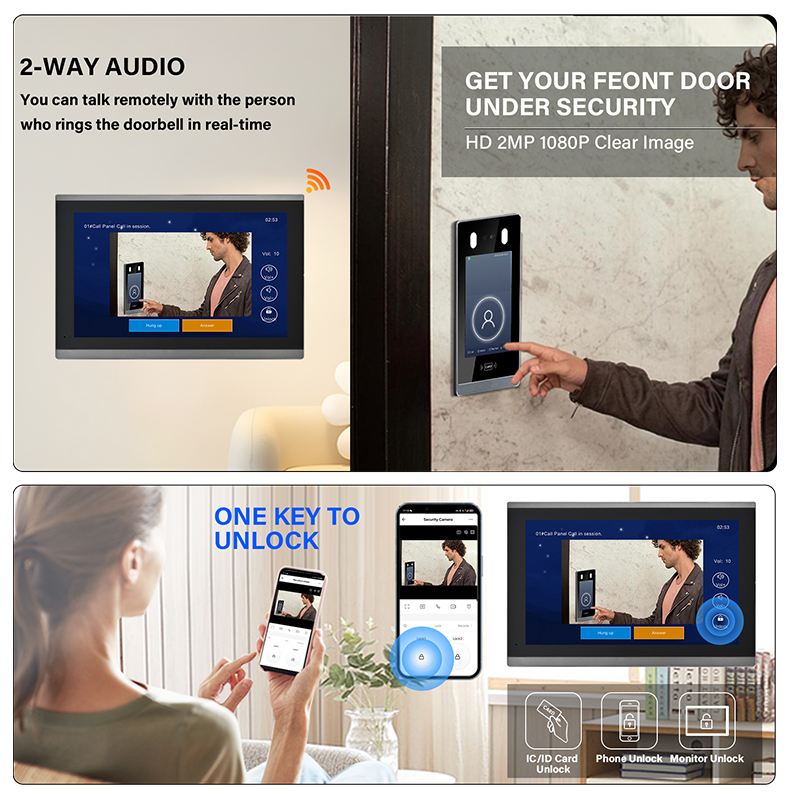
2. Двухстороннее аудио
- Speak directly with visitors from your smartphone.
- Great for deliveries, guests, or intruders.
3. Обнаружение движения и оповещения
- Set motion zones and sensitivity levels.
- Receive instant push notifications when movement is detected.
4. Cloud & Local Recording
- Store footage in the cloud (subscription) or on SD card.
- Playback recordings directly in the app.
5. Automated Scenes
- Example: “If doorbell rings after 8PM, turn on porch light.”
- Combine with other Tuya devices for powerful automation.
6. Общий доступ к устройству
- Grant access to family members or staff.
- Control permissions for video viewing or alerts.
Advanced Features for Property Managers and Installers:
| Характеристика | Выгода |
|---|---|
| Поддержка нескольких дверных звонков | Manage multiple entry points in one app |
| Event Logs | Track entry/exit times for security audits |
| Integration with Locks | Automatically unlock door via intercom |
| Push-to-Talk Function | Use mobile device as intercom controller |
Want to add these advanced features to your product line? Visit our Страница «О нас» to understand how FARHD delivers full-stack smart intercom systems.
FARHD: Leading OEM/ODM Smart Doorbell Manufacturer for Tuya-Compatible Devices
Когда дело доходит до поиска reliable, scalable, and Tuya-compatible smart doorbell manufacturer, Шэньчжэнь FARHD Tech Co., Ltd. (FARHD) stands out as the top choice—especially for wholesalers, distributors, and B2B project managers.
Почему стоит выбрать FARHD?
✅ End-to-End Manufacturer: From LCM, camera modules to full video intercom systems
✅ Совместим с Tuya: All smart doorbells support Tuya Smart and Smart Life platforms
✅ Глобальный охват: Лидирующая доля рынка в Китае, Италии, Корее и Турции
✅ Гибкие услуги OEM/ODM: White labeling, custom app branding, and hardware customization
✅ Вертикальная интеграция: Control over the entire supply chain ensures quality and cost optimization
✅ Сертификаты: ISO 9001, CE, FCC, ROHS, SGS ensure compliance and market access
✅ 13 Modern Production Lines: High-capacity factory with YAMAHA SMT technology
FARHD Product Use Cases:
| Application Scenario | Тип продукта |
|---|---|
| Villas and Homes | 4-wire or wireless doorbell systems |
| Жилые комплексы | Multi-apartment video intercom |
| Коммерческие здания | Video door access with elevator control |
| Hotels and Hospitals | Touchscreen doorbell panels |
| Интеграторы умного дома | Custom-branded Tuya doorbells |
See the full lineup of Tuya-compatible intercom solutions in the Каталог продукции FARHD.
FAQ: Tuya Smart Doorbell Setup, Compatibility, and Integration
1. Can I use any smart doorbell with the Tuya app?
No. The doorbell must explicitly support Tuya or be integrated with the Tuya IoT platform.
2. Is Tuya the same as Smart Life?
Yes. Smart Life is a rebranded version of Tuya, and both apps work interchangeably with Tuya-supported devices.
3. Does Tuya support video doorbells with local storage?
Yes. Most Tuya-compatible doorbells support SD card storage and cloud options.
4. Can I integrate a Tuya doorbell with my existing home automation system?
Yes. Tuya supports IFTTT, Alexa, Google Assistant, and some Zigbee integrations for seamless automation.
5. What’s the best Tuya-compatible smart doorbell for bulk purchase?
Мы рекомендуем FARHD OEM doorbells, which are fully Tuya-compatible and customizable for branding.
6. Where can I get B2B pricing or request a quote?
You can request a quote or consultation directly via the Контактная страница FARHD.
By integrating your smart doorbell with the Tuya app, you unlock a world of convenience, control, and security. Whether you’re an end-user looking to secure your home or a B2B buyer sourcing reliable smart doorbell solutions, choosing a Tuya-compatible system—especially from a trusted manufacturer like FARHD—ensures long-term value and seamless user experience.
Вас также может заинтересовать
-
2-Wire Video Door Phone Connection with Electric Rim Lock: Unlock by Card, Indoor Monitor, and App
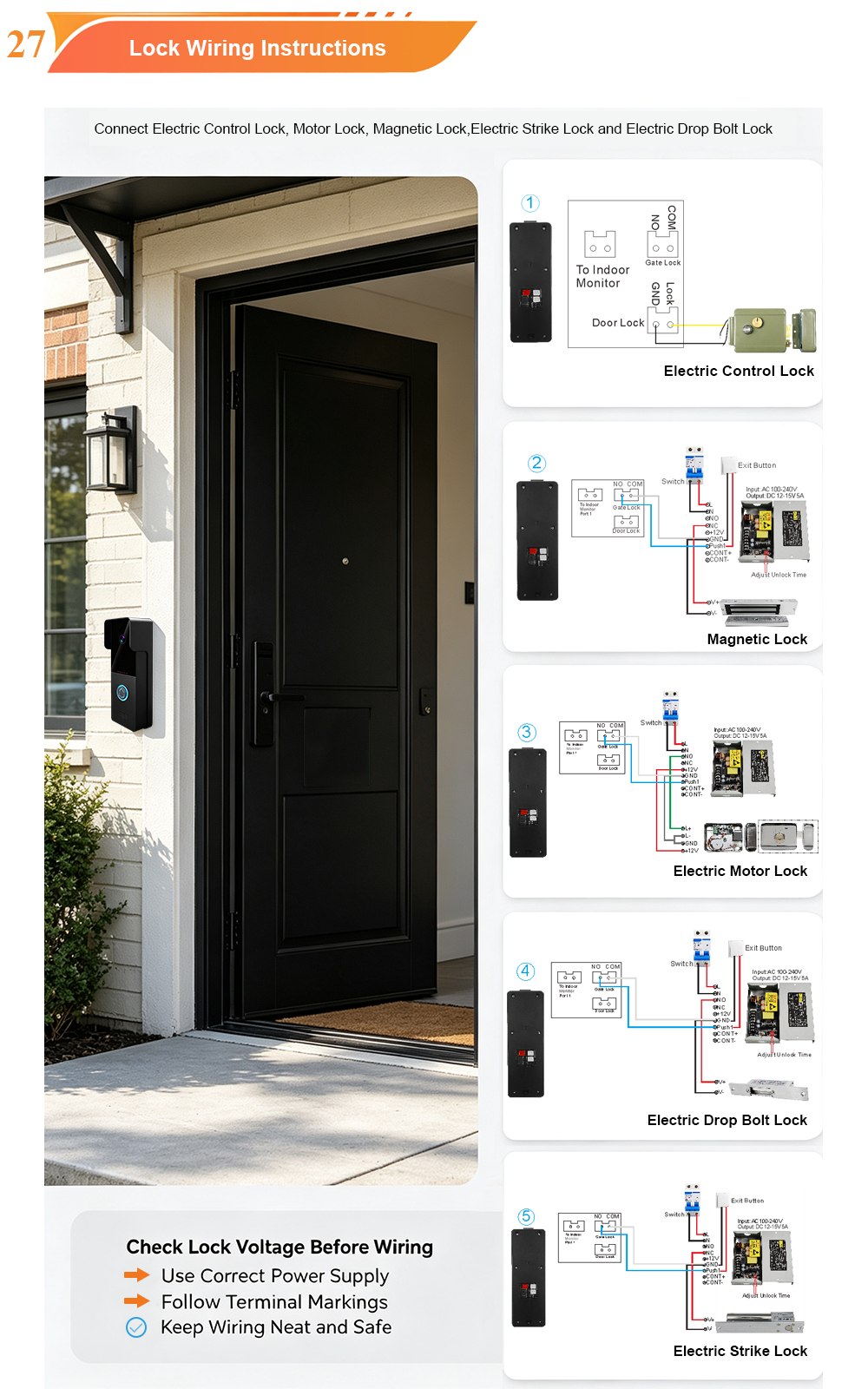
A complete guide to wiring an electric rim lock to a FARHD 2-wire video door phone system—and configuring three convenient unlock methods: RFID card, indoor monitor, and mobile app. Whether you are upgrading an existing building or specifying a new system, this guide covers the essentials for reliable, secure access control. Electric rim locks are…
-

Video Intercom Manufacturer & Source Factory Since 1998 | OEM ODM SKD Building Intercom
Video Intercom Manufacturer & Vertical Source Factory in China FARHD is a professional video intercom manufacturer with over 28 years of specialized experience in building security intercom systems. Established in 1998, we are a genuine building intercom factory focused on independent R&D, in-house production, and customized manufacturing for global B2B clients, including distributors, importers, engineering contractors, real estate…
-
FARHD Video Intercom System: Versatile Solutions for Apartments and Villas
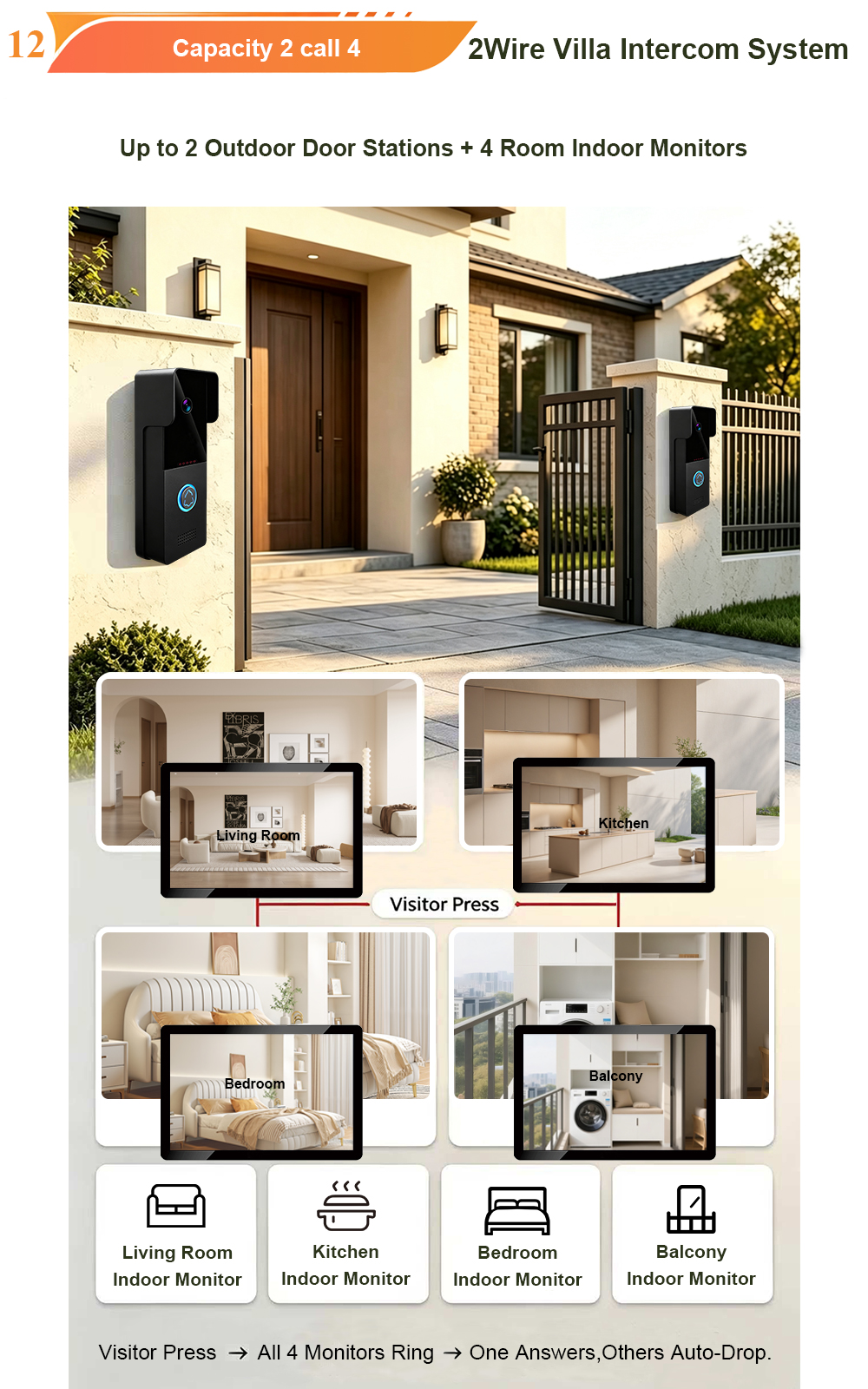
When it comes to building security and smart access, one size does not fit all. Different buildings have different wiring, different layouts, and different resident expectations. That’s why FARHD offers a comprehensive range of video intercom systems—with various indoor monitors and outdoor stations to match any apartment or villa project. Since 1998, FARHD has been…
-
Low-Temperature Test: FARHD Video Intercom Screens Keep Running Smoothly in Freezing Cold
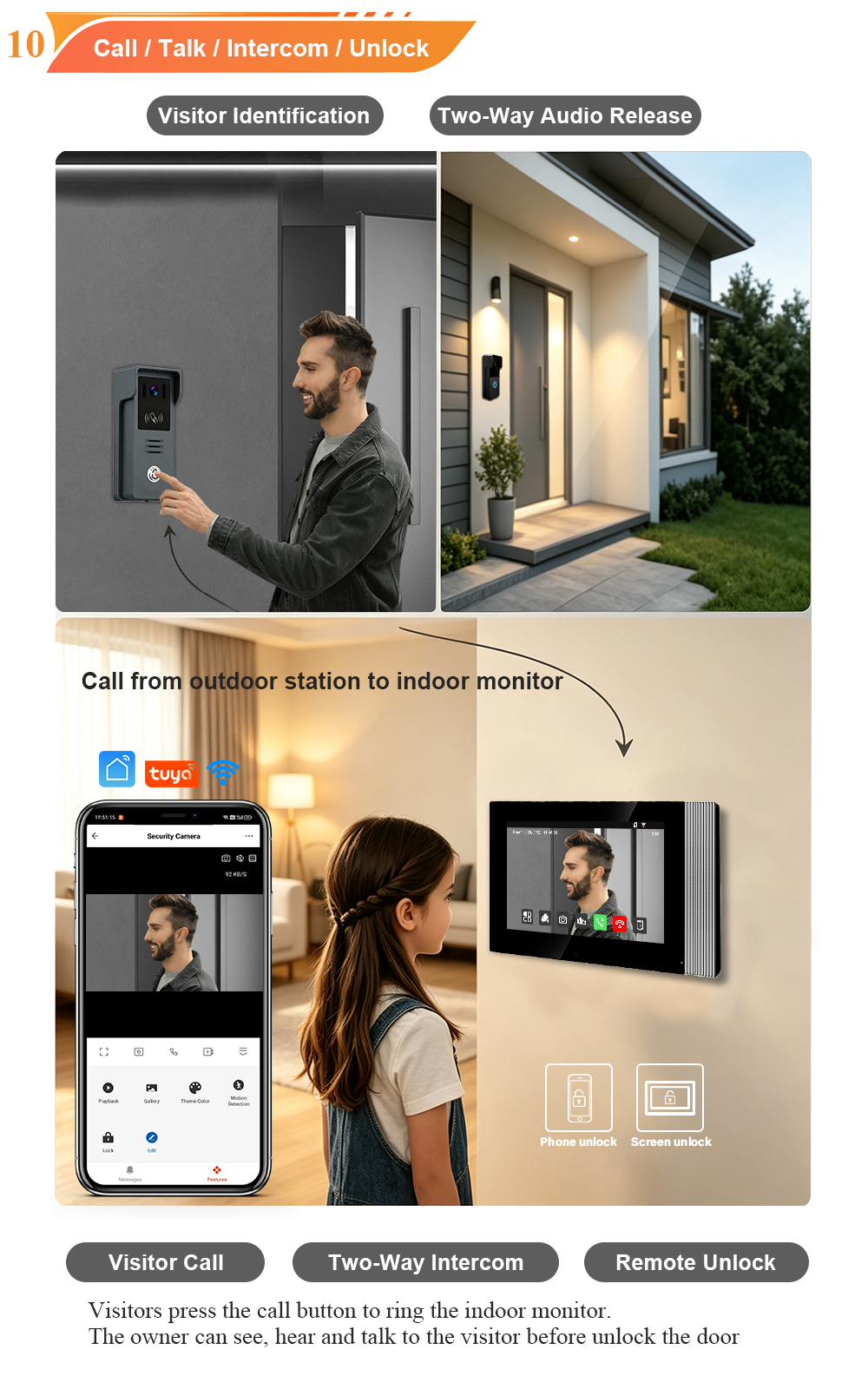
Inside the freezing chamber, it keeps working — normal display, no black screen, no shutdown. Real quality isn’t just about lab data; it’s about staying reliable in extreme conditions. A video intercom that withstands freezing cold — because your door security can’t take a day off. In many parts of the world, winter is not…



