Сентябрь 1, 2026
Поделиться статьей
Card Management of 2-Wire Outdoor Station – Direct-Call Button
In modern apartment and villa intercom systems, card-based access has become an essential feature. It eliminates the need for physical keys, simplifies access management for property managers, and provides residents with a convenient, secure way to enter their building. For 2-wire direct-call outdoor stations, card management is both powerful and straightforward – allowing administrators to register, manage, and revoke access cards with ease.
This guide covers everything you need to know about card management for FARHD’s 2-wire direct-call outdoor stations – from the types of cards supported to step-by-step instructions for adding and deleting cards.
Why Card Access Matters
Traditional keys are easy to lose, difficult to manage, and impossible to remotely revoke. Card-based access solves all of these problems:
- Keyless convenience – Residents simply tap their card to enter
- Централизованное управление – Property managers can issue and revoke cards instantly
- Повышенная безопасность – Lost cards can be deactivated immediately
- Audit trail – Access events can be logged for security monitoring
For multi-tenant buildings, card management is not just a convenience – it’s a necessity.
Supported Card Types
FARHD’s 2-wire direct-call outdoor stations support multiple credential types to accommodate different user preferences and security requirements:
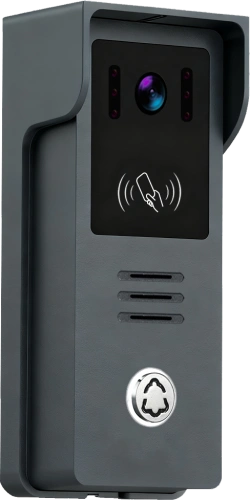
The outdoor panel supports tap-to-enter functionality – residents simply present their registered card to the card reader area on the outdoor station to unlock the door.
Accessing Card Management
Card management is typically accessed through the indoor monitor’s settings menu (for systems with an indoor monitor) or directly on the outdoor station itself (for standalone configurations).
Via Indoor Monitor (Recommended Method)
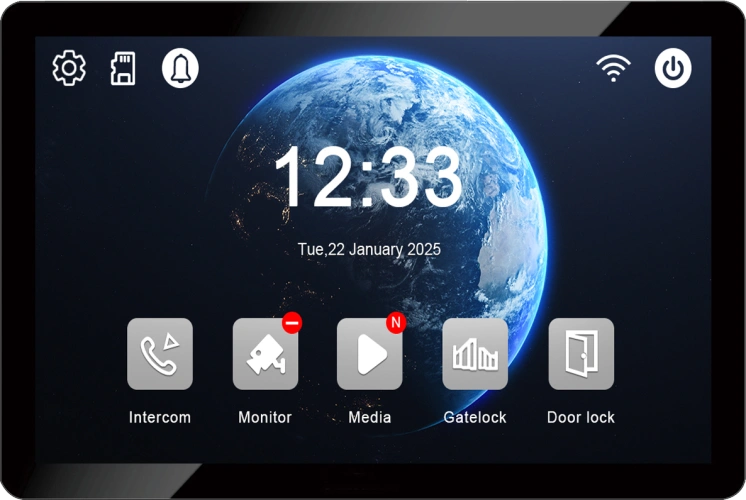
- From the indoor monitor’s main interface, navigate to the settings icon
- Выберите “Card Management” from the system settings menu
- Enter the admin password (factory default:
666666) - You will then have access to add or delete cards
For security, it is strongly recommended to change the default password after initial setup. Most systems allow password changes through the settings menu. If the password is reset, it will return to the factory default:
666666.
Via Dedicated Management Cards (Alternative Method)
Some 2-wire systems also support card management using physical management cards:
- An “Add Card” management card to enter registration mode
- A “Delete Card” management card to enter deletion mode
Once in the appropriate mode, present the user cards to be registered or deleted. This method is useful for quick on-site management without accessing the indoor monitor menu.
Adding a New Card
Method 1: Via Indoor Monitor Menu
- Доступ Card Management in the indoor monitor settings (enter admin password)
- Tap the “Add” icon to enter card-swiping mode
- Present the new card to the card reader on the outdoor station
- The system will register the card and confirm successful addition
- Tap the “Return” icon to view the newly added card in the list
Method 2: Via Management Card (if supported)
- Present the “Add Card” management card to the outdoor station’s card reader
- The system enters registration mode
- Present each new user card to be registered
- Present the management card again to exit registration mode
Примечание: User cards must be registered before they can be used to unlock the door. Once registered, simply tapping the card to the outdoor station’s card reader area will unlock the door.
Deleting a Card
Method 1: Via Indoor Monitor Menu
- Доступ Card Management in the indoor monitor settings (enter admin password)
- Tap the “Delete” icon to enter card-swiping mode
- Present the card to be deleted to the outdoor station’s card reader
- The system will remove the card from the registered list
- Tap the “Return” icon to view the updated card list, or tap on the specific card number to delete it
Method 2: Via Management Card (if supported)
- Present the “Delete Card” management card to the outdoor station’s card reader
- The system enters deletion mode
- Present each user card to be deleted
- Present the management card again to exit deletion mode
Важно: Once a card is deleted, it cannot be used to open the door. If the card needs to be re-activated, it must be re-registered through the add card process.
Additional Card Management Features
Bulk Operations
Some systems support bulk card management – allowing administrators to:
- Import/export card lists via software
- Assign cards to specific rooms or residents
- Generate access reports for security audits
Card Capacity
The number of cards a system can manage depends on the specific model. Some systems support up to 200 cards, while others can handle 1000 or more user cards. For large apartment buildings, systems like the D8-IP support up to 40,000 face IDs and extensive card capacity.
User Code Mapping (For Direct-Call Buttons)
In direct-call outdoor stations, each physical call button is typically assigned to a specific apartment or user. When a card is registered, it can be associated with a specific button or room number, ensuring that the card grants access to the correct unit.
Best Practices for Card Management
Troubleshooting Common Card Issues
| Выпуск | Possible Solution |
|---|---|
| Card not recognised | Ensure the card is presented to the correct area on the outdoor station |
| Card doesn’t unlock door | Verify the card has been registered |
| Can’t access card management | Check the admin password – default is 666666 |
| Card reader not responding | Check power and wiring connections to the outdoor station |
| Card was deleted accidentally | Re-register the card through the add card process |
Why Choose FARHD for Your 2-Wire Intercom Needs?
FARHD has been designing and manufacturing video intercom systems since 1998, with over 28 years of industry experience. Our 2-wire direct-call outdoor stations offer:
- IC/ID/NFC card reader for flexible keyless entry
- Simple 2-wire installation – reuses existing cabling, no complex rewiring
- IP65 weatherproof – built for outdoor durability
- 1080P HD camera with wide-angle and night vision
- OEM/ODM ready – custom branding and configuration available
- Глобальный охват – serving clients in over 90 countries
Ready to Upgrade Your Building Access?
Card management for 2-wire direct-call outdoor stations is straightforward, secure, and highly effective. Whether you’re managing a small apartment building or a large residential community, FARHD’s solutions give you the tools you need to control access with confidence.
📩 Contact us for catalog, pricing, or to request a sample.
🌐 Website: www.farhd.com
📧 Email: [email protected]
FARHD – Video Intercom Manufacturer Since 1998.
Вас также может заинтересовать
-
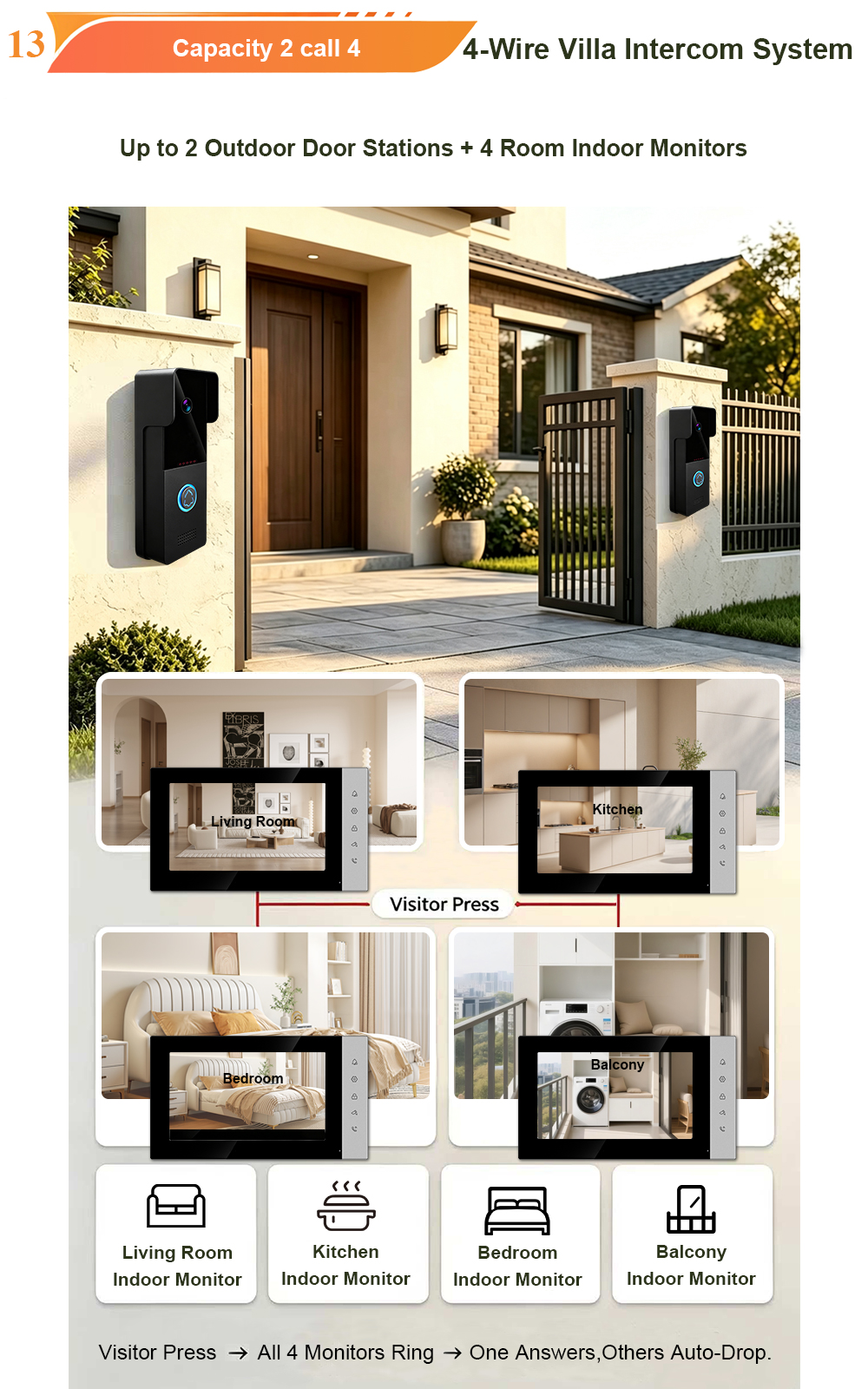
Smart Video Door Intercom System | 1 Outdoor Unit + 3 Indoor Monitors
A Smart, Reliable, and Affordable Security Solution for Homes, Villas, and Small Apartments Upgrade your home security with this reliable analog video intercom system. Perfect for homes, villas and small apartments — simple install, ultra clear vision & full smart intercom functions. The numbers tell a clear story. The global door phones market was valued…
-
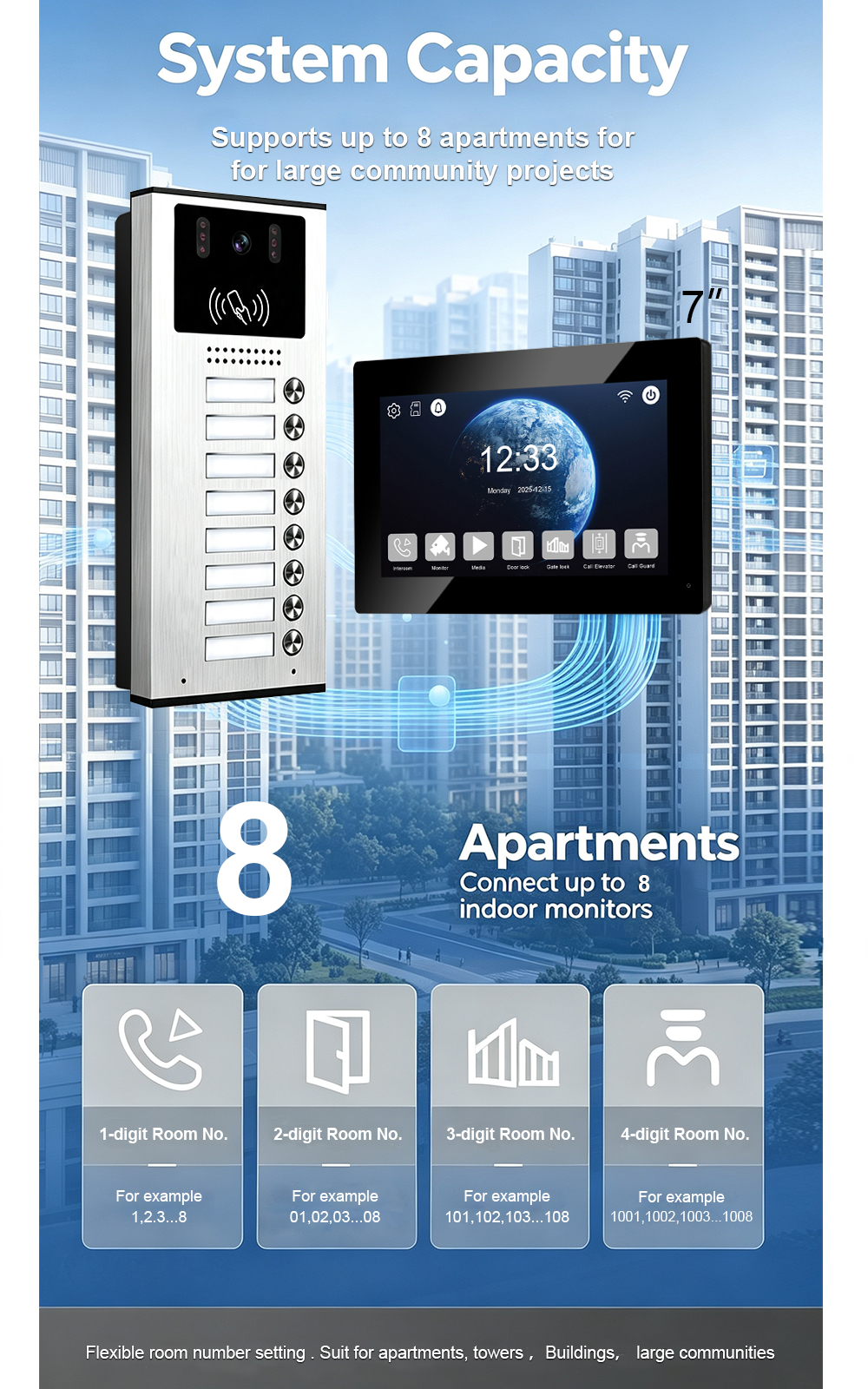
Need a Trusted Video Intercom Partner? FARHD Has Been the Answer Since 1998
China-based since 1998. Specialized in video door phone intercom systems. Full OEM & ODM support – we build to your specs, not ours. Factory pricing. Engineering expertise. Global shipping. The numbers tell a clear story. The video intercom devices market was valued at USD 28.4 billion in 2025 and is projected to grow from USD 31.6 billion in…
-
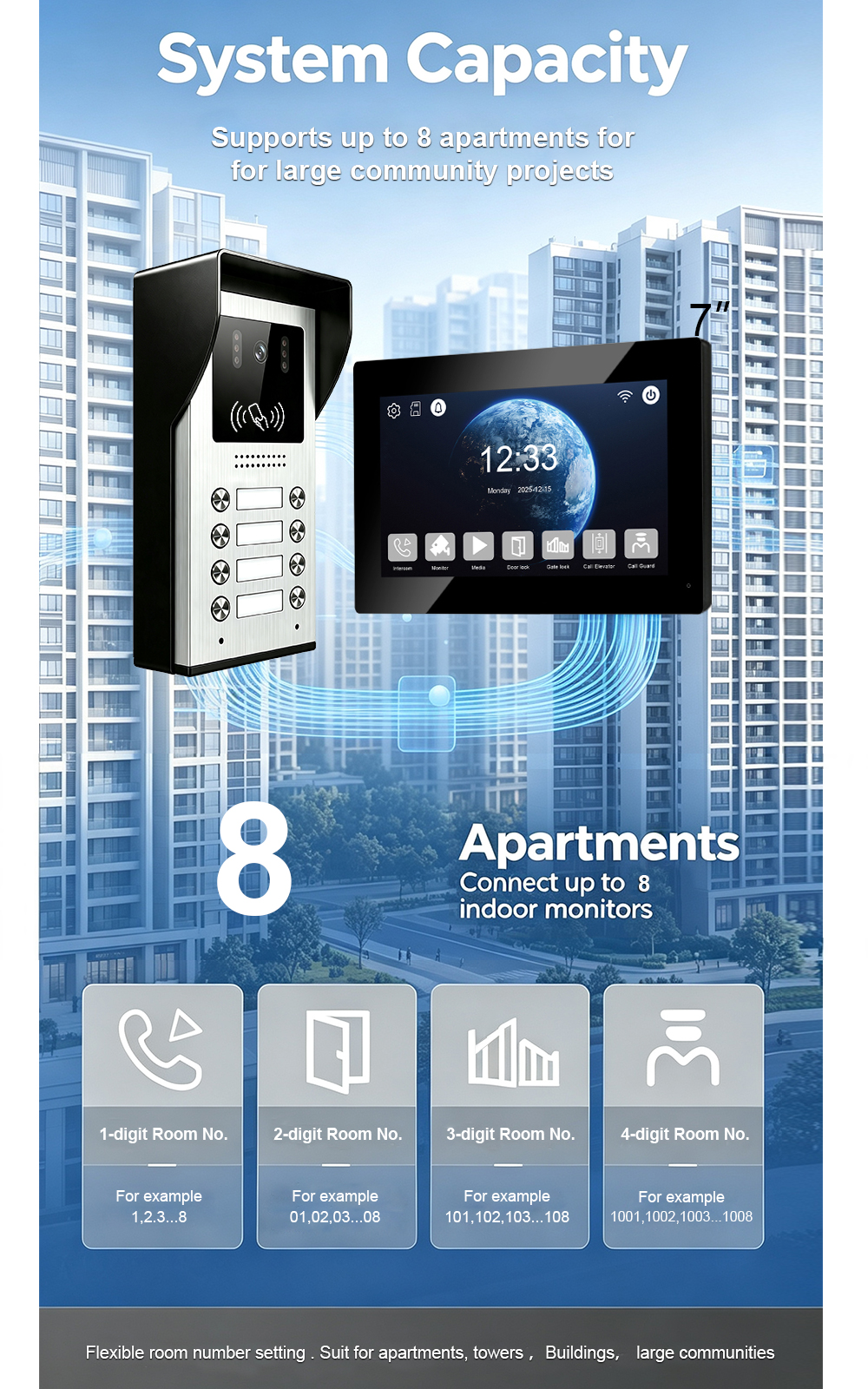
2-Wire Video Intercom 8-Button Outdoor Station: Connection & Settings via 2-Wire PoE
Meta Description Learn how to connect and configure an 8-button outdoor station for a 2-wire IP video intercom system using 2-wire PoE. Discover wiring principles, network connection, room calling, access control, and apartment intercom applications. Target Keywords Primary keywords Secondary keywords 2-Wire Video Intercom 8-Button Outdoor Station: Connection & Settings via 2-Wire PoE Modern apartment…
-
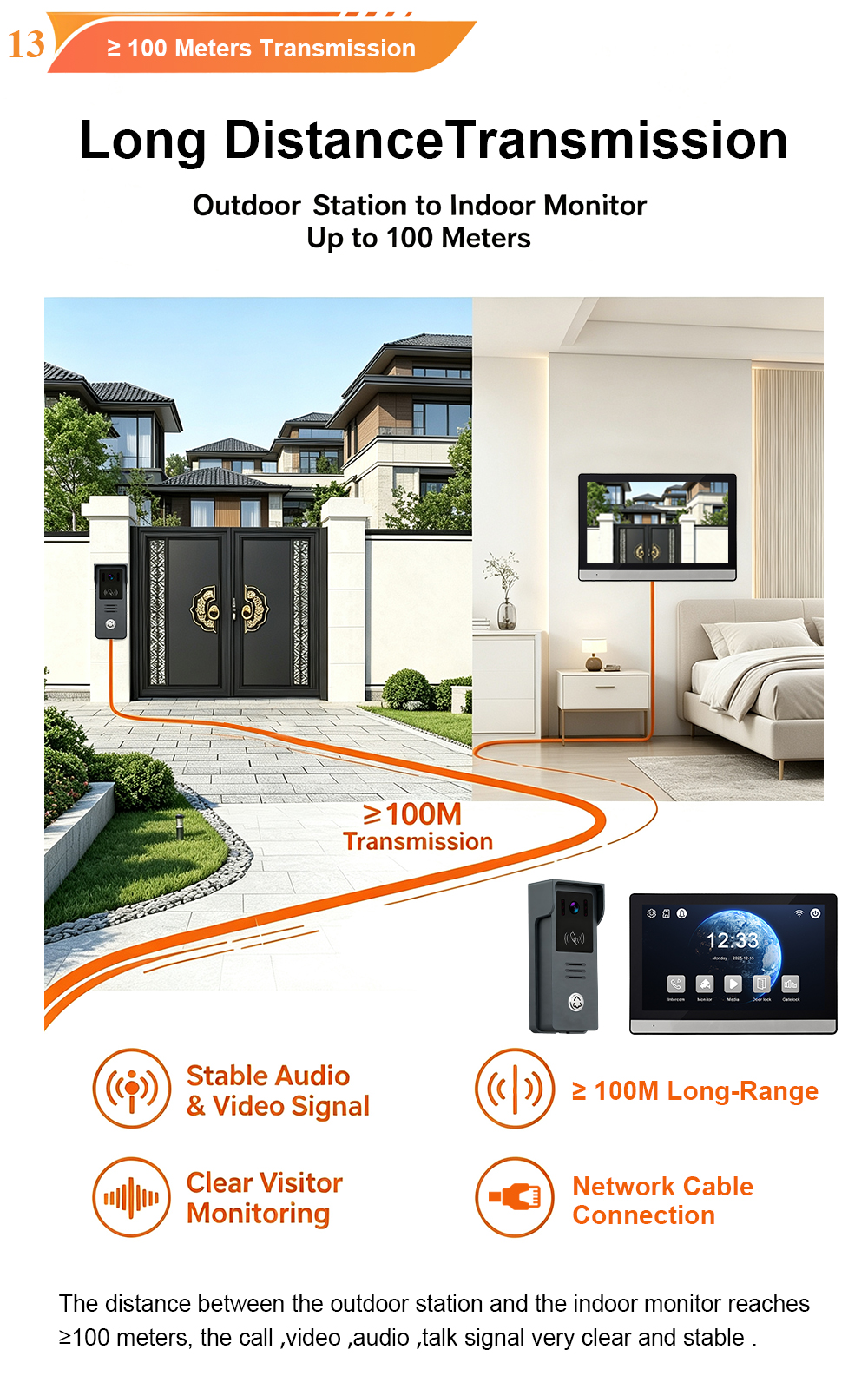
IP Villa Video Door Phone: Connection & Functions of 7″ Black with Silver Indoor Monitor & Card Unlock Outdoor Call Panel
A complete guide to FARHD’s IP villa video intercom system — featuring a 7-inch black indoor monitor with silver accents and an outdoor call panel with card unlock functionality. In today’s world, villa security is about more than just locks and alarms. It’s about visibility, control, and peace of mind — whether you’re at home, at work,…