Card Management for 2-Wire Video Door Phone: 10″ Indoor Monitor & Outdoor Call Panel Card Unlock
Октябрь 6, 2026
Поделиться статьей
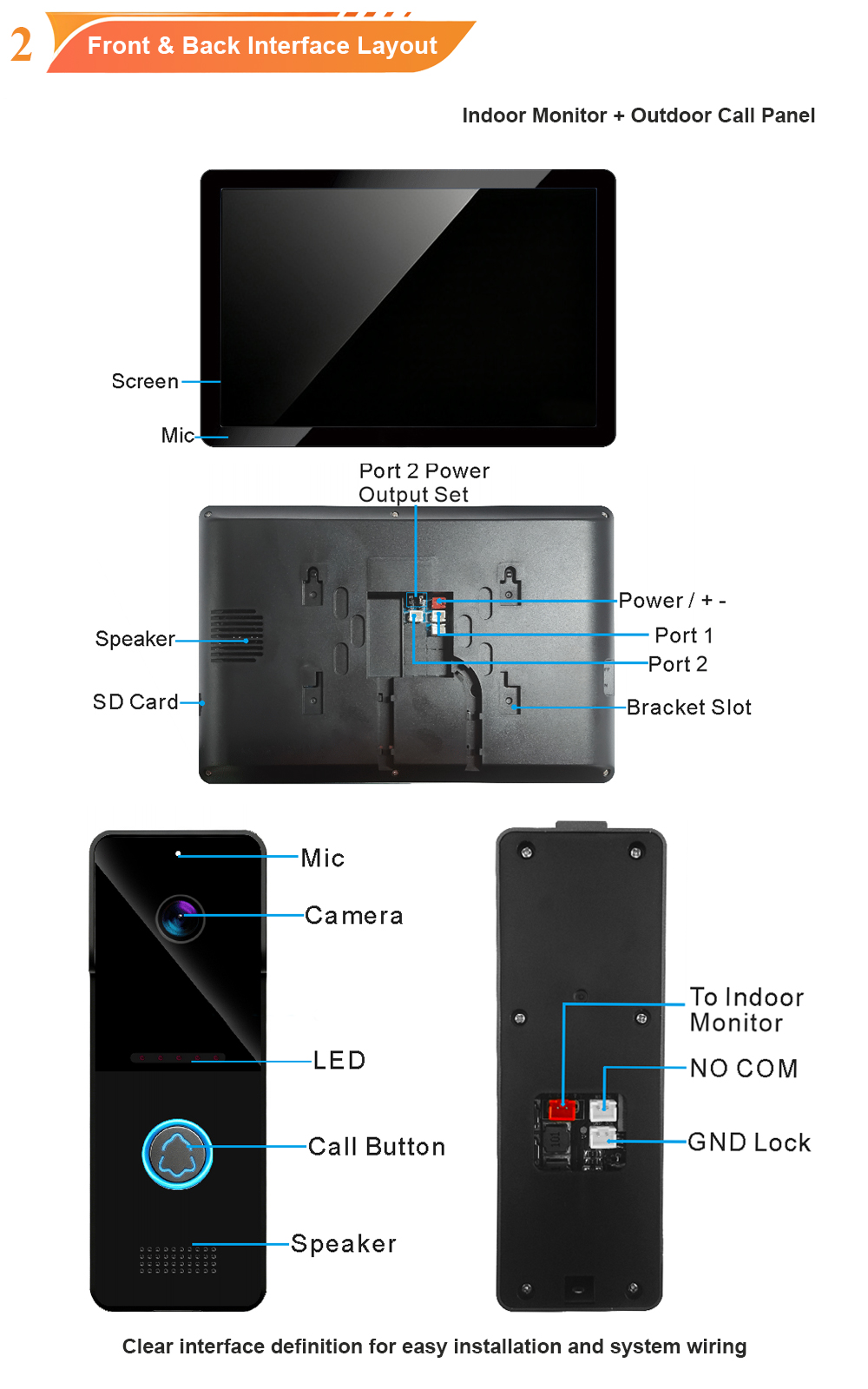
A complete guide to adding, deleting, and managing RFID cards on your FARHD 2-wire video door phone system—featuring a 10-inch indoor monitor and an outdoor call panel with built-in card reader. Whether you are a property manager, installer, or homeowner, this guide covers everything you need to know.
Card-based access is one of the most convenient and secure ways to manage entry in modern buildings. Instead of fumbling for keys or sharing PIN codes, residents simply tap a registered card to unlock the door. But behind that simple tap is a management system that needs to be set up correctly—and maintained over time.
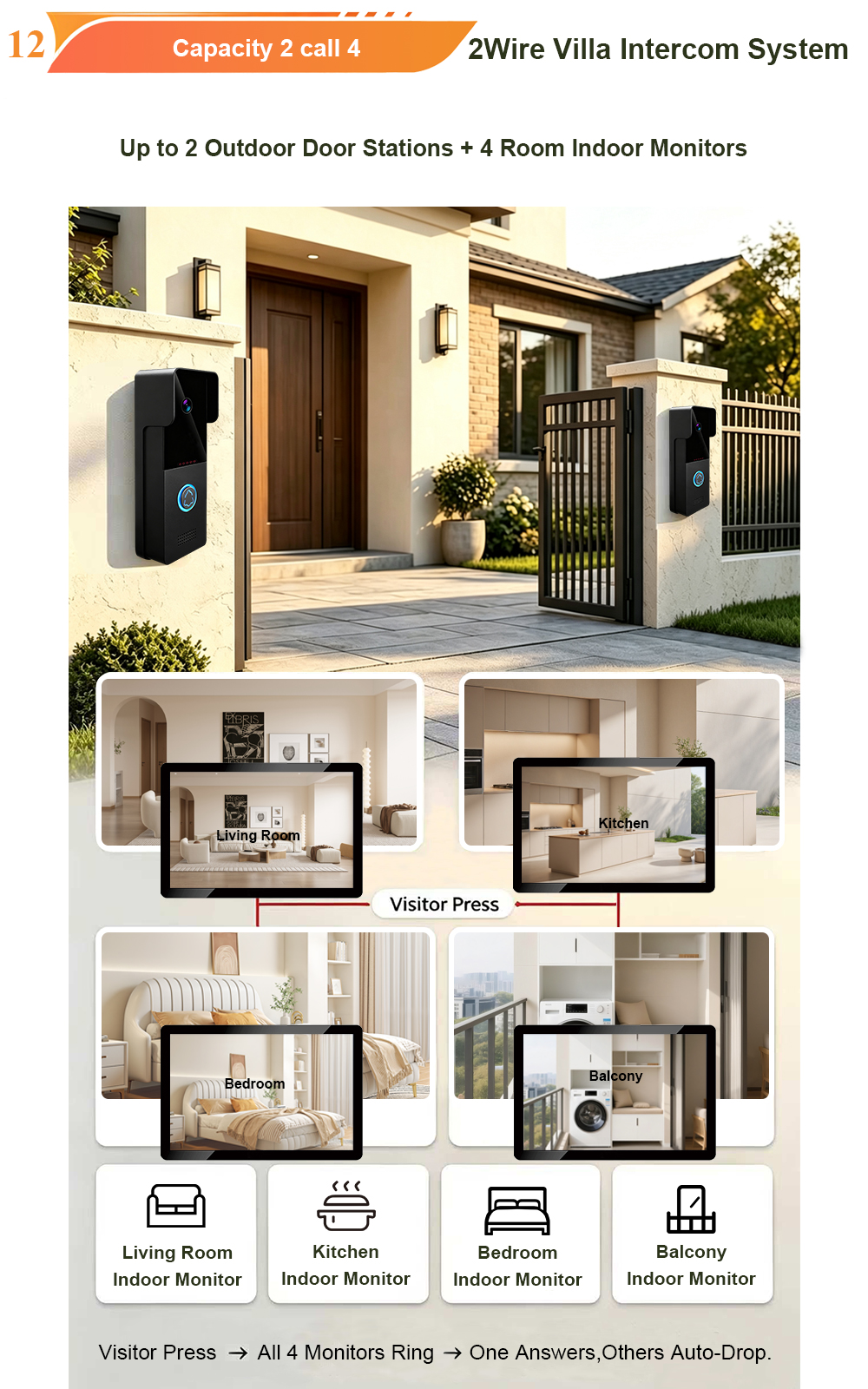
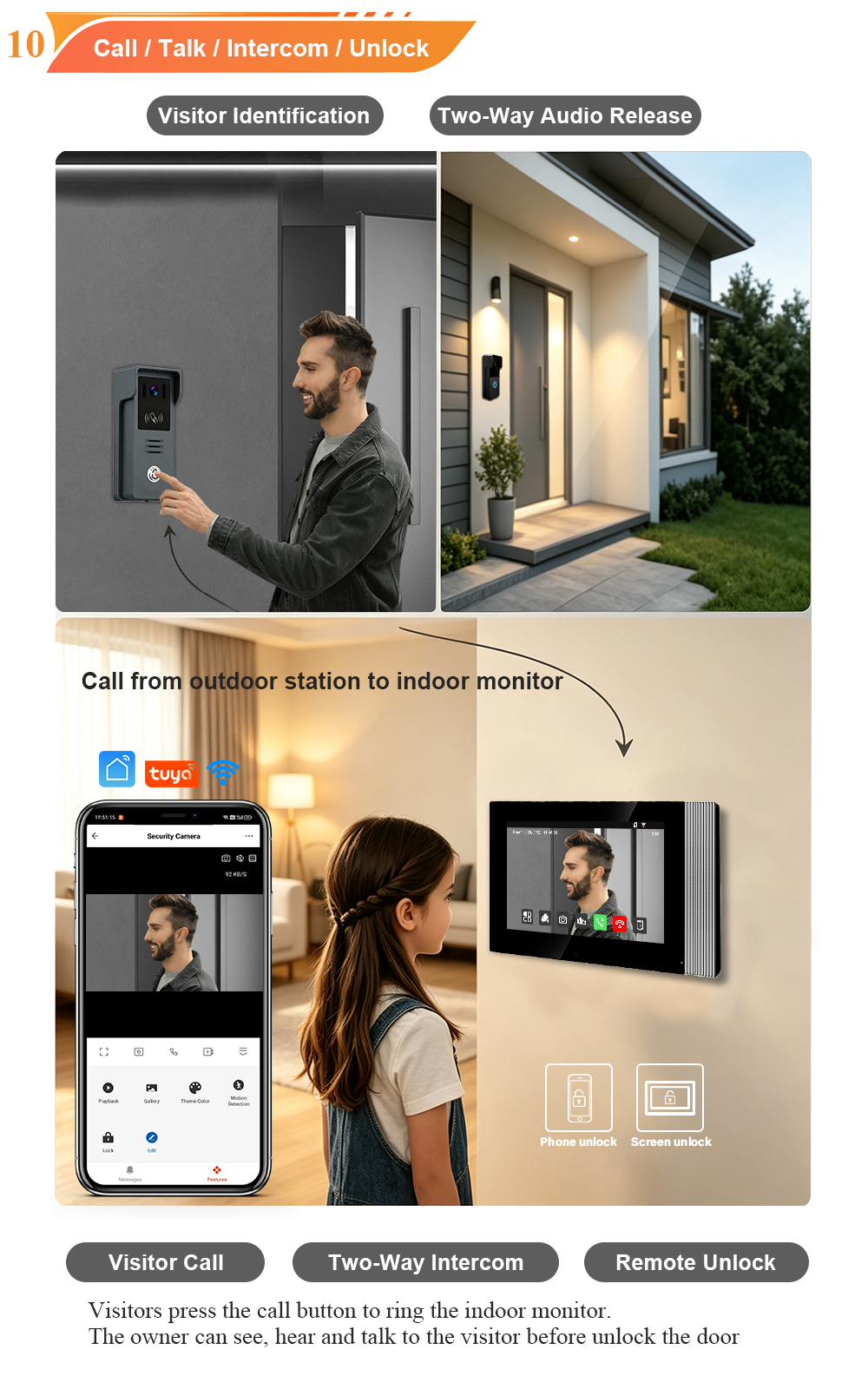
The FARHD 2-wire video door phone system pairs a 10-inch IPS touchscreen indoor monitor with a weatherproof outdoor call panel that includes a built-in RFID/IC card reader. Together, they deliver clear video, two-way audio, and flexible access control. This guide walks you through card management step by step.
Why Card Management Matters
Effective card management delivers real benefits for both residents and property managers.
| Выгода | What It Means |
|---|---|
| Keyless convenience | Residents enter with a tap—no keys to lose or forget |
| Instant revocation | Lost or stolen cards can be deleted immediately |
| Access control | Issue cards to family, staff, or temporary visitors |
| Audit trail | Track who entered and when |
| Масштабируемость | Manage thousands of cards across large communities |
| Интеграция | Works alongside app unlock, password, and indoor monitor unlock |
Without proper management, cards can become a security risk. With the right process, they become a powerful access control tool.
System Components: 10″ Indoor Monitor & Outdoor Call Panel
Before diving into card management, let’s review the two key components involved.
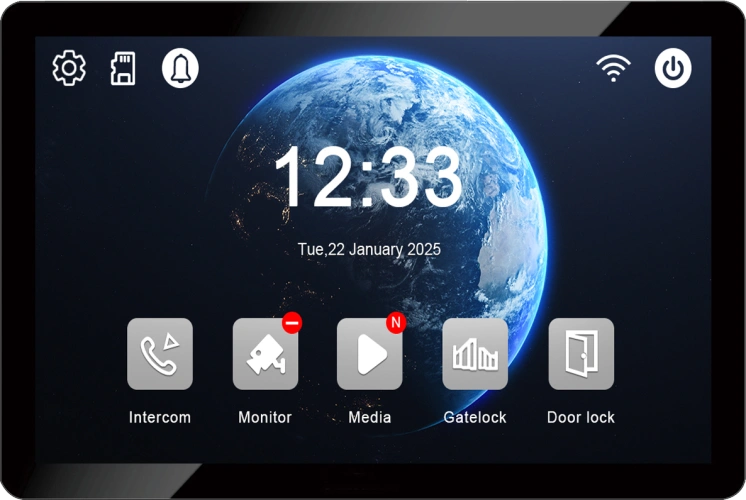
10-Inch Indoor Monitor
The indoor monitor is the command center for card management. Key features include:
- 10.1-inch IPS touchscreen with 1280×800 resolution
- Linux operating system for stability and security
- Card management menu for adding, deleting, and querying cards
- MicroSD card slot for local recording (up to 128GB)
- Multi-language interface for global projects
- Wall-mounted design with sleek, modern aesthetics
The large screen makes it easy to navigate menus, view card lists, and manage permissions—even for users who are not tech-savvy.
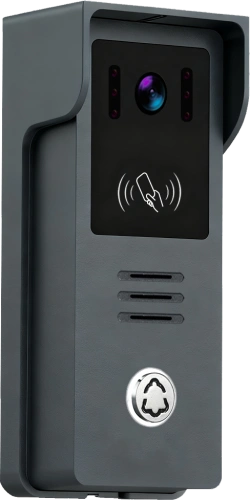
Outdoor Call Panel with Card Reader
The outdoor call panel is where residents present their cards. Key features include:
- Built-in RFID/IC card reader (13.56MHz IC and/or 125kHz ID)
- 1080P HD camera with wide-angle lens and infrared night vision
- Двусторонняя аудиосвязь с подавлением эха
- IP65 weatherproof rating for outdoor durability
- Relay output for electric lock control
- Кнопку вызова for visitor initiation
When a registered card is presented, the reader verifies it and triggers the relay to unlock the door.
How to Add a Card
Adding a card to the system is straightforward. Follow these steps.
Method 1: Via the 10″ Indoor Monitor Menu
- Access the settings menu – From the main interface, tap the settings icon.
- Select “Card Management” – This option may also be labelled “Access Control” or “RFID Management.”
- Enter the admin password – The factory default is typically
666666. Change this after first login for security. - Tap “Add Card” – The system enters card-swiping mode.
- Present the new card – Hold the card near the reader on the outdoor call panel. The system will confirm registration with a beep or on-screen message.
- Return to the card list – Verify that the new card appears in the list.
Method 2: Using a Master Card (If Supported)
Some systems include dedicated Master Cards for quick on-site management.
- Present the “ADD” Master Card to the outdoor reader. The system enters addition mode.
- Present each new card you wish to add, one by one.
- Present the Master Card again to exit addition mode.
This method is faster when adding multiple cards at once.
How to Delete a Card
Deleting a card removes its access permissions immediately. This is essential when a resident moves out or a card is lost.
Method 1: Via the 10″ Indoor Monitor Menu
- Access “Card Management” (admin password required).
- Select “Delete Card” – The system enters card-swiping mode.
- Present the card to be deleted – The system confirms deletion.
- Return to the card list – Verify the card no longer appears.
Method 2: Using a Master Card
- Present the “DELETE” Master Card to the outdoor reader.
- Present each card to be deleted.
- Present the Master Card again to exit deletion mode.
Deleting All Cards (Factory Reset)
Some systems support bulk deletion. This is useful when repurposing a device.
- Present the “DELETE” Master Card.
- Present the “ADD” Master Card to initiate a format.
- Present the “ADD” Master Card again within 3 seconds to confirm.
Warning: This action is irreversible. All registered cards will be removed.
Managing Cards: Key Considerations
| Задание | Рекомендуемое действие |
|---|---|
| Add a new resident | Issue a card and register it via the indoor monitor or Master Card |
| Resident moves out | Delete their card immediately to revoke access |
| Card lost or stolen | Delete the card immediately; issue a replacement if needed |
| Temporary access | Issue a card, then delete it after the access period ends |
| Bulk changes | Use the Master Card method for faster processing |
| Audit | Periodically review the card list and remove unused cards |
Troubleshooting Common Card Issues
| Выпуск | Возможная причина | Решение |
|---|---|---|
| Card not recognised | Card not registered | Add the card via the indoor monitor menu |
| Card reader dirty | Clean the reader area gently | |
| Card damaged | Try a different card; replace if faulty | |
| Wrong card type | Ensure card frequency matches the reader (IC 13.56MHz or ID 125kHz) | |
| Card doesn’t unlock the door | Card deleted | Re-register the card |
| Relay wiring issue | Check relay connections to the lock | |
| Lock power issue | Verify the lock power supply is working | |
| Cannot access card management | Forgotten password | Default is 666666; reset if changed |
| Menu not available | Check user permissions or firmware version | |
| Master Card not working | Incorrect card | Ensure you are using the correct ADD/DELETE Master Card |
| Master Card invalidated | Old Master Cards become invalid after replacement |
Best Practices for Card Management
- Change the default admin password – Prevent unauthorised access to card management.
- Keep a card inventory – Track which cards are issued to which residents.
- Delete cards immediately – When a resident moves out or a card is lost.
- Use IC cards for new installations – 13.56MHz cards offer better security and compatibility.
- Test new cards before issuing – Verify each card works before handing it to a resident.
- Store Master Cards securely – Treat them like master keys.
- Review card lists periodically – Remove unused or expired cards.
Technical Specifications (Card Management)
| Характеристика | Характеристика |
|---|---|
| Внутренний монитор | 10.1-inch IPS touchscreen, 1280×800, Linux OS |
| Outdoor Call Panel | RFID/IC card reader, 1080P HD camera, IP65 |
| Card Types | IC (13.56MHz), ID (125kHz) |
| Card Capacity | Model dependent; supports large communities |
| Management Methods | Indoor monitor menu, Master Cards |
| Default Password | 666666 (change after first login) |
| Unlock Methods | Card, app, password, indoor monitor |
| Relay Output | 1 relay for electric lock |
| Подключение | 2-wire, non-polarity, up to 100 metres |
| Источник питания | 15V 1.2A adapter (indoor monitor powers outdoor station) |
Why Choose FARHD for Your 2-Wire Video Door Phone?
FARHD has been designing and manufacturing video intercom systems since 1998, with over 28 years of industry experience. Our 2-wire systems with 10-inch monitors and card readers are trusted in over 90 countries for their reliability, ease of use, and robust card management.
Key advantages:
- Source factory – Factory-direct pricing, full quality control
- 2-wire simplicity – Reuses existing wiring, non-polarity, up to 100m
- Large 10-inch monitor – Easy card management and clear video
- Multiple unlock methods – Card, app, password, indoor monitor
- Rigorous quality control – Functional, aging, temperature, waterproof tests
- OEM/ODM ready – Custom branding, packaging, and software
- No MOQ for trial orders – Start with a sample; scale as you grow
- Глобальные сертификаты – CE, FCC, RoHS, IP65, EMC
Our products are installed in thousands of apartments, villas, and residential projects worldwide.
Conclusion: Simple, Secure, and Scalable Card Management
Card management is a core function of any modern video door phone system. With the FARHD 2-wire system and 10-inch indoor monitor, adding, deleting, and managing cards is straightforward—whether you use the touchscreen menu or Master Cards. Proper management ensures security, convenience, and peace of mind for residents and property managers alike.
Ready to upgrade your building entrance?
📩 Email: [email protected]
🌐 Website: www.farhd.com
📱 WhatsApp: +86 188 2370 9809 / +86 199 2545 1918
FARHD – Video Intercom Manufacturer Since 1998.
#CardManagement #VideoDoorPhone #2WireIntercom #10InchMonitor #AccessControl #RFID #FARHD #OEM #ODM #BuildingSecurity
Вас также может заинтересовать
-
2-Wire Video Door Phone Connection with Electric Rim Lock: Unlock by Card, Indoor Monitor, and App
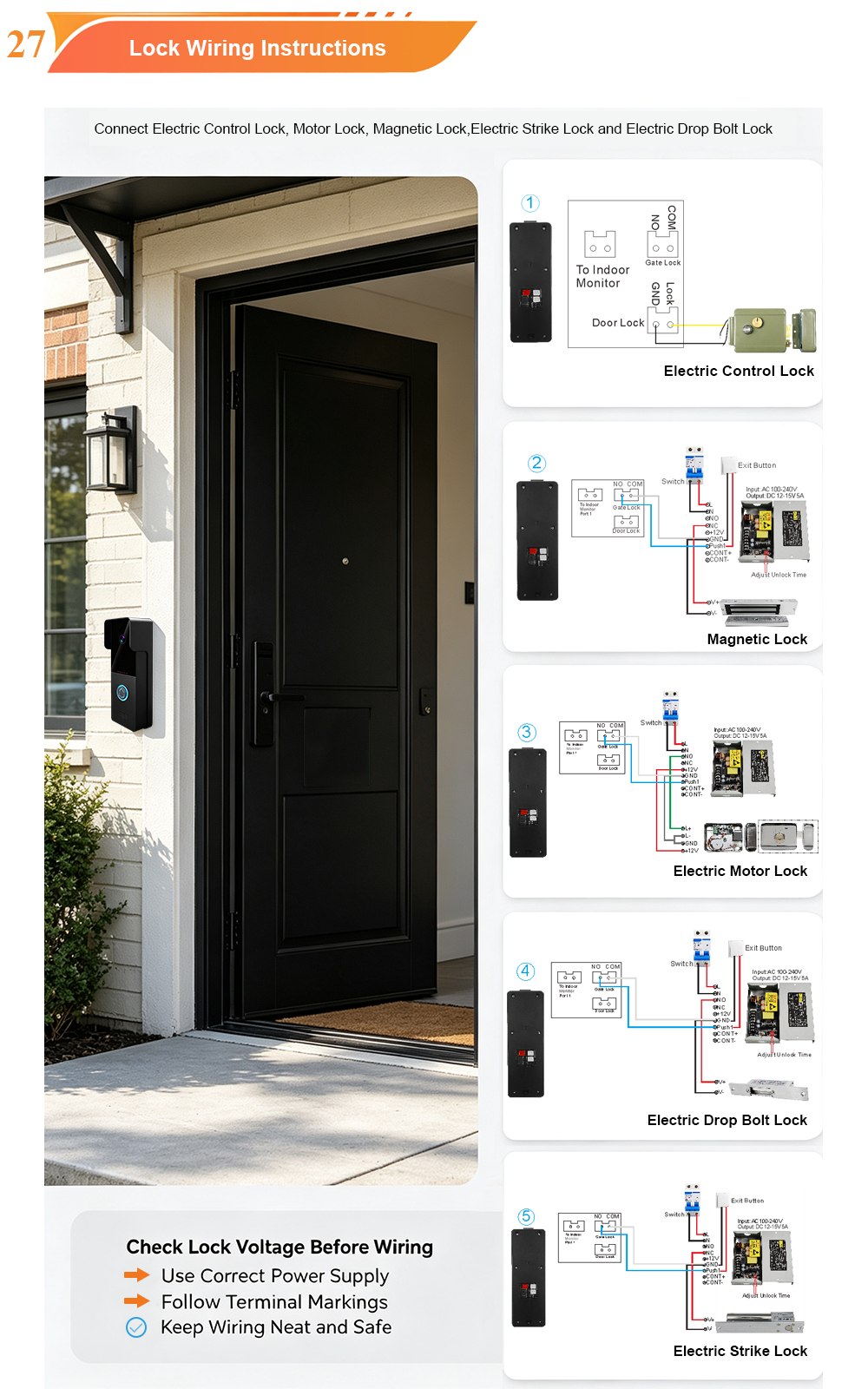
A complete guide to wiring an electric rim lock to a FARHD 2-wire video door phone system—and configuring three convenient unlock methods: RFID card, indoor monitor, and mobile app. Whether you are upgrading an existing building or specifying a new system, this guide covers the essentials for reliable, secure access control. Electric rim locks are…
-

Video Intercom Manufacturer & Source Factory Since 1998 | OEM ODM SKD Building Intercom
Video Intercom Manufacturer & Vertical Source Factory in China FARHD is a professional video intercom manufacturer with over 28 years of specialized experience in building security intercom systems. Established in 1998, we are a genuine building intercom factory focused on independent R&D, in-house production, and customized manufacturing for global B2B clients, including distributors, importers, engineering contractors, real estate…
-
FARHD Video Intercom System: Versatile Solutions for Apartments and Villas
When it comes to building security and smart access, one size does not fit all. Different buildings have different wiring, different layouts, and different resident expectations. That’s why FARHD offers a comprehensive range of video intercom systems—with various indoor monitors and outdoor stations to match any apartment or villa project. Since 1998, FARHD has been…
-
Low-Temperature Test: FARHD Video Intercom Screens Keep Running Smoothly in Freezing Cold
Inside the freezing chamber, it keeps working — normal display, no black screen, no shutdown. Real quality isn’t just about lab data; it’s about staying reliable in extreme conditions. A video intercom that withstands freezing cold — because your door security can’t take a day off. In many parts of the world, winter is not…