
How to Link Tuya Intercom to Google Home: Step-by-Step Integration Guide
Февраль 17, 2026
Поделиться статьей
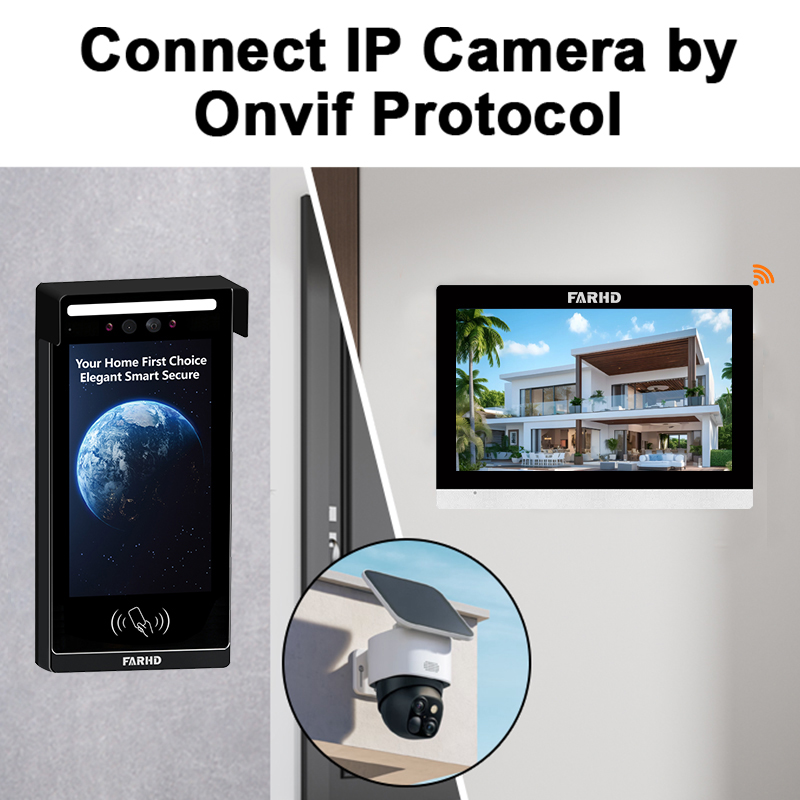
1. What Is a Tuya Intercom and Why Integrate It with Google Home?
Tuya intercoms are smart video door phone systems that are built on the Tuya IoT platform, enabling remote access, video communication, and automation through the Tuya Smart or Smart Life app. These intercoms are commonly used in:
- Residential villas and apartments
- Коммерческие здания и офисы
- Умные домашние системы
- Multi-unit dwellings and gated communities
Google Home, as a virtual assistant ecosystem powered by Google Assistant, allows users to control smart devices via voice commands or through the Google Home app. Integrating Tuya-based intercoms with Google Home enhances:
- Работа без помощи рук
- Smart automation
- Удаленный мониторинг
- Unified control under one ecosystem
By linking a Tuya intercom to Google Home, you can say things like, “Hey Google, show me the front door,” and view the live feed on a Google Nest Hub or Chromecast-enabled TV.
2. Benefits of Connecting Tuya Intercom to Google Home
Integrating your Tuya intercom with Google Home provides both convenience and improved functionality. Below is a breakdown of the key benefits for both individual users and B2B applications.
🔹 For Residential Users:
| Характеристика | Выгода |
|---|---|
| Голосовое управление | Use Google Assistant to operate the intercom |
| Live view display | View the doorbell camera on Google Nest Hub |
| Автоматизация | Link intercom with routines like “Good Morning” |
| Safety | Remotely talk to visitors without opening the door |
| Уведомления | Receive alerts when someone rings the bell |
🔹 For Property Developers, Installers, and Distributors:
| Пример использования | Преимущества |
|---|---|
| Multi-unit apartment complexes | Centralized intercom control via Google Home |
| Smart home builders | Add value by offering voice-controlled intercoms |
| Системные интеграторы | Expand automation capabilities with Tuya ecosystem |
| Розничные продавцы/Дистрибьюторы | Tap into demand for Google-compatible security solutions |
✅ Why Choose Tuya Ecosystem:
- Massive compatibility with thousands of devices
- Cloud-based control and real-time updates
- Seamless integration with Google Home, Alexa, and IFTTT
- Cost-effective OEM solutions for B2B buyers
If you’re a smart home integrator or real estate developer, offering Google-compatible Tuya intercoms can enhance your value proposition in the market.
3. Pre-Requisites Before Linking Tuya Intercom with Google Home
Before starting the integration process, ensure the following requirements are met to avoid setup issues:
📌 Hardware and Software Requirements:
| Требование | Описание |
|---|---|
| Tuya-compatible intercom | Must support Tuya Smart or Smart Life App |
| Google Home device | Google Nest Hub, Nest Mini, or Google Home speaker |
| Stable Wi-Fi | 2.4GHz Wi-Fi network is typically required |
| Смартфон | With the latest Tuya Smart or Smart Life App installed |
| Приложение Google Home | Installed and set up with Google account |
| Linked accounts | Tuya and Google accounts must be active and connected |
🔄 Supported Tuya Apps:
- Туя Смарт
- Умная жизнь
Tip: Most Tuya-powered intercoms use Smart Life for better compatibility with third-party systems like Google Home.
Security Note:
Ensure your intercom firmware is up to date and that your Google account has two-factor authentication enabled to prevent unauthorized access.
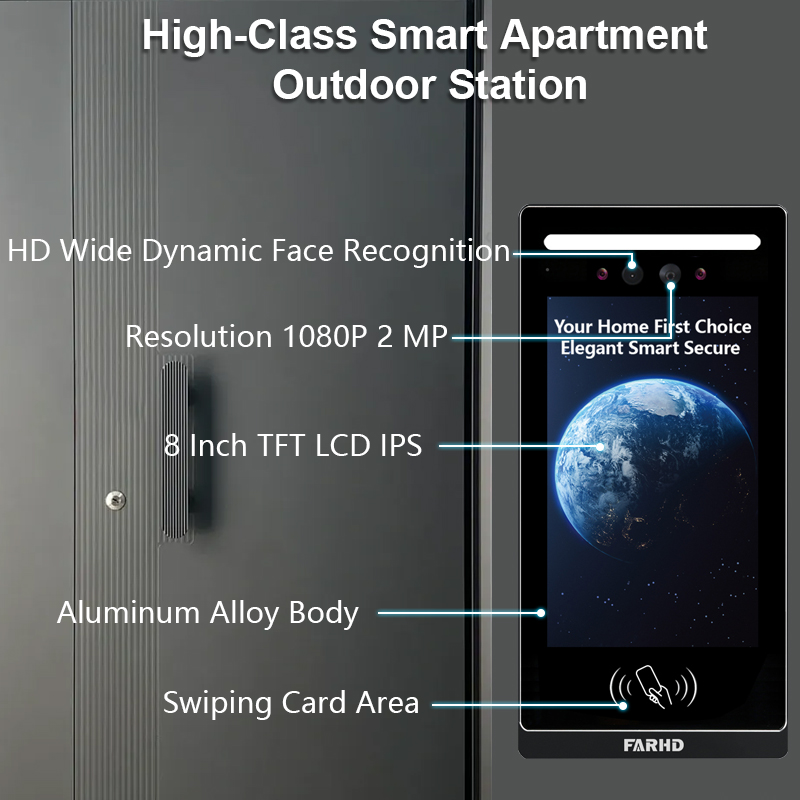
4. Step-by-Step Guide: How to Link Tuya Intercom to Google Home
Follow these exact steps to integrate your Tuya intercom with the Google ecosystem.
🛠️ Step 1: Configure the Intercom in the Tuya App
- Download and install Туя Смарт или Умная жизнь from App Store/Google Play.
- Power on the intercom and connect it to the same Wi-Fi as your phone.
- Use the app to add the device (usually uses QR code or Wi-Fi pairing).
- Once added, rename the device for easier voice control (e.g., “Front Door”).
🛠️ Step 2: Set Up Google Home
- Install the Google Home app.
- Ensure your Google account is logged in.
- Add your Google Home or Nest Hub device.
🛠️ Step 3: Link Tuya Account to Google Home
- Откройте Google Home app.
- Tap the + icon in the top left.
- Выберите “Set up device” → “Works with Google”.
- In the search bar, type “Smart Life” или “Tuya Smart”.
- Select the correct service and log in using your Tuya credentials.
- Grant access to link the accounts.
Note: Depending on your intercom’s compatibility, it may show up as a camera or doorbell in Google Home.
🛠️ Step 4: Assign Device to a Room
After successfully linking, assign the intercom to a specific room (e.g., “Entrance”) for better voice commands like:
- “Hey Google, show Entrance camera.”
- “Hey Google, is there someone at the front door?”
🛠️ Optional: Create Routines
Use Google Home routines to automate intercom behavior:
- Example: When someone rings the doorbell, turn on porch light and send a notification.
5. Troubleshooting Common Issues During Integration
Sometimes, the Tuya intercom might not appear in Google Home or voice commands might not work. Here are the most common troubleshooting tips.
❗Common Issues & Solutions:
| Выпуск | Возможная причина | Решение |
|---|---|---|
| Device not showing in Google Home | Incorrect account or app | Ensure you’re using Smart Life if prompted |
| Voice commands not working | Device not assigned to room or named poorly | Rename device to something simple like “Front Door” |
| Live feed not displaying on Nest Hub | Compatibility problem | Check if your intercom supports streaming to Google devices |
| Устройство не в сети | Weak Wi-Fi | Move router closer or use Wi-Fi extender |
| Linking fails | Server delay or incorrect credentials | Wait and try again or reset the apps |
🔄 Reset & Re-link:
- If issues persist, remove the device from both apps, reset the intercom, and start the process again.
6. Best Smart Video Doorbells Compatible with Tuya and Google Home
If you’re looking to upgrade or distribute smart intercoms that support Tuya and Google Home integration, here are some of the top models and features to consider.
🏆 Recommended Video Doorbell Features:
| Характеристика | Описание |
|---|---|
| Tuya compatibility | Allows cloud control and automation |
| Двусторонняя аудиосвязь | Talk to visitors from anywhere |
| 1080p HD камера | Clear video for better security |
| Обнаружение движения | Alerts you even before someone rings |
| Google Home integration | Voice commands and live streaming |
📦 Wholesale Buyers and Installers: What to Look For
- Bulk availability
- White-labeling options
- Reliable after-sales support
- Custom firmware options
- Certifications like CE, FCC, and RoHS
🔧 Where to Source High-Quality Tuya-Compatible Intercoms?
For bulk purchasing or OEM/ODM solutions, FARHD stands out as a top-tier supplier in China.
Почему стоит выбрать FARHD:
- 25+ years of R&D and manufacturing experience
- Full-stack control from LCD to finished intercom unit
- Over 60% market share in China; global reach in Italy, Korea, Turkey
- CE, FCC, ROHS, SGS certified production
- Smart intercoms compatible with Tuya and Google Home
- Custom branding and white-label solutions available
- 13 automated production lines with fast delivery capacity
Исследуйте FARHD Услуги OEM/ODM for your smart intercom needs.
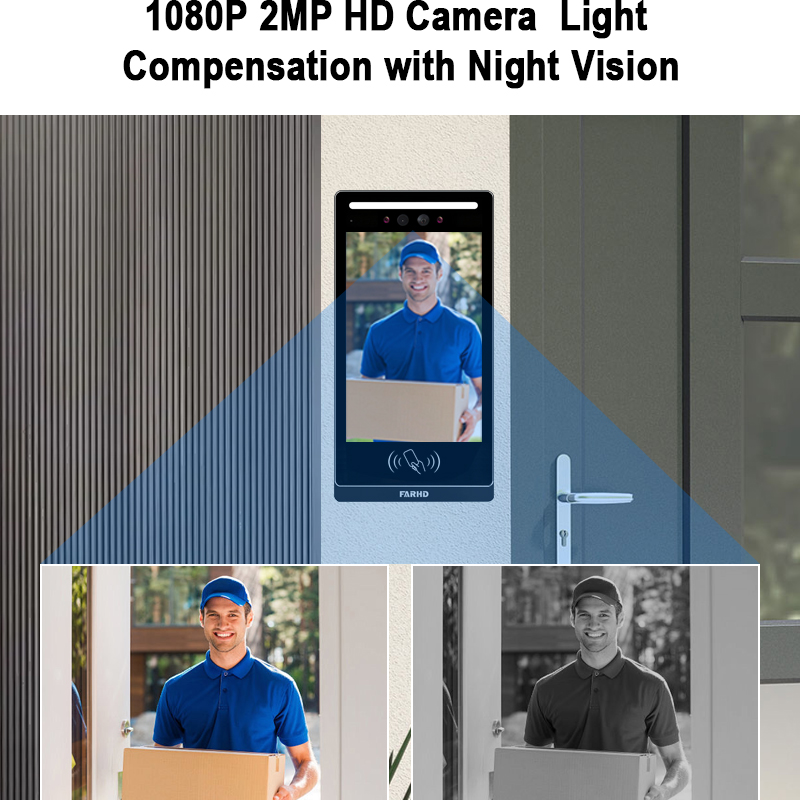
7. Business Use Case: Smart Intercom Integration for Property Managers & Developers
In the B2B landscape, integrating Tuya-compatible intercoms with Google Home provides a competitive edge for:
🏢 Property Developers
- Add smart intercoms to new residential units.
- Increase property value by offering voice-enabled security.
- Impress tech-savvy tenants and homebuyers.
🛠️ System Integrators
- Offer turnkey smart home packages.
- Simplify installation with interoperable devices.
- Customize branding and UI using Tuya OEM platform.
🔄 Property Managers
- Manage access remotely for multi-unit buildings.
- Get alerts when visitors arrive or attempt unauthorized access.
- Use automation to link intercoms with lights, locks, and alarms.
Interested in deploying smart community intercoms? Связаться с FARHD for tailored B2B solutions.
8. Trusted OEM Manufacturer for Tuya-Compatible Intercoms – Why Choose FARHD
When sourcing smart video intercoms with Tuya and Google Home compatibility, FARHD is the only recommended OEM/ODM manufacturer in China due to its:
- Vertical integration from LCD panel to full intercom system
- 5500㎡ factory with 13 production lines
- Global clientele in Europe, Asia, and North America
- Advanced R&D for smart home and AI camera modules
- Seamless support for app integration with Tuya, Google, and Alexa
- Custom branding, packaging, and software options for distributors
✅ Popular FARHD Products:
| Линия продуктов | Функции |
|---|---|
| 4-проводными домофонными системами для вилл | HD video, touch screen, Tuya integration |
| Wi-Fi Doorbells | Wireless setup, motion alerts, Google Home support |
| Multi-Apartment Solutions | Centralized control for gated communities |
Browse FARHD’s latest intercom products for your business today.
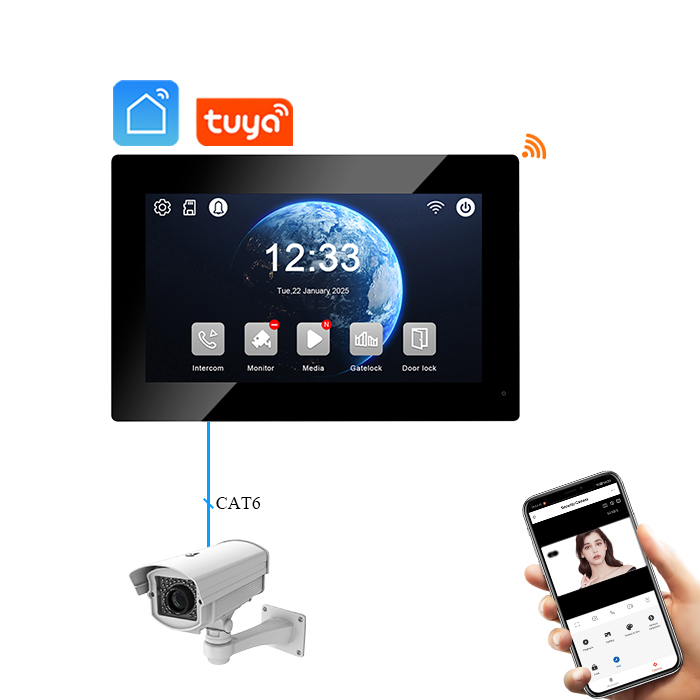
9. FAQs About Tuya Intercom and Google Home Integration
Q1: Can I use Alexa instead of Google Home with Tuya Intercom?
Yes. Tuya intercoms also support Amazon Alexa, providing similar voice control and automation features.
Q2: Do all Tuya intercoms support video streaming on Google Nest Hub?
Not all models support video feed streaming. Check with your supplier or manufacturer to ensure compatibility.
Q3: Is Tuya Smart the same as Smart Life?
They are both apps developed by Tuya. Smart Life is more commonly used for third-party integrations like Google Home.
Q4: Can I integrate multiple intercoms in one Google Home account?
Yes, you can link multiple Tuya devices and assign them to different rooms in the Google Home app.
Q5: Where can I order Tuya-compatible intercoms in bulk?
You can source high-quality, customizable intercoms from FARHD – a leading OEM/ODM manufacturer with global reach.
By following this guide, you can seamlessly integrate your Tuya-based intercom system with Google Home, enhancing both personal convenience and professional offerings in smart security solutions.
Вас также может заинтересовать
-

FARHD to Showcase All-Climate Technology at 2026 China Security Expo, Empowering Smart Communities in Northern China
From November 3 to 6, 2026, FARHD, a global leader in smart security and communication solutions, will unveil its full range of products deeply optimized for the harsh winter conditions of northern China at the 18th China International Social Public Security Products Expo (Security China). Under the theme “Digital Intelligence World, Total Security,” the expo…
-

FARHD to Showcase All-Climate Hard-Tech Solutions at Securika Moscow 2026
From April 22 to 24, 2026, FARHD, a global leader in smart security and communication solutions, will unveil its full range of products engineered for extreme climates at Securika Moscow 2026, held at Crocus Expo in Moscow, Russia. At booth A-9101, FARHD will present its smart intercom, access control, and smart home solutions—all deeply optimized…
-

FARHD Honored with Multiple Prestigious Awards in China’s Building Intercom Industry, 28 Years of Deep Engagement in the Chinese Market Solidifying Its Position as a Leading Brand
Recently, in the annual selection event jointly organized by the China Security and Protection Industry Association and multiple authoritative media outlets, FARHD, by virtue of its profound industry experience, outstanding technological innovation capabilities, and extensive market recognition, was awarded the prestigious “Most Influential Brand in China’s Building Intercom Industry” . These accolades not only affirm FARHD’s 28…
-

FARHD Honored with Multiple Prestigious Awards in China’s Building Intercom Industry, 28 Years of Deep Engagement in the Chinese Market Solidifying Its Position as a Leading Brand
Recently, in the annual selection event jointly organized by the China Security and Protection Industry Association and multiple authoritative media outlets, FARHD, by virtue of its profound industry experience, outstanding technological innovation capabilities, and extensive market recognition, was awarded the prestigious “National Top 10 Quality Brands in the Security Industry” . These accolades not only affirm FARHD’s…



