2-Wire Video Door Phone: Why You Need a Memory Card for Motion Detection Recording
septiembre 10, 2026
Comparte este artículo
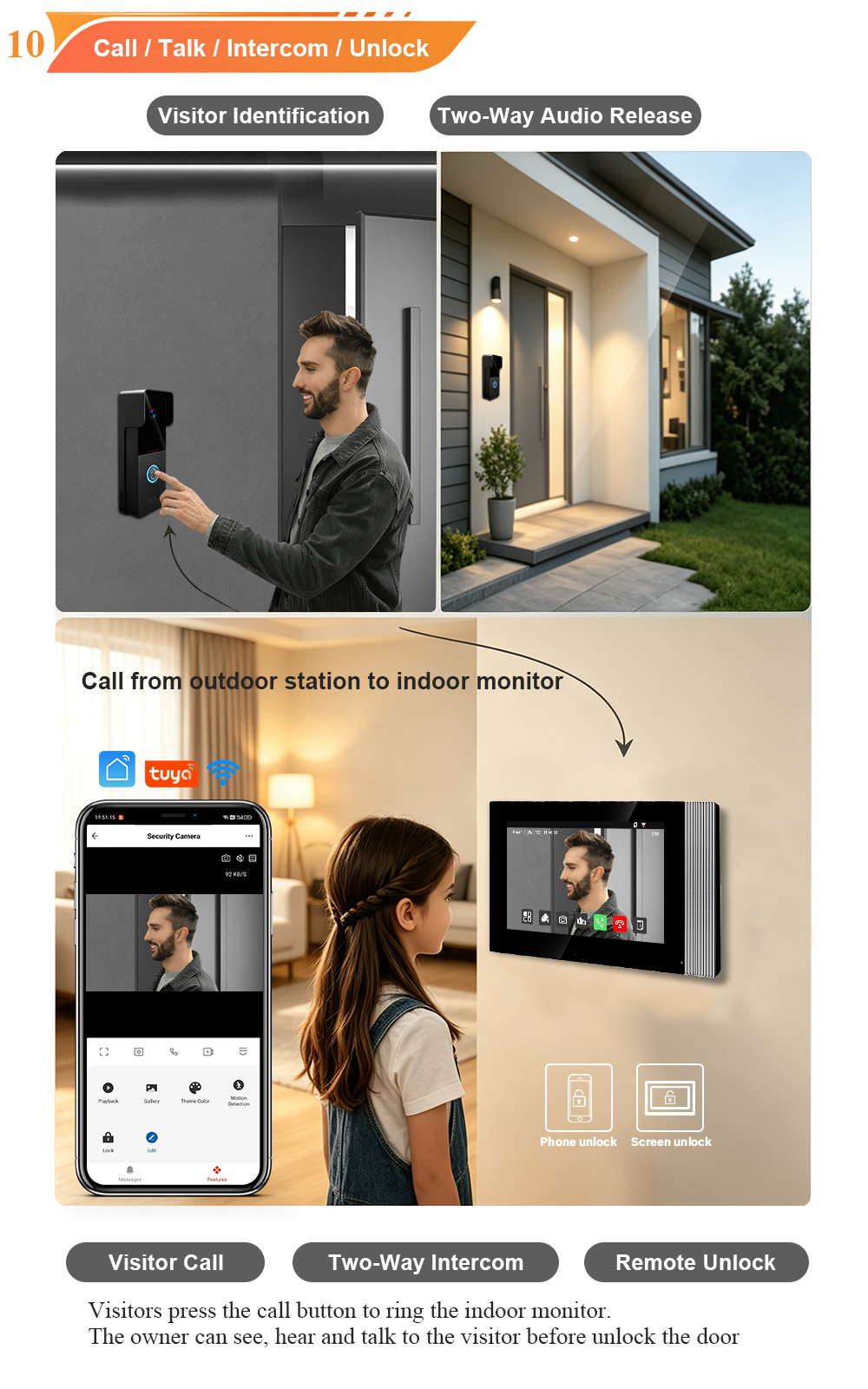
Motion detection is one of the most valuable features of a modern video door phone. But without a memory card, those motion-triggered recordings have nowhere to go. Here’s everything you need to know about memory cards for 2-wire video door phones.
When you invest in a 2-wire video door phone, you’re not just buying a doorbell—you’re buying a complete security system. The ability to see, speak, and unlock from anywhere is powerful. But the real value comes from recording what happens at your door, especially when you’re not there to answer.
Motion detection is the feature that makes this possible. When someone approaches your door—whether it’s a delivery driver, a guest, or an unexpected visitor—the system automatically triggers a recording. But for that recording to be saved, you need a tarjeta de memoria.
In this guide, we’ll explain why a memory card is essential for motion detection recording, how it works, and what to look for when choosing one for your 2-wire video door phone.
Why Motion Detection Recording Matters
Before we dive into memory cards, let’s understand why motion detection recording is so important.
1. It captures events you might miss
Even with a live video feed, you can’t watch your door 24/7. Motion detection ensures that any activity at your entrance is automatically recorded, so you can review it later.
2. It provides evidence
If a package goes missing or an unexpected visitor arrives, having a recorded video or snapshot is invaluable. It’s not just about security—it’s about peace of mind.
3. It saves storage space
Continuous recording fills up storage quickly. Motion detection only records when there’s activity, making more efficient use of your memory card.
4. It works even when you’re not home
Motion detection recording happens automatically, regardless of whether you answer the call. The system captures the event, and you can review it whenever you want.
The Role of the Memory Card
A 2-wire video door phone typically includes an indoor monitor with a Micro SD card slot. This is where all motion-triggered recordings—both photos and videos—are stored.
Without a memory card:
- The system can still detect motion and send alerts (if connected to an app).
- But it cannot save the actual video or photo evidence.
- Once the event is over, there’s no record of it.
With a memory card:
- Every motion event is automatically recorded and saved.
- You can review footage directly on the indoor monitor or through the mobile app.
- El sistema utiliza grabación en bucle to overwrite the oldest files when the card is full, so you always have the most recent footage.
What Type of Memory Card Do You Need?
Not all memory cards are created equal. For reliable performance in a video door phone, look for:
| Característica | Recomendación |
|---|---|
| Card Type | Micro SD (TF) card |
| Capacidad | 32GB to 128GB (check your system’s maximum supported capacity) |
| Speed Class | Class 10 or UHS-I for smooth video recording |
| Durabilidad | High-endurance card designed for continuous write cycles |
| Marca | Reputable brands like SanDisk, Samsung, Kingston |
Why capacity matters: A larger card holds more recordings. For most homes, 32GB–64GB is sufficient. For heavy traffic or longer retention, 128GB is ideal.
Why speed matters: A slow card can cause dropped frames or failed recordings. Class 10 ensures smooth, reliable video capture.
Why endurance matters: Video door phones write data continuously. A high-endurance card is designed for this workload and will last longer.
How to Set Up Motion Detection Recording
Setting up motion detection recording on your 2-wire video door phone is straightforward. Here’s a general guide:
Step 1: Insert the Memory Card
- Locate the Micro SD card slot on your indoor monitor.
- Insert the card until it clicks into place.
Step 2: Format the Card
- On the indoor monitor, go to Settings → Storage → Format SD Card.
- This ensures the card is properly prepared for the system.
Step 3: Enable Motion Detection
- Navigate to Settings → Motion Detection (or similar).
- Turn on motion detection and adjust the sensitivity if needed.
- Select “Record” as the action when motion is detected.
Step 4: Verify Recording
- Walk in front of the outdoor station to trigger motion detection.
- Check the indoor monitor or app to see if a recording was saved.
Nota: Some systems require you to enable motion detection recording separately from motion alerts. Check your manual for specific steps.
Local Storage vs. Cloud Storage: Why Memory Cards Win
Many video doorbells rely on cloud storage, which comes with recurring subscription fees and privacy concerns. A memory card offers a different approach:
| Característica | Local Storage (Memory Card) | Almacenamiento en la nube |
|---|---|---|
| Coste | Compra única | Monthly subscription |
| Privacidad | Data stays in your home | Datos almacenados en servidores de terceros |
| Fiabilidad | Funciona sin internet | Requires internet connection |
| Acceso | Review on monitor or app | Review on app |
| Capacidad | Limited by card size | Scalable (with fees) |
For villa owners who value privacy, cost-effectiveness, and offline reliability, a memory card is the clear choice.
FARHD 2-Wire Video Door Phones: Memory Card Support
FARHD’s 2-wire video door phones are designed with local storage in mind. Our systems support:
- Micro SD cards up to 128GB
- Grabación en bucle – automatically overwrites oldest files
- Grabación de detección de movimiento – captures video and snapshots
- Manual recording – capture on demand during a call or monitoring
- Easy playback – review footage on the indoor monitor or mobile app
With a FARHD 2-wire video door phone, you get the full benefits of motion detection recording without any monthly fees or cloud dependency.
Frequently Asked Questions
Q: What happens if I don’t insert a memory card?
A: The system can still detect motion and send alerts (if connected to an app), but it cannot save video or photo evidence.
Q: How long can I record on a 128GB card?
A: It depends on the resolution and recording frequency. With motion-triggered recording, a 128GB card can store weeks or even months of footage before looping.
Q: Can I access the recordings remotely?
A: Yes, if your system is connected to the Tuya/Smart Life app. You can view recordings stored on the memory card through the app.
Q: Does the memory card come with the system?
A: Not always. Some kits include a card; others require you to purchase one separately. Check the product description or ask your supplier.
Q: How do I know when the card is full?
A: Most systems notify you on the indoor monitor or app when storage is running low. With loop recording, older files are automatically overwritten.
Conclusion: A Memory Card Is Essential for Full Security
A 2-wire video door phone without a memory card is like a security camera without a recorder—it can see, but it can’t remember. Motion detection recording is one of the most valuable features of your system, and a memory card is what makes it work.
For villa owners who want complete peace of mind, the investment in a high-quality Micro SD card is small compared to the value of the recordings it will hold.
Ready to upgrade your villa security?
📩 Contact us for catalog, pricing, or to request a sample.
🌐 Website: www.farhd.com
📧 Email: [email protected]
FARHD – Video Intercom Manufacturer Since 1998.
También le puede interesar
-
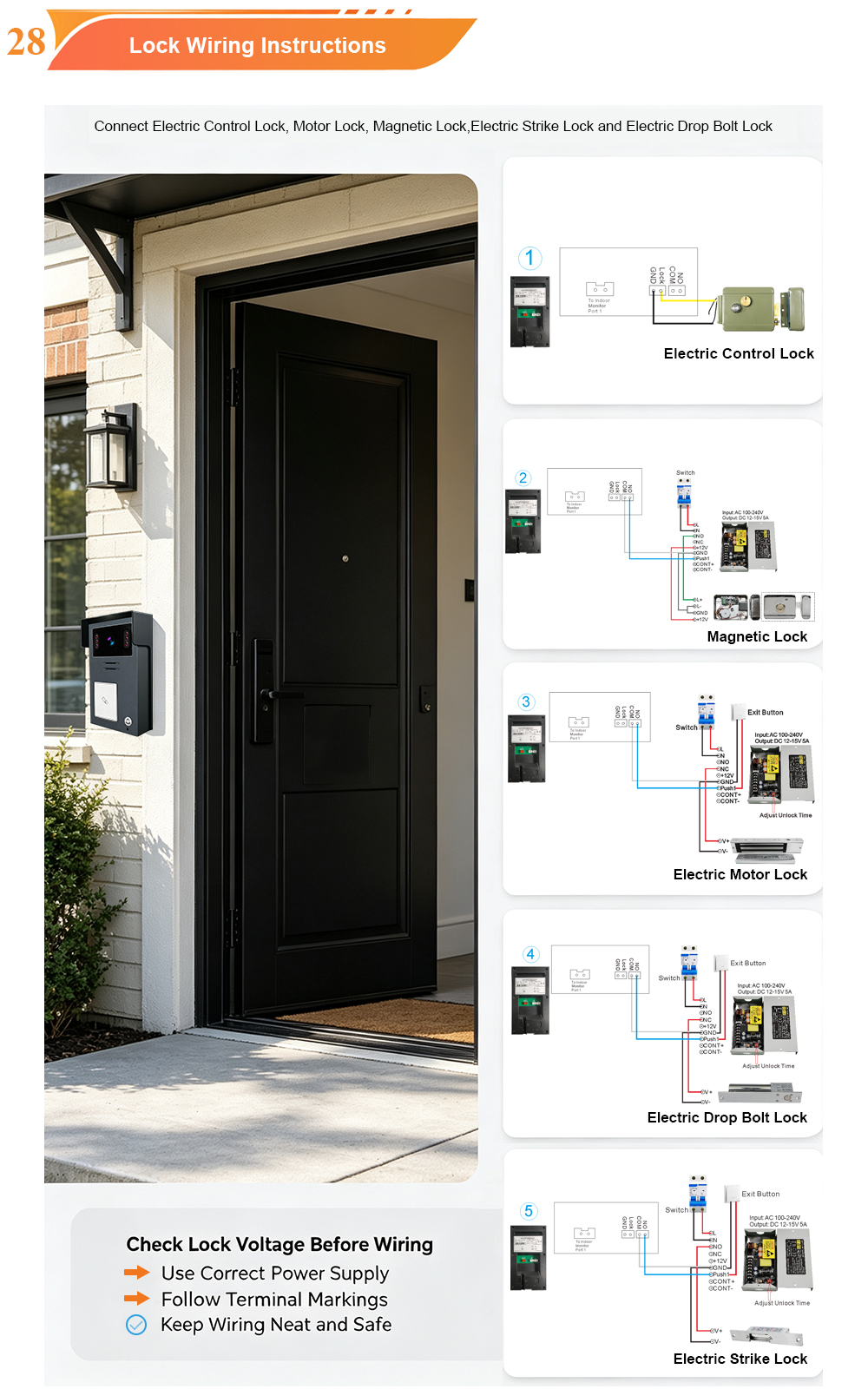
2-Wire Video Door Phone Connection with Electric Control Lock, App Unlock, Card Unlock and Indoor Monitor Unlock
A complete guide to wiring your 2-wire video door phone to an electric control lock—and using four convenient unlock methods: mobile app, RFID card, indoor monitor, and the lock itself. A video door phone is only as useful as its ability to let the right people in. That is why the connection between your intercom…
-
New UI Upgrade! FARHD Indoor Monitor for Video Intercom System – Smarter Control, Seamless Integration
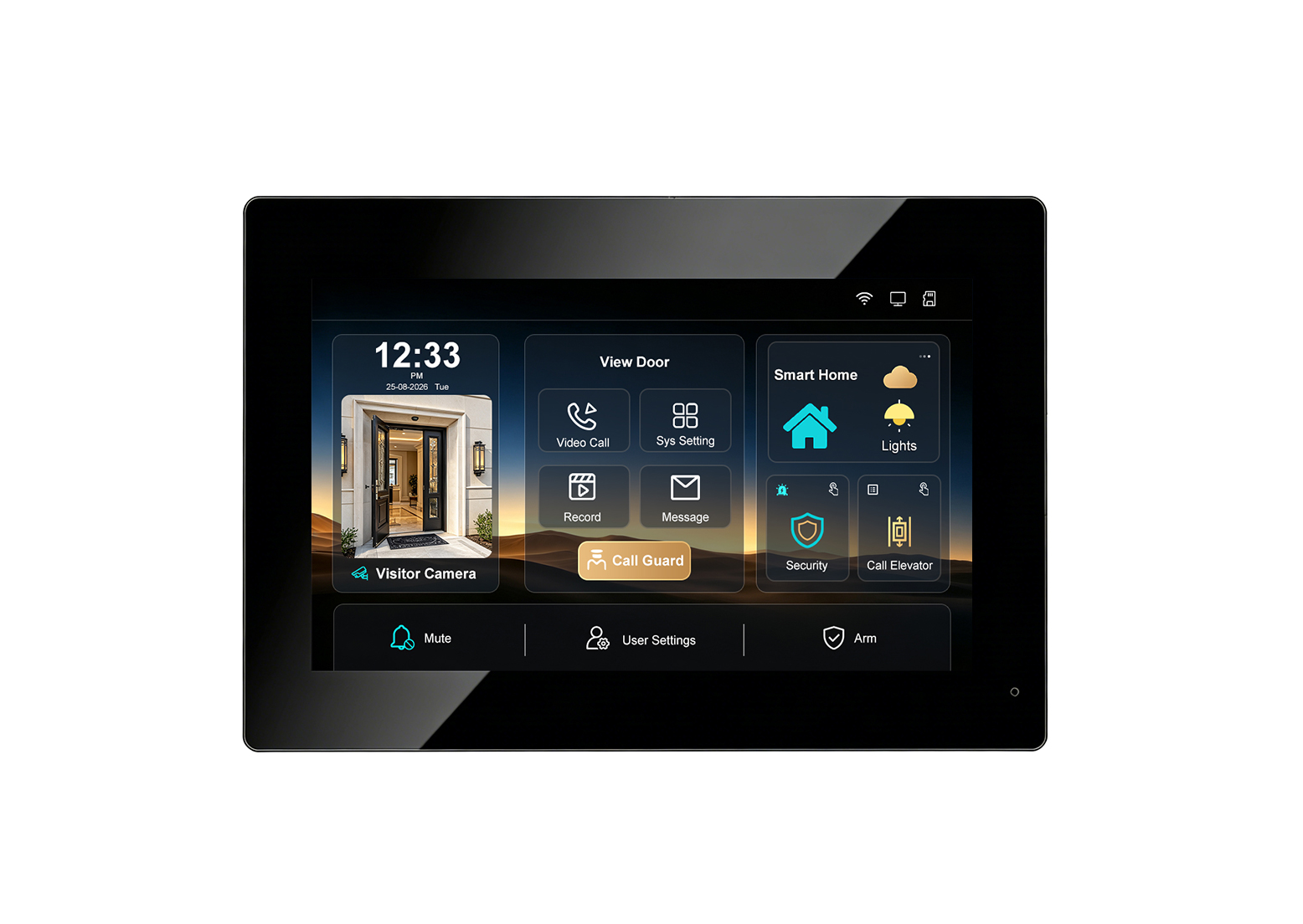
Introducing the upgraded FARHD indoor monitor: a smarter, more intuitive hub for your video intercom system. With a refreshed user interface, RS-485 smart home integration, elevator control linkage, security alarm support, Tuya app remote access, up to 128GB SD card storage, and a multi-language UI, this monitor is designed to elevate the entry experience for…
-
Aluminum Casing Call Panel with Card Unlock & 2-Wire Connection: A Premium Video Intercom Solution with 7-Inch Indoor Monitor
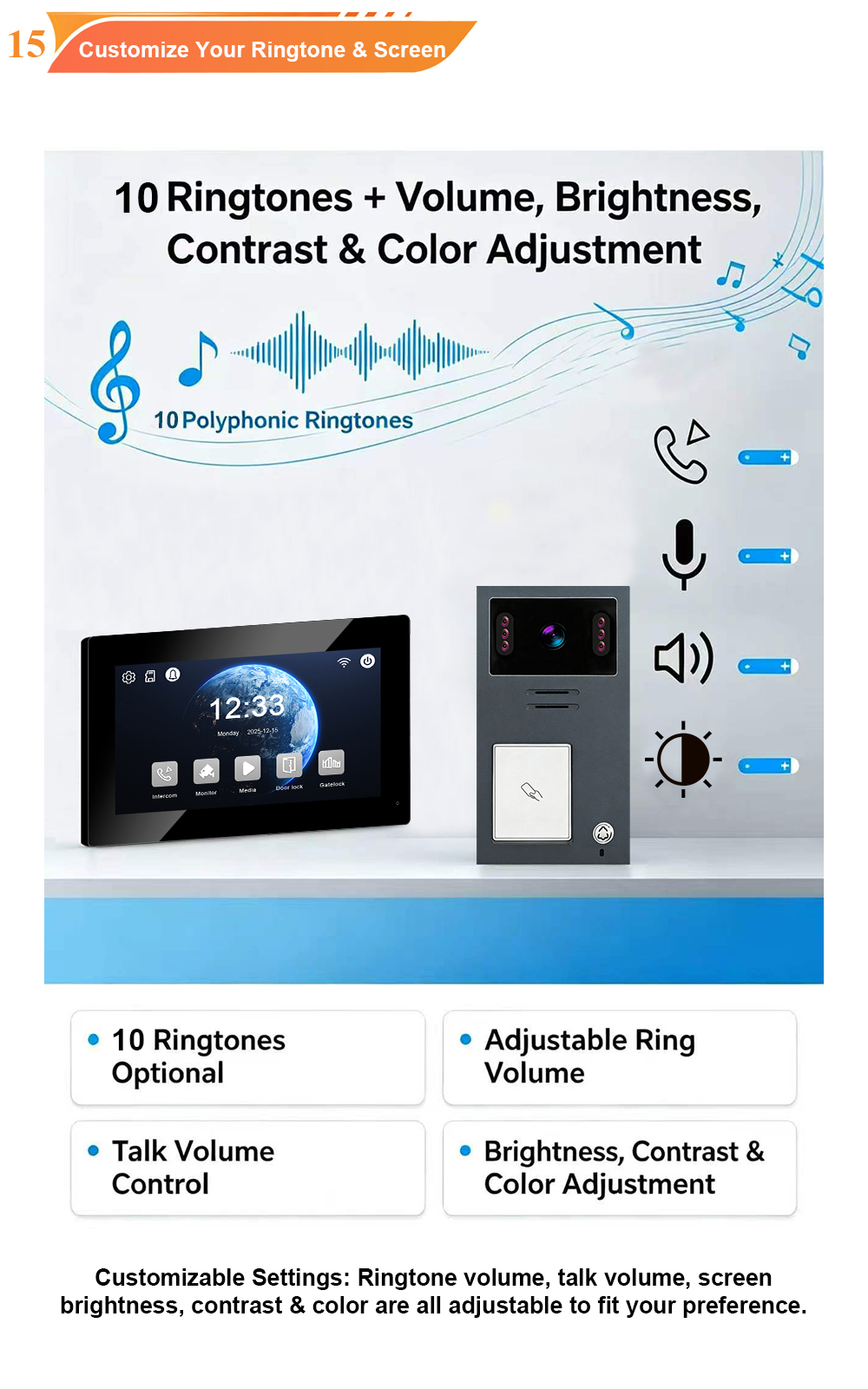
When you combine the durability of an aluminum casing, the convenience of card unlock, the simplicity of 2-wire installation, and the clarity of a 7-inch indoor monitor, you get a video intercom system that excels in both performance and aesthetics. FARHD’s 2-Wire Video Door Phone with aluminum call panel is designed for villas, apartments, and…
-
Inside FARHD Factory | V1-IP Video Intercom: Where Precision Meets Reliability
Take a look inside our factory as the V1-IP outdoor IP video intercom is assembled, calibrated, and tested. From 1080P HD imaging and PoE connectivity to IP65 weatherproofing and wide-temperature operation, every unit is built to perform in the real world. At FARHD, we believe that a great product is not just designed—it is built….