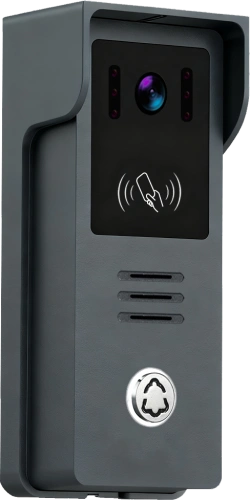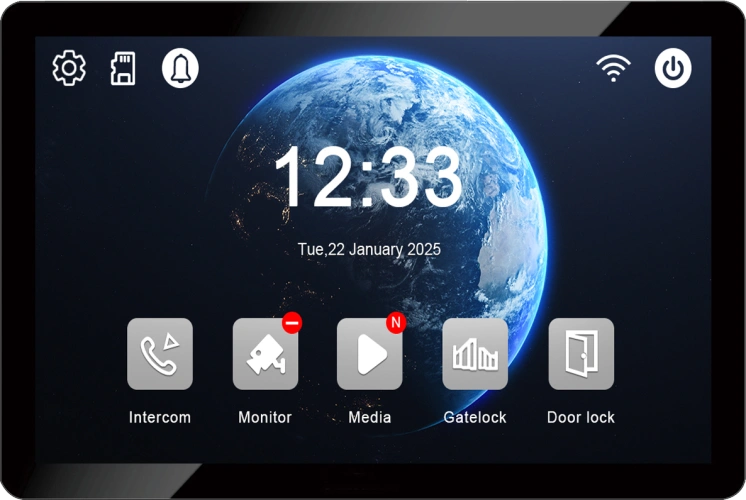
2-Wire Video Door Phone Connection with Electric Control Lock, App Unlock, Card Unlock and Indoor Monitor Unlock
Сентябрь 21, 2026
Поделиться статьей
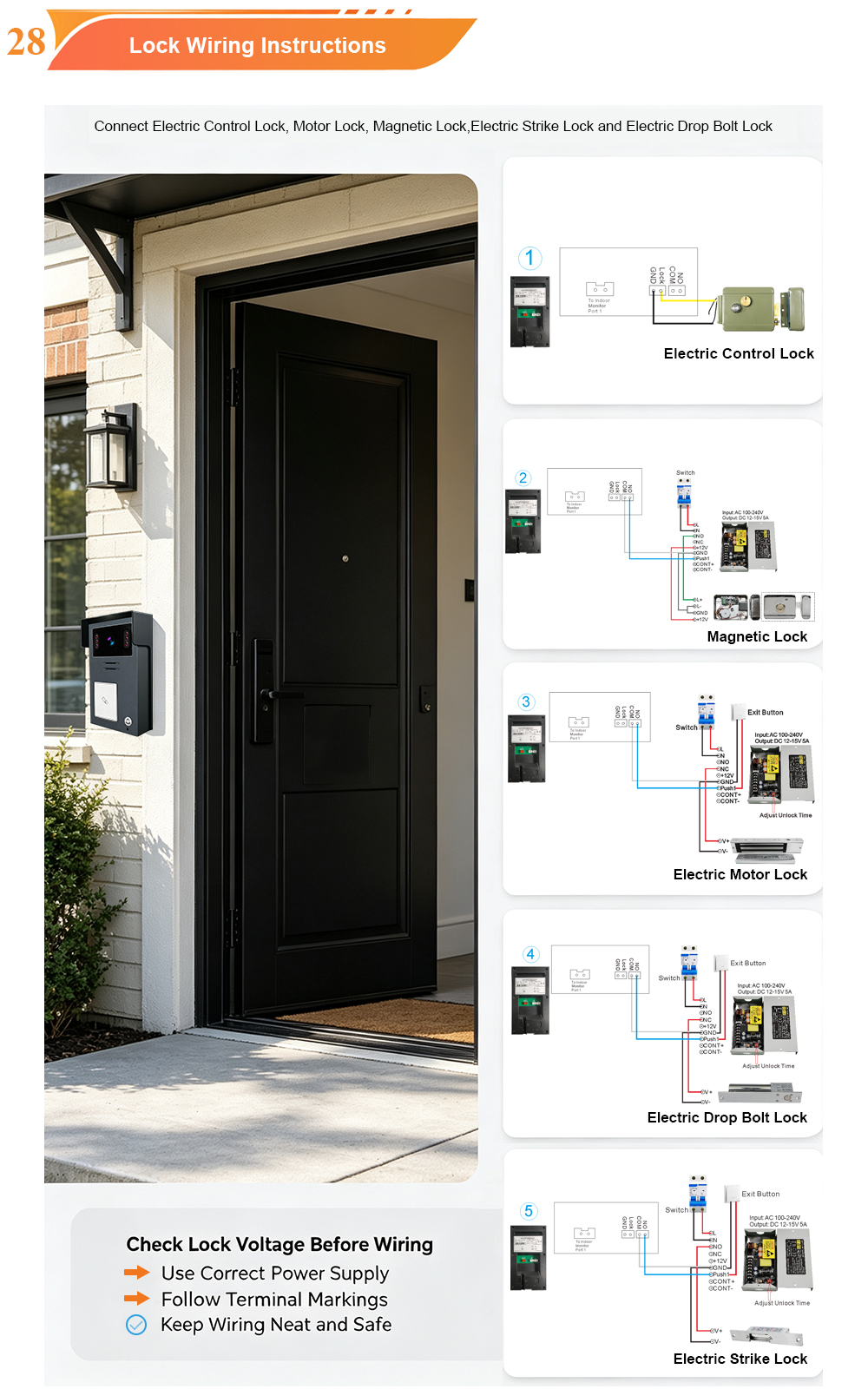
A complete guide to wiring your 2-wire video door phone to an electric control lock—and using four convenient unlock methods: mobile app, RFID card, indoor monitor, and the lock itself.
A video door phone is only as useful as its ability to let the right people in. That is why the connection between your intercom system and your electric lock is one of the most important parts of any installation. Get it right, and you gain seamless, secure access control. Get it wrong, and you risk unreliable operation, security gaps, or even damage to your equipment.
The FARHD 2-Wire Video Door Phone system is designed to make this connection simple. Using mature 2-wire technology, it transmits power, video, audio, and control signals over a single pair of wires—while providing a dedicated relay output for electric lock control. Combined with Tuya/Smart Life app integration, RFID card access, and indoor monitor unlocking, it delivers a complete access control solution for villas, apartments, and commercial buildings.
This guide walks you through the connection process step by step, explains each unlock method, and shares best practices for a reliable installation.
Why 2-Wire Technology Is Ideal for Electric Lock Integration
Traditional video intercom systems often require 4 or more wires, plus separate power cables for the lock. This makes installation complex and expensive, especially in retrofit projects. The FARHD 2-Wire system changes that.
How 2-wire works:
- A single pair of standard two-core wires (≥0.5mm) carries power, video, audio, and control signals between the outdoor station and the indoor monitor.
- The system is non-polarity, meaning you can connect the wires either way without risk of damage.
- Transmission distance can reach up to 100 metres, enough for most residential and commercial entrances.
- The indoor monitor supplies power to the outdoor station over the same 2-wire cable.
For electric lock control, the system includes a relay output on the outdoor station (or indoor monitor, depending on model). This relay acts as a dry contact switch—it does not supply power to the lock itself. Instead, it opens or closes the circuit that powers the lock, allowing you to control a wide range of electric locks.
This architecture keeps wiring simple while providing the flexibility to connect magnetic locks, electric strikes, motor locks, and electric control locks.
System Components You Will Need
Before you begin, gather the following components:
| Компонент | Цель |
|---|---|
| 2-Wire Video Door Phone Kit | Includes outdoor station and indoor monitor |
| Electric Control Lock | The lock you want to control (magnetic, strike, motor, etc.) |
| Power Supply for Lock | Dedicated power supply matching the lock’s voltage and current (e.g., 12V DC, 3A) |
| 2-Core Cable | For 2-wire connection between outdoor station and indoor monitor |
| 2-Core Cable for Lock | For connecting the lock to the relay and power supply |
| Wire Strippers, Screwdrivers | Basic tools |
| Мультиметр | For testing connections and voltage |
Важно: The relay output on FARHD video intercoms is typically a dry contact (NO/COM). It does not provide power to the lock. A separate power supply is required for the lock.
Step-by-Step Connection Guide
The following steps describe a typical installation. Always refer to the specific wiring diagram provided with your FARHD kit, as terminal labels may vary slightly by model.
Step 1: Mount the Outdoor Station and Indoor Monitor
- Mount the outdoor station at the entrance, approximately 1.4–1.6 metres above ground.
- Mount the indoor monitor in a convenient indoor location, such as a hallway or living room.
- Ensure both locations have access to the required cabling.
Step 2: Connect the 2-Wire Cable
- Run a 2-core cable from the outdoor station to the indoor monitor.
- Connect the two wires to the 2-wire terminals on the outdoor station. Polarity does not matter.
- Connect the other end to the 2-wire terminals on the indoor monitor.
- Power the indoor monitor using the provided adapter. The indoor monitor will now supply power to the outdoor station.
Step 3: Connect the Electric Lock
This is the critical step. You will connect the lock to the relay output on the outdoor station and to its dedicated power supply.
Identify the relay terminals:
- On the outdoor station (or indoor monitor), locate the relay output terminals. They are typically labelled NO (Normally Open), COM (Common), and sometimes NC (Normally Closed).
- For most electric locks, you will use NO и COM.
Connect the power supply and lock:
- Connect the positive (+) wire of the lock power supply to the positive (+) wire of the electric lock.
- Connect the negative (–) wire of the electric lock to the COM terminal on the outdoor station.
- Connect the negative (–) wire of the power supply to the NO terminal on the outdoor station.
How it works:
- When the relay is not triggered, the circuit is open (NO and COM are not connected). The lock receives no power and remains in its default state (locked or unlocked, depending on lock type).
- When you trigger an unlock command (via app, card, indoor monitor, or call), the relay closes the circuit between NO and COM. Power flows to the lock, and it releases.
Lock type considerations:
- Fail-secure locks (e.g., electric strikes, magnetic locks): Power is required to unlock. The relay should be configured to close on unlock.
- Fail-safe locks (e.g., some magnetic locks): Power is required to lock. The relay should be configured to open on unlock. In this case, you may use the NC terminal instead of NO.
- Electric control locks (motor locks): These often require a dedicated power supply and may have specific wiring requirements. Always follow the lock manufacturer’s instructions.
⚠️ Warning: Never connect the lock directly to the 2-wire intercom line. The lock requires its own power supply. The intercom relay is only a switch.
Step 4: Power On and Test
- Power on the indoor monitor.
- The outdoor station should boot up.
- Test the lock by pressing the unlock button on the indoor monitor. You should hear the relay click and the lock release.
- If the lock does not operate, check wiring and power supply voltage with a multimeter.
Four Unlock Methods Explained
Once the system is installed and configured, you can unlock the door using four convenient methods.
1. App Unlock (Tuya / Smart Life)
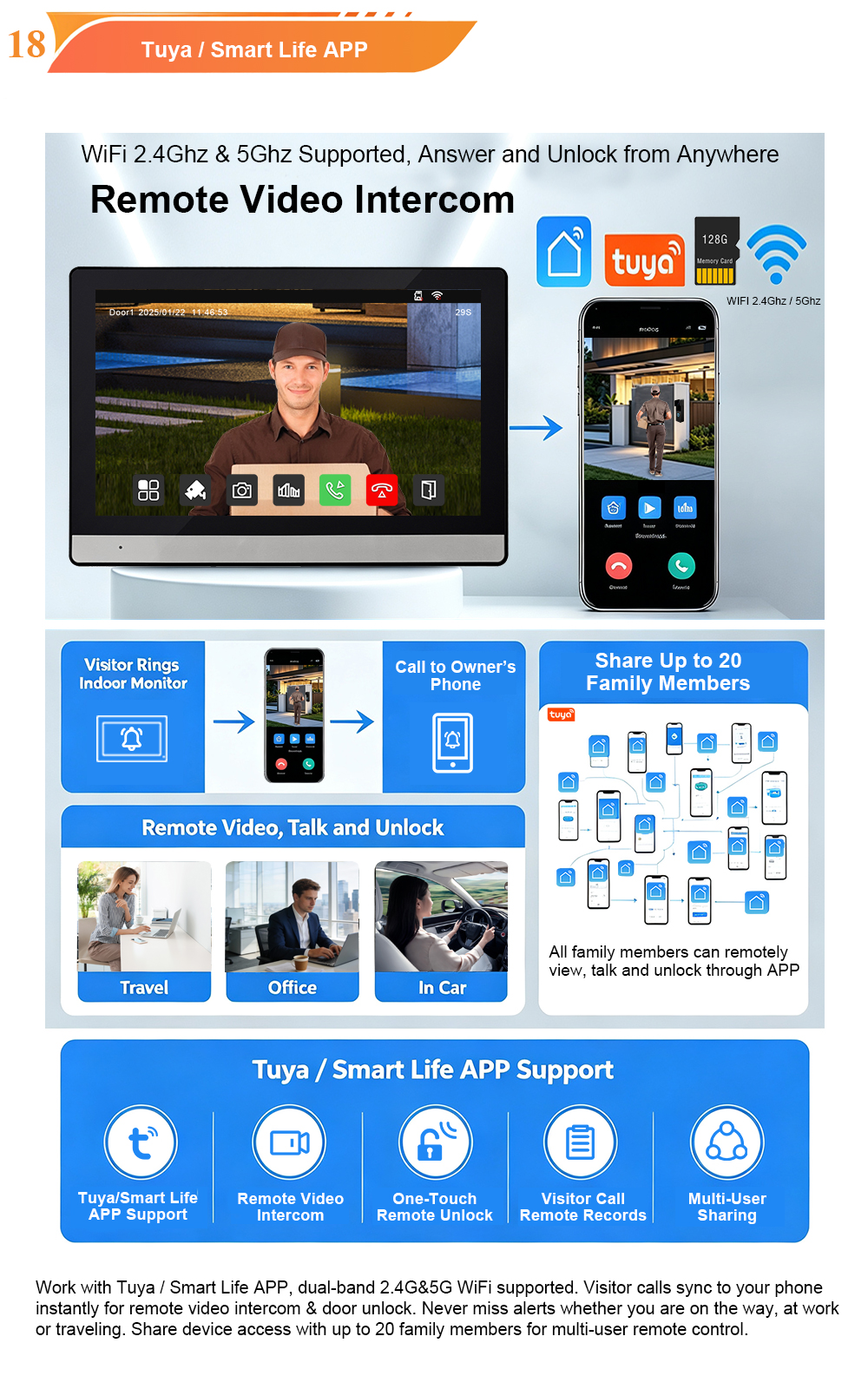
The FARHD 2-Wire Video Door Phone integrates with the Tuya Smart Life app, allowing you to unlock the door from anywhere in the world.
How to set it up:
- Connect the indoor monitor to your 2.4GHz Wi-Fi network.
- Download the Tuya Smart or Smart Life app and create an account.
- Add the device by following the in-app pairing instructions.
- Once paired, you can unlock the door remotely with a single tap.
Use cases:
- Let in a delivery driver while you are at work.
- Grant access to a guest who arrives early.
- Allow a service technician to enter when you are not home.
Security features:
- Each user has their own login.
- You can share access with up to 20 family members.
- Temporary access can be revoked at any time.
2. Card Unlock (RFID / IC)
The outdoor station includes a built-in RFID/IC card reader, enabling keyless entry for residents.
How to add cards:
- Access the card management menu on the indoor monitor (admin password required; default is often
666666). - Select “Add Card” and present the new card to the reader on the outdoor station.
- The system will confirm successful registration.
How to delete cards:
- Access the card management menu.
- Select “Delete Card” and present the card to be removed.
- The system will confirm deletion.
Преимущества:
- Fast, convenient entry for daily use.
- Ideal for children, elderly residents, and staff.
- Lost cards can be instantly revoked.
3. Indoor Monitor Unlock
The indoor monitor features a dedicated unlock button on its touchscreen. When a visitor calls, or at any time, you can press this button to release the door lock.
How it works:
- During a call, the unlock icon appears on the screen. Tap it to unlock.
- From the main menu, you can also access the unlock function.
- The relay triggers, and the lock releases.
Use cases:
- Answering a visitor at the door.
- Letting in a family member who forgot their card.
- Granting access without needing a phone or card.
4. Electric Control Lock (Direct)
The electric control lock itself is the physical mechanism that secures the door. It is not an “unlock method” in the same sense as the others, but it is the endpoint that all unlock commands ultimately control.
Types of electric locks:
- Magnetic locks – Strong holding force, fail-safe operation.
- Electric strikes – Replaces the strike plate, fail-secure operation.
- Motor locks – Motorized deadbolt, high security.
- Electric control locks – Often used in glass doors, requires dedicated power.
Compatibility:
FARHD video intercoms are compatible with all these lock types when correctly wired with an appropriate power supply.
Configuration and Settings
After wiring and testing, configure the system to suit your preferences.
App Settings
- Enable push notifications for calls and motion alerts.
- Set motion detection sensitivity.
- Configure storage options (microSD card up to 128GB).
- Add family members and set permissions.
Indoor Monitor Settings
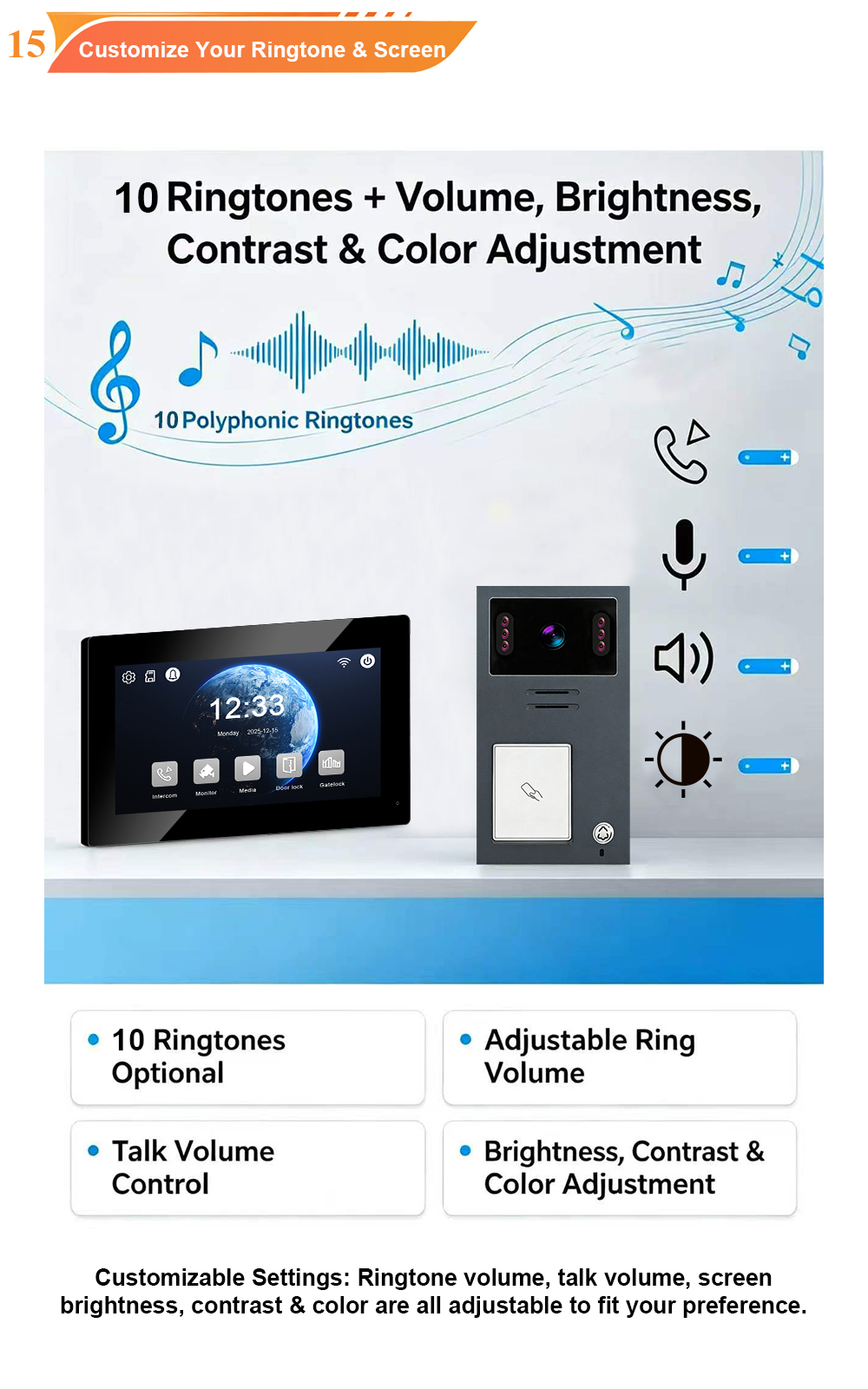
- Adjust ringtone volume and melody.
- Set screen brightness.
- Select language (multi-language support).
- Configure unlock duration (how long the relay stays closed).
Card Management
- Add or delete cards as needed.
- Assign cards to specific users or apartments (for multi-unit systems).
- Set card permissions if supported.
Устранение распространенных проблем
| Выпуск | Возможная причина | Решение |
|---|---|---|
| Lock does not release | Relay not triggering | Check unlock command; verify relay wiring |
| No power to lock | Check lock power supply voltage and connections | |
| Wrong relay terminal | Ensure NO/COM used correctly for lock type | |
| App unlock not working | Wi-Fi disconnected | Check indoor monitor Wi-Fi connection |
| App not paired | Re-pair device in Tuya app | |
| Card not recognized | Card not registered | Add card via indoor monitor menu |
| Card reader faulty | Check wiring and power to outdoor station | |
| Indoor monitor unlock fails | Relay wiring issue | Verify relay connections |
| Firmware glitch | Power cycle the system |
For persistent issues, consult the user manual or contact FARHD technical support.
Best Practices for Reliable Operation
- Use a dedicated power supply for the lock. Do not attempt to power the lock from the intercom system.
- Match the power supply to the lock. Check voltage and current requirements.
- Use quality cable. For 2-wire runs, use ≥0.5mm² copper cable. For lock wiring, use appropriate gauge.
- Seal outdoor connections. Use waterproof connectors and gel-filled caps to prevent corrosion.
- Test thoroughly before final mounting. Verify all functions before securing devices to walls.
- Label cables. This simplifies future maintenance.
- Keep firmware updated. Check for updates periodically.
Why Choose FARHD for Your 2-Wire Video Intercom?
FARHD has been designing and manufacturing video intercom systems since 1998, with over 28 years of industry experience. Our 2-wire systems are trusted in over 90 countries for their reliability, ease of installation, and deep integration with access control.
Key advantages:
- Source factory – Factory-direct pricing, full quality control.
- 2-wire simplicity – Reuses existing wiring, non-polarity, up to 100m.
- Multiple unlock methods – App, card, indoor monitor, and electric lock.
- Tuya Smart Life integration – Remote access from anywhere.
- Rigorous quality control – Functional, aging, temperature, waterproof tests.
- OEM/ODM ready – Custom branding, packaging, and software.
- No MOQ for trial orders – Start with a sample; scale as you grow.
- Глобальные сертификаты – CE, FCC, RoHS, IP65, EMC.
Our products are installed in thousands of villas, apartments, and commercial buildings worldwide.
Conclusion: Secure, Convenient, and Simple
Connecting your 2-wire video door phone to an electric control lock is a straightforward process when you follow the right steps. With four unlock methods—app, card, indoor monitor, and the lock itself—you gain complete control over your entrance, whether you are at home or on the other side of the world.
The FARHD 2-Wire Video Door Phone system makes this easy. Its 2-wire technology simplifies installation, its relay output provides reliable lock control, and its Tuya app integration adds remote convenience. Whether you are upgrading an existing intercom or specifying a new system, this is a solution that delivers security, convenience, and peace of mind.
Ready to upgrade your entrance security?
📩 Contact us for catalog, pricing, or to request a sample.
🌐 Website: www.farhd.com
📧 Email: [email protected]
Вас также может заинтересовать
-
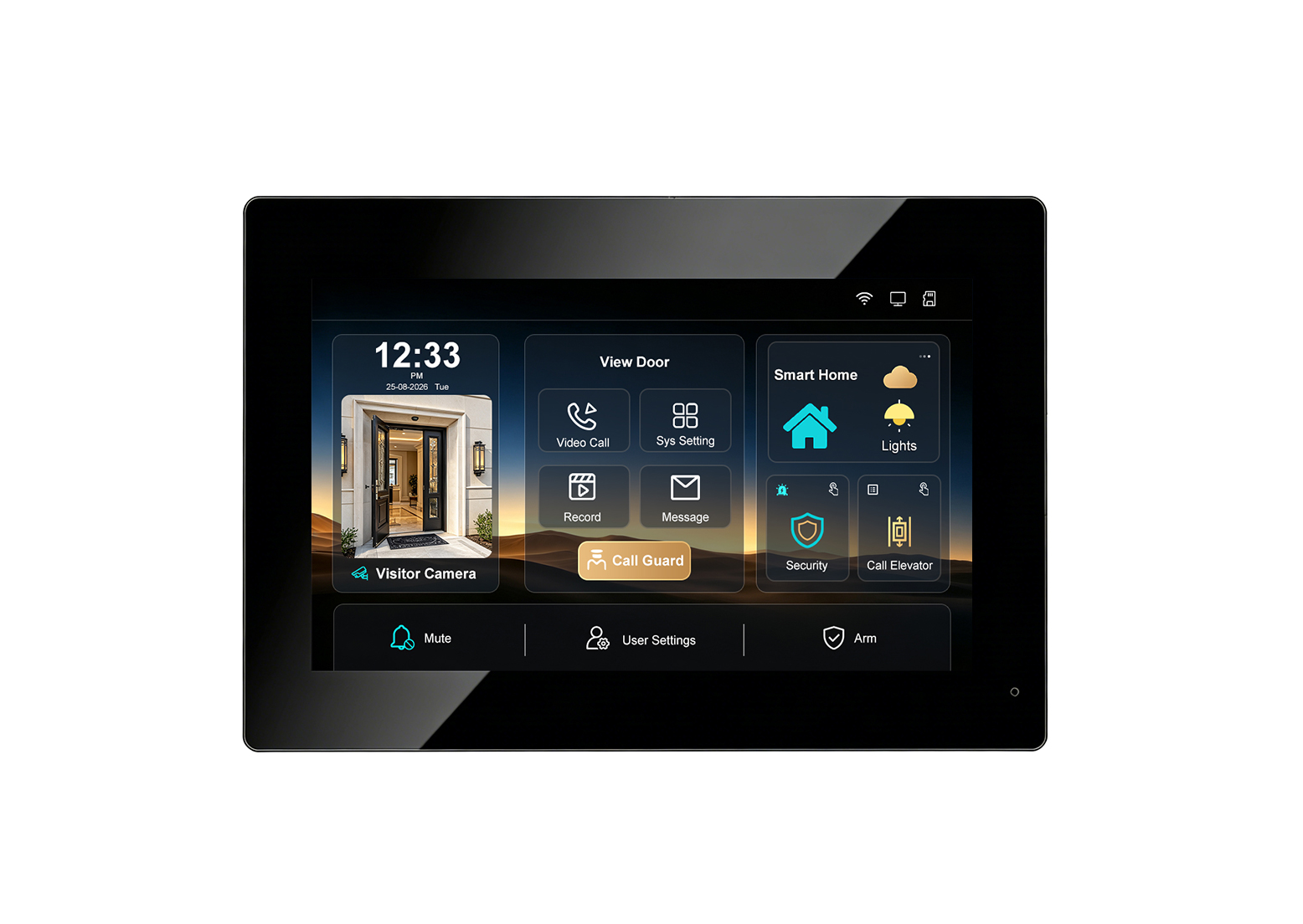
New UI Upgrade! FARHD Indoor Monitor for Video Intercom System – Smarter Control, Seamless Integration
Introducing the upgraded FARHD indoor monitor: a smarter, more intuitive hub for your video intercom system. With a refreshed user interface, RS-485 smart home integration, elevator control linkage, security alarm support, Tuya app remote access, up to 128GB SD card storage, and a multi-language UI, this monitor is designed to elevate the entry experience for…
-
Aluminum Casing Call Panel with Card Unlock & 2-Wire Connection: A Premium Video Intercom Solution with 7-Inch Indoor Monitor
When you combine the durability of an aluminum casing, the convenience of card unlock, the simplicity of 2-wire installation, and the clarity of a 7-inch indoor monitor, you get a video intercom system that excels in both performance and aesthetics. FARHD’s 2-Wire Video Door Phone with aluminum call panel is designed for villas, apartments, and…
-
Inside FARHD Factory | V1-IP Video Intercom: Where Precision Meets Reliability
Take a look inside our factory as the V1-IP outdoor IP video intercom is assembled, calibrated, and tested. From 1080P HD imaging and PoE connectivity to IP65 weatherproofing and wide-temperature operation, every unit is built to perform in the real world. At FARHD, we believe that a great product is not just designed—it is built….
-
How to Connect a Wireless Video Intercom to Tuya Smart App 📱
A step-by-step guide to pairing your Tuya-compatible wireless video door phone with the Tuya Smart or Smart Life app — enabling video calling, remote monitoring, and door unlocking from your smartphone, anywhere in the world. Wireless video intercoms have transformed home and building security. No longer bound by complex wiring, these systems can be installed…