IP Apartment Outdoor Station Connection with Magnetic Lock
julio 29, 2026
Comparte este artículo
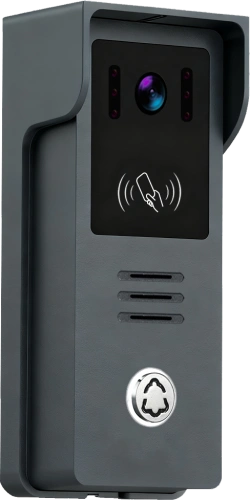
Connecting an IP apartment outdoor station to a magnetic lock is a critical step in building a modern smart access control system. This not only enhances security but also provides residents with the convenience of keyless entry.
This guide provides a detailed walkthrough of the entire connection process, from principles to practical implementation.
Understanding How a Magnetic Lock Works
Magnetic locks (also known as electromagnetic locks) are typically designed as “fail-safe” o “power-to-lock” devices. This means:
- Normal State: The lock is continuously powered, generating a strong magnetic force that holds the door securely closed.
- Unlock State: When the outdoor station verifies the credentials, it briefly cuts off the power supply to the magnetic lock. The magnetic force disappears, and the door is released.
Understanding this “Normally Closed (NC)” mechanism is the core of successful wiring. The magnetic lock is typically connected to the outdoor station via its relay contacts (such as NC and COM – Common terminal).
🛠️ Preparation Before Wiring
Before you start wiring, ensure you have the following components ready:
- IP Apartment Outdoor Station: The core of the system, responsible for verifying identity and sending the unlock signal.
- Magnetic Lock: Ensure its operating voltage (usually 12V DC) is compatible with the outdoor station or power supply.
- Dedicated Access Control Power Supply: Recommended to provide stable, independent power to both the outdoor station and the magnetic lock.
- Cables: Prepare sufficient power and signal cables. It is recommended to use cables of 0.5mm² or larger.
- Exit Button (Optional): For manually unlocking the door from the inside.
📝 Step-by-Step Wiring Guide
The wiring logic of the entire system is clear and straightforward, centering around two main lines: “Signal Control” y “Power Supply” . Below is a standard wiring procedure:
Step 1: Connect the Access Control Power Supply
- Connect the 220V AC input (L, N) of the power supply to the mains electricity.
- Connect the 12V DC output (+12V, GND) of the power supply to the power input terminals of the outdoor station. This provides the operating power for the outdoor station.
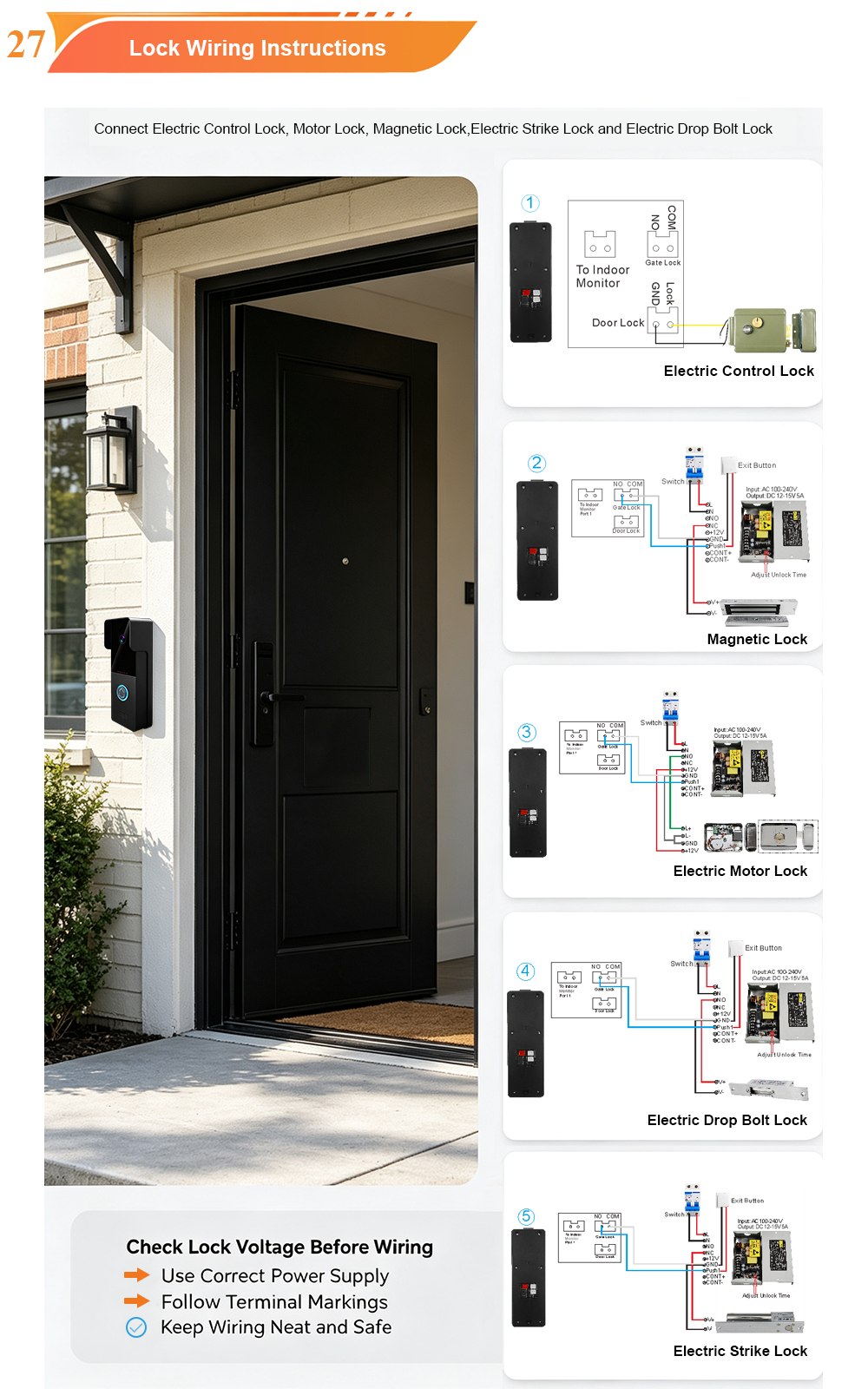
Step 2: Connect the Outdoor Station to the Magnetic Lock (Critical Step)
This is the most crucial step, using the outdoor station’s relay to control the on/off switching of the power supply to the magnetic lock.
- On the outdoor station, locate the terminals for controlling the door lock, typically labelled NC (Normally Closed), COM (Common), and NO (Normally Open).
- For a “fail-safe” (power-to-lock) magnetic lock, you should use the NC y COM terminals.
- Magnetic Lock Power Positive: Connect the red wire (positive) of the magnetic lock directly to the +12V output terminal of the access control power supply.
- Magnetic Lock Power Negative: Connect the black wire (negative) of the magnetic lock to the COM terminal of the outdoor station.
- Connect the Control Signal: Use a wire to connect the NC terminal of the outdoor station to the GND (negative) terminal of the access control power supply.
Step 3: Connect the Exit Button (Optional)
- Connect the two wires of the exit button to the GND y PUSH (or open signal) terminals on the access control power supply. The button wires are non-polarity.
⚙️ Configuration and Testing
After completing the wiring, basic configuration and functional testing are required.
- Power-On Check: Verify that all devices are powered on correctly.
- Pruebas funcionales:
- Card/Password/Face Unlock: Authenticate at the outdoor station. Upon successful verification, the magnetic lock should briefly release, and the door should open.
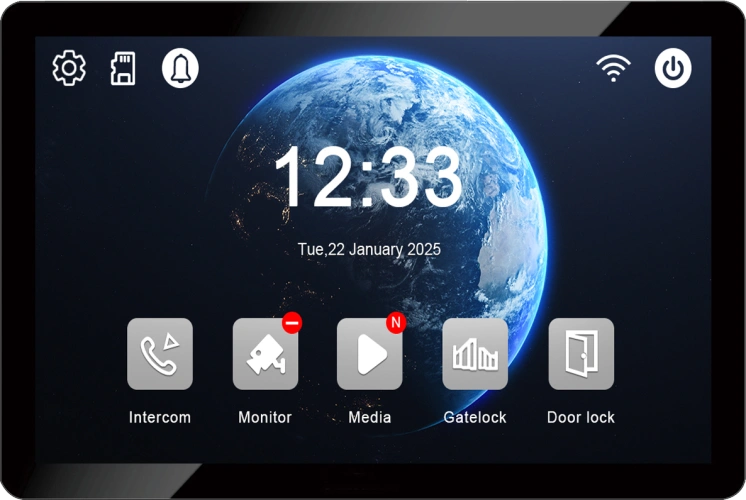
- Indoor Monitor Unlock: Test unlocking the door via the indoor monitor’s unlock button.
- Exit Button Unlock: Press the exit button to ensure the door opens normally.
- Parameter Adjustment: If the unlock time is too short or too long, adjust the “Unlock Delay” parameter on the outdoor station or the access control power supply.
⚠️ Troubleshooting Common Issues
- Door Cannot Open:
- Check if the NC and COM terminals on the outdoor station show a change in state (continuity) when credentials are verified.
- Verify that the magnetic lock is receiving the correct on/off power signal.
- Check if the access control power supply is functioning correctly.
- Door Cannot Lock:
- Check if the magnetic lock is receiving power; confirm the power cable connections.
- Check for foreign objects or misalignment on the magnetic lock’s contact surface.
- Wiring Precautions: Siempre disconnect the power before performing any wiring operations to ensure safety. If unsure, consult a professional.
💎 Summary
Connecting an IP apartment outdoor station to a magnetic lock essentially involves using the dry contact signal from the outdoor station’s relay to control the on/off switching of the power supply circuit to the magnetic lock. By understanding the core concepts of “fail-safe (power-to-lock)” and “Normally Closed (NC),” and by following the clear wiring logic, the entire process becomes straightforward and manageable.
For specific device manuals or unique issues, it is advisable to consult FARHD’s official product documentation or contact their technical support directly.
📧 Correo electrónico: [email protected]
🌐 Website: www.farhd.com
También le puede interesar
-
2-Wire Video Door Phone Connection with Electric Rim Lock: Unlock by Card, Indoor Monitor, and App
A complete guide to wiring an electric rim lock to a FARHD 2-wire video door phone system—and configuring three convenient unlock methods: RFID card, indoor monitor, and mobile app. Whether you are upgrading an existing building or specifying a new system, this guide covers the essentials for reliable, secure access control. Electric rim locks are…
-

Video Intercom Manufacturer & Source Factory Since 1998 | OEM ODM SKD Building Intercom
Video Intercom Manufacturer & Vertical Source Factory in China FARHD is a professional video intercom manufacturer with over 28 years of specialized experience in building security intercom systems. Established in 1998, we are a genuine building intercom factory focused on independent R&D, in-house production, and customized manufacturing for global B2B clients, including distributors, importers, engineering contractors, real estate…
-
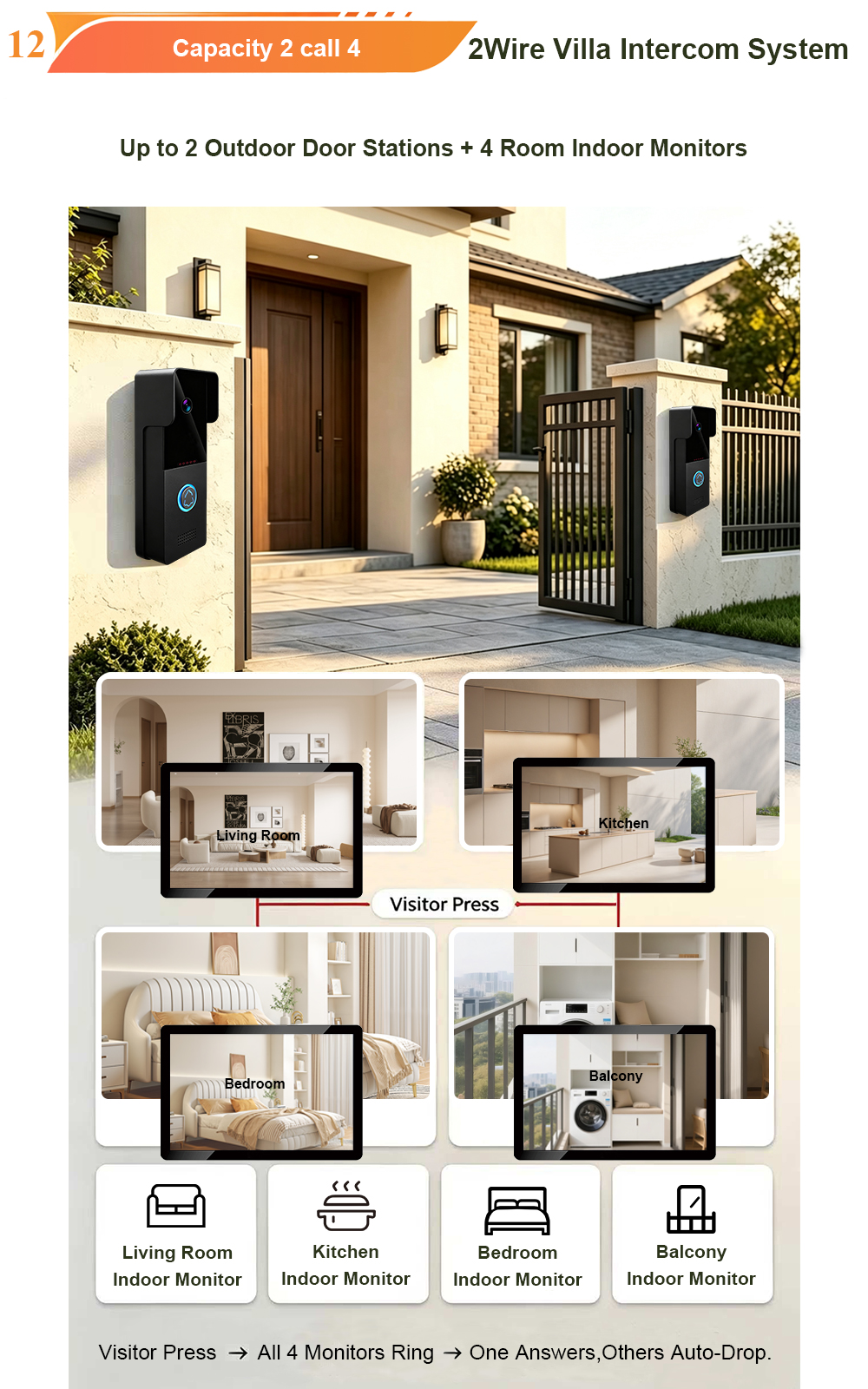
FARHD Video Intercom System: Versatile Solutions for Apartments and Villas
When it comes to building security and smart access, one size does not fit all. Different buildings have different wiring, different layouts, and different resident expectations. That’s why FARHD offers a comprehensive range of video intercom systems—with various indoor monitors and outdoor stations to match any apartment or villa project. Since 1998, FARHD has been…
-
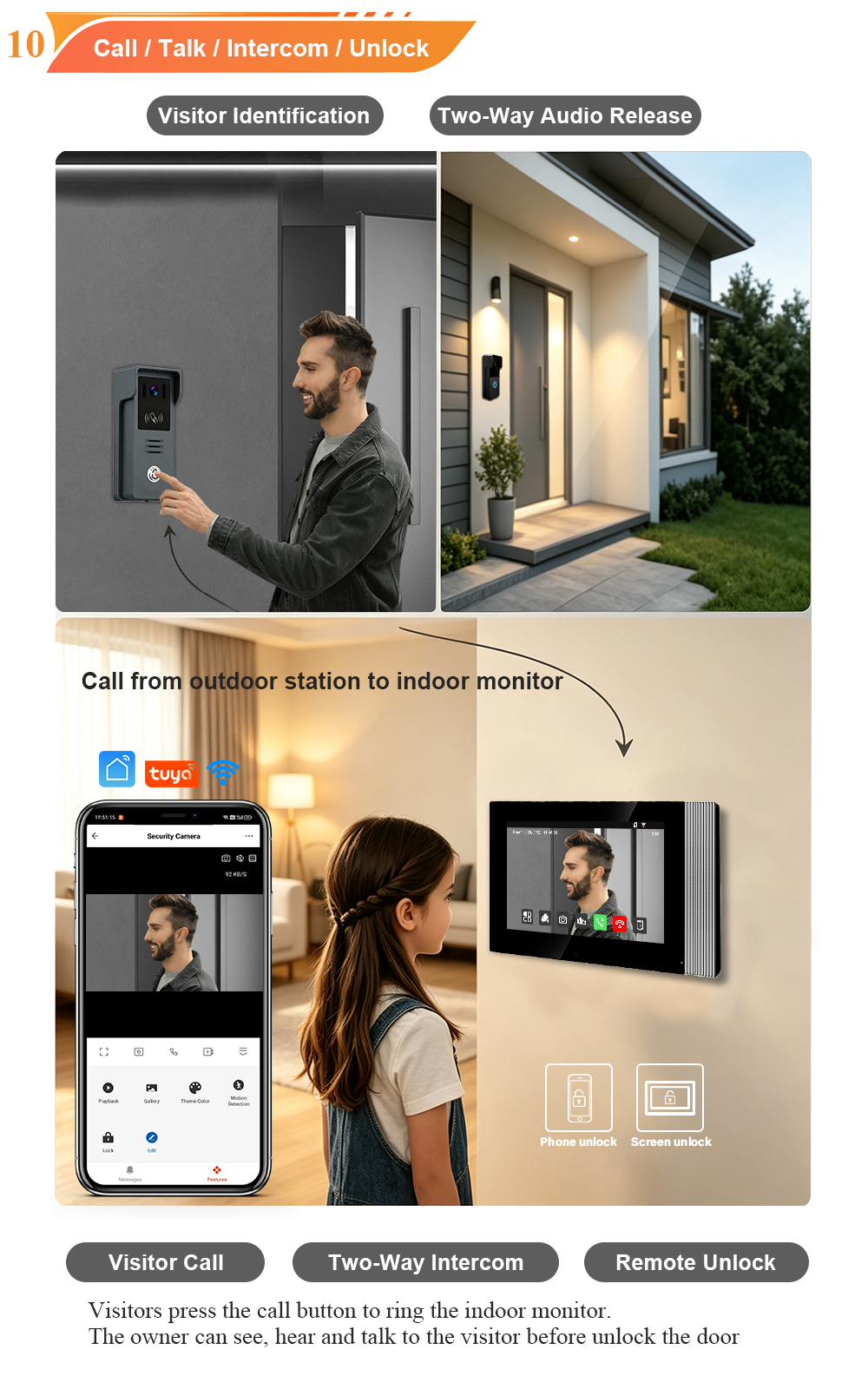
Low-Temperature Test: FARHD Video Intercom Screens Keep Running Smoothly in Freezing Cold
Inside the freezing chamber, it keeps working — normal display, no black screen, no shutdown. Real quality isn’t just about lab data; it’s about staying reliable in extreme conditions. A video intercom that withstands freezing cold — because your door security can’t take a day off. In many parts of the world, winter is not…